Top 5 Google Sheet Alternatives Your Business Needs Today
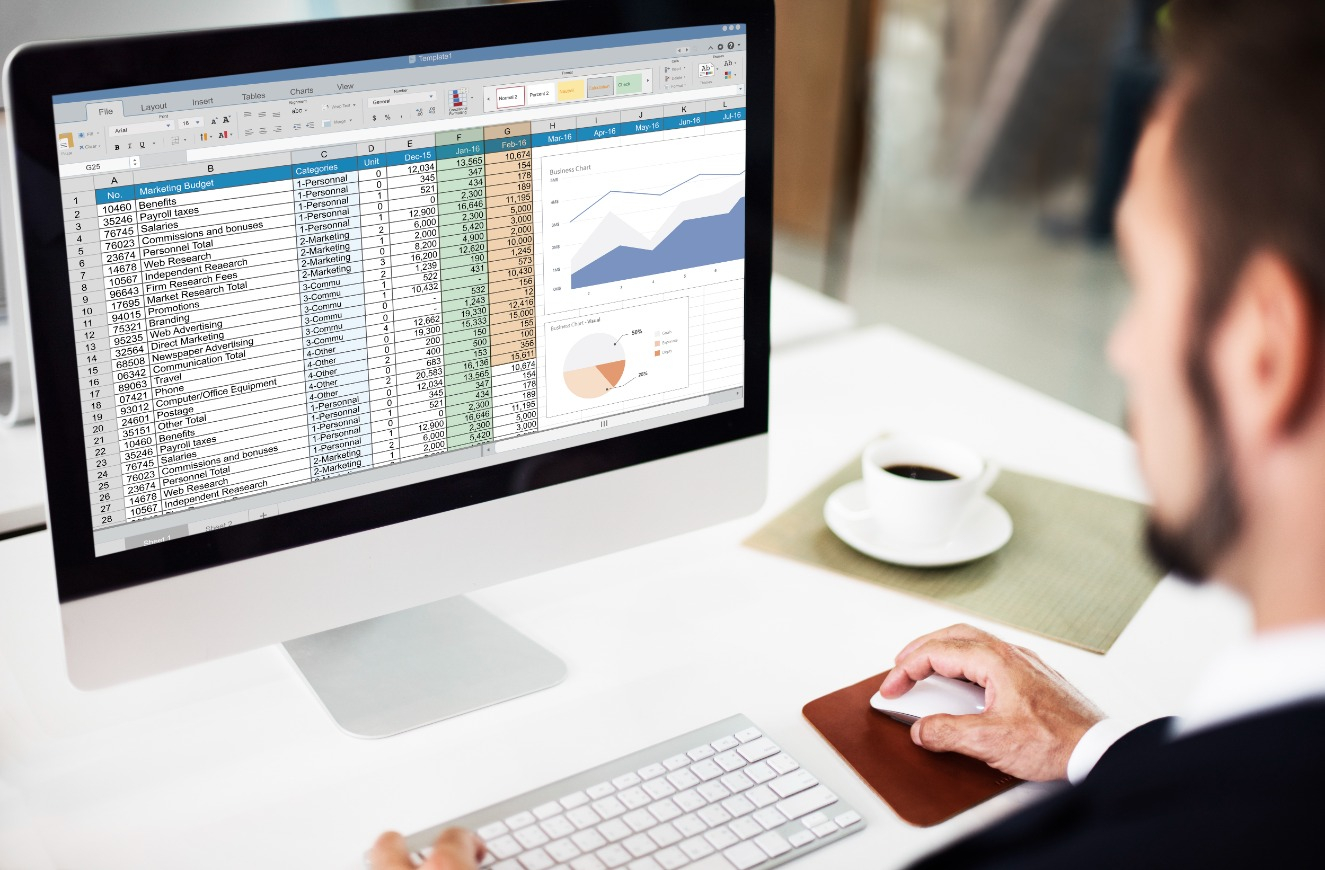
Since time immemorial it has been a common practice for business owners to record, analyze and manage their data using Spreadsheets. There is a dearth of uses for Spreadsheets to solve data problems and organize them in ways that benefit businesses and individual data handlers. From simple Spreadsheets, users moved to Google Sheets (a cloud-based software). The software allows sheet users to create, modify and collaborate on spreadsheets from anywhere in the world. The data can be presented using charts, graphs, formulas, conditional formatting and built-in pivotal tables.
However, as the data needs of the users are dynamic and are constantly evolving with time, there is a dearth of Google sheet alternatives that have flooded the market. Some of these alternatives provide much more than what Google Sheets enables their users to accomplish.
If you run a Google search you would find several Google spreadsheet alternatives. However, we have eased that burden for you. Here we present the -
Top 5 Google Sheets alternatives to take your business to the next level.
1. Zoho Sheets

This is a great alternative to apps like Google Sheets which works well for collaborative teams. This is a free tool with limited features. Its paid plan begins at $10 per month for every user. Users can create, modify and share their business and non-business spreadsheets online. These are interactive sheets. This means their users can track their work progress with checklists, build data entry validations and automate their day-to-day tasks with ease.
One of the features that let Zoho Sheet stand out is its AI assistant Zia. This acts as the user's data analyst. Zia eliminates the need to hire a data analyst for your business as it helps make sense of the data quickly. As a free alternative to Google Sheets, the AI assistant suggests charts and aggregates them based on the user’s data. It creates pivot tables that can be added with simple drag-and-drop. Besides its user-level locals, audit trail and version history are useful features for users.
2. Airtable

Airtable is one of the unique alternatives to Google Sheets. It can be called a spreadsheet cum database. It allows its users to move beyond the restrictions of a spreadsheet and perform much more. Its intuitive interface and interactive dashboard make working with spreadsheets fun. Its free plan can be used with limited features while its paid plan starts at $10 monthly for the Plus plan and $20 monthly for its Pro Plan.
Its interface can be easily customized to be used like project management software. Users have the flexibility to incorporate various content types such as attachments, checkboxes, long text notes and so on. It provides an extensive template gallery to its users. Airtable is easily integrated with apps such as Google Drive, Gmail and social media platforms like Facebook and so on.
3. Smartsheet
This is a cloud-based platform that is designed to manage dynamic work. With Smartsheet business teams can dynamically plan, implement and report data and overall work. This is a robust platform that lets users plan more effectively and speeds up project delivery, thus making teams more productive. One can easily plan, automate and track their day-to-day tasks across the entire project lifecycle. Every team member working on the project can view exactly what is going on in the project and stay on track. The transparent project overview lets business owners build strategies and gauge business performance instantly based on dependable results. It does not have a free plan. It has a Pro plan for $7 monthly, a Business plan for $25 monthly and an Enterprise plan with custom pricing.
The Smartsheet is ideal for small and mid-sized businesses as a Google Sheets vlookup alternative. It comes with an intelligent dashboard that offers real-time data visibility into necessary KPIs. The platform’s ability to streamline tasks and the ability to set up automatic update requests is also its major plus point. The platform empowers its users to automate workflows and build solutions that work based on their needs with an intuitive platform. Besides offering unmatched security and oversight IT demands to build rapid solutions.
4. LibreOffice Calc
It is a free spreadsheet program built for its users. It allows easy and quick calculation, analysis and data management in one place. One can even import and edit their data faster. It is highly intuitive and easy to learn. Its comprehensive range of advanced features is a boon for data miners and businesses alike. Its built-in wizards guide users through choosing and using a comprehensive range of its advanced features. Their templates can be downloaded from its repository to create ready-made spreadsheet solutions.
This free alternative to Google Sheets is compatible with Microsoft Excel onl. It can even convert spreadsheets into PDFs. It arranges, stores and filters data for its users. The drag-and-drop functionality can be used for tables from databases or to let users use it as a data source. The spreadsheet has functions such as statistical and banking that can be used to create formulas. Thus, users can perform complex mathematical functions on their data in no time. Being open-source it can easily convert raw data into meaningful information. Another major feature that cannot be ignored is their Advanced Data Pilot technology with which users can easily pull in data from corporate databases and then convert it into useful information.
5. ClickUp
For users looking for a comprehensive, all-in-one project management experience, ClickUp is the option they can opt for. It is a complete project management solution that users can leverage to ensure meaningful collaboration and centralize their work. It offers up to 15+ different views for users to choose from. Users get a fully customizable online software solution with ClicUP. This means each part of the platform can be easily personalized as per their workflow, preferences and so on. Users can register for its free plan, an Unlimited plan for $5 monthly, Business plans for $12 and $19 monthly and a custom-priced Enterprise plan.
One of the important aspects of ClickUp unlike apps like Google Sheets is its ability to accommodate teams of every size. Users can organize their tasks as per their task status, track projects and estimate their deadlines, save custom templates for repetitive workflows and have a responsive customer care team. It has advanced features for team collaboration and communication. Businesses can handle small to large teams on a single platform, collaborate with them in real time and maintain transparency.
Read More: Top 5 No Code Benefits and 10 Platforms for You
6. Rows
Rows is a cloud-based spreadsheet software that is considered an alternative to Google Sheets. Like Google Sheets, it allows users to create and collaborate on spreadsheets in real-time. It offers many of the same features as Google Sheets, including formulas, charts, and pivot tables, as well as some additional features like database integrations and workflow automation. It is designed to be user-friendly and offers a modern, customizable interface. It also offers a free plan with limited features, as well as paid plans with additional features and higher usage limits.
7. Coda
Coda is a cloud-based productivity platform that can be considered an alternative to Google Sheets. It offers more than just spreadsheet functionality and includes features like databases, documents, and project management tools. It's spreadsheet functionality allows users to create and collaborate on spreadsheets, similar to Google Sheets. It offers a wide range of formulas and functions, including the ability to create custom formulas using JavaScript. It also allows users to import data from a variety of sources, including Google Sheets and Excel. One of the key differences between Coda and Google Sheets is that Coda allows users to create interactive documents that combine text, images, tables, and other elements. This makes it possible to create more complex documents that include data from spreadsheets, as well as other types of content.
Also read: Top 5 No code Benefits and 10 Platforms for You
To Conclude
Which Google Sheets Alternatives is best for your business?
Although the most popular and familiar Google Sheets has many features, its competitors or rather Google sheets alternatives listed above are no less valuable. Here are some questions you can consider to help you pick the alternative that best addresses big or small businesses needs.
- What is the size of your business?
- How many team members would be using the sheet to manage data?
- What sort of data the alternatives to Google Sheets are supposed to handle?
- What are the pain points of the data handling process?
- What is your data strategy?
- How does data management affect your everyday business?
- What do you expect the software to do with your data?
- How can the software improve your data recording, sorting and managing capabilities?
- What is the budget that you are looking at?
- What other third-party apps does your business use?
- What is your plan or assessment of the software that you would prefer to use?
These are simply straightforward but important questions that when answered in detail will offer you the right insights to help you choose the best Google sheets alternative.