Build Applications with AI Using DrapCode Studio
Turn natural-language prompts into functional applications with AI-powered development. Create workflows, manage data, connect integrations, & build products.
Turn Ideas Into Applications
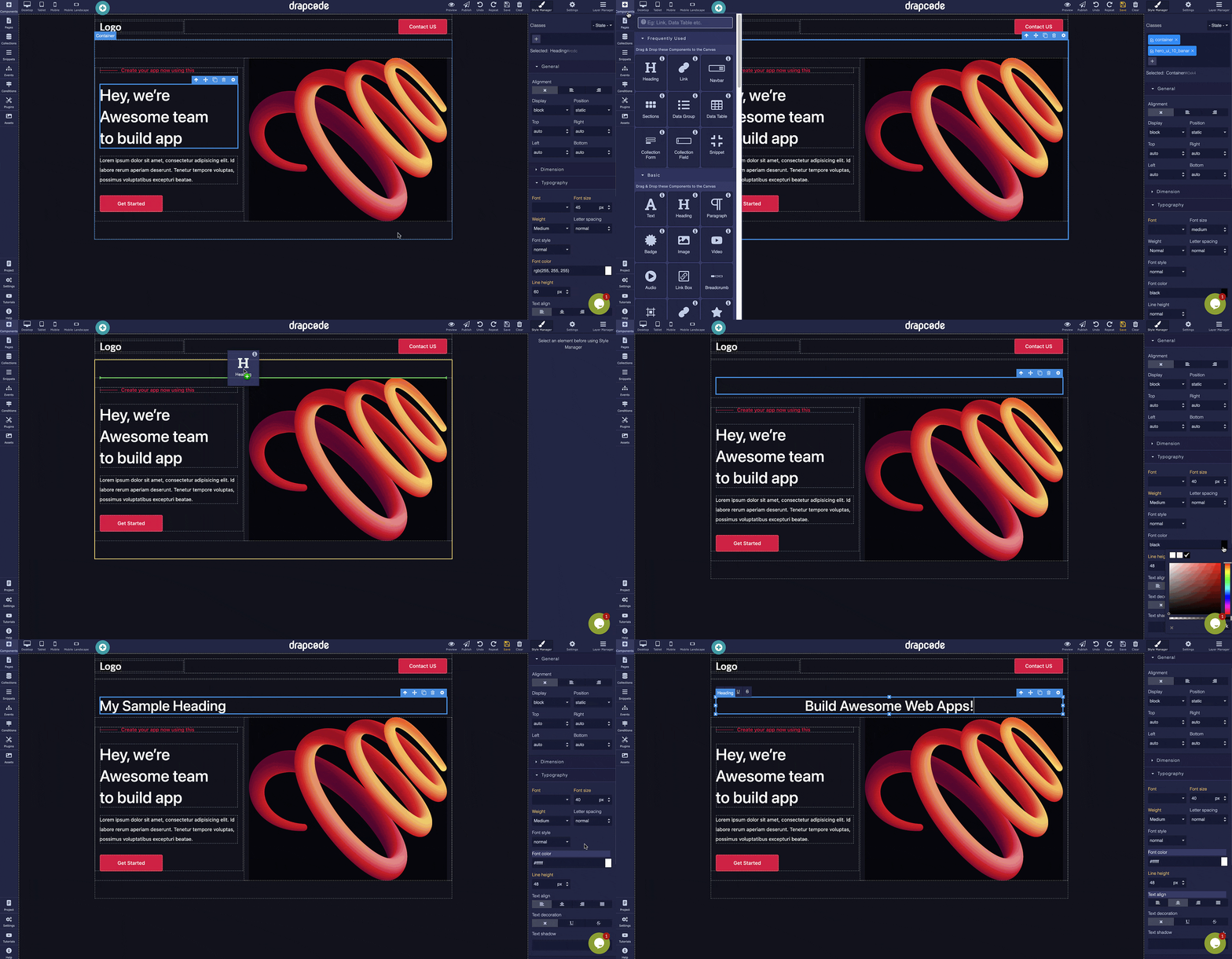
You know what your business needs, but turning that idea into working software can be difficult. DrapCode Studio helps you get started by describing your requirements in plain language and using AI to generate and refine supported application functionality. Whether you're a founder developing your first product or a business team improving an existing process, you can build applications around your requirements instead of starting with a blank screen.
Develop Beyond the First Prompt
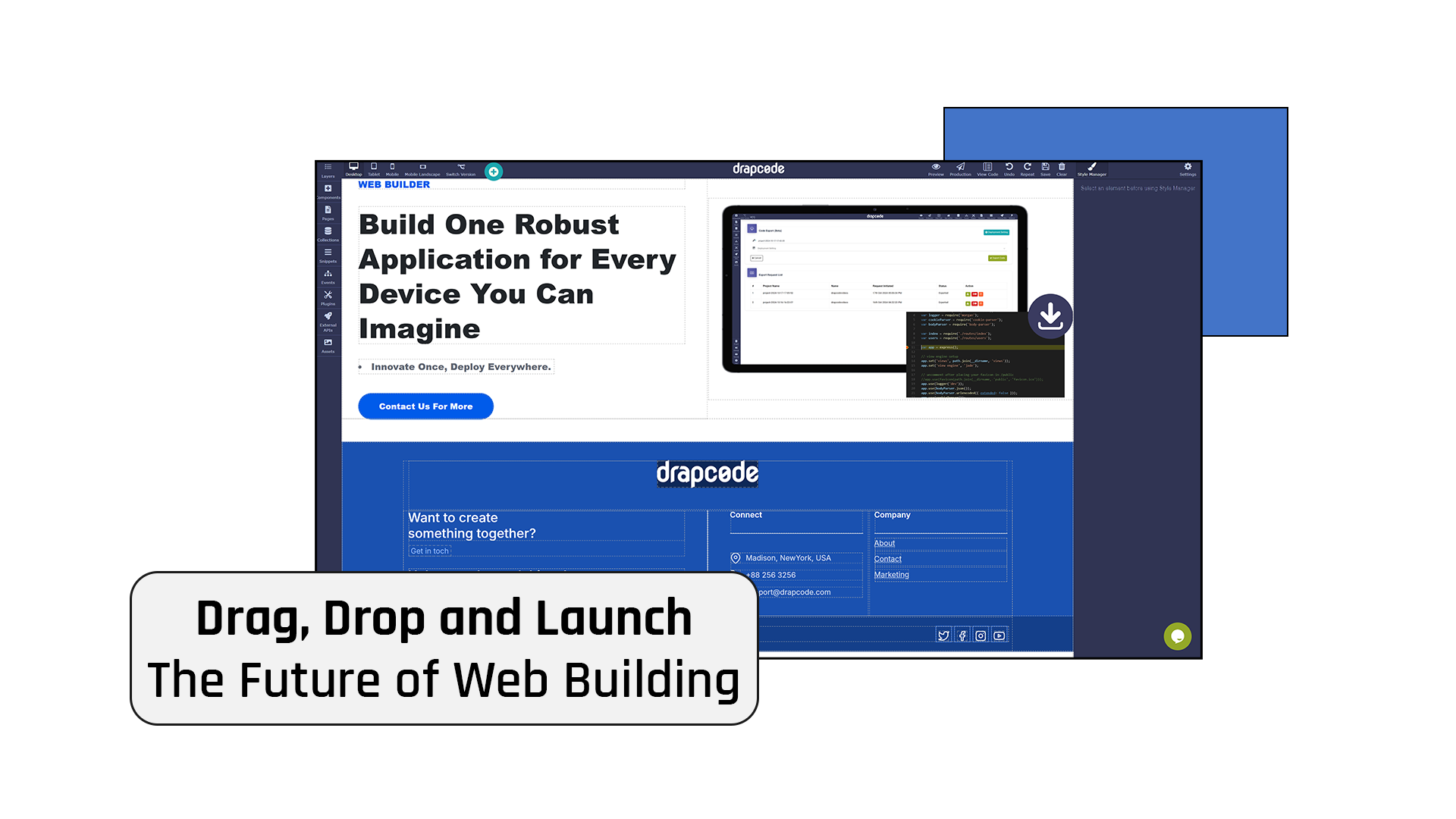
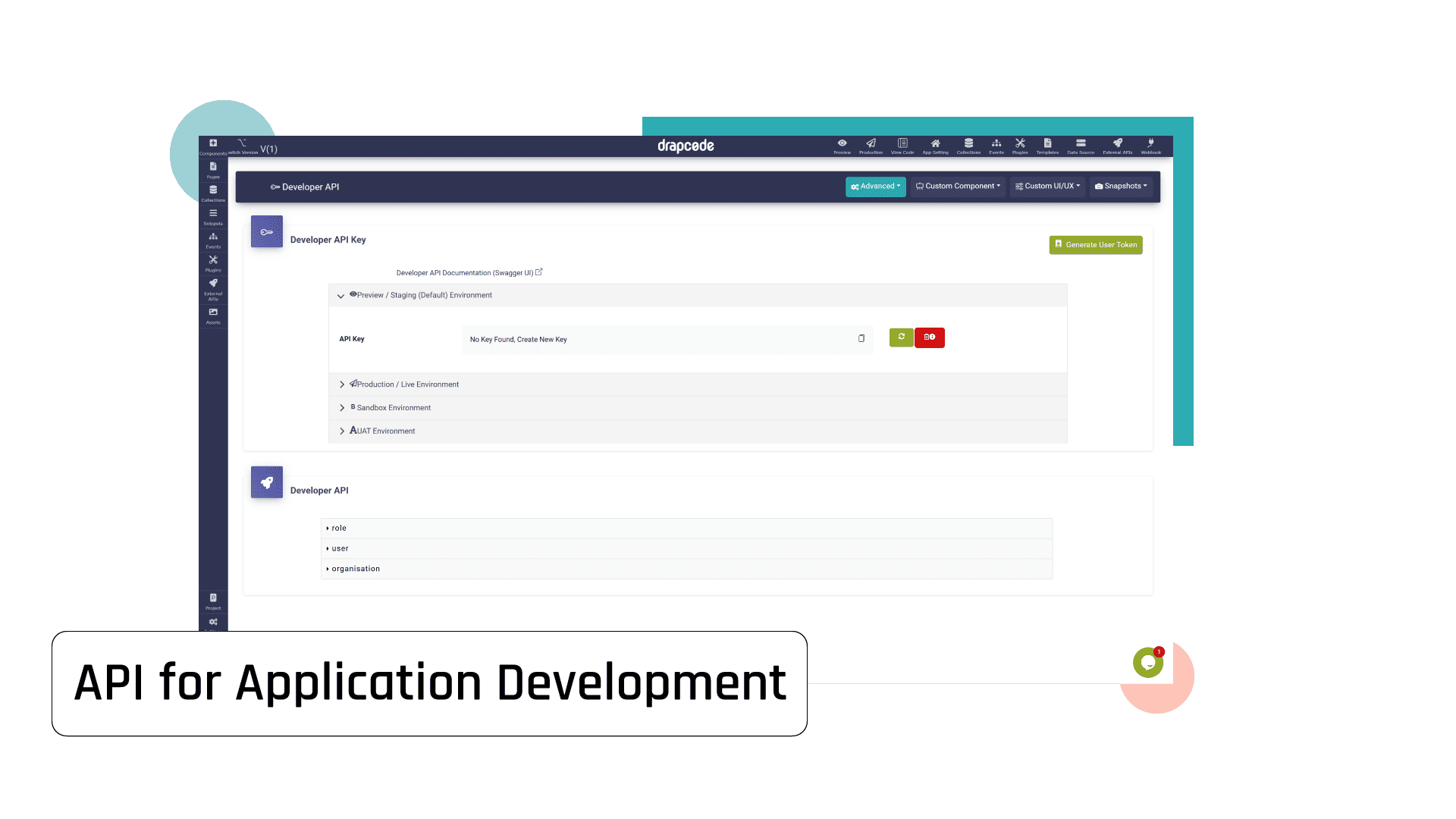
A generated interface is only one part of an application. Real products also need structured data, connected systems, permissions, workflows, and business logic that support everyday operations. DrapCode Studio brings AI-powered building together with visual configuration and customization options. Refine your application as requirements become clearer, connect the systems you need, and develop functionality designed around real business use.
What You Can Build with DrapCode Studio
Move from an initial prompt to functional applications with tools for managing data, workflows, integrations, and application behavior.

AI-Powered Building
Describe application requirements in natural language and generate supported screens, data models, and workflows.
Workflow Configuration
Connect user actions, business rules, notifications, and data updates to support everyday processes.

Structured Data Models
Organize records, fields, and relationships around your application's specific business requirements.
API Integrations
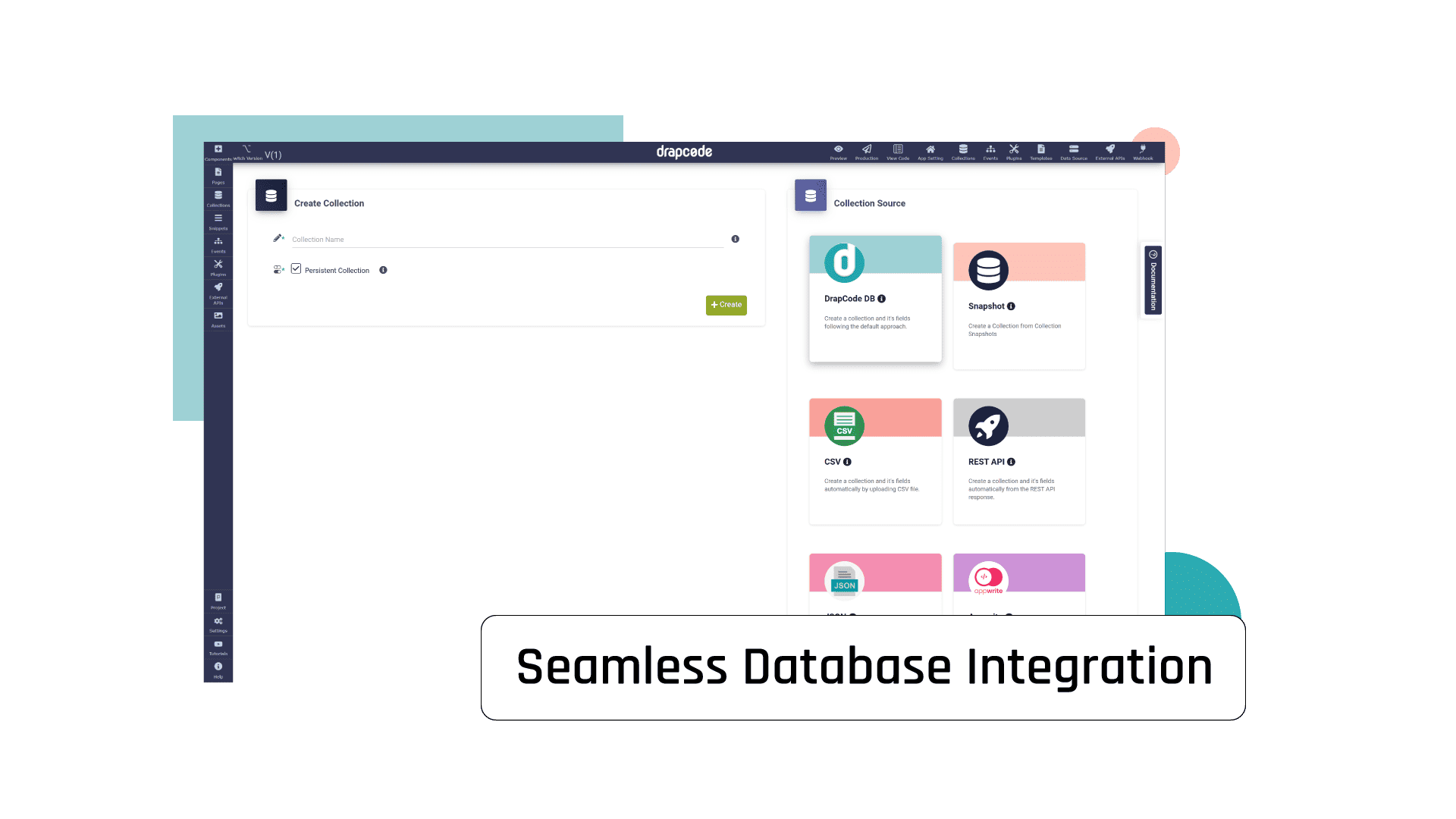
Connect external services, databases, and business systems through supported APIs and integrations.

User Roles and Permissions
Define user roles and control access to application features and sensitive information.
Application Customization
Refine generated functionality and extend application behavior to meet evolving product requirements.
What You Can Build

Healthcare Applications
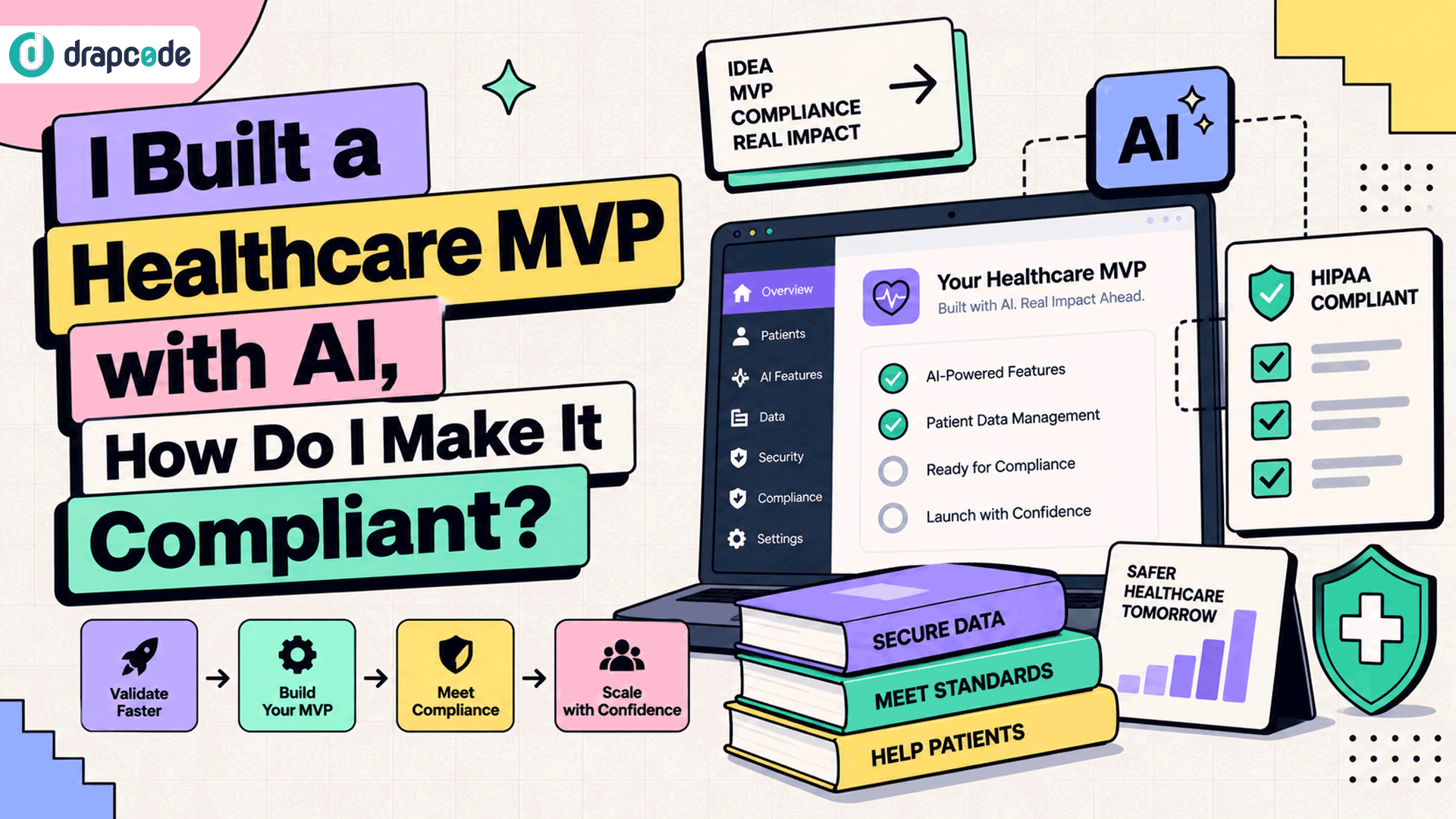
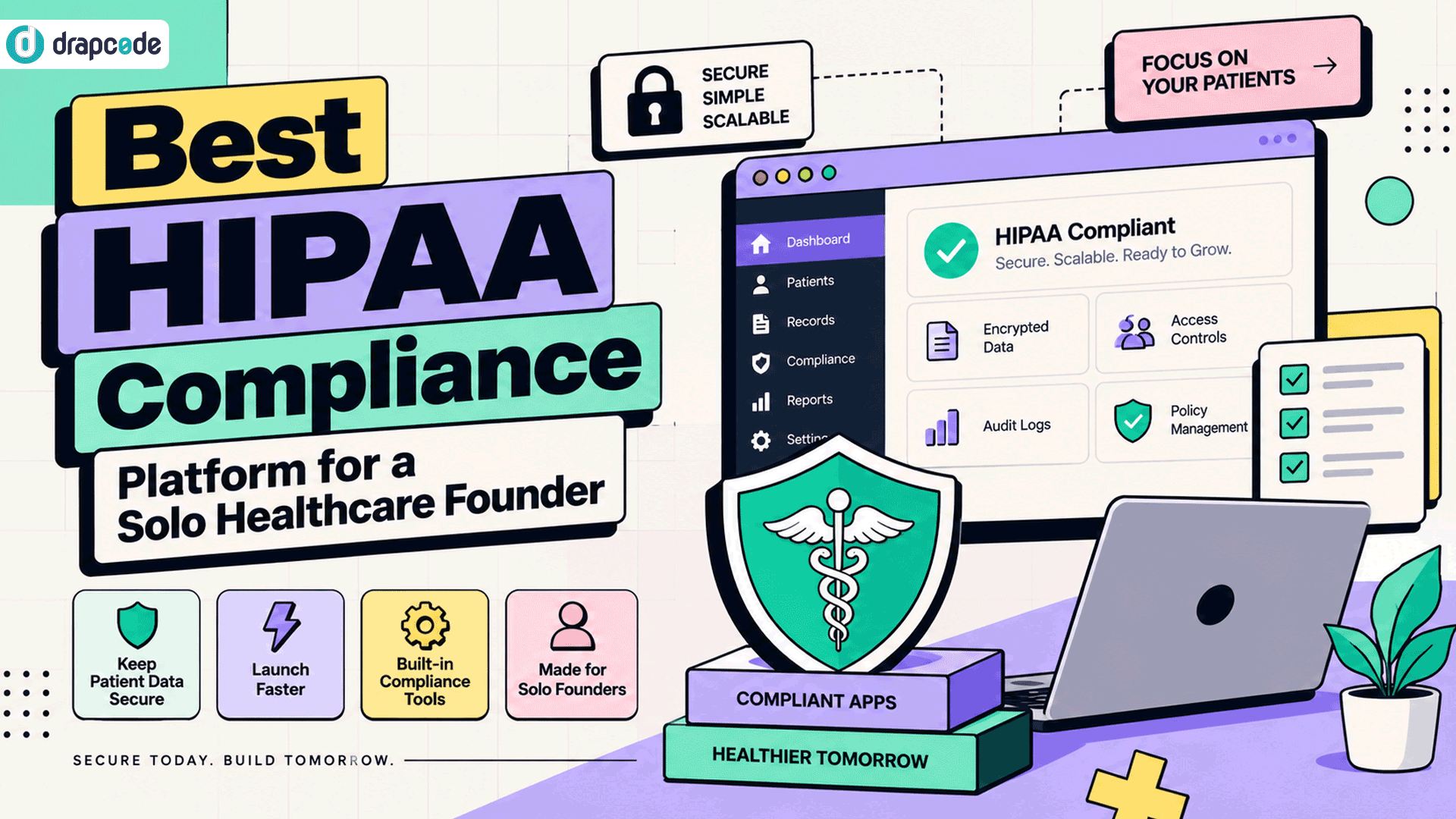
Build patient portals, clinical workflows, and healthcare products with relevant security and infrastructure safeguards.

Fintech Applications
Develop lending portals, loan management systems, and financial workflows around your business processes.

Legal & Insurance Software
Create case management applications, client portals, claims workflows, and tools for regulated operations.
How It Works
Start with your application idea, use AI to generate supported functionality, and refine the result into a product built around your business needs.
 Natural Language Prompts
- Structured Workflows
- Connected Data
- Continuous Refinement
Describe Your Idea
Explain what your application should do, who will use it, and which features or workflows you need.
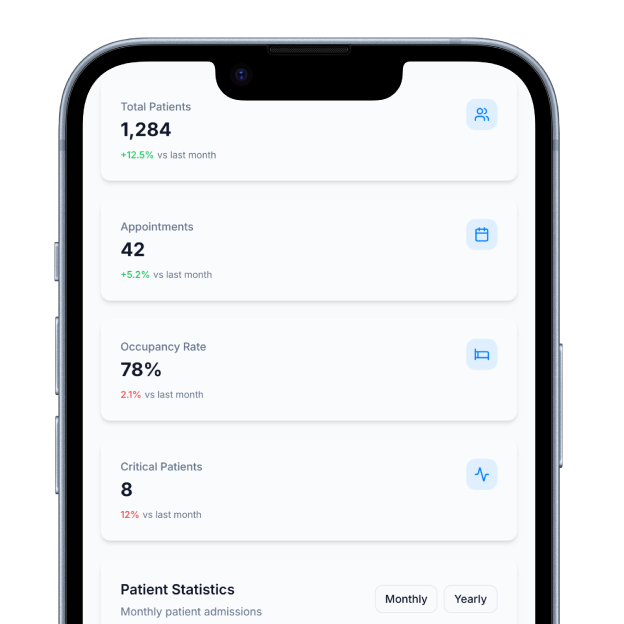
Generate Application Components
Use AI to generate supported screens, data models, and workflows based on your instructions.
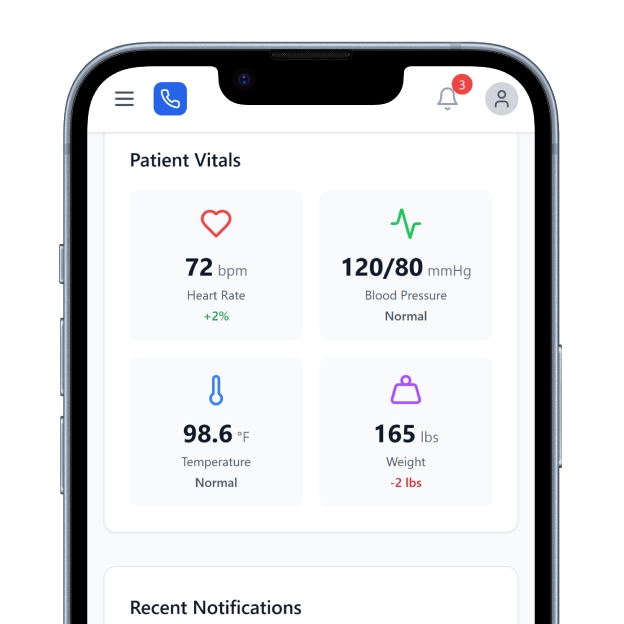
Refine and Connect
Adjust application behavior, configure permissions, and connect databases, APIs, and external services as needed.
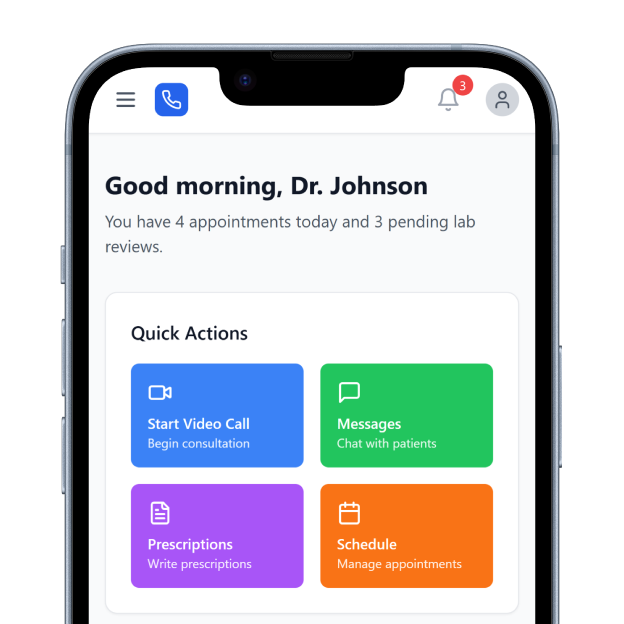
Prepare for Deployment
Test your application, review its functionality and security requirements, and prepare it for deployment on a suitable environment.
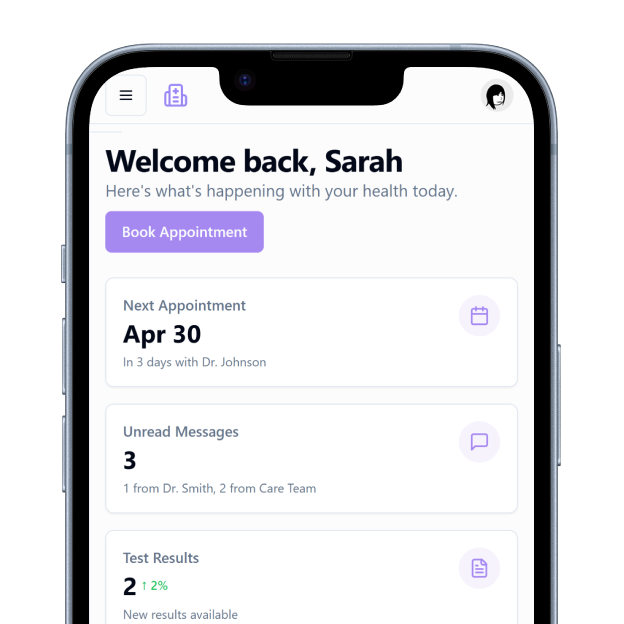
Built for Regulated Industries
Businesses in healthcare, fintech, legal tech, and insurance often handle sensitive information and operate under specific security or regulatory requirements. Their applications need to support these needs alongside everyday business functionality. DrapCode provides compliance infrastructure that includes encryption, audit logging, applicable hosting safeguards, and BAA support for eligible healthcare arrangements. The appropriate safeguards depend on the application and deployment, and businesses remain responsible for meeting their applicable regulatory obligations.
Keep Your Application Flexible
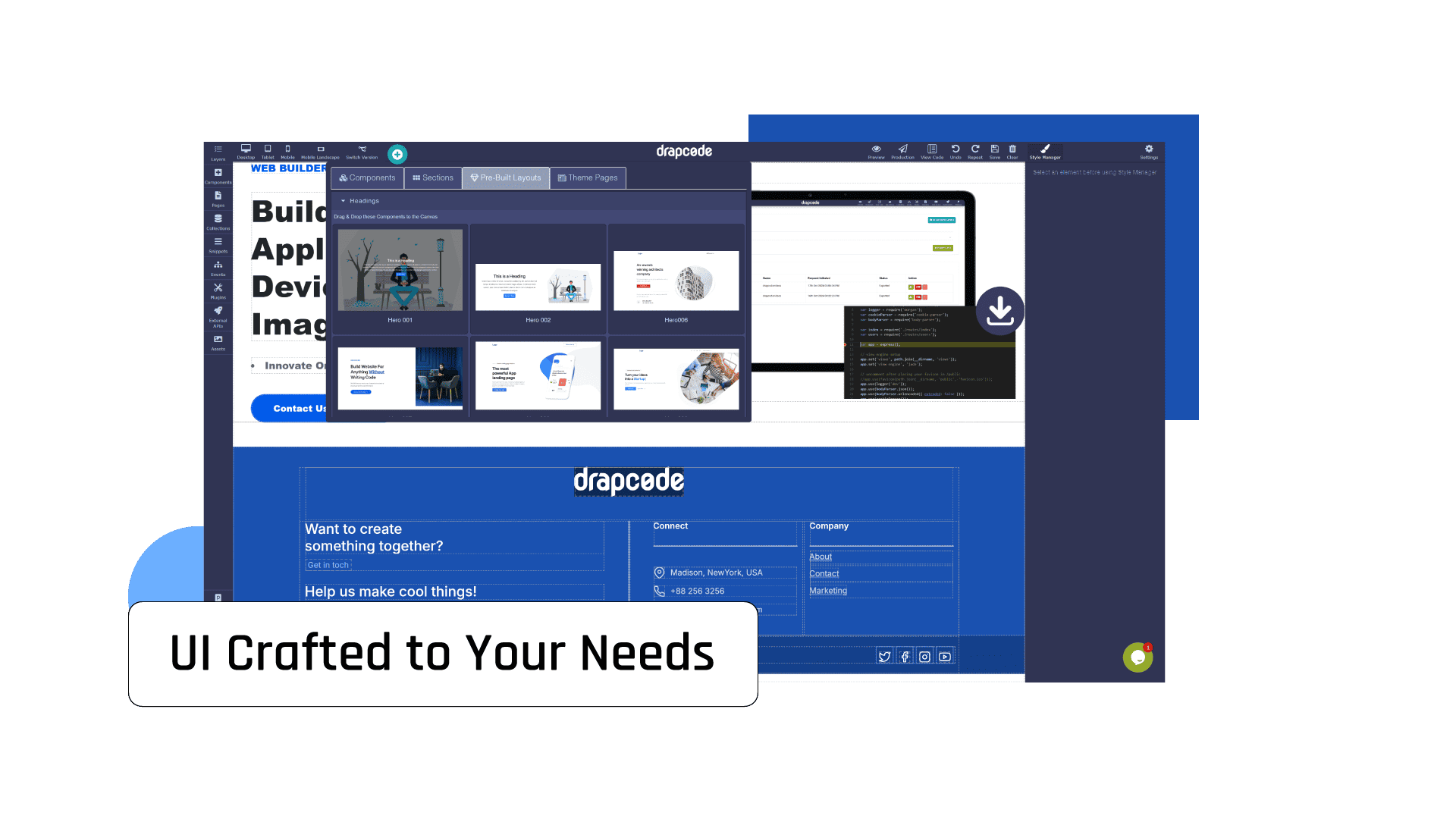
Your first version may solve one problem, but your product will likely change as customers provide feedback and new requirements emerge. You may need additional workflows, more integrations, custom business logic, or a different deployment approach. DrapCode supports application refinement and source code export, giving you options as your product evolves. You can continue developing within the platform or evaluate external development and deployment options based on your application's architecture and needs.
Frequently Asked Questions
What is DrapCode Studio?
Do I need coding experience to use DrapCode Studio?
What types of applications can I build?
Can I connect my application to existing systems?
Can I export the application source code?
Turn Your Idea Into a Working Application
Describe what your business needs and use DrapCode Studio to build, refine, and connect application functionality with AI. Start with your idea and develop toward a product built for real business requirements.
Blogs & Insights
We'd love to share our knowledge with you. Get updates through our blogs & know what’s going on in the no-code world.