Build Project Management Software
Develop agile, project management software that streamlines tasks, collaboration, and timelines—all without traditional coding delays.
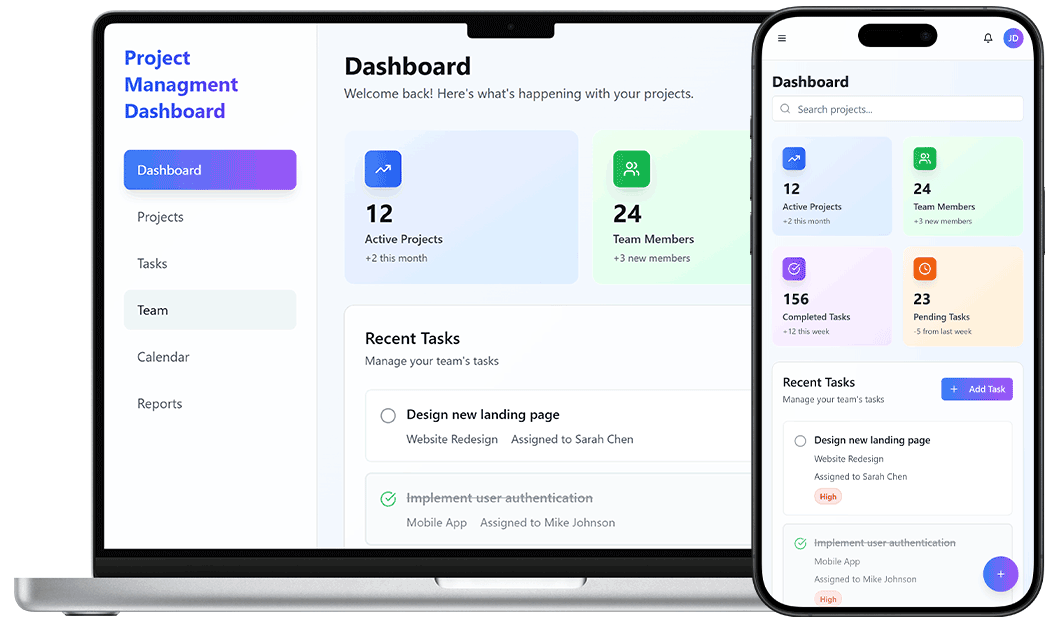
Task-Centric Project Platforms
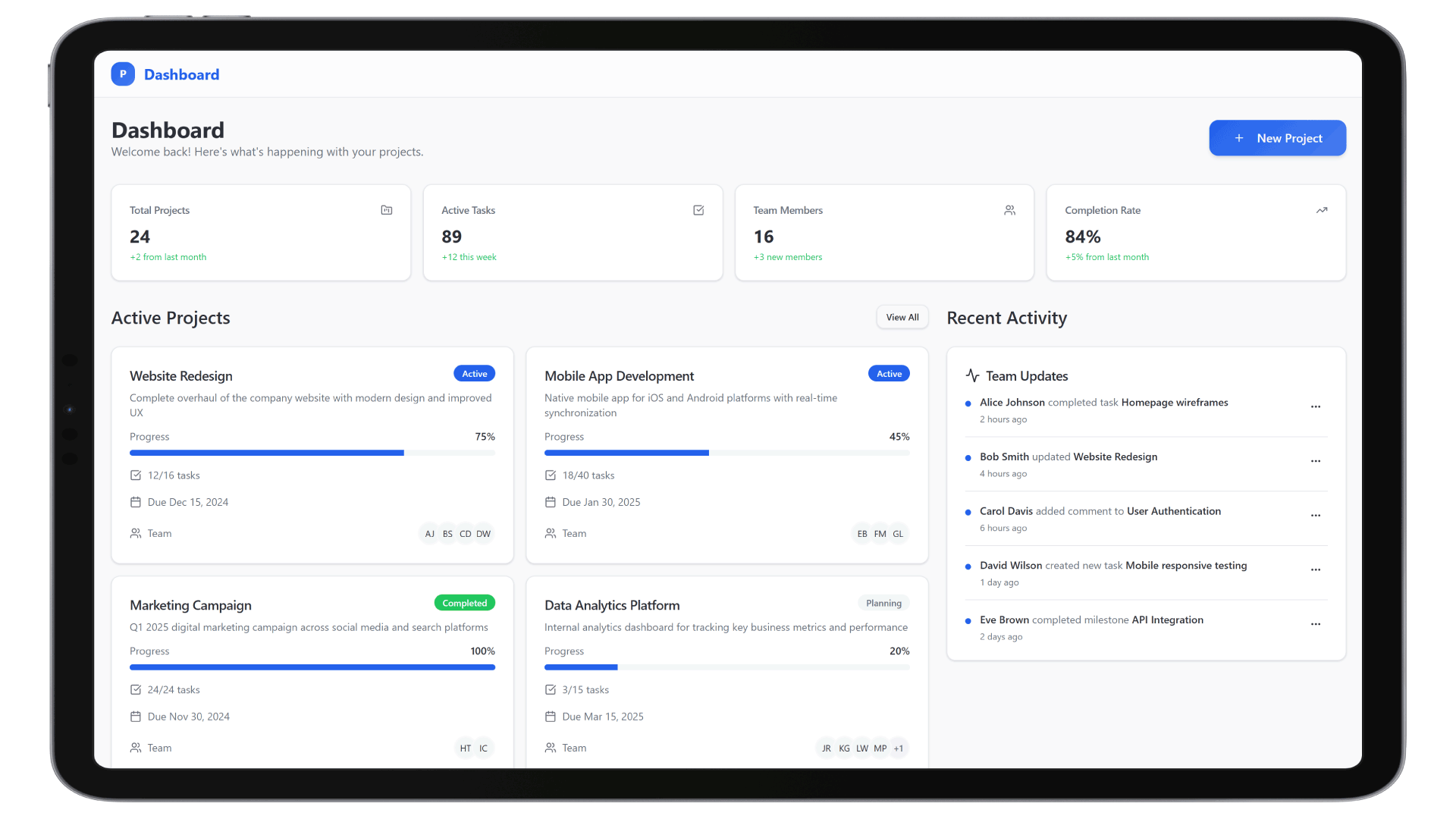
Managing complex projects across teams requires real-time visibility and automation. With DrapCode, you can build enterprise project management software tailored to engineering, marketing, product, or client delivery—complete with Kanban boards, Gantt charts, milestone tracking, and resource management.
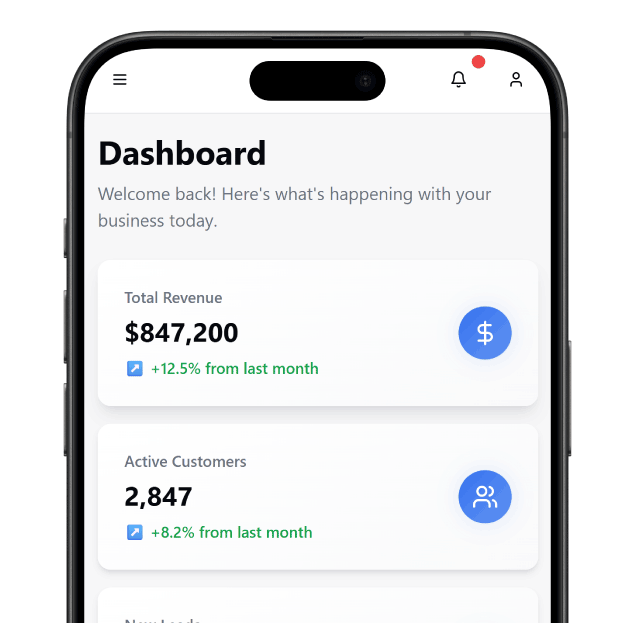
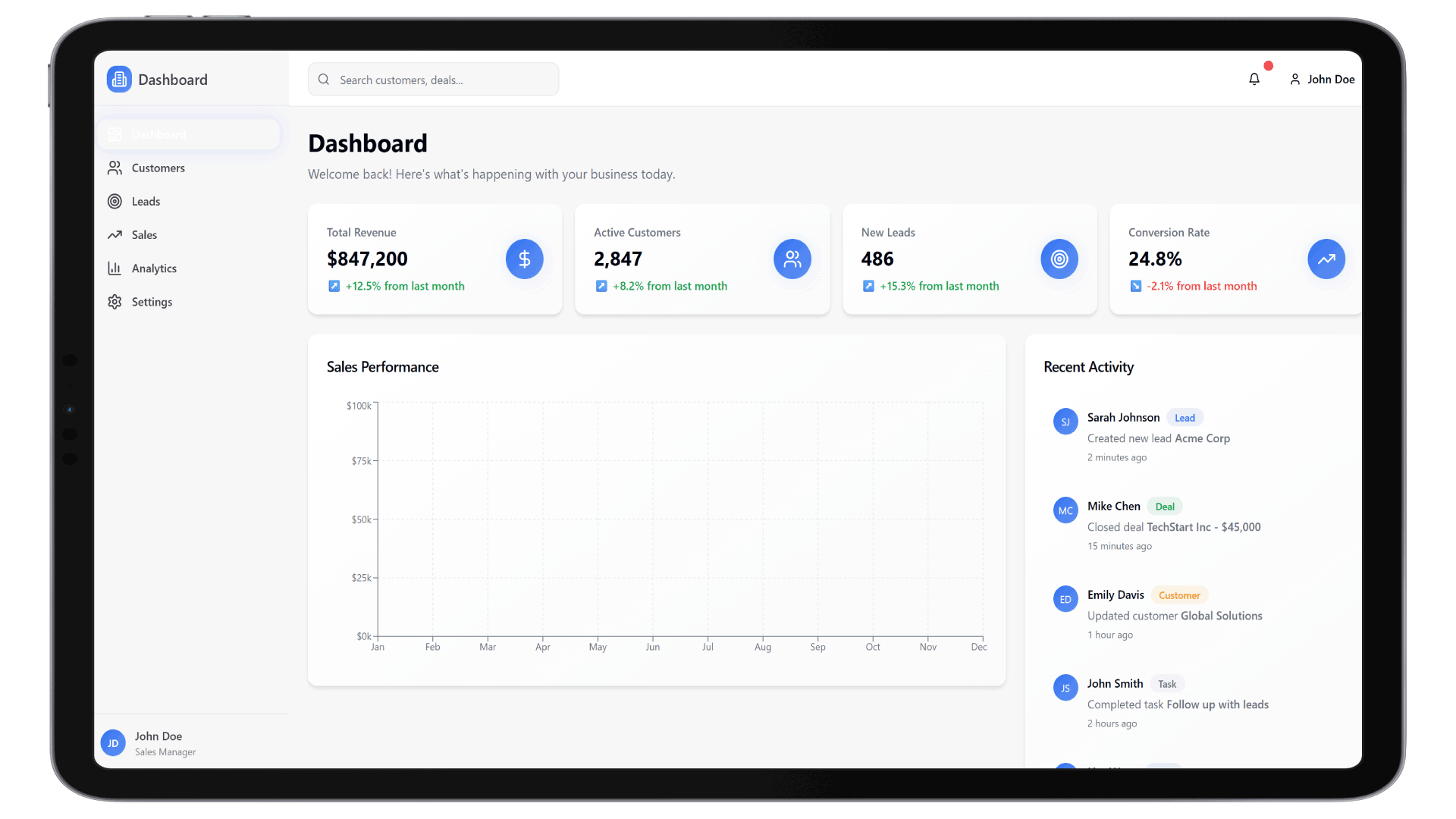
Key Features of Project Management

Task Manager
Assign, update, and track project tasks using drag-and-drop interfaces and status automation rules.
Team Collaboration
Enable users to leave comments, tag teammates, and track real-time activity on shared timelines.
Timeline Views
Display Gantt charts and calendar-based views for better visual planning and milestone awareness.
File Attachments
Attach documents, images, or contracts directly to tasks or project phases in a centralized space.

Custom Workflows
Design approval pipelines, handoffs, and escalation paths with logic-based automation.
Reporting Dashboards
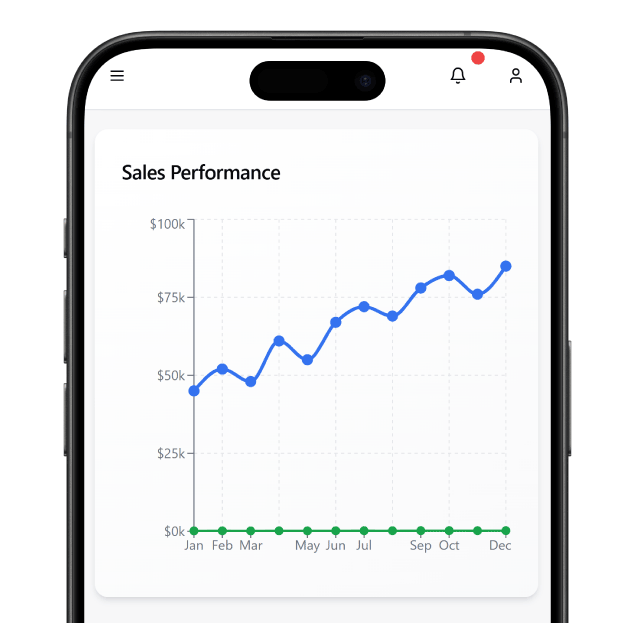
Track project health, budget utilization, and delivery timelines via custom reports and charts.

We partnered with DrapCode to develop our new Automated CRM using their low-code platform. Outstanding quality at half the price, unmatched speed, and excellent customer service.
Cal Goggans
Founder - A Custom Fit iNMotion


DrapCode stands out as the best. Flexible, scalable, and supported by an expert team. After 3 years on another tool, DrapCode is simply superior.
Cory Nation
President - Embark EMR

DrapCode is an easy-to-use no-code platform with a drag-and-drop interface, making it accessible for non-developers. The support team is highly responsive and dedicated to user success.
Joseph Young
President - Renew Hope And Healing
Why Build with DrapCode
Fast Visual Development
Launch a fully functional project management software using DrapCode’s no-code drag-and-drop interface.
Modular & Scalable
Build one module at a time—expand from task tracking to invoicing, client collaboration, and more.
Role-Based Permissions
Assign users to projects with granular access controls across managers, teams, and external clients.
Ecosystem Integration
Easily connect with Customer Relationship Management (CRM) or Document Management modules for cross-functional coordination.
Real Use Cases with Project Tools
Agile Product Teams
Create sprint boards, assign tickets, and track development status—similar to ClickUp’s agile frameworks.
Client-Facing Project Portals
Replicate Basecamp-style portals with document sharing, messaging, and task visibility for external clients.
Enterprise Resource Tracking
Design Asana-like views to allocate teams, track productivity, and visualize bottlenecks across departments.
How to Build Project Tools in 4 Steps
 Choose Layout
- Add Features
- Connect Systems
- Go Live
Choose Layout
Select a team or client project layout or build your UI from DrapCode’s component library.
Add Features
Include task lists, calendar views, Kanban boards, collaboration widgets, and file upload fields.
Connect Systems
Link with your CRM, Customer Support, or Document Management tools for seamless information sharing.
Go Live
Test role-based workflows and launch the project management portal across mobile and desktop.
Run Projects Across Departments
With DrapCode, your project management software doesn’t work in silos. Integrate it with customer relationship management (CRM) for task-linked sales projects, or with Customer Support Help Desk for issue escalation tied to deliverables.
Manage Documentation at Scale
Every task or milestone is often tied to contracts, SOWs, or blueprints. Link your project dashboard with Document Management tools for secure, version-controlled access, right within your portal.
Frequently Asked Questions
Can I build project management software without developers?
What kind of teams can use DrapCode for project management?
Can I add Gantt charts and Kanban boards?
Does DrapCode support client collaboration?
Is this suitable for enterprise-level project needs?
Start Building Your Project Platform Today
Create scalable, custom project dashboards without coding. Launch faster, manage better—with DrapCode’s no-code builder.