No-Code vs Low-Code Development - Choosing the Right Application Development Approach
Understand the differences between no-code and low-code development platforms to build modern digital applications efficiently. DrapCode enables both no-code and low-code application development, allowing organizations to design, automate, and deploy scalable software systems.
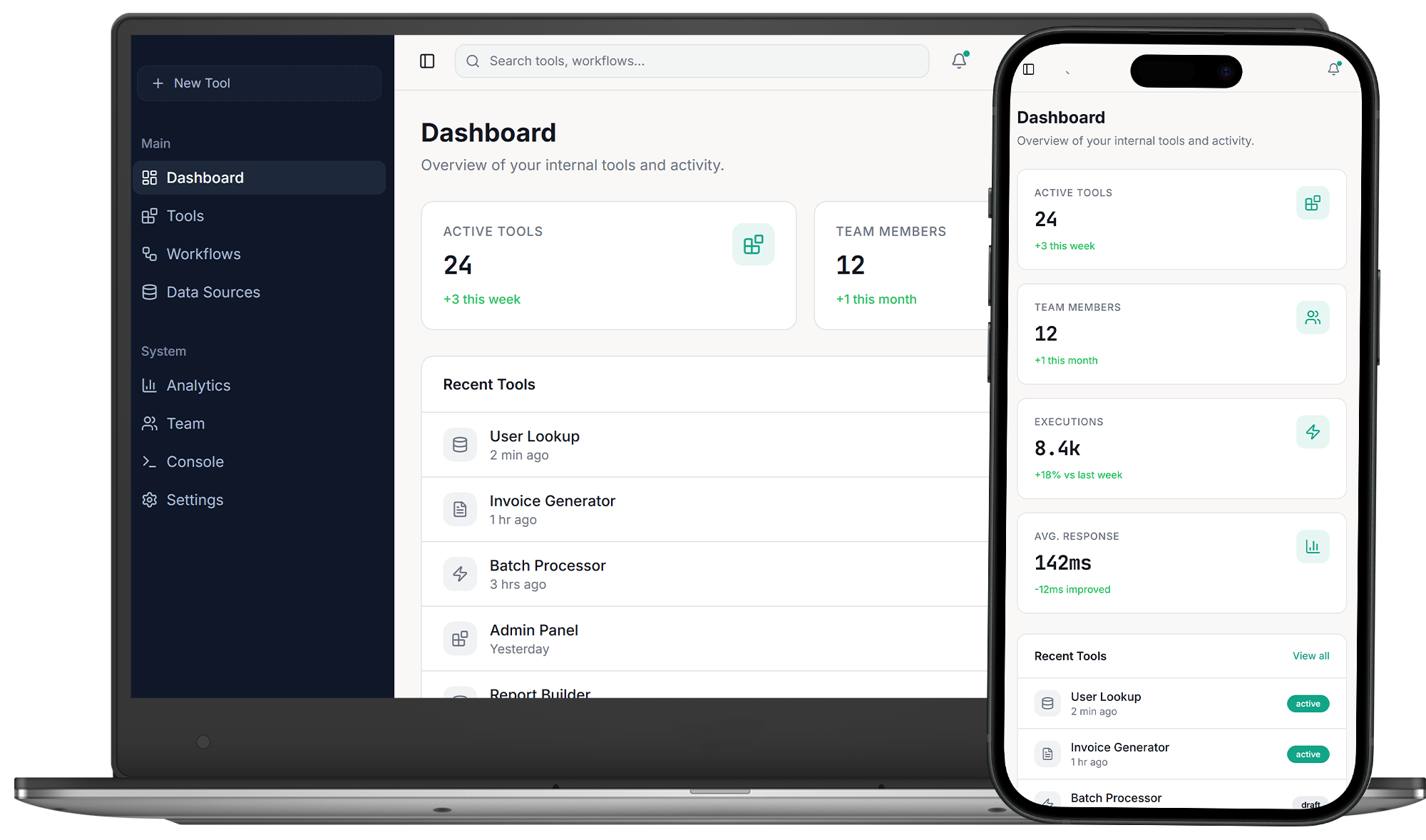
Understanding the No-Code and Low-Code Development Models
No-code and low-code development platforms are modern approaches used to build applications faster than traditional programming. They allow teams to design workflows, interfaces, and data models using visual tools instead of writing large amounts of code. Organizations adopt these development approaches when they need to deliver digital products quickly while reducing engineering complexity. While both methods accelerate application development, they differ in flexibility, customization capability, and target users.
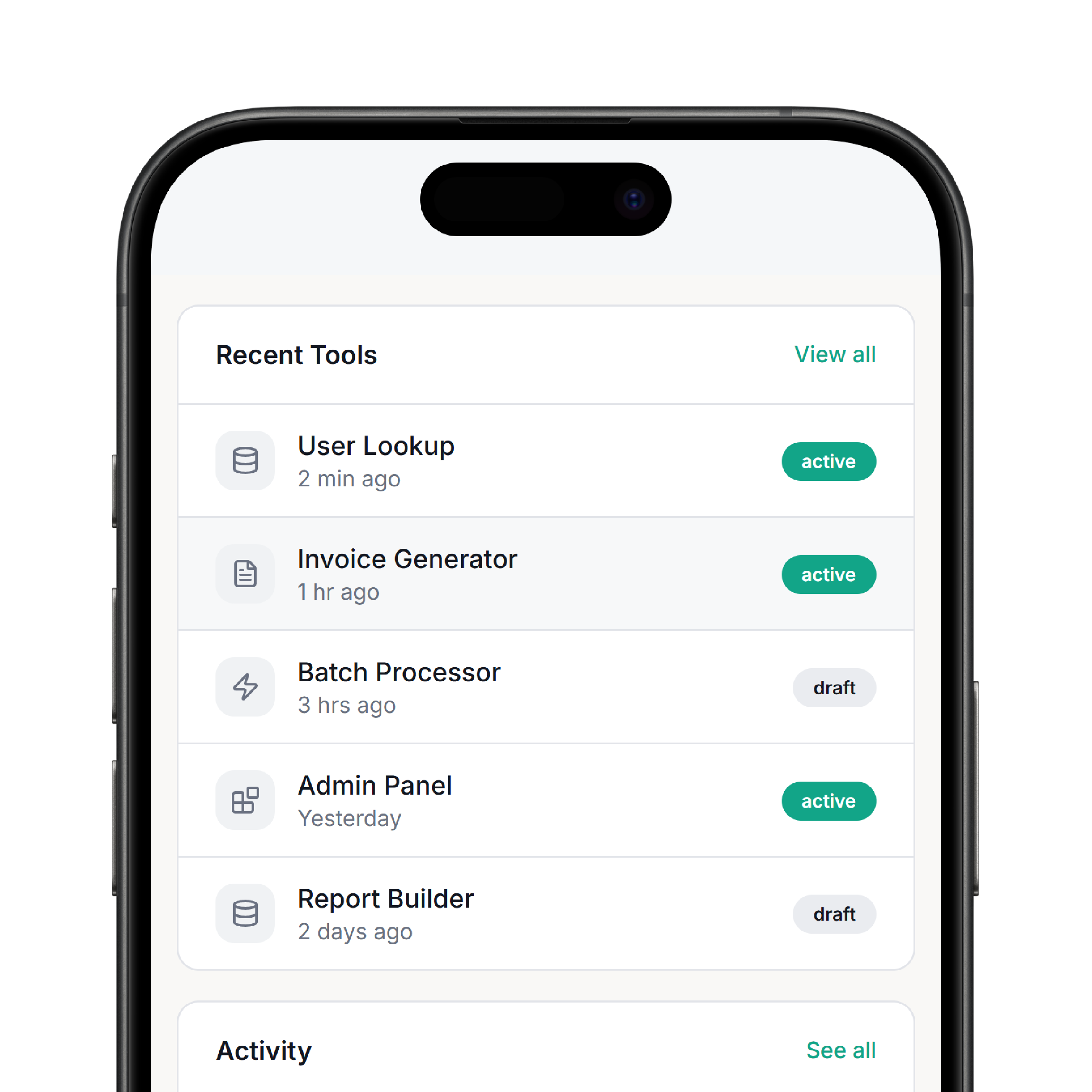
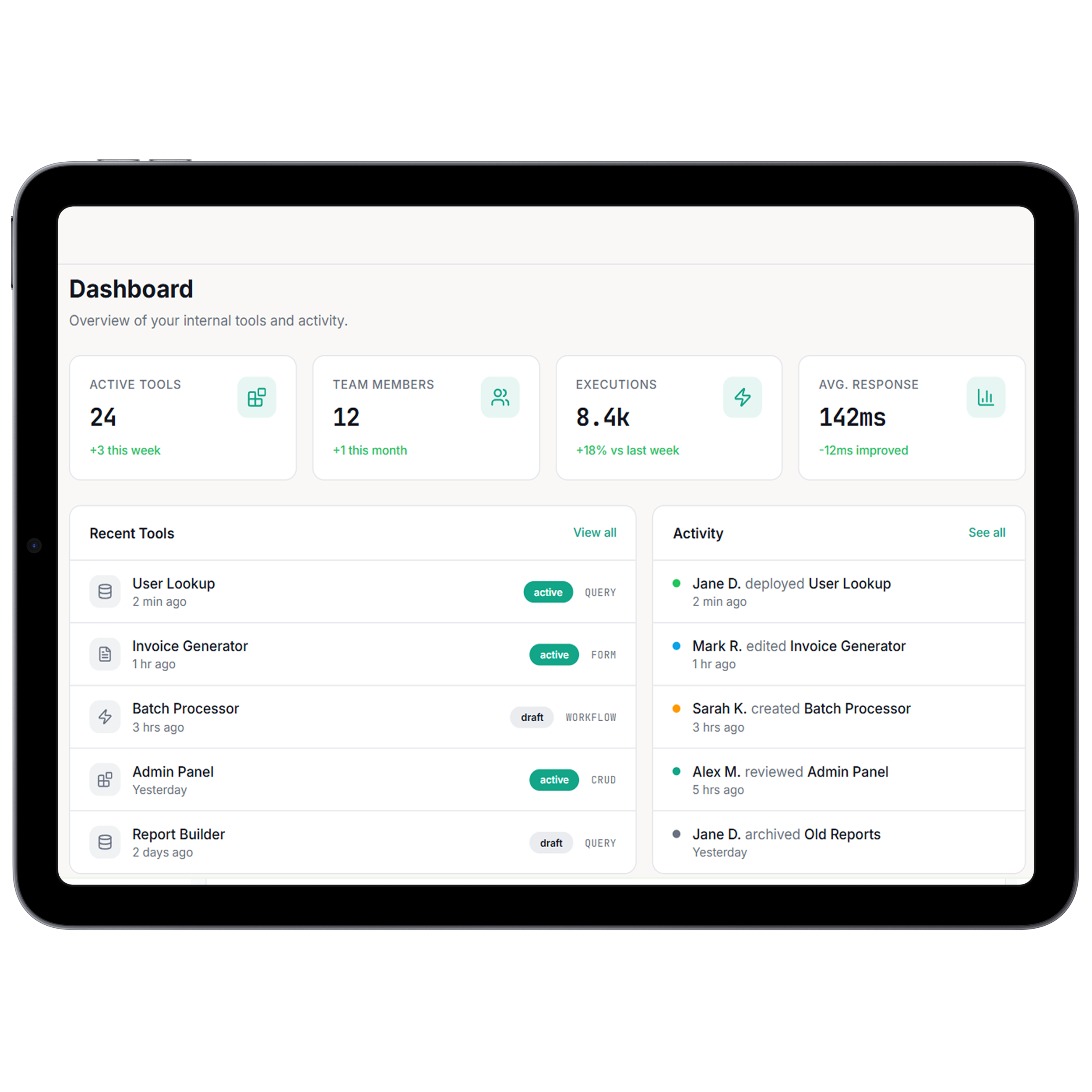
Core Architecture Differences
No-code platforms allow applications to be built entirely through visual configuration without writing code. Low-code platforms combine visual development with optional coding capabilities for advanced customization. Organizations exploring application development strategies often evaluate platforms such as no-code development environments for rapid software creation. More complex projects may require additional flexibility available through low-code development platforms.
No-Code Development Capabilities
These capabilities define how no-code platforms simplify application development.

Visual Application Builder
Create applications using drag-and-drop components
Workflow Automation Tools
Configure operational processes without coding

Pre-built Integration Connectors
Connect APIs and external services quickly

Reusable Interface Components
Build user interfaces with modular design elements
Rapid Deployment Tools
Launch applications quickly with minimal configuration

Operational Monitoring Features
Track application performance and user activity


We partnered with DrapCode to develop our new Automated CRM using their low-code platform. Outstanding quality at half the price, unmatched speed, and excellent customer service.
Cal Goggans
Founder - A Custom Fit iNMotion


DrapCode stands out as the best. Flexible, scalable, and supported by an expert team. After 3 years on another tool, DrapCode is simply superior.
Cory Nation
President - Embark EMR

DrapCode is an easy-to-use no-code platform with a drag-and-drop interface, making it accessible for non-developers. The support team is highly responsive and dedicated to user success.
Joseph Young
President - Renew Hope And Healing
Low-Code Development Capabilities
Low-code platforms offer greater flexibility while still accelerating development.

Visual Development Environment
Design applications using guided interface builders
Optional Code Extensions
Add custom code for specialized functionality

Advanced API Integration
Connect complex enterprise systems and services
Custom Workflow Logic
Configure detailed business processes and automation
When to Use No-Code Platforms

Rapid Application Development
Organizations use no-code platforms to launch applications quickly without relying on development teams.
Internal Business Tools
No-code platforms are ideal for building dashboards, internal portals, and operational tools.

Startup Product Prototypes
Entrepreneurs use no-code platforms to validate product ideas and launch MVPs quickly.
When to Use Low-Code Platforms
 Enterprise Software Development
- Complex System Integrations
- Developer-Assisted Platforms
Enterprise Software Development
Low-code platforms allow enterprises to build scalable applications with advanced customization.
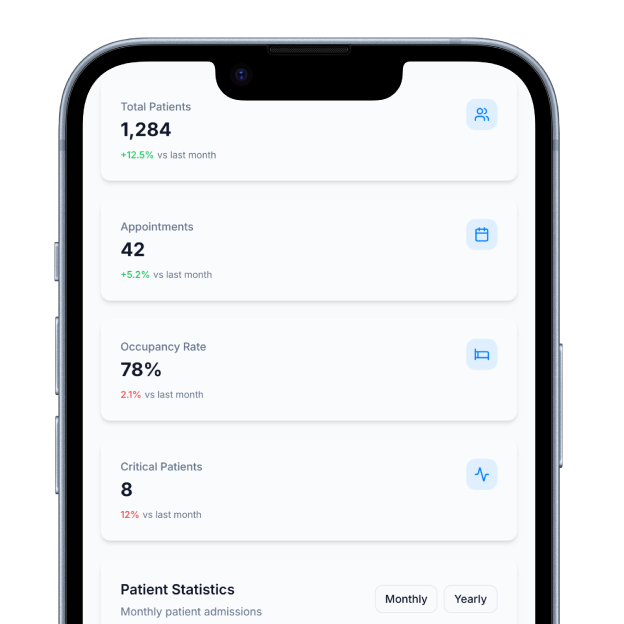
Complex System Integrations
Applications requiring deeper API integrations benefit from low-code flexibility.
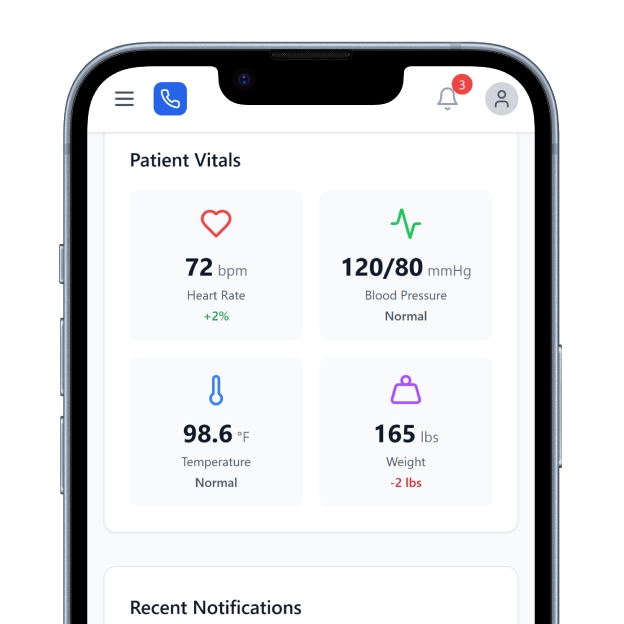
Developer-Assisted Platforms
Low-code environments enable collaboration between developers and business teams.
Platform Selection Considerations
The choice between no-code and low-code depends on project complexity, customization requirements, and available technical expertise. Organizations must evaluate development speed, scalability needs, and integration requirements before selecting a platform. Businesses comparing development approaches often analyze detailed guidance on choosing the right no-code or low-code platform. This helps teams determine which architecture aligns best with their digital product strategy.
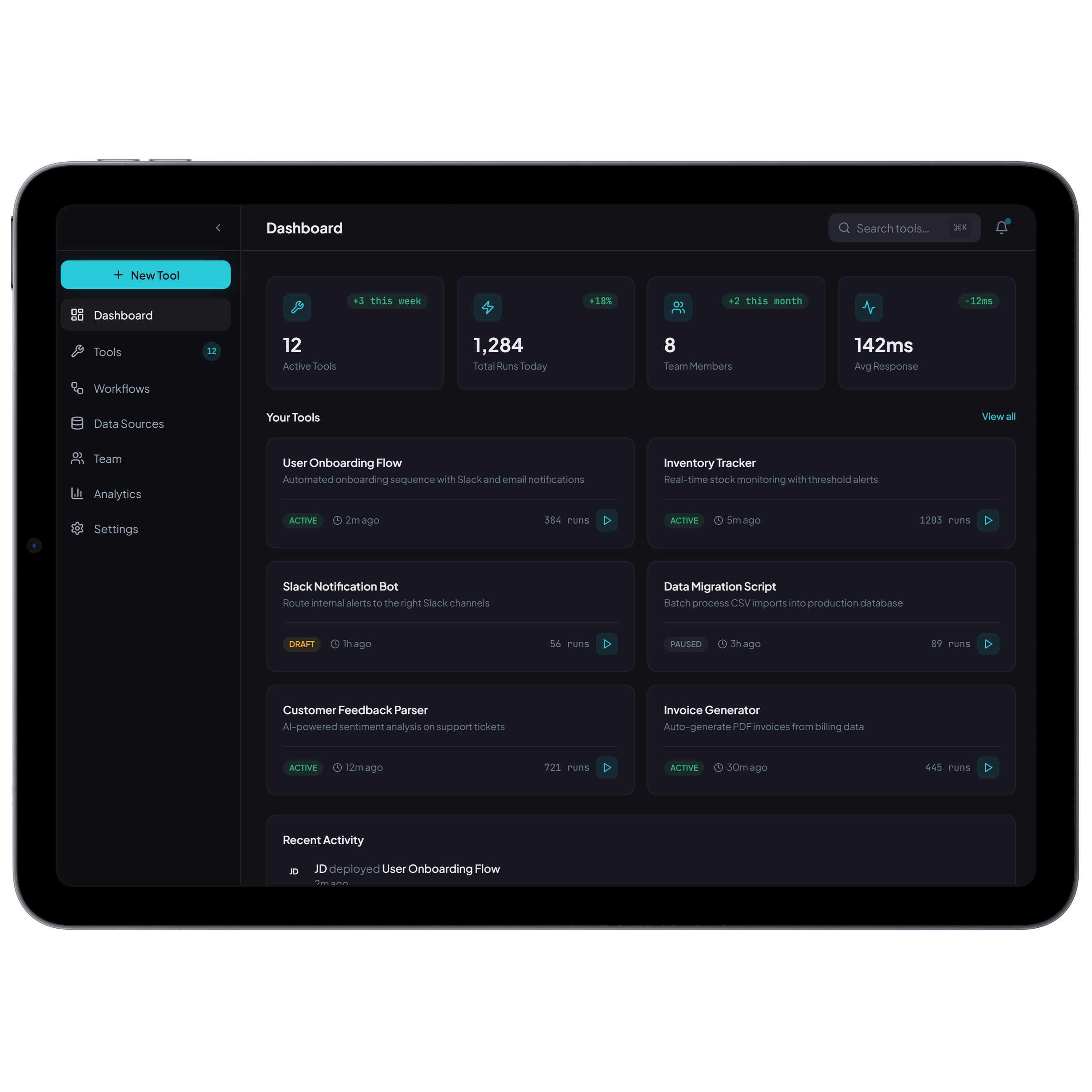
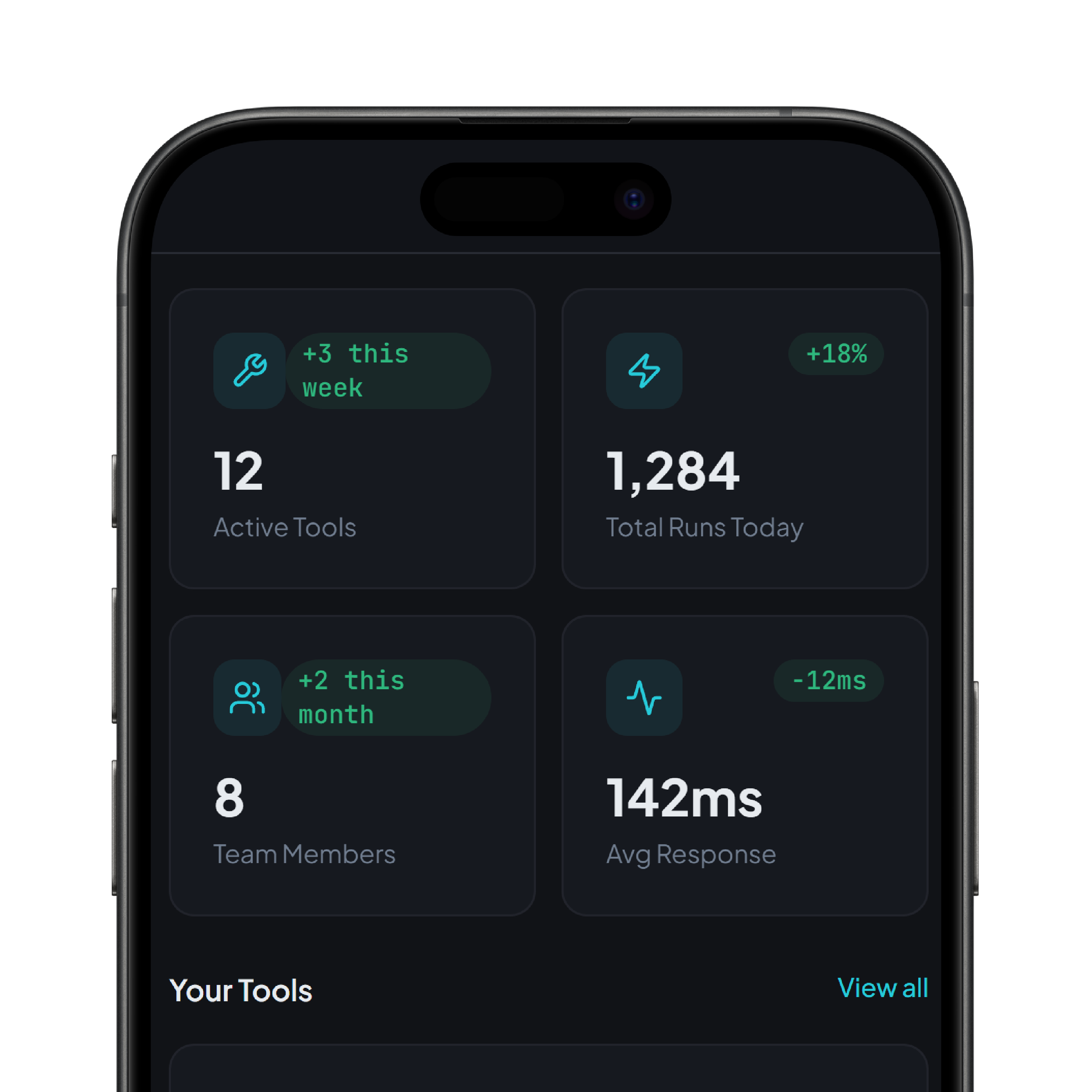
Building Applications with DrapCode
DrapCode enables organizations to build applications using both no-code and low-code development methods within a unified platform. Teams can start with visual development tools and extend functionality as needed through advanced customization. This hybrid approach allows businesses to accelerate software development while maintaining flexibility for future growth. As applications evolve, organizations can continue scaling digital platforms without rebuilding their core systems.
Frequently Asked Questions
What is the main difference between no-code and low-code development?
Which platform is better for startups?
When should businesses use low-code platforms?
Can no-code applications scale?
Does DrapCode support both no-code and low-code development?
Get started with DrapCode to build powerful applications using both no-code and low-code development approaches.
Experience the power of no-code development with DrapCode Studio. Build apps visually, collaborate seamlessly, and launch faster than ever.