Build Legal Document Automation Software with AI
Create custom legal document automation applications with AI-powered building and visual development. Generate consistent contracts, agreements, and legal forms through reusable templates and workflows designed around your requirements.
Spend Less Time on Repetitive Drafting
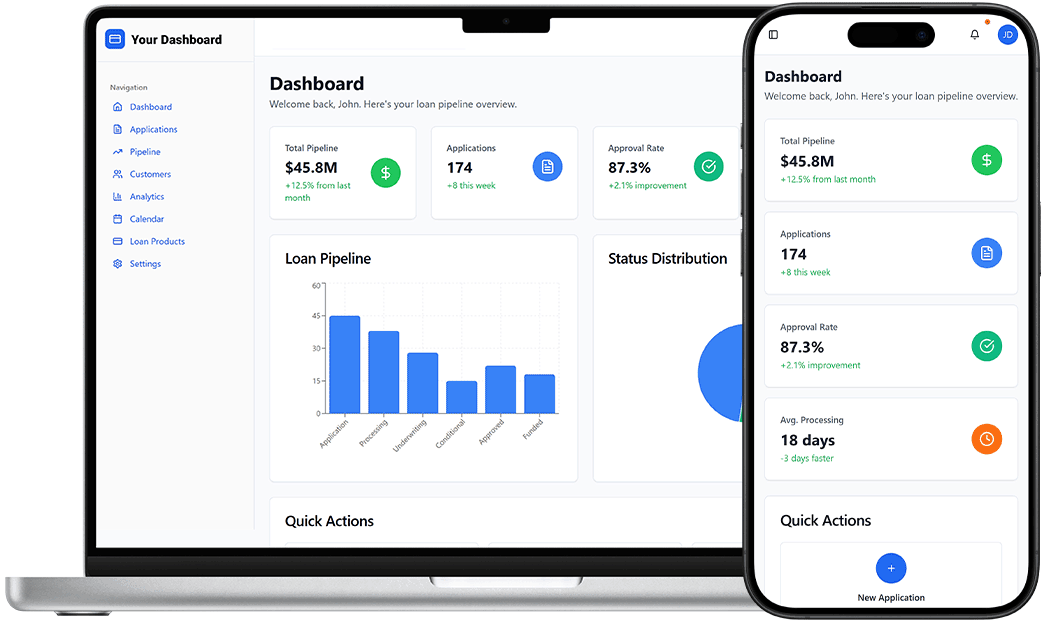
Legal teams regularly prepare documents that share similar clauses, structures, and client information. Drafting each document manually can consume valuable time and introduce inconsistencies when details are copied between files or templates. With DrapCode, build an application that collects the required information and uses it within structured document workflows. Organize templates, capture client details through forms, and guide users through document preparation with processes tailored to your legal services.
From Client Details to Completed Documents
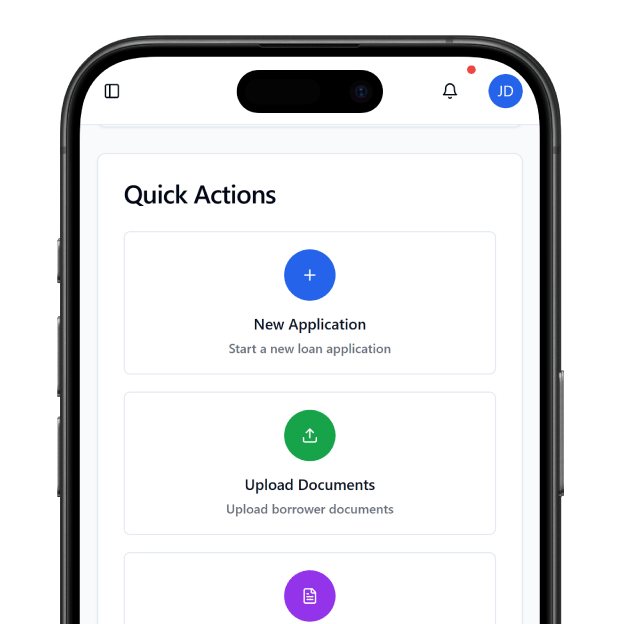
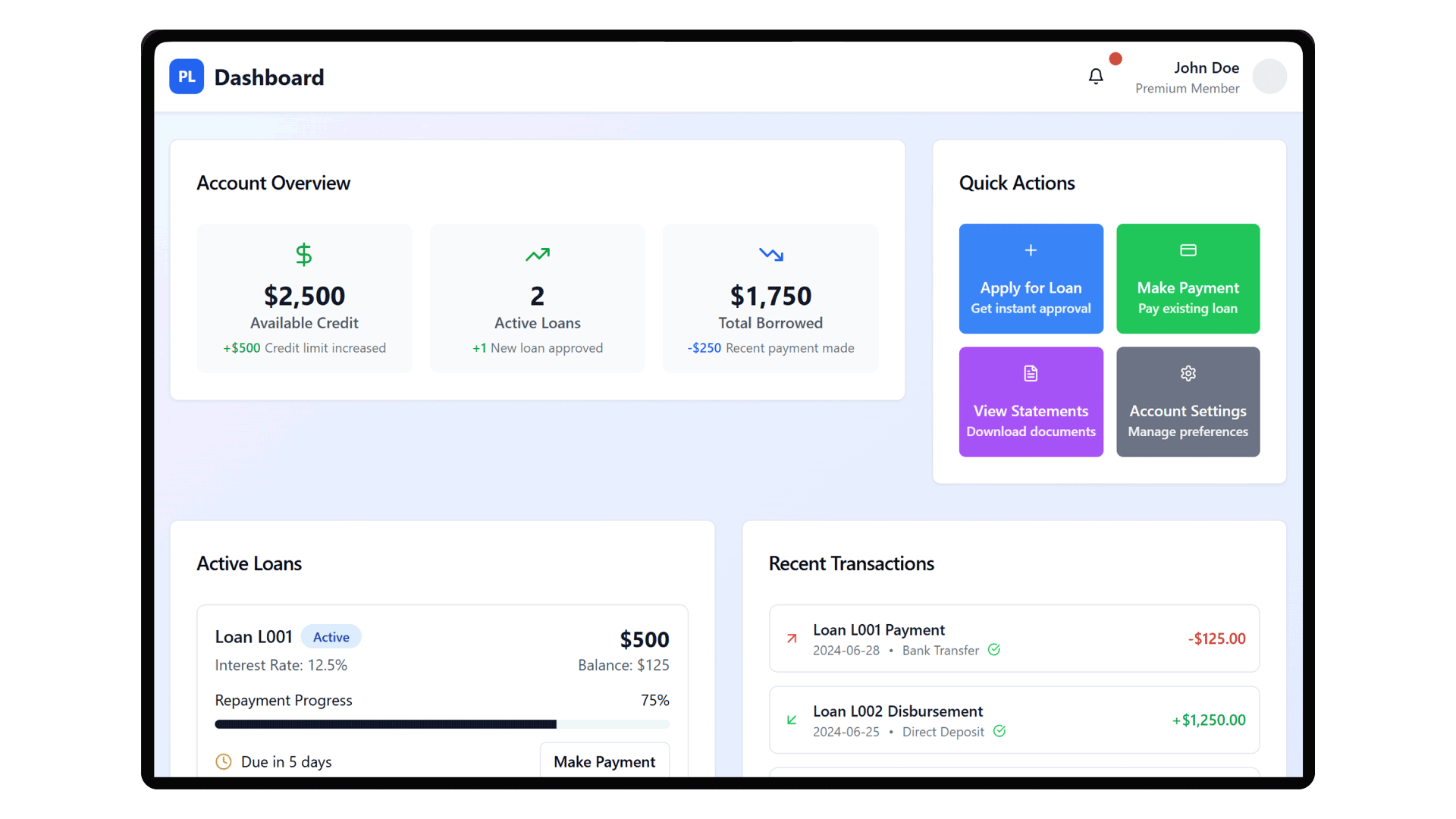
Preparing a legal document often involves several steps, from collecting information and selecting the right template to reviewing clauses and obtaining approval. When these steps happen across emails, spreadsheets, and separate files, it becomes harder to maintain a consistent process. DrapCode helps you build workflows that connect intake forms, document templates, conditional fields, and review stages. Use AI-assisted building and visual development to shape the application around your document requirements, whether you're preparing routine agreements or managing more involved contract processes.
Build Document Workflows Around Your Legal Requirements
Create applications that connect information collection, document generation, review, and storage in a workflow suited to your legal operations.

Reusable Document Templates
Create structured templates for contracts, NDAs and agreements using standardized fields and reusable document sections.

Automated Data Population
Map submitted form responses to corresponding document fields and limiting inconsistencies across frequently prepared legal documents.

Conditional Document Fields
Configure rules that display relevant questions, clauses, or sections according to document type, client details, and selected terms.

Document Review Workflows
Build review stages that route drafts to designated team members, record decisions, and manage changes before documents reach approval.

Client Intake Forms
Collect party details, transaction information and required declarations through structured forms before preparing the relevant legal paperwork.
Document Storage and Access
Organize generated documents, apply appropriate access permissions, and connect supported storage services for easier retrieval.
Give Legal Teams More Control Over Drafting
Reduce avoidable administrative work while establishing document processes that support consistency, oversight, and more efficient collaboration across your organization.
Consistent Document Output
Use approved templates and standardized data fields to reduce formatting differences across recurring legal documents.

Less Manual Data Entry
Collect information once and reuse relevant fields across document workflows, avoid unnecessary corrections.
Clearer Review Processes
Define who reviews each draft, what happens after approval, and which documents still require attention before completion.
Workflows That Scale
Adapt templates, document rules, and approval stages as your legal services expand or new document requirements emerge.
Automate Documents Across Legal Workflows

Contract and Agreement Generation
Build applications that prepare service agreements, commercial contracts, and transaction documents from structured information, reusable templates, and conditional clauses.

Client Onboarding & Engagement Letters
Collect client details, capture engagement requirements, and generate tailored engagement letters or onboarding documents through a consistent, guided process.

Confidentiality & Compliance Documents
Create repeatable workflows for NDAs, declarations, consent forms, and internal legal documents, with appropriate review steps and controlled access.
Turn Document Requirements into Repeatable Workflows
Describe the documents you need, configure their templates and rules, and build an application that guides users from intake to review.
 AI-Powered App Building
- Reusable Template Design
- Conditional Workflow Rules
- Document Review Controls
Define Document Requirements
Identify recurring documents, required information, template variations, approval responsibilities, and the rules that determine each document's contents.
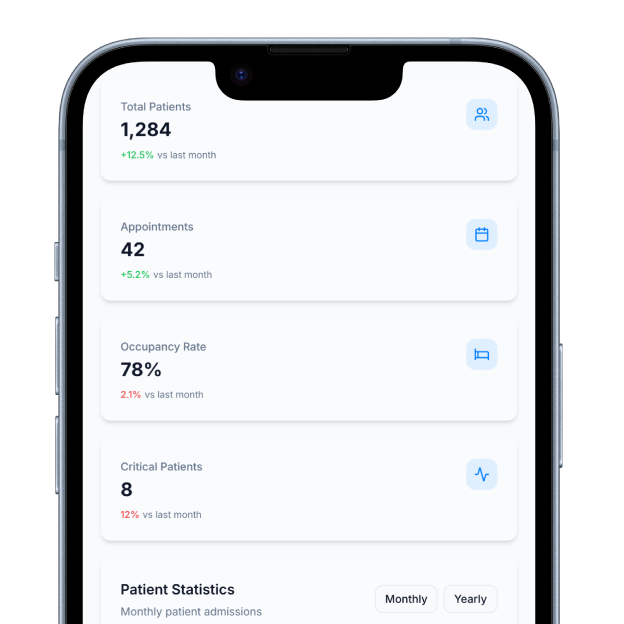
Build Templates and Forms
Use AI-assisted building and visual development to create intake forms, document templates, data fields, and application screens.
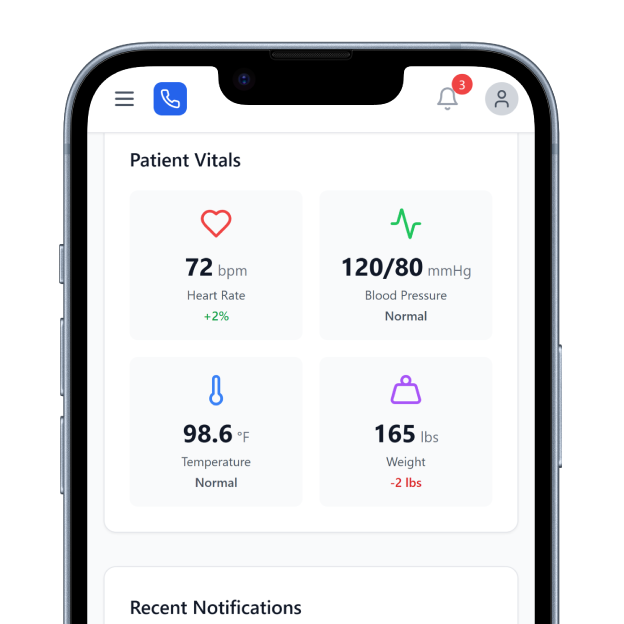
Configure Automation Rules
Map collected information to document fields, define conditional clauses, and establish review steps for different document types.
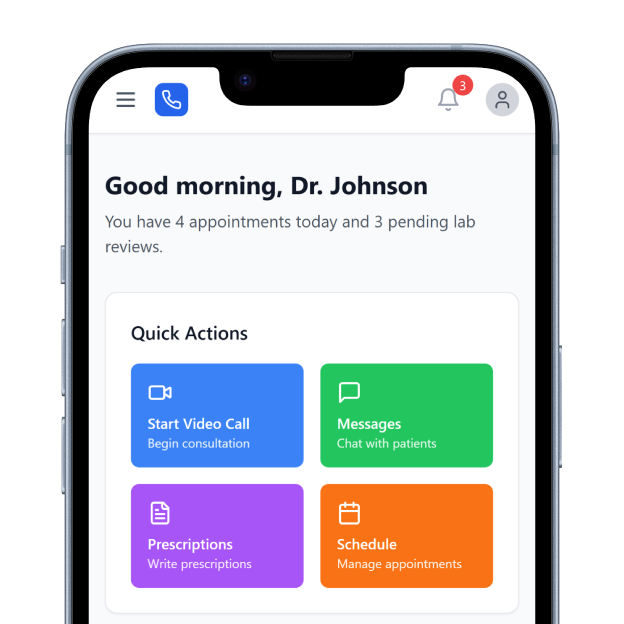
Test and Launch
Test generated documents against sample inputs, verify conditional rules and permissions, then prepare the application for deployment.
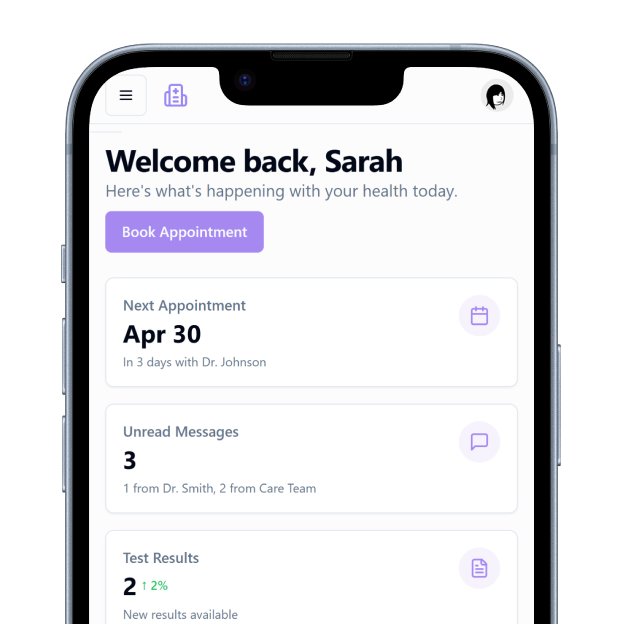
Make Room for Different Legal Requirements
Not every contract or agreement follows the same structure. Document requirements may change based on the parties involved, the nature of a transaction, selected terms, or the jurisdiction relevant to the matter. Build configurable workflows that account for these variations through conditional fields, different template versions, and defined review requirements. Your team can refine the application as document standards change, without having to treat every new requirement as an entirely separate software project.
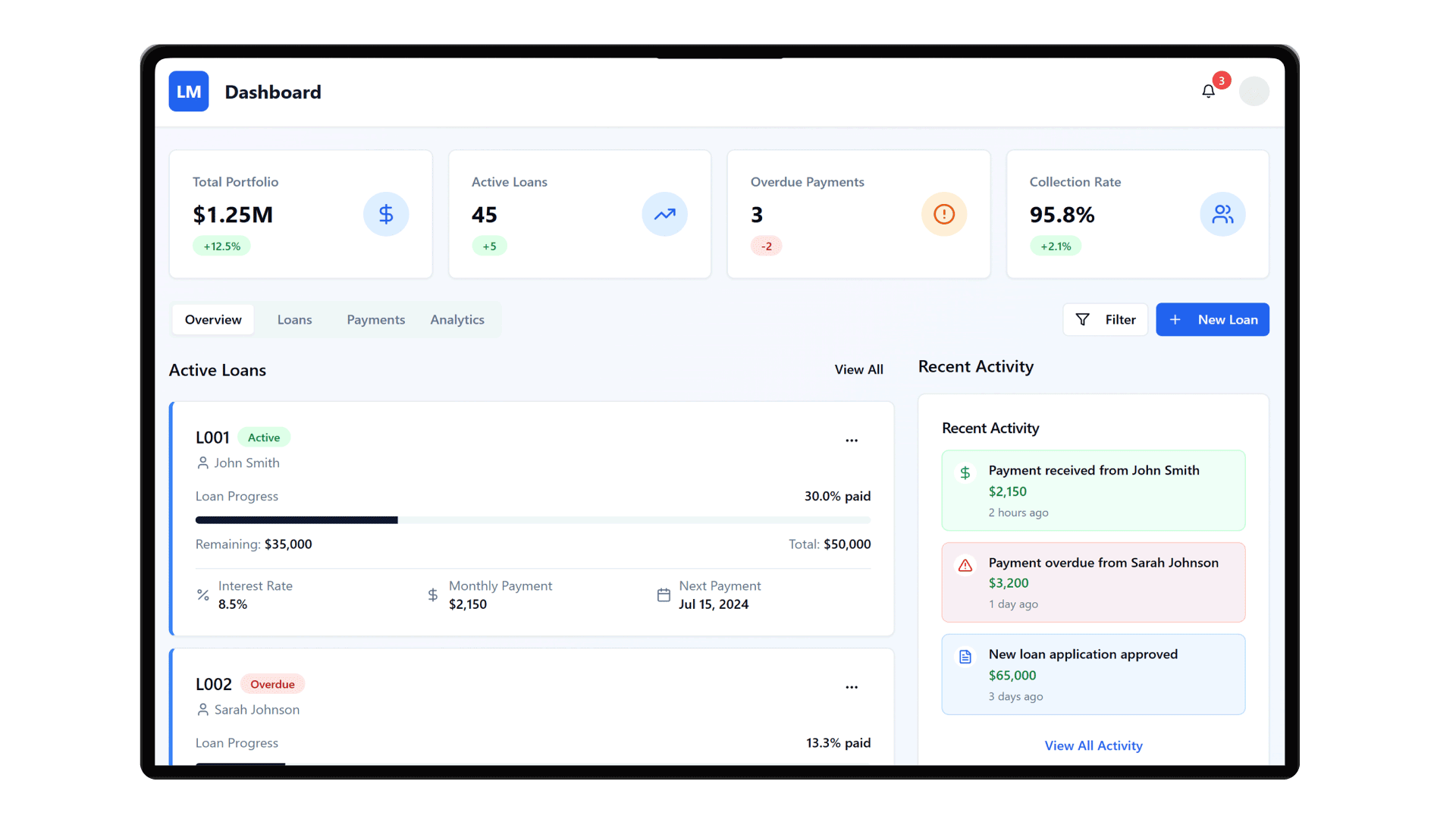
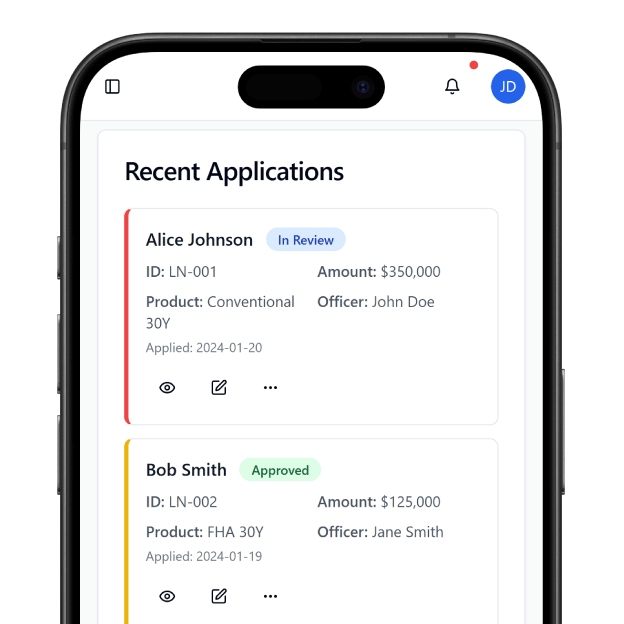
Keep Information Moving Between Systems
Document creation often depends on information already held in client databases, CRM systems, matter management applications, or other business tools. Re-entering that information manually can create unnecessary work and introduce inconsistencies. DrapCode supports integrations through available connectors and APIs, depending on the systems involved. Build workflows that connect relevant data sources, document records, and downstream processes, while defining how information should move between systems and who can access it.
Frequently Asked Questions
1. What is legal document automation software?
2. Can I build custom legal document automation software with DrapCode?
3. What types of legal documents can I automate?
4. Can documents be generated using information submitted through forms?
5. Can I include approval workflows and protect confidential documents?
Build a Legal Document Workflow That Fits Your Needs
Create custom document automation software for your contracts, agreements, and legal forms. Use DrapCode's AI-powered building and visual development capabilities to shape workflows around your team's requirements.