Custom business application building
QuickBooks for Custom Business Apps
Connect your DrapCode application with QuickBooks Online to bring customer records, invoices, payments, and accounting data into your business workflows.
Keep Business and Accounts Connected
Businesses often manage customer activity, orders, service delivery, and financial records across separate applications. This separation makes it harder for teams to follow transactions from the moment a customer requests an order to the point an invoice is settled. Integrating QuickBooks Online with a DrapCode application helps bring these activities closer together. Teams can build interfaces around their business processes while using QuickBooks as the accounting system for financial records.
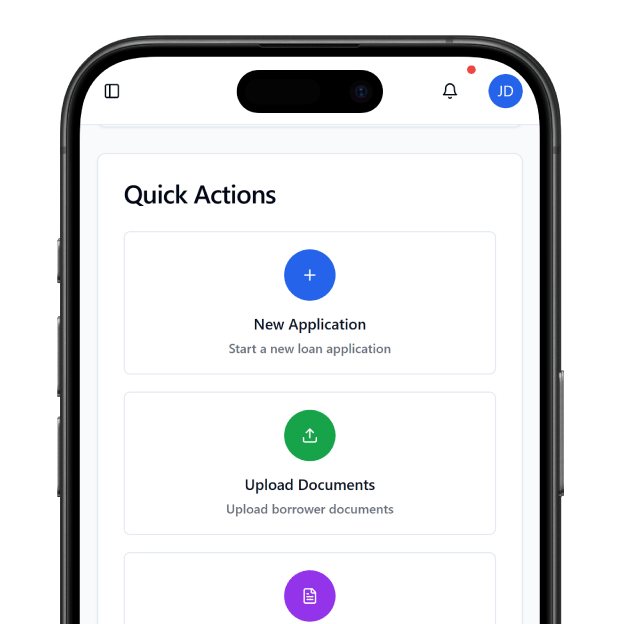
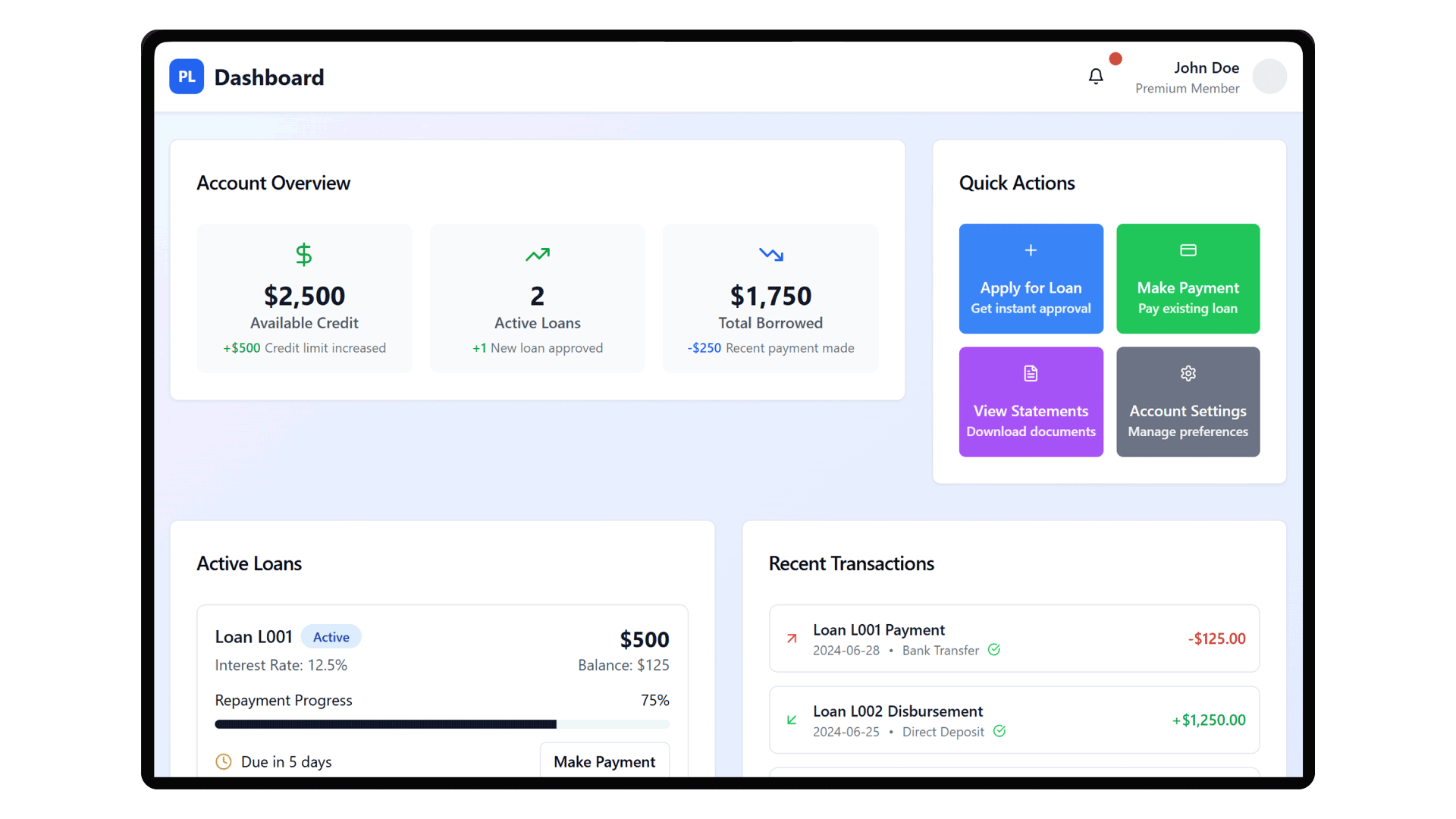
Give Financial Data a Clearer Role
QuickBooks Online provides accounting records for customers, vendors, products, services, invoices, bills, payments, and accounts. Its Accounting API lets connected applications work with these records rather than maintaining separate copies of every financial transaction. This creates opportunities to build customer portals, internal finance tools, order management systems, and business dashboards around existing accounting information. The application can present the information each user needs without requiring everyone to work directly inside QuickBooks.
QuickBooks Integration Capabilities
Use QuickBooks Online data to support practical accounting workflows and keep important business records accessible from your application.

Customer Records
Retrieve and manage customer information in connected applications, keeping account details available across business workflows.

Invoice Management
Create, retrieve, update, and send invoices through supported QuickBooks Online Accounting API operations.

Payment Records
Access payment information and associate customer payments with relevant invoices and credit memos.

Vendor and Bill Data
Process full or partial refunds for captured payments through supported payment operations, making refund handling easier and more efficient.

Product and Service Items
Retrieve item records to align application catalogs with products and services maintained in QuickBooks.

Financial Reporting
Use supported reports, including profit and loss, general ledger, and cash flow, within business dashboards.
Applications You Can Build

Customer Billing Portals
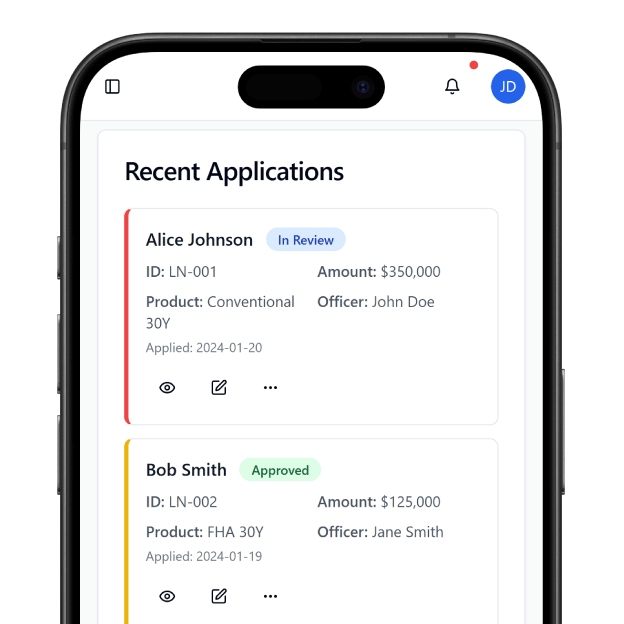
Let customers view relevant invoices, follow billing activity, and access account information through a branded application.

Finance Operations Dashboards
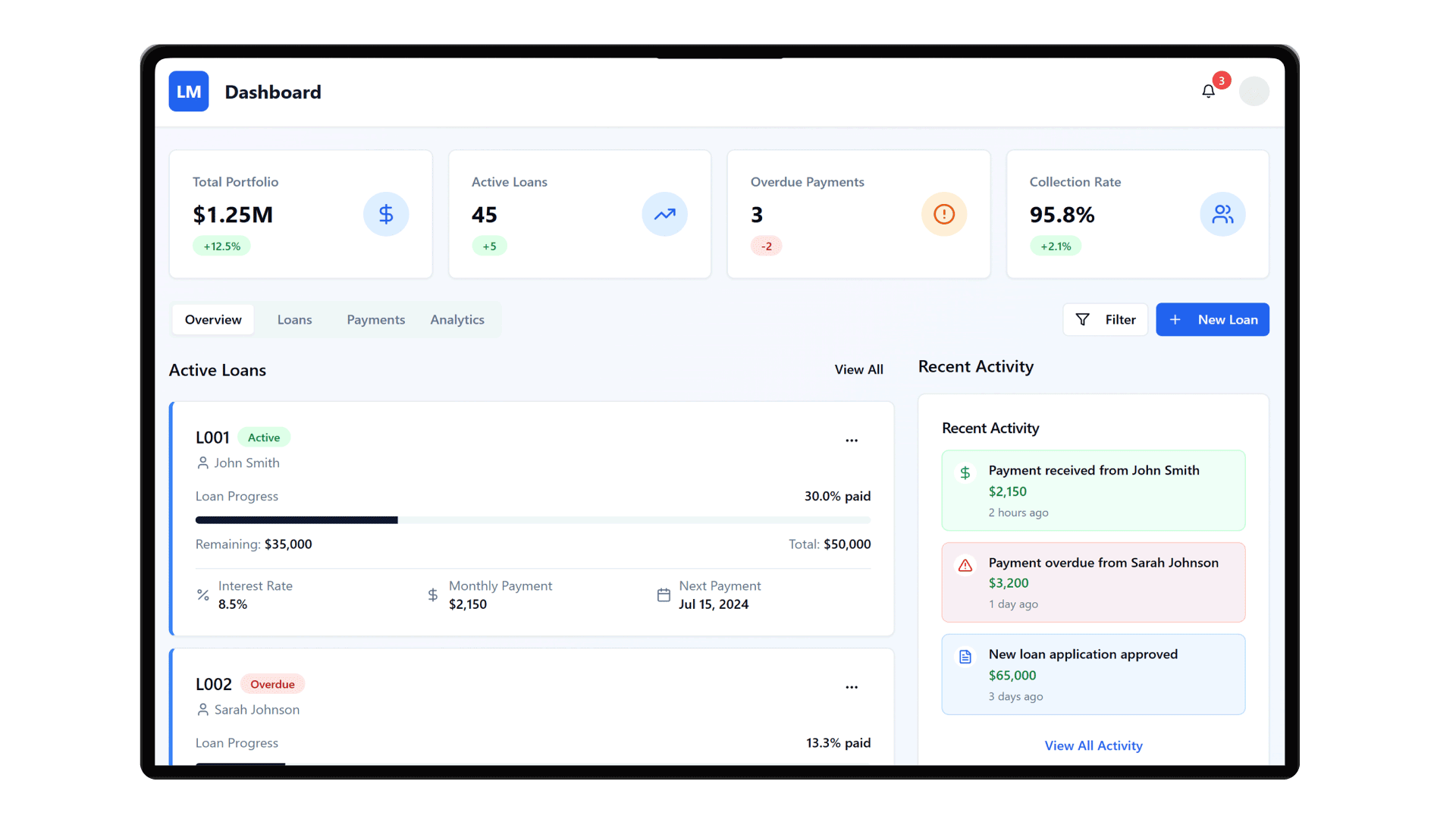
Give finance teams a consolidated workspace for reviewing invoices, payments, customer records, and accounting activity.

Order-to-Invoice Workflows
Connect order submission and internal approvals with invoice creation, helping teams reduce duplicate financial data entry.
Shape the Application Around Your Workflow
DrapCode gives teams the flexibility to build application interfaces around the way they manage customers, orders, and financial operations.

Role-Based Finance Screens
Create separate workspaces for finance teams, account managers, administrators, and customers with appropriate access.

Custom Billing Interfaces
Design invoice views and payment-status screens that match your business process and customer experience.
Connected Business Records
Bring QuickBooks information into application workflows alongside your own operational data and records.
Workflow-Based Actions
Configure application logic to trigger relevant steps when users submit forms or update business information.
Multi-Environment Testing
Maintain separate development, testing, and production environments to validate changes before releasing them.

Flexible Deployment Options
Choose suitable hosting arrangements and retain the option to export your application's source code.
Make Accounting Part of Daily Operations
A QuickBooks connection becomes more useful when financial information is available where business decisions happen. For example, a service team can review customer billing details from its own workspace instead of switching between several systems. DrapCode lets you decide how that information appears and which application processes use it. You can build around specific teams, customer journeys, and operational requirements without forcing every user into the same accounting interface.
Connect Through the QuickBooks API
QuickBooks Online uses OAuth 2.0 to let users authorize an application to access their company data. The authorization process provides access tokens, while the company's realm ID identifies the connected QuickBooks company. Your integration setup needs the appropriate Intuit developer credentials, authorization scopes, and API configuration. QuickBooks also provides sandbox companies for testing before connecting to production accounts. Available records and operations depend on the API permissions and features enabled for the connected company.
Frequently Asked Questions
What can I connect between DrapCode and QuickBooks?
Can my DrapCode application create invoices in QuickBooks?
Does the integration support payment tracking?
Is QuickBooks Online authorization required?
Can I test the integration before going live?
Build Around Your Business Numbers
Bring accounting information into the applications your teams and customers use every day. Build custom workflows with DrapCode and connect them to QuickBooks Online.