AI-assisted healthcare app building
Infor FHIR for Healthcare Apps
Connect Infor FHIR with your DrapCode application to bring clinical data from connected healthcare systems into modern applications. Build patient portals, clinical interfaces, and interoperable healthcare workflows using AI-assisted development and visual tools.

Connect Healthcare Systems
Healthcare organizations often work with multiple systems that store clinical information in different formats. Connecting these systems can be difficult when older applications use HL7 v2, proprietary interfaces, or other data standards. Infor's Cloverleaf FHIR solutions help bridge these systems with FHIR-enabled applications. With DrapCode, you can build application interfaces around the clinical data made available through your configured Infor environment.
Bridge Legacy Data
Infor provides FHIR Server and FHIR Bridge capabilities through its Cloverleaf interoperability platform. FHIR Bridge helps translate data from legacy healthcare systems into FHIR resources, while Infor FHIR Server provides centralized access to clinical information through FHIR APIs. DrapCode connects with the configured Infor FHIR endpoints through API integration. This allows you to retrieve and present available clinical information in custom applications, depending on your Infor deployment, supported FHIR version, and access permissions.
Infor FHIR Integration Capabilities
Bring clinical information from connected healthcare systems into your application workflows.

FHIR API Connectivity
Connect DrapCode applications with configured Infor FHIR endpoints to access available clinical resources.

Legacy Data Transformation
Work with FHIR-formatted information converted from supported legacy healthcare data sources for easier data exchange and management.

Patient Data Access
Retrieve available patient information from connected clinical systems through configured FHIR operations.

Clinical Resource Exchange
Access supported observations, encounters, conditions, and other resources through FHIR-based APIs.
Centralized Data Access
Present clinical information from Infor's centralized FHIR data environment for easier access and review.
Interoperability Workflows
Connect modern healthcare applications with clinical systems using standardized FHIR data structures.
Where Infor FHIR Fits

Patient Portals
Display patient information retrieved from connected clinical systems through customized healthcare application interfaces.
Electronic Health Records
Build clinical interfaces around FHIR resources made available through Infor interoperability infrastructure.

Healthcare Data Platforms
Bring information from connected clinical systems into applications used for data access and operational workflows.
Build More With DrapCode
Use DrapCode's AI App Builder, vibe coding, and visual development capabilities to create applications around Infor FHIR.

AI-Assisted Development
Describe application requirements and use AI to generate and refine supported healthcare functionality.

Visual Interface Design
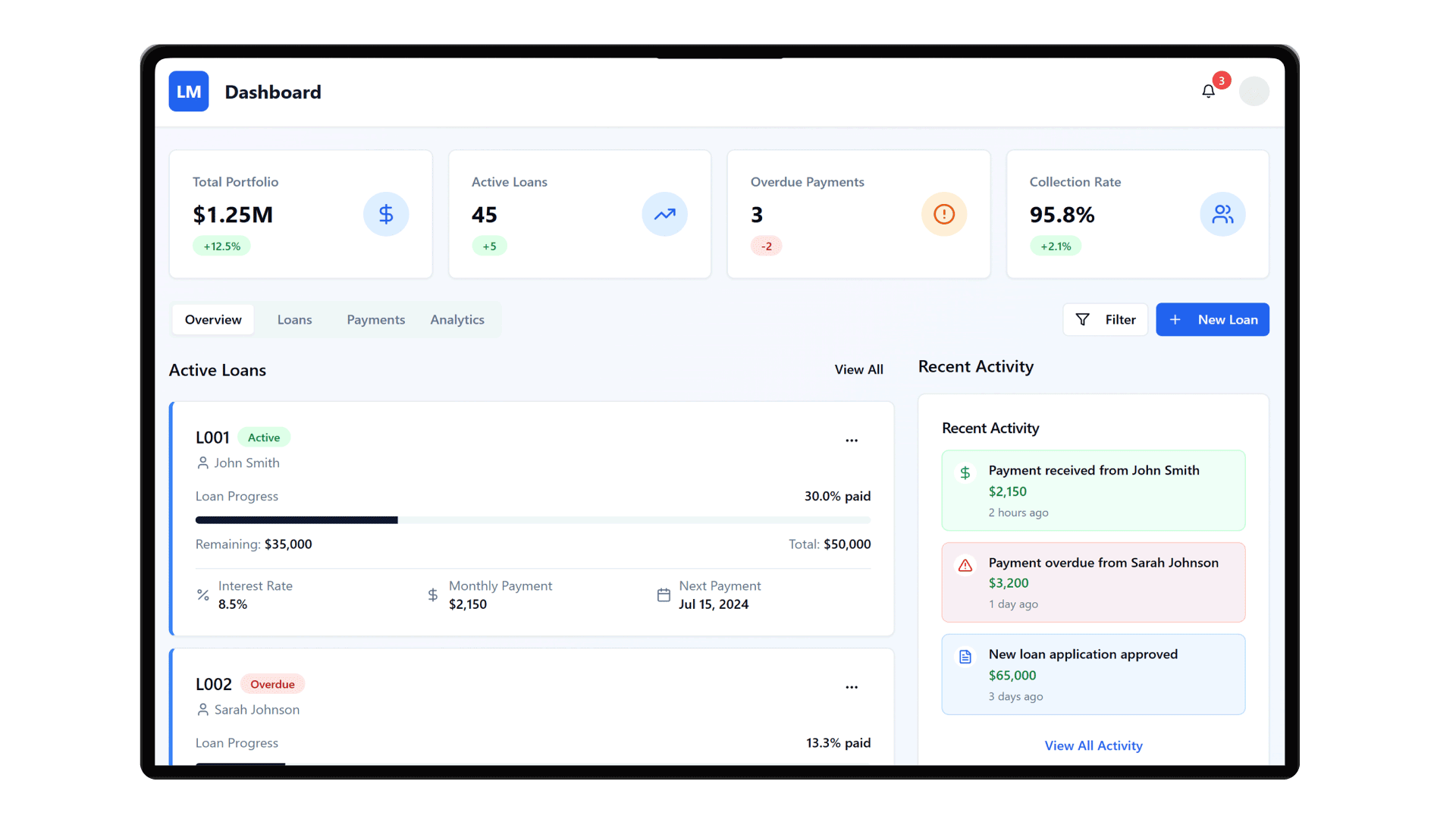
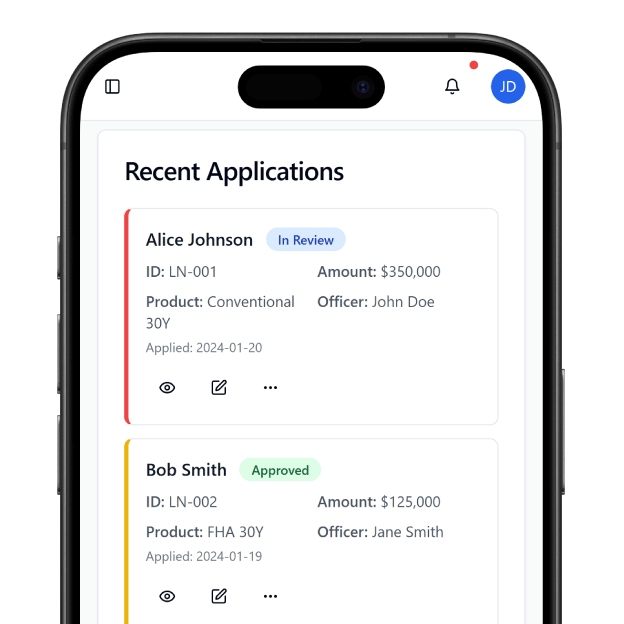
Create patient dashboards, clinical forms, and record views through a visual editing experience.
Custom Data Workflows
Configure application logic for retrieving, organizing, and presenting connected healthcare information.
API Integrations
Connect Infor FHIR with other healthcare systems and external services through supported API configurations.

Role-Based Access
Define permissions for patients, clinicians, administrators, and other application users.

Code Export and Hosting
Export application source code and select deployment options suited to your technical requirements.
Configure Infor FHIR Access
Start by identifying the Infor product used in your healthcare environment, such as Infor FHIR Server or FHIR Bridge. Confirm the available FHIR endpoint, supported resource types, FHIR version, and authentication requirements. Connect the configured endpoint to DrapCode and set up the required API operations. Map the returned FHIR resource fields to your application screens, then test data retrieval and updates using your development environment.
Build Around Clinical Data
Once connected, create interfaces that present clinical information in a format suited to patients, clinicians, and administrative teams. Configure workflows to retrieve available patient records and display relevant information from connected systems. You can also combine Infor FHIR with other healthcare integrations to extend your application's data connectivity. The information available depends on the source systems, configured transformations, FHIR implementation, and permissions provided by your Infor environment.
Frequently Asked Questions
What is Infor FHIR integration?
What is the difference between Infor FHIR Server and FHIR Bridge?
Can Infor FHIR connect legacy healthcare systems with modern applications?
Can I build a patient portal using DrapCode and Infor FHIR?
What do I need to connect Infor FHIR with DrapCode?
Build Connected Healthcare Applications
Bring clinical information from connected healthcare systems into customized applications. Connect Infor FHIR with DrapCode and build patient portals, clinical interfaces, and healthcare workflows visually.