Build Patient Portal on Carepatron EHR with DrapCode
DrapCode builds custom patient portals around Carepatron EHR, giving practices a tailored patient experience designed around their services, workflows, and supported Carepatron connections.
Trusted by Healthcare Innovators
1,000+ organizations trust DrapCode to help healthcare teams launch secure & HIPAA-compliant applications.






Beyond the Client Portal
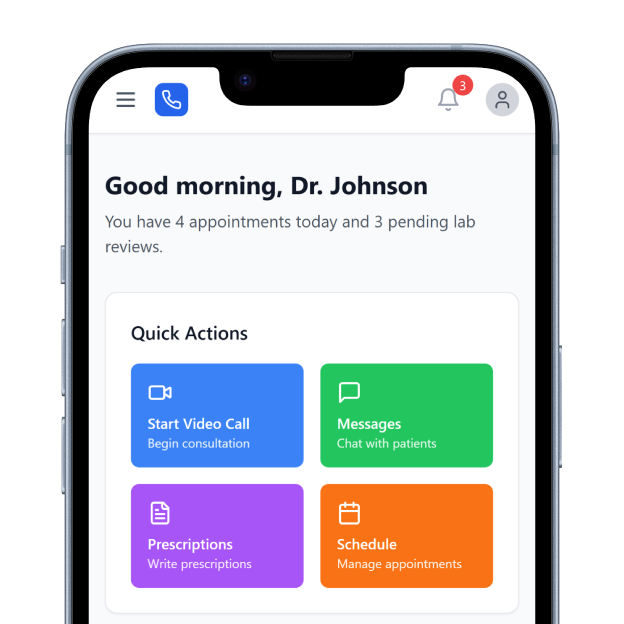
Carepatron combines EHR and practice management functions, including scheduling, client records, clinical documentation, telehealth, messaging, treatment planning, invoicing, payments, and insurance workflows. Carepatron also has its own client portal, so a custom build should solve a specific need rather than duplicate it. DrapCode can focus the front end on workflows, programs, or patient journeys unique to your organization.
Define the Experience
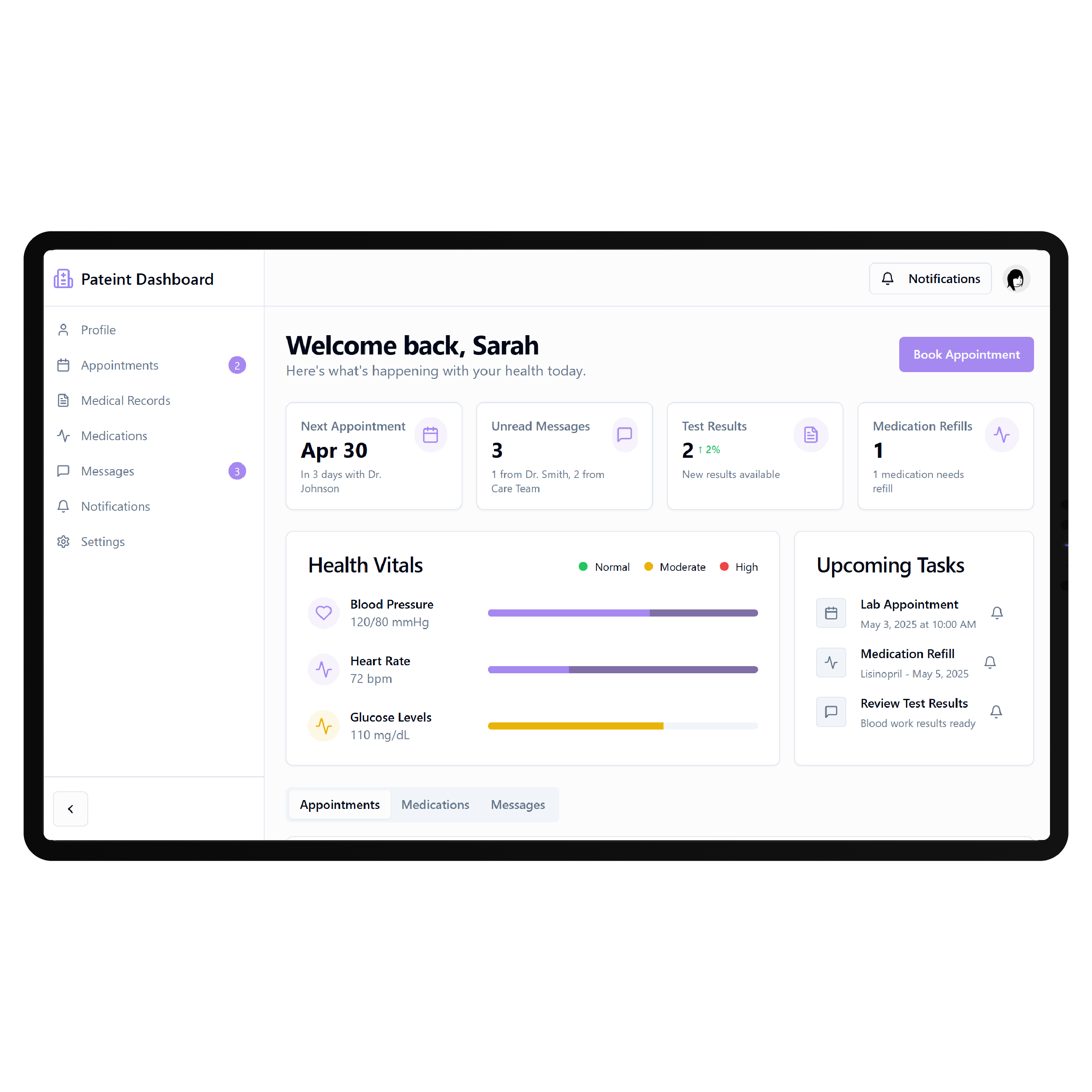
Carepatron’s existing client portal lets clients book appointments, access shared documents and forms, upload files, manage payment methods, and review their history with a practitioner. A custom portal can provide a different structure around your services, onboarding, navigation, or multi-step patient journeys. Any Carepatron-dependent functionality should be scoped against the API capabilities actually available for your account.
Key Features Provided by Carepatron EHR
Carepatron gives practices the booking, forms, telehealth, messaging, and billing foundation your patient portal builds on.

Client Portal
Lets clients manage appointments, shared documents, forms, uploads, account settings, and payment information securely.

Online Booking
Allows clients to choose available services and appointment times through practice-controlled online booking workflows.

Digital Forms
Supports customizable intake forms and templates that can automatically follow appointment booking workflows.

Secure Messaging
Keeps client communication, automated reminders, intake requests, and follow-ups within connected practice workflows.

Built-In Telehealth
Provides integrated video appointments alongside client charts, previous notes, and other session information.

Online Payments
Lets clients pay invoices through payment links or their portal using supported payment methods.
Patient Journeys

Independent Practices
Create a branded patient journey around booking, onboarding, appointments, resources, and ongoing practice communication.

Allied Health Teams
Organize patient access around recurring therapy, treatment plans, forms, resources, and multidisciplinary care services.

Virtual Care Providers
Give remote patients a clearer digital route from initial registration through appointments and follow-up care.
Key Features DrapCode Can Build in the Patient-Facing Front End
Create the patient experience around your services while Carepatron remains the system of record.

Branded Home
Create a tailored dashboard comparable to a Nextech EHR patient portal, organized around your services.

Guided Onboarding
Walk new patients through service selection, registration, intake requirements, and organization-specific onboarding steps.

Program Spaces
Create dedicated patient areas for specific services, treatment programs, memberships, or recurring care journeys.

Resource Library
Organize approved guides, instructions, documents, and educational materials around each patient’s relevant services.

Mobile Journeys
Design responsive patient workflows that remain straightforward across smartphones, tablets, laptops, and desktop screens.
Custom Navigation
Arrange services and patient actions around real care journeys instead of reproducing internal EHR screens.
Scope the API
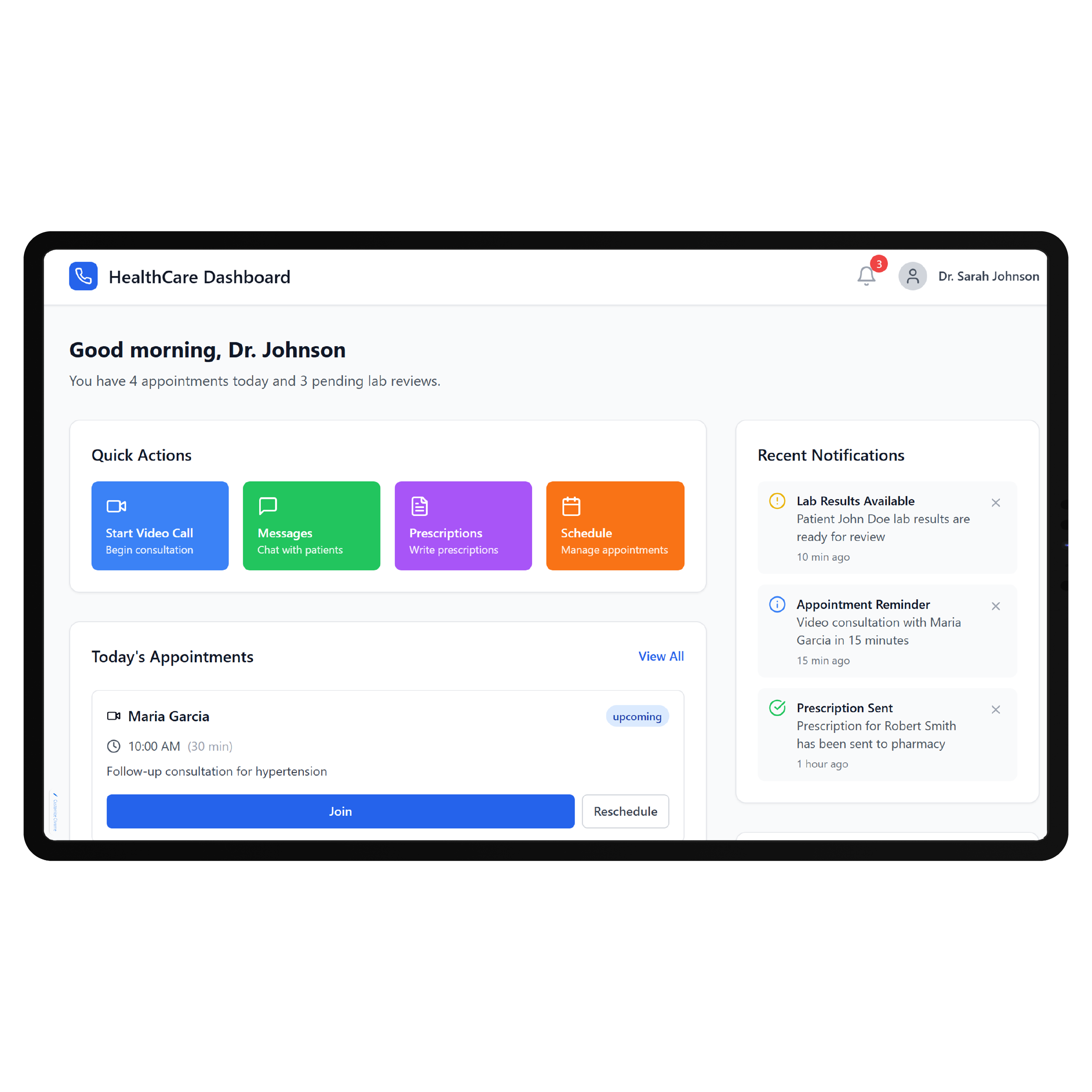
Carepatron now offers a public REST API, but its current rollout matters when planning a custom portal. Carepatron states that phase one provides programmatic contact export, with additional endpoints planned for later releases. DrapCode can therefore approach integration planning as carefully as it would for a NextGen EHR patient portal, verifying the endpoints available at implementation time before making Carepatron data part of the front-end experience.
Avoid Duplicate Work
Because Carepatron already handles booking, forms, telehealth, messaging, documentation, and billing, a useful custom portal should not simply recreate functions patients already have. DrapCode can instead focus on experiences your practice needs around those workflows, following the same EHR-specific approach used for a Pabau EHR patient portal . Any direct synchronization remains dependent on Carepatron’s supported API access.
Frequently Asked Questions
Does Carepatron already have a patient portal?
Why build a custom portal when Carepatron already has one?
Does Carepatron provide an API?
What can DrapCode build for a practice using Carepatron?
What determines Carepatron integration feasibility?
Build Around Your Carepatron Workflow
Tell DrapCode where the standard Carepatron experience stops meeting your needs, and we’ll map a custom patient-facing portal around the gap.