Custom social application building
X (Twitter) Integration for Social Applications
Connect X, formerly Twitter, with DrapCode to build applications that bring social posts, account information, and public conversations into your product. Create social sign-in experiences, embed posts, display account feeds, and build interfaces around social engagement.
Bring Public Conversations Into Your App
Social content can add context to an application, whether you're displaying company updates, sharing published articles, or helping users follow conversations around a topic. Embedding posts and account timelines gives visitors access to relevant content without leaving your website. With X connected to DrapCode, you can build these experiences into your own application layout. Choose where social content appears, how it is presented, and how it supports the wider user journey.
Connect Accounts and Social Activity
X provides developer APIs for accessing public posts, searching conversations, publishing posts, and working with account information. It also offers tools for embedding timelines, posts, and sharing features into websites. The integration possibilities depend on the specific X API endpoints and permissions your application receives. For example, social sign-in, reading public posts, and publishing on behalf of an account involve different authorization requirements.
X Integration Capabilities
Bring relevant social features into your application through supported X tools and APIs.

Social Account Sign-In
Let visitors authenticate using their X accounts through an appropriately configured OAuth sign-in flow.

Embedded Posts
Display selected public X posts within application pages to provide context, updates, and relevant social proof for visitors.

Account Timelines
Add public account timelines to websites so visitors can follow updates without navigating away.

Post Publishing
Connect authorized account workflows to publish updates through the X API using the permissions granted.

Conversation Search
Retrieve eligible public posts matching keywords or topics to support social monitoring and content discovery.

Social Engagement Data
Work with available post and account metrics to build interfaces for reviewing social activity and performance.
Applications That Use Social Data

Community Platforms
Display public posts from selected accounts to keep members informed about announcements, discussions, and relevant industry conversations.

Content Publishing Portals
Let authorized teams prepare and publish social updates alongside articles, campaigns, and other website content.

Social Monitoring Dashboards
Bring searchable public posts and available engagement information into internal interfaces for tracking topics and brand conversations.
Shape the Experience with DrapCode
Build the application around the social interactions your users need, rather than fitting your product into a fixed interface.

Custom Social Login Screens
Design branded sign-in and account connection pages that guide users through the X authorization process.

Embedded Content Layouts
Position posts, timelines, and sharing elements alongside your own articles, product pages, and community content.
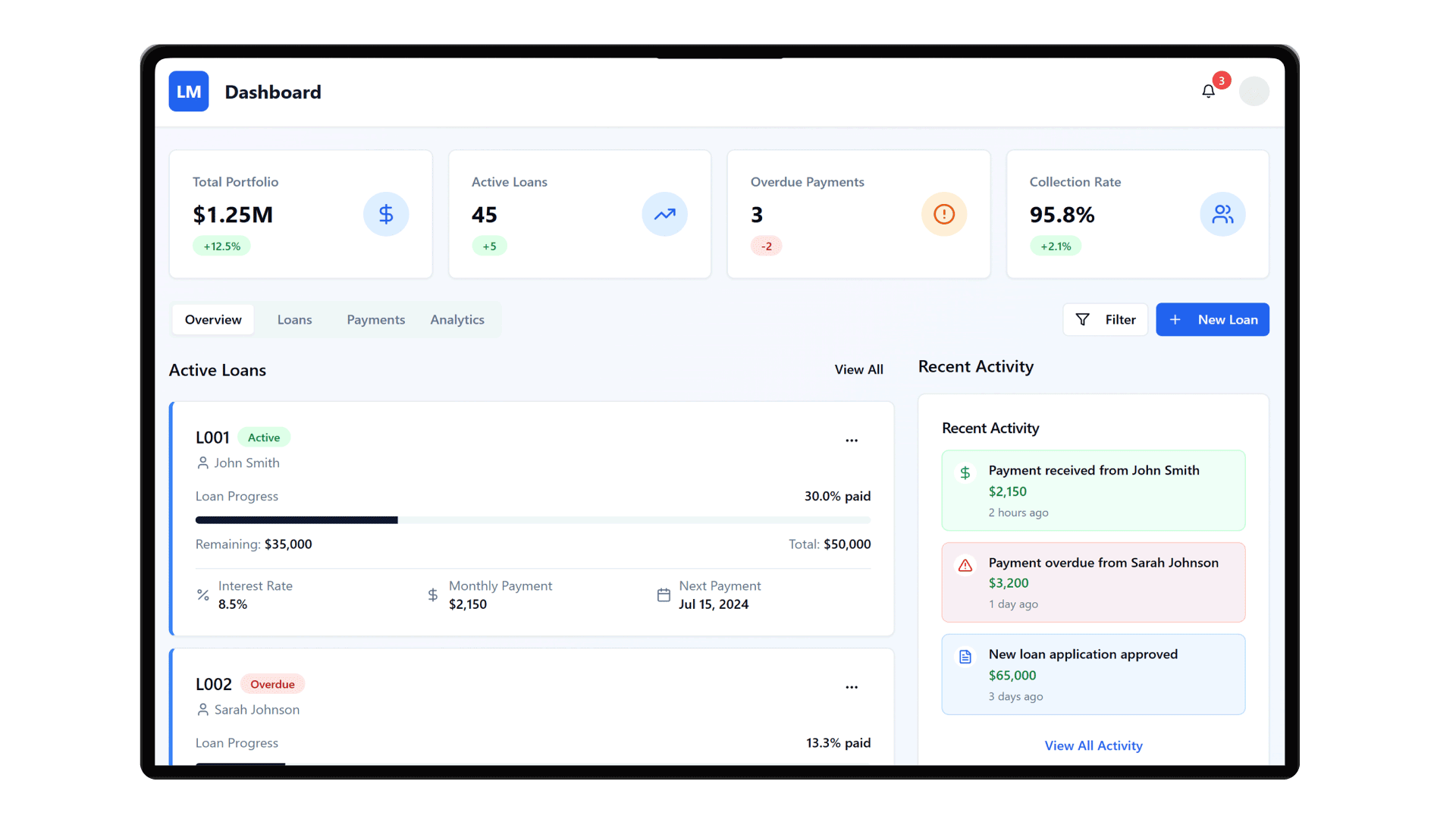
Social Activity Dashboards
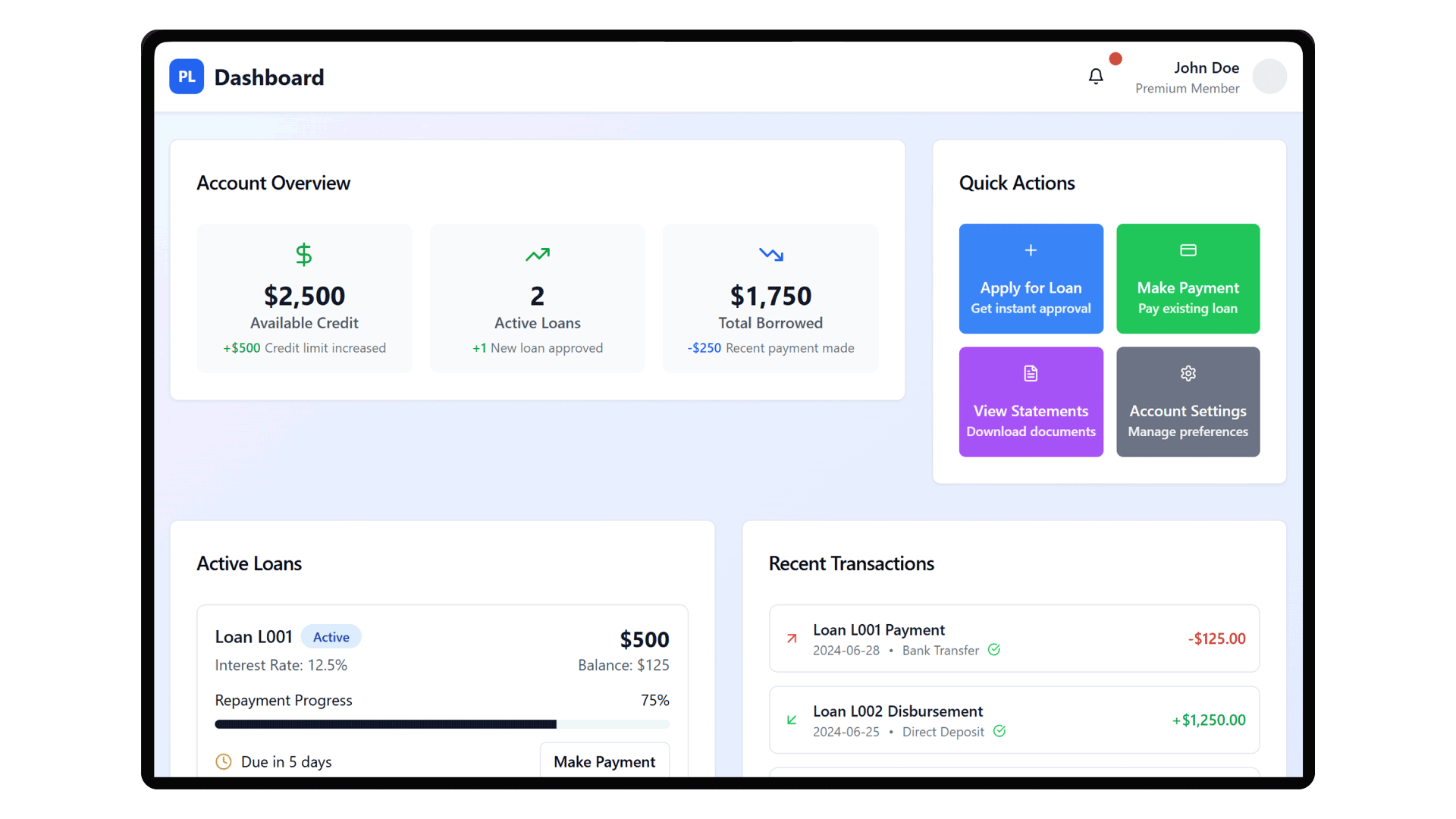
Create internal views for organizing retrieved posts, account information, and available engagement metrics.
Publishing Workflows
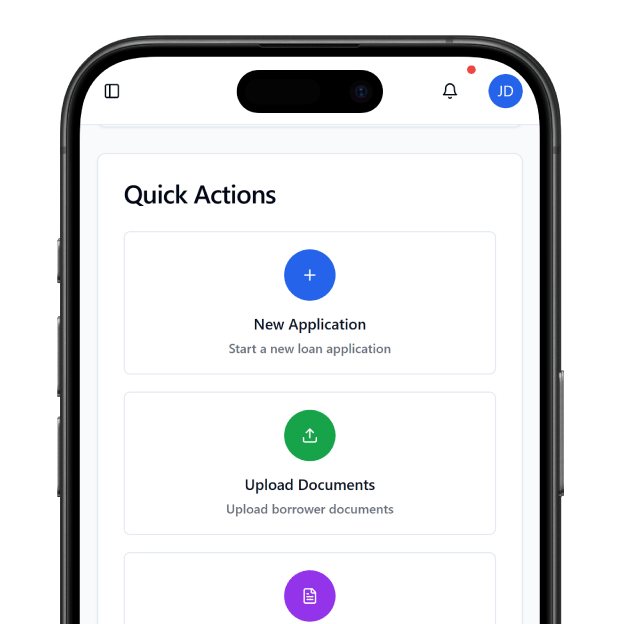
Build content submission screens with review steps and actions connected to authorized X publishing endpoints.
Connected Application Records
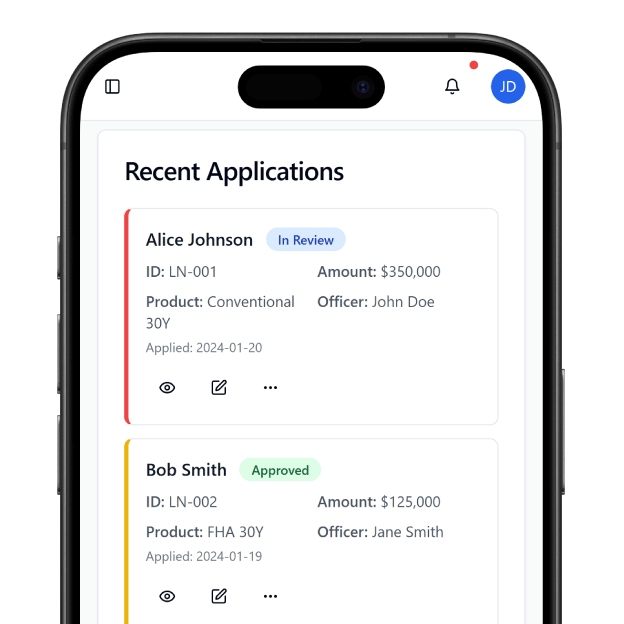
Store relevant post identifiers, publishing statuses, and account references alongside your application's business data.

Flexible Deployment Options
Configure testing and production environments, deploy your application, and retain access to exported source code.
Make Social Content Useful
A social feed becomes more valuable when it connects with the purpose of your application. A publishing portal can link posts to campaign records, while a community platform can organize relevant public conversations around specific topics. DrapCode gives you control over the surrounding experience, including user roles, content layouts, and workflows. You can decide which social features belong in the customer interface and which should remain available to internal teams.
Configure Your X Connection
Start by creating a developer project and application in the X Developer Portal. Configure the required authentication method, callback URL, and permissions for the features you plan to use. X uses OAuth-based authorization, and access to protected account information or actions requires the appropriate user consent. Connect the relevant API endpoints to DrapCode and map their responses to your application data. Keep credentials secure, request only the permissions your application needs, and test each workflow against the access level granted to your developer account. API availability, usage limits, and charges depend on X's current access plans.
Frequently Asked Questions
What can I build with the X integration in DrapCode?
Can users sign in to my application using their X accounts?
Can I publish posts to X from a DrapCode application?
Can I display X posts and timelines on my website?
Does X API access come free with DrapCode?
Build Your Social Application
Bring social sign-in, published content, and public conversations into applications designed around your business. Build the experience with DrapCode and connect the X features your users need.