AI-assisted app building
LinkedIn Integration for Authentication & Social Features
Add LinkedIn sign-in to your DrapCode applications and create professional user experiences around member profiles, social sharing, and connected workflows.
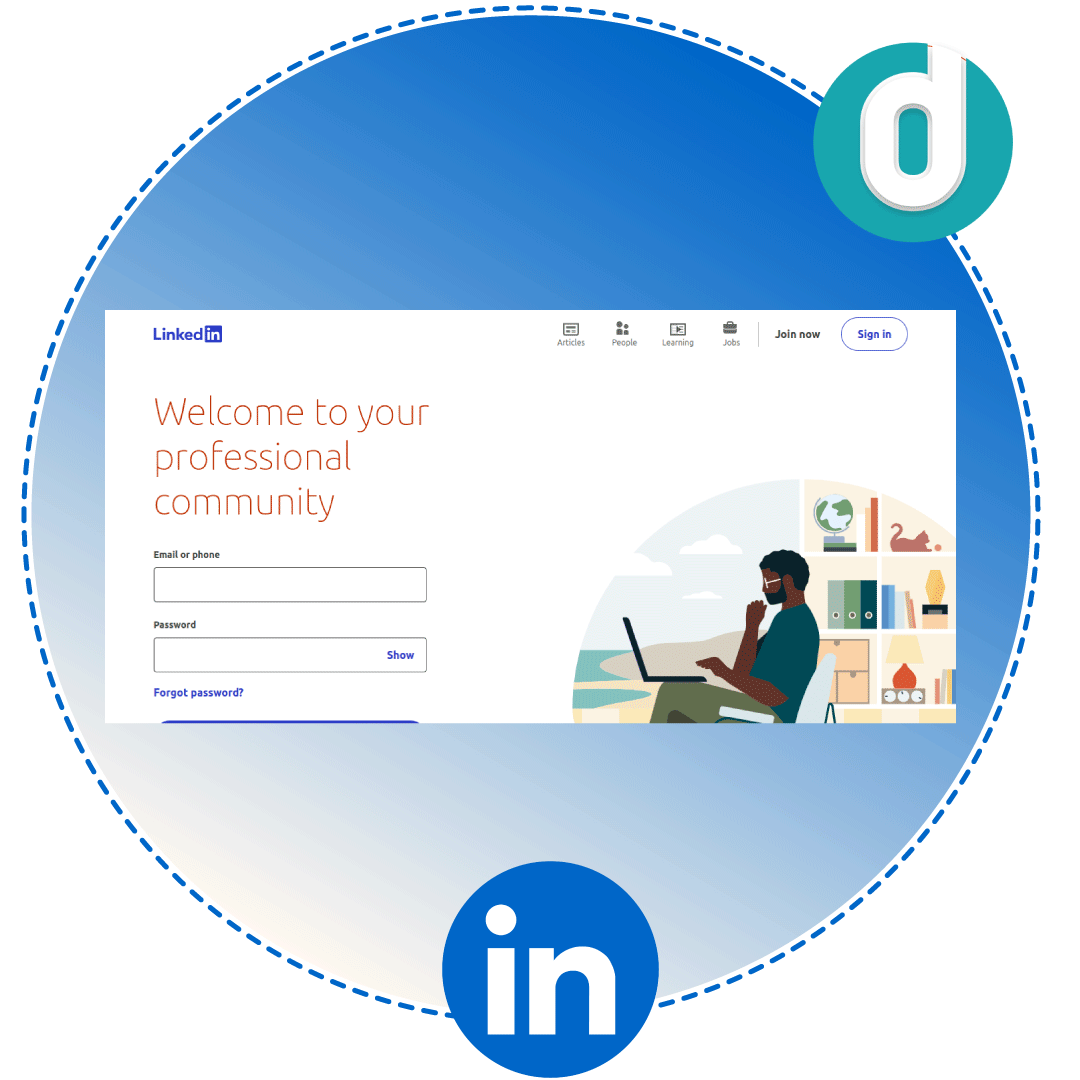
Give Users a Familiar Sign-In
Registration can become a barrier when users have to create another account just to access your application. LinkedIn sign-in gives professionals a familiar way to authenticate using an account they already have. DrapCode's LinkedIn integration helps you add this sign-in experience to your application. Users can access your platform through LinkedIn, while your application manages the next steps in registration and onboarding.
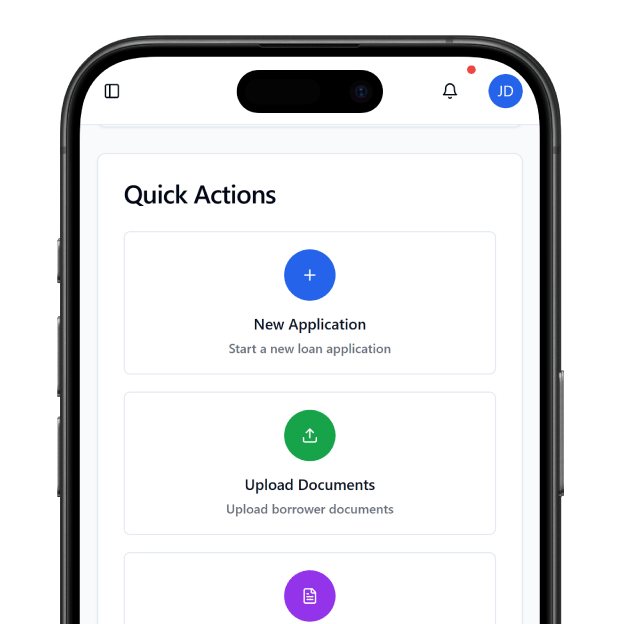
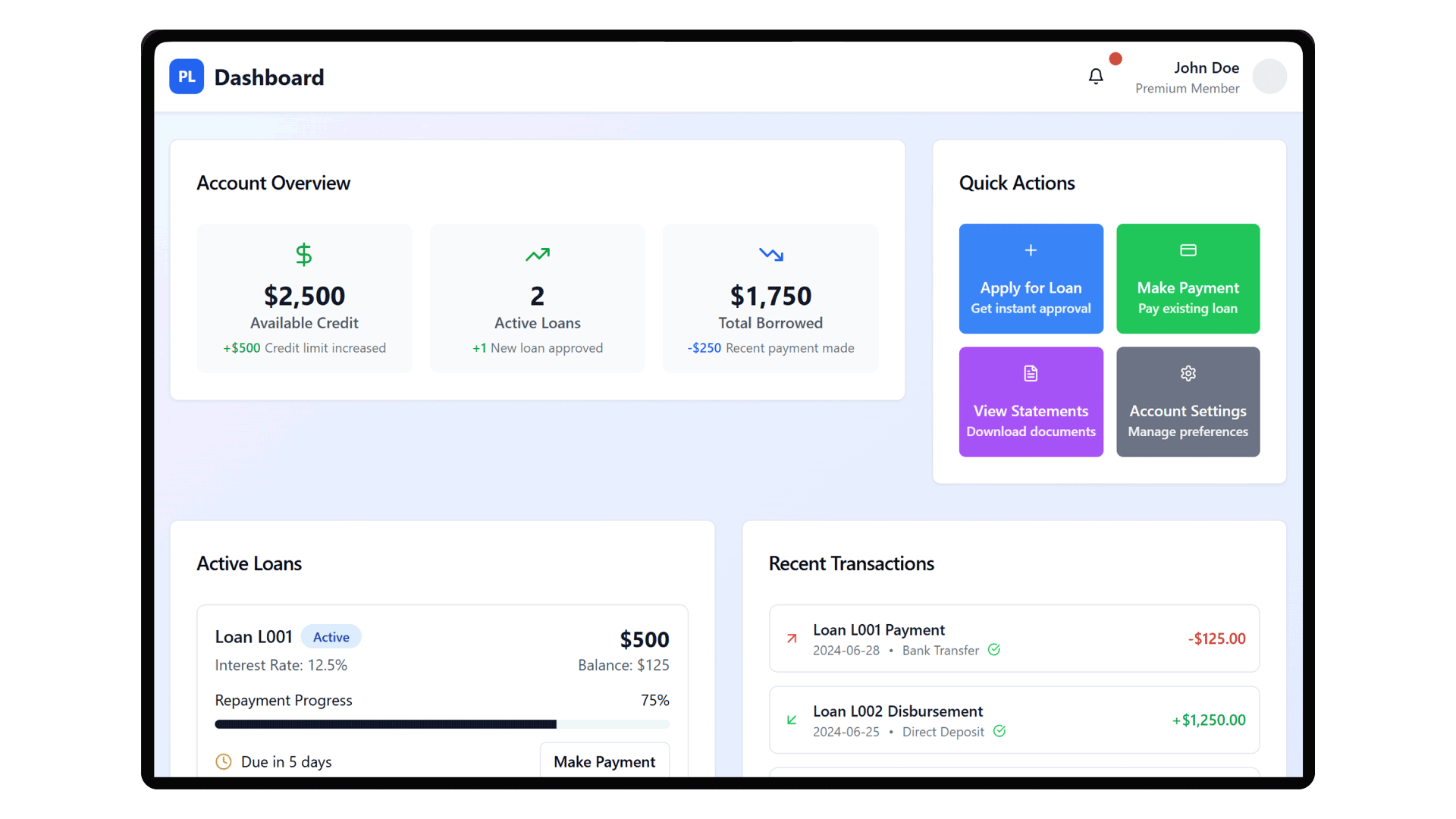
Put Professional Profiles to Work
LinkedIn can provide basic member information through its OpenID Connect sign-in flow, including a member's name, profile picture, and email when available and permitted. This creates useful opportunities for professional communities, recruitment platforms, and business applications. You can use the available profile details to personalize account experiences, while keeping additional profile information subject to LinkedIn's permissions and API access.
LinkedIn Integration Capabilities
Bring LinkedIn authentication and approved social features into your application through supported integration workflows.

LinkedIn Sign-In
Let members authenticate through LinkedIn using its OpenID Connect authorization and identity flow.

Basic Profile Details
Retrieve permitted member information and other available identity claims.

Email Access
Request the member's primary email address when the appropriate LinkedIn permission is granted.
Professional Profile Context
Personalize accounts and member directories using profile information.
Member Content Sharing
Allow authorized members to publish, comment, or like content through LinkedIn permissions.

Permission-Based Access
Request only the API scopes your application needs, subject to LinkedIn's access requirements.
Where LinkedIn Adds Value
Professional Communities
Simplify registration for industry networks where members want to connect through their professional identities.

Recruitment Platforms
Offer LinkedIn-based sign-in for candidates and recruiters accessing job portals and hiring applications.

B2B Applications
Make account onboarding easier for business users accessing partner portals, client platforms, and professional services.
Shape the Experience With DrapCode
Build the application around LinkedIn authentication, from the first sign-in screen to the workflows users access afterward.

AI-Assisted App Building
Describe your application requirements and refine supported functionality with AI-powered development assistance.
Visual Interface Design
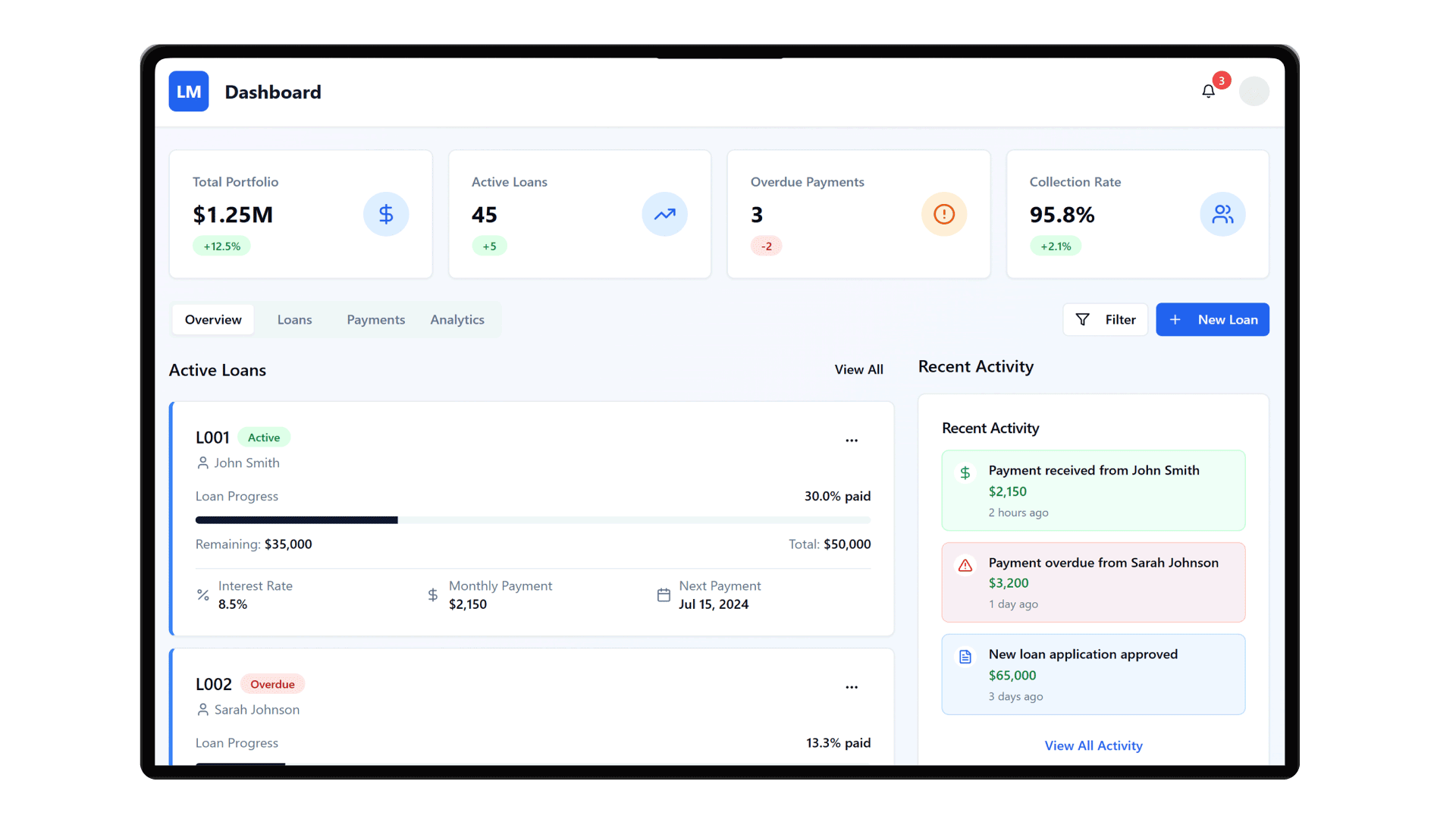
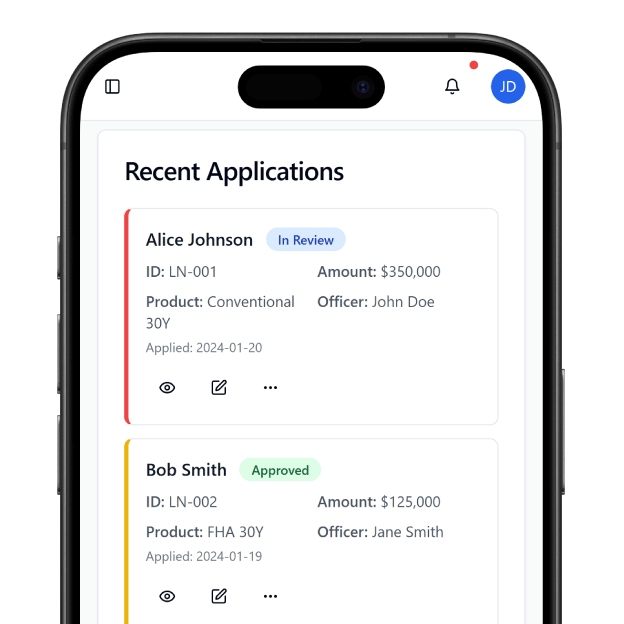
Create tailored registration pages, member dashboards, profile screens, and responsive application layouts.

User Workflow Setup
Configure account creation, role assignment, onboarding steps, and post-login navigation for different users.
External API Connections
Connect additional services to extend application functionality beyond the LinkedIn sign-in experience.

Flexible Application Structure
Build separate experiences for candidates, recruiters, business customers, administrators, and other user groups.

Source Code Ownership
Export your application code and retain flexibility over future development and deployment decisions.
Keep Sign-In Under Control
LinkedIn authentication uses OAuth 2.0 and OpenID Connect. Your application must be registered in the LinkedIn Developer Portal, configured with the required redirect URL, and granted the appropriate permissions. Sign-in with OpenID Connect provides basic authentication and profile claims; it does not verify a person's real-world identity. Access to advertising, organization, marketing, and other restricted APIs may require separate LinkedIn approval.
Build Beyond the Login Screen
LinkedIn sign-in is only the starting point. Use DrapCode to create the registration journey, user dashboards, account settings, and application workflows that make the experience useful after authentication. Whether you're building a recruitment portal, professional network, or B2B platform, bring the complete user experience together in one application.
Frequently Asked Questions
What does the LinkedIn integration do in DrapCode?
What information can I retrieve after LinkedIn sign-in?
Can users share content on LinkedIn through my application?
Does LinkedIn sign-in verify a user's identity?
Do I need LinkedIn Developer credentials?
Create a Better Professional Experience
Build applications with LinkedIn sign-in, personalized user journeys, and workflows designed around your business requirements.