AI-assisted app building
Build Customer Support Apps with Freshdesk
Connect Freshdesk with your DrapCode application to manage support tickets, customer records, and service requests. Build custom support portals and customer service workflows using AI-assisted development and visual tools.
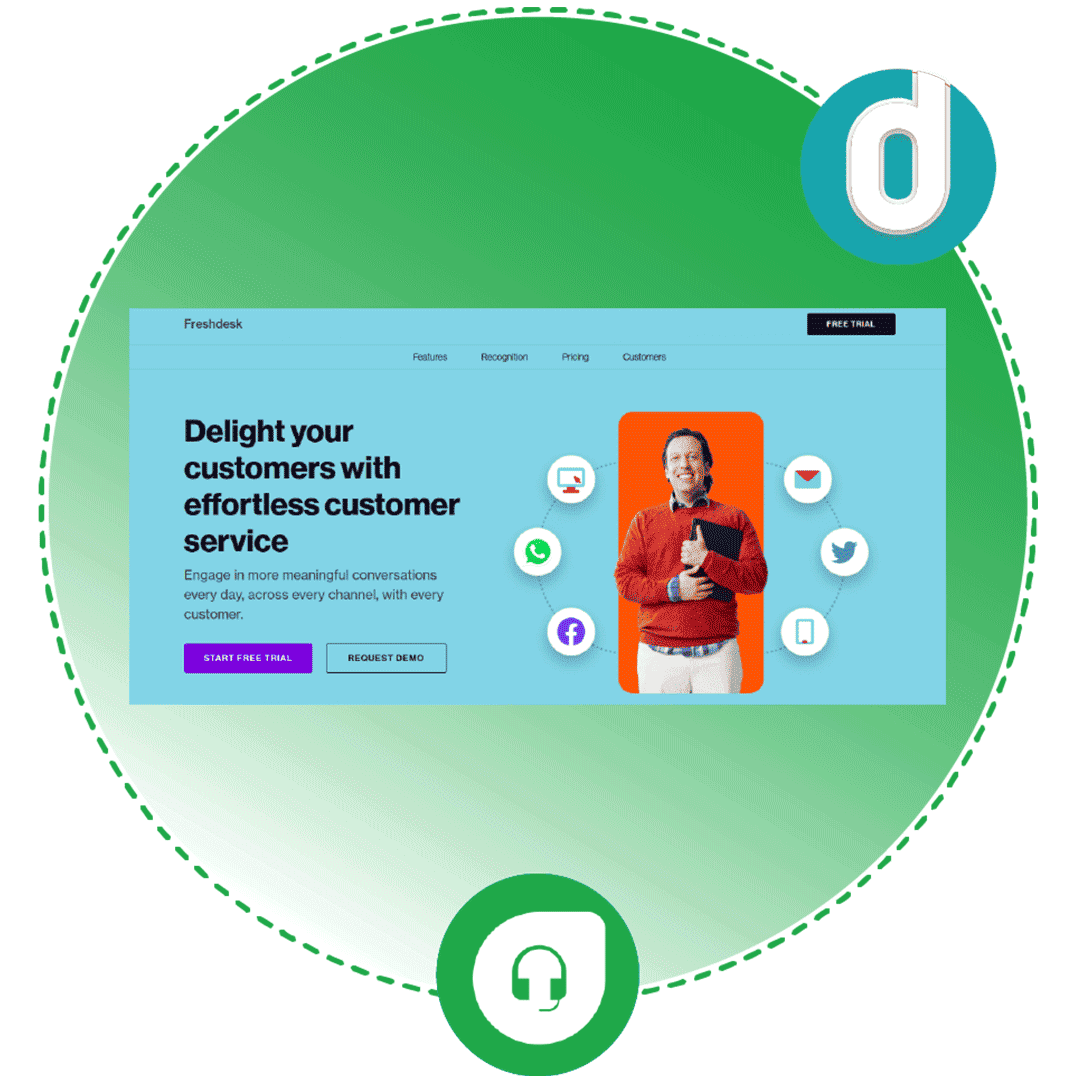
Manage Customer Support
Customer support teams need a clear way to receive requests, track issues, and respond to customers. Freshdesk provides a helpdesk platform where teams can organize incoming tickets, manage conversations, and maintain customer information. With DrapCode, you can connect Freshdesk to your application and build interfaces around its support data. This lets you create customer-facing portals or internal dashboards that fit your support process.
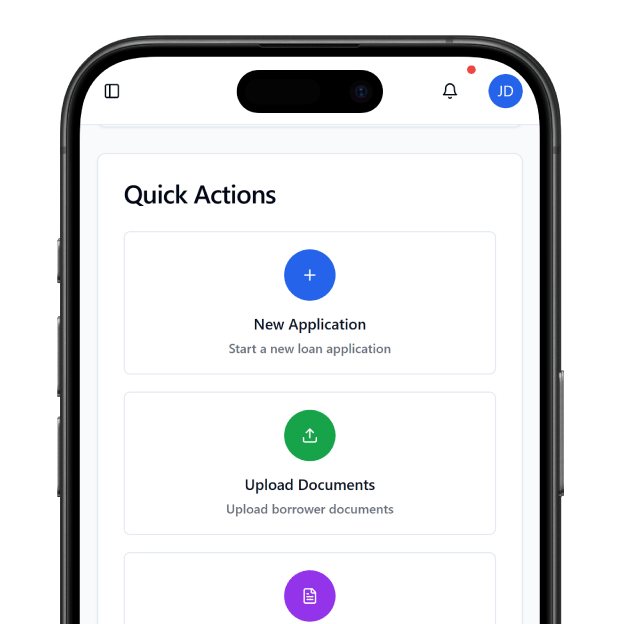
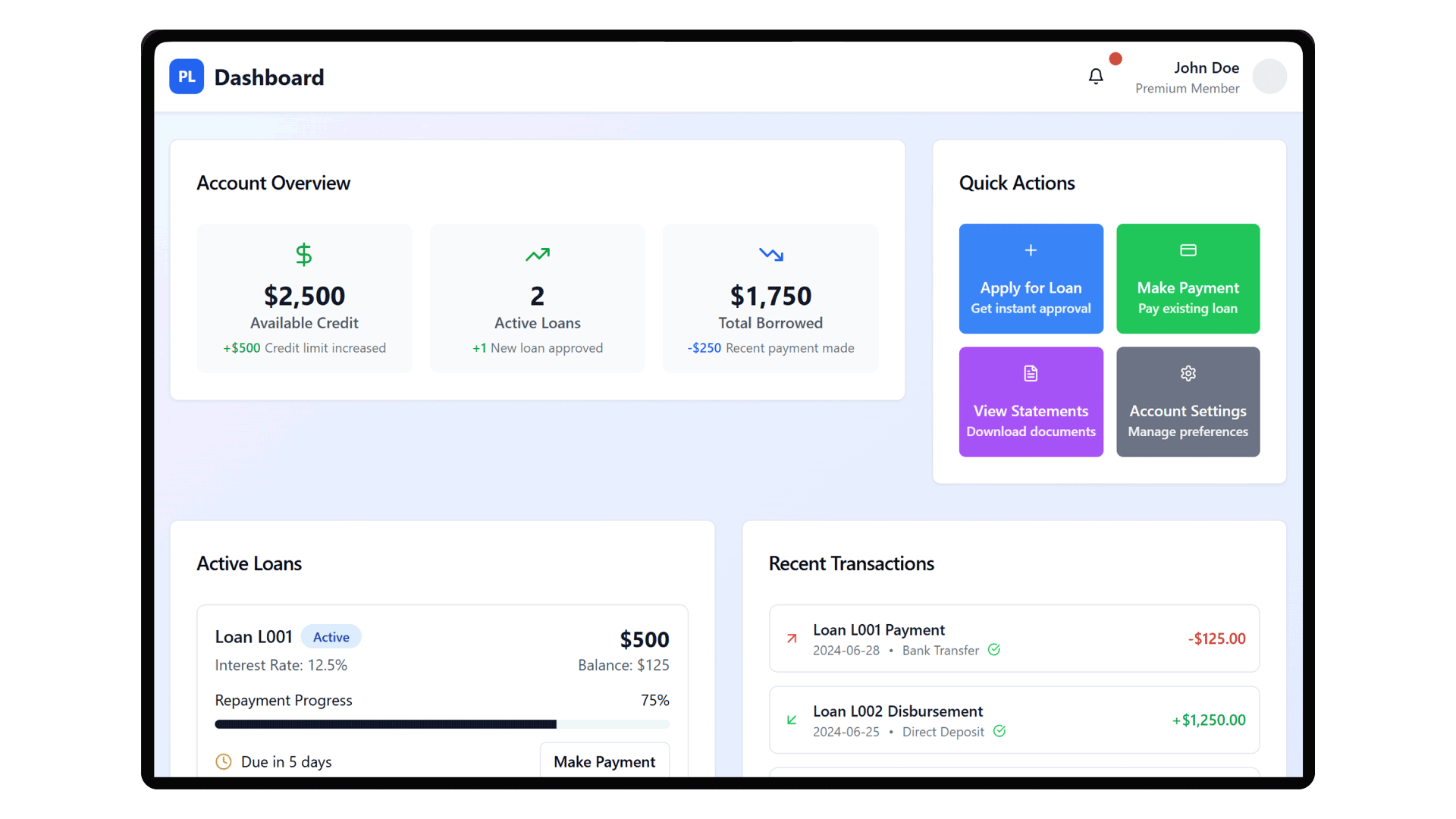
Connect Support Operations
Freshdesk provides REST APIs for working with tickets, contacts, agents, companies, groups, and conversations. These APIs support operations such as creating, retrieving, updating, and deleting supported records. Through DrapCode's API connections, you can bring these operations into your application workflows. The available actions depend on your Freshdesk account permissions, API access, and the endpoints you configure.
Freshdesk Integration Capabilities
Connect customer support data with the workflows your application needs.

Ticket Management
Create, retrieve, and update support tickets through configured Freshdesk API operations.

Contact Records
Access customer contact details and connect them with relevant application records.

Ticket Conversations
Retrieve replies and add public responses or private notes to supported tickets.

Agent Information
Access available agent details to support ticket assignment and internal support workflows.

Company Records
Connect Freshdesk company information with customer accounts and organizational records.
File Attachments
Include file attachments when creating or updating tickets and contacts through API requests.
Where Freshdesk Fits

Customer Support Portals
Let customers submit support requests and access relevant ticket information through a customized portal.

Service Management Applications
Give internal teams a structured interface for tracking issues, assigning tickets, and managing responses.

SaaS Customer Dashboards
Connect customer accounts with support records to provide a more consistent service experience.
Build More With DrapCode
Use DrapCode's AI App Builder, vibe coding, and visual development capabilities to create applications around Freshdesk.

AI-Assisted Development
Describe application requirements and use AI to generate and refine supported functionality.

Visual Interface Design
Build customer portals, support dashboards, forms, and reusable application components visually.

Custom Support Workflows
Configure ticket submission, status updates, notifications, and other support-related application processes.
API Integrations
Connect Freshdesk with databases, business applications, and other external services through APIs.
Role-Based Access
Configure permissions for customers, support agents, managers, and application administrators.
Code Export and Hosting
Export application source code and choose deployment options suited to your project requirements.
Configure Freshdesk Access
Start by identifying the Freshdesk API endpoints your application needs. Retrieve your API key from your Freshdesk profile settings and use your helpdesk domain when configuring API requests. Freshdesk uses API key authentication for its REST API. Add the API connection in DrapCode and configure the required authentication headers, request methods, and parameters. Map ticket and contact responses to your application fields, then test the operations using an account with the appropriate permissions.
Organize Support Workflows
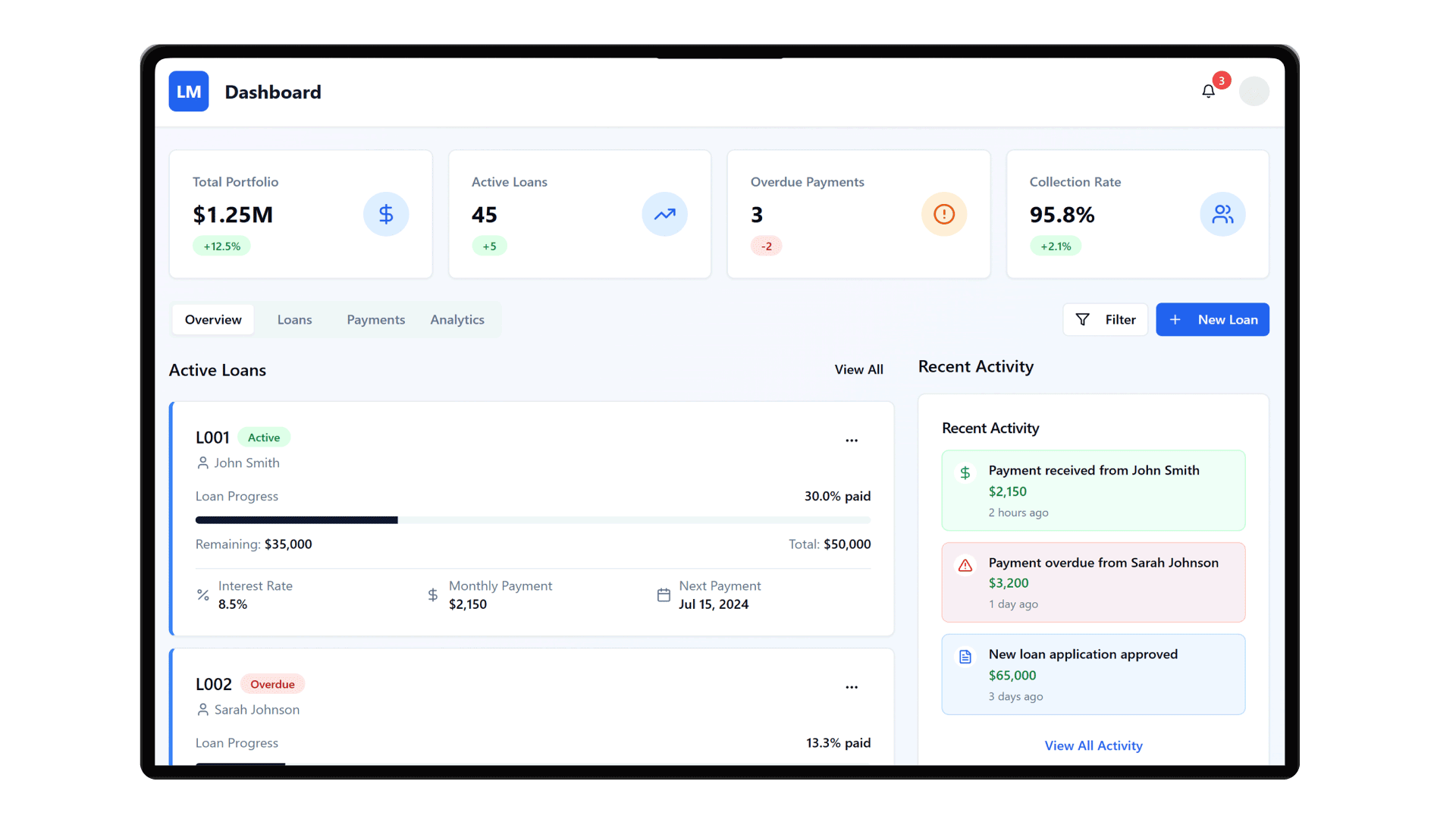
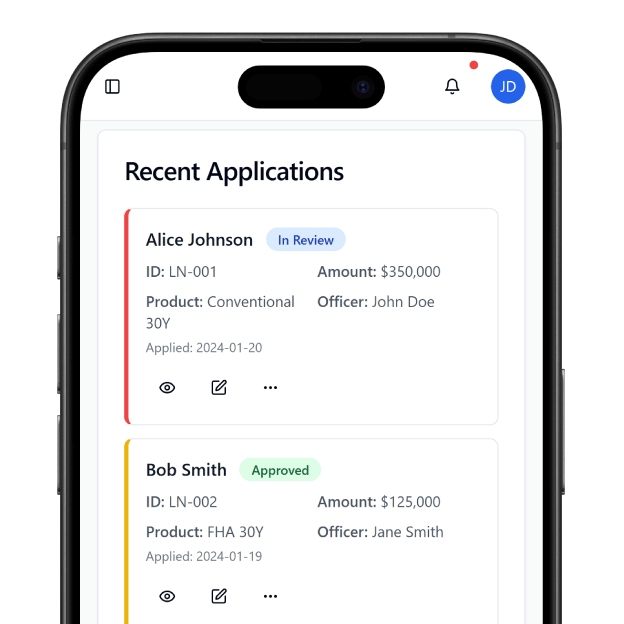
Once connected, build interfaces where customers can submit requests and authorized teams can review ticket details. Configure workflows to create tickets, retrieve conversations, update records, and display relevant support information. You can also connect Freshdesk activities with other application processes, such as customer onboarding, account management, and internal notifications. Keep API rate limits and Freshdesk user permissions in mind when configuring frequent or restricted operations.
Frequently Asked Questions
What does Freshdesk integration do in DrapCode?
Can I create Freshdesk tickets from my DrapCode application?
Can I display ticket conversations in a customer portal?
What credentials do I need to connect Freshdesk?
Can I update ticket status and assign tickets through DrapCode?
Build Your Customer Support Application
Connect Freshdesk with your business workflows and create customer portals, support dashboards, and service applications using DrapCode.