AI-powered App Building
Build Custom Project Management Apps with Asana
Connect Asana with DrapCode's AI App Builder to create custom task management applications, automate project workflows, and build team dashboards using vibe coding and visual development.

Connect Project Work to Your Applications
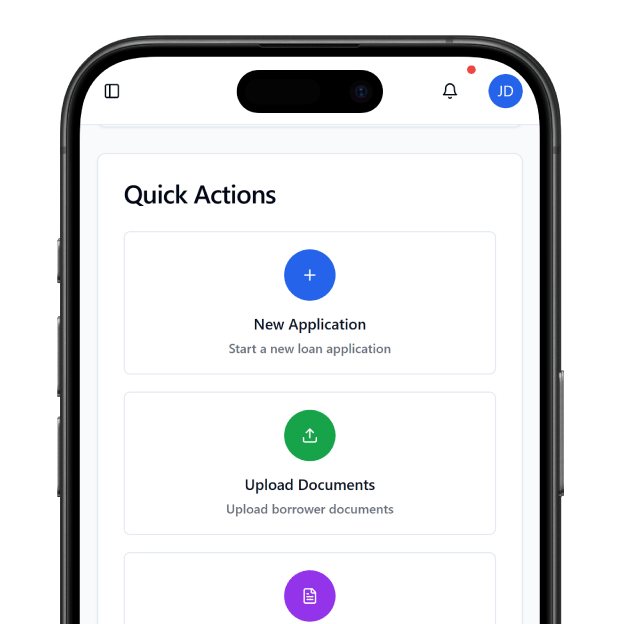
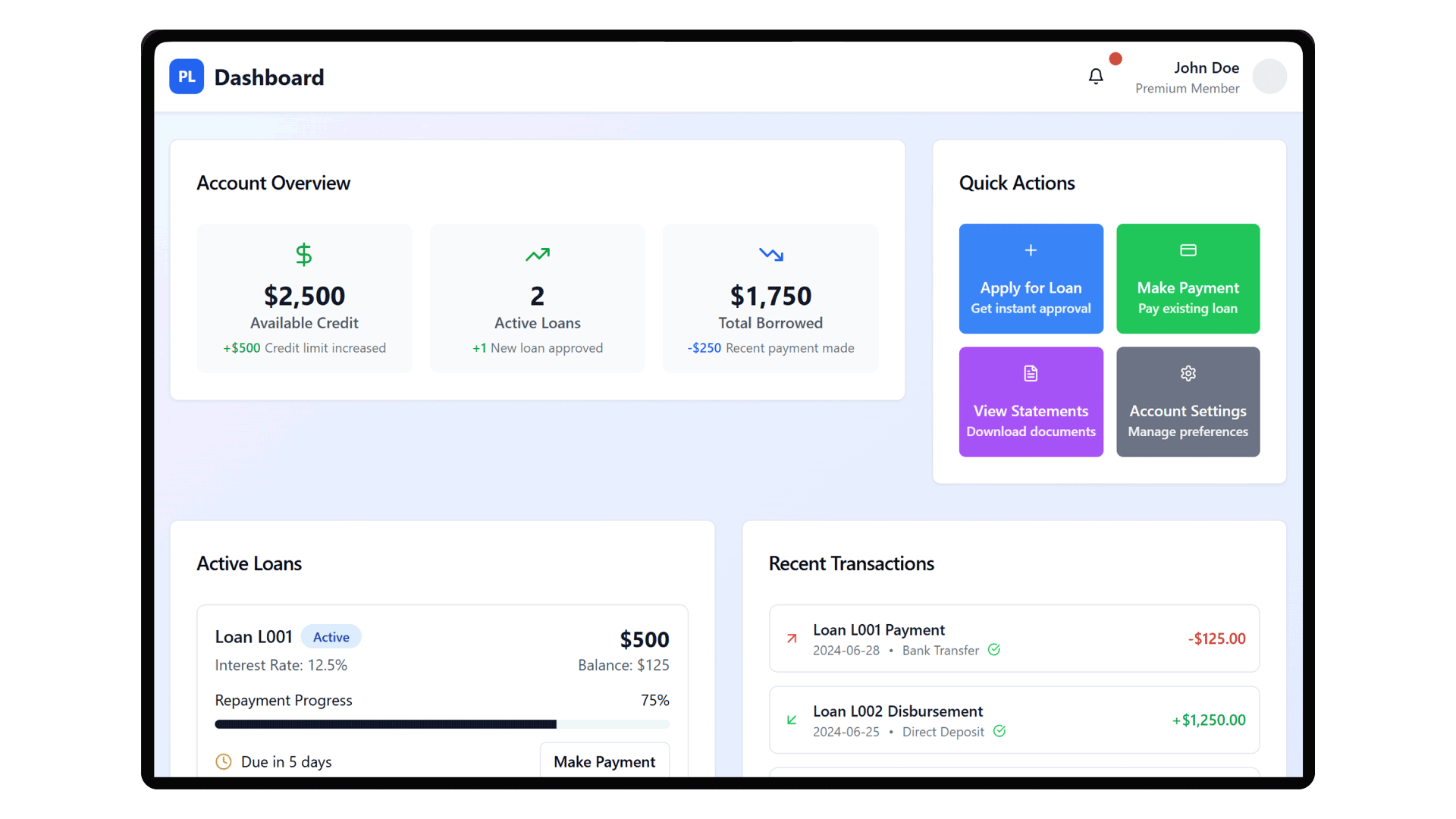
Asana helps teams organize projects, assign tasks, manage deadlines, and coordinate work across departments. Its API allows applications to read and update tasks, projects, and other supported resources, making it possible to connect work management with other business systems. With DrapCode, you can build applications tailored to the way your team manages work. Describe your requirements, generate supported functionality with AI, and refine interfaces visually. Create internal project portals, client-facing progress dashboards, or custom operations tools that fit your existing processes.
Automate Tasks Across Business Systems
Project work often depends on events happening elsewhere. A customer request may need to create a task, an approval may require a new follow-up, or a status change may need to update another application. Asana's API and webhooks support integrations that respond to changes in tasks and projects. DrapCode can provide the application layer for connecting these events to your business logic, helping you create workflows around task creation, project updates, and progress tracking.
Core Asana Integration Capabilities
Connect Asana's project and task management features with custom applications built around your team's working processes.

Task Management
Create, retrieve, and update Asana tasks through configured API requests from your application workflows.

Project Organization
Connect application records with Asana projects to organize work by team, client, or business initiative, while keeping tasks and progress aligned.

Task Assignment
Build workflows that assign tasks to appropriate team members based on configured business rules and responsibilities.

Event-Driven Updates
Use supported Asana webhooks to trigger application workflows when relevant tasks or project resources change.

Cross-System Workflows
Connect external application events with Asana actions to reduce repetitive task creation and manual coordination.

Project Reporting
Retrieve available project and task information to create custom progress reports and operational dashboards.
Applications You Can Build With Asana

Project Management Portals
Build custom project portals that display task assignments, deadlines, progress updates, and relevant information retrieved from Asana.

Client Collaboration Platforms
Create client-facing applications that organize project requests, coordinate follow-up tasks, and present progress updates through tailored interfaces.

Internal Operations Dashboards
Develop dashboards that bring project milestones, outstanding tasks, and team responsibilities into a unified business workspace.
Build the Front End With DrapCode
Use DrapCode's AI App Builder, vibe coding, and visual development tools to create custom interfaces around Asana-powered workflows.

AI-Powered App Building
Describe your project requirements and generate supported application functionality using DrapCode's AI App Builder.

Custom Project Interfaces
Design task views, project dashboards, and progress screens using DrapCode's visual development environment.
Visual Workflow Configuration
Connect user actions with configured Asana API requests and your application's business logic.

Role-Based User Experiences
Tailor application screens and permitted actions for project managers, team members, clients, and administrators.

Source Code Export
Export application source code to support customization, deployment flexibility, and future development requirements.
Application Security Controls
Configure appropriate access restrictions, credential handling, and audit practices for your application's connected workflows.
Keep Projects Moving Across Teams
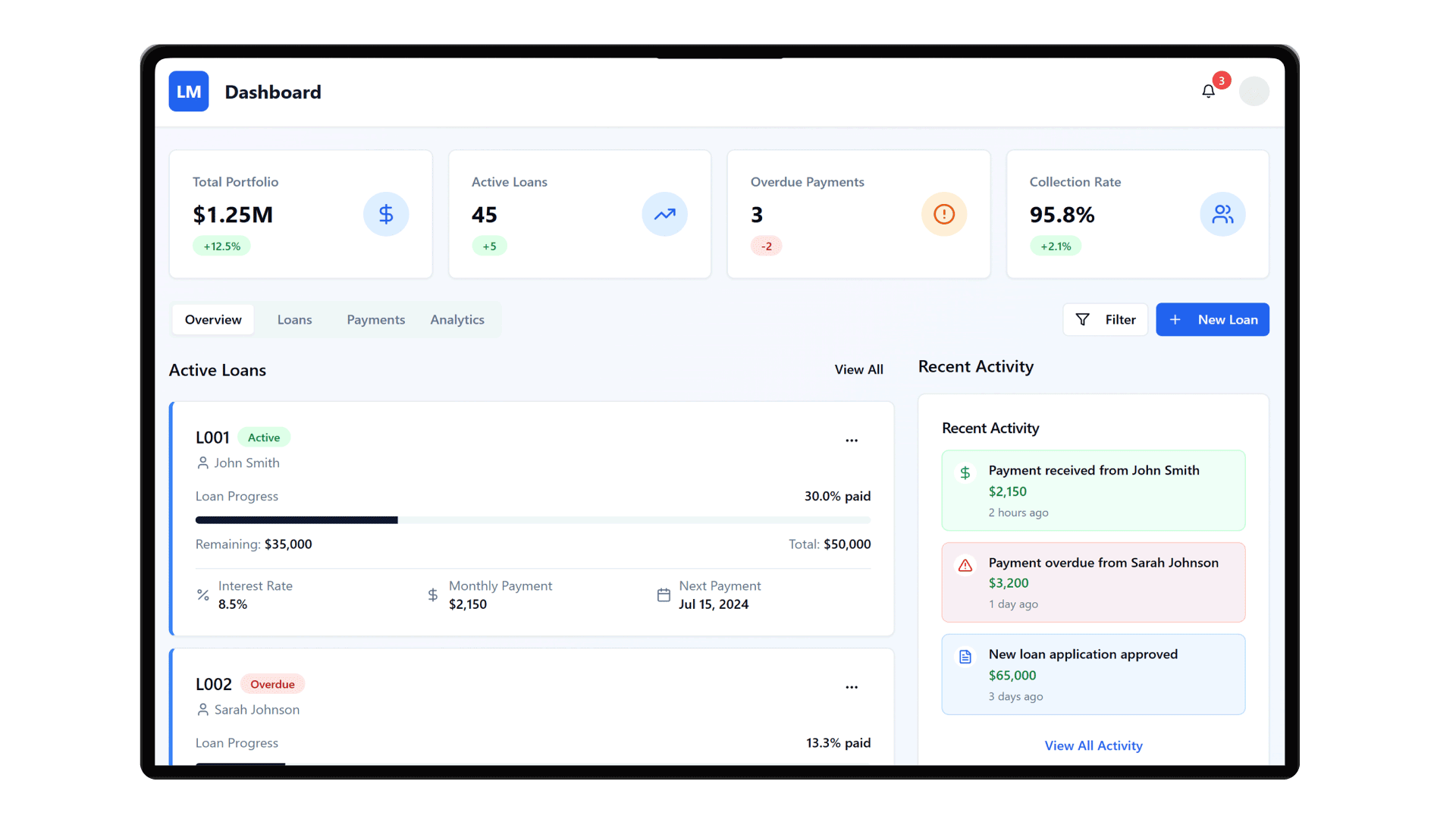
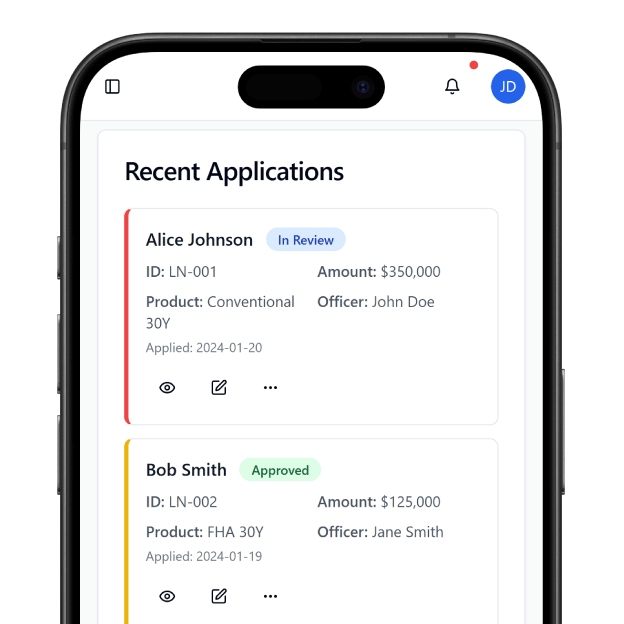
Project information is most useful when people can act on it without switching between multiple tools. A custom application connected to Asana can bring project tasks, customer requests, and operational information together in a workspace designed for a specific team or business process. For example, a service team could use a custom portal to collect incoming requests and create corresponding Asana tasks. Team members could then review assignments and progress through the application interface, depending on the workflows and data access configured.
Configure Your Asana Connection
Start by identifying which Asana resources your application needs to access, such as tasks, projects, users, or task status updates. Choose an appropriate authentication method and configure the required API permissions. Asana supports OAuth 2.0 through Asana Connect, while personal access tokens are intended for individual development and similar use cases. Test task creation, updates, permissions, and webhook events before deploying your application. If you use webhooks, implement the required confirmation handshake and verify incoming event signatures. For technical guidance, visit the official Asana developer documentation and review the REST API reference.
Frequently Asked Questions
What is Asana integration?
Can I build a custom project management app with DrapCode and Asana?
Can I create Asana tasks automatically from my application?
Can I synchronize updates between Asana and my application?
Does connecting Asana automatically make my application compliant?
Build Your Project Management App With DrapCode
Describe your application requirements, build with AI, and refine workflows visually. Connect Asana to create custom project management experiences around your team's processes.