Build Patient Portal on SimplePractice EHR with DrapCode
DrapCode builds custom patient portals around SimplePractice, helping behavioral health and wellness practices create branded experiences for onboarding, appointments, telehealth, resources, and ongoing client care.
Trusted by Healthcare Innovators
1,000+ organizations trust DrapCode to help healthcare teams launch secure & HIPAA-compliant applications.






Beyond Client Portal
SimplePractice is built for health and wellness practitioners, including therapists, counselors, social workers, speech-language pathologists, occupational therapists, physical therapists, dietitians, and other specialties. Its platform combines scheduling, documentation, billing, telehealth, and patient engagement. DrapCode can build a separate patient-facing experience when your practice needs more control over branding, navigation, programs, resources, or care journeys than the standard SimplePractice Client Portal provides.
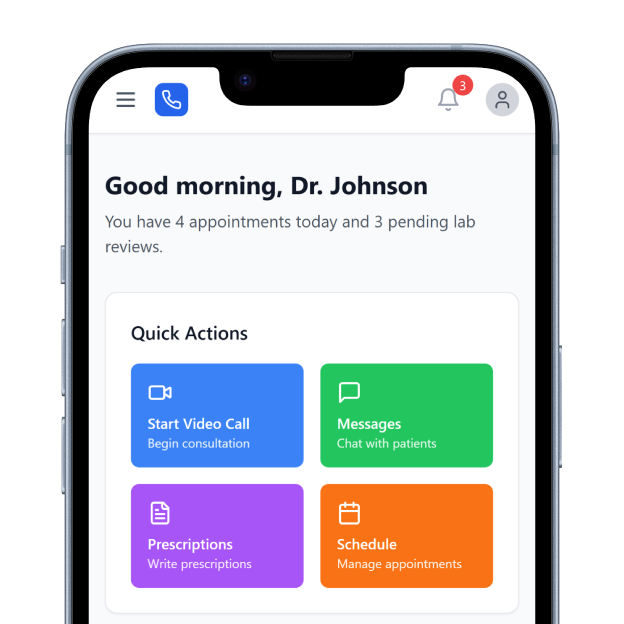
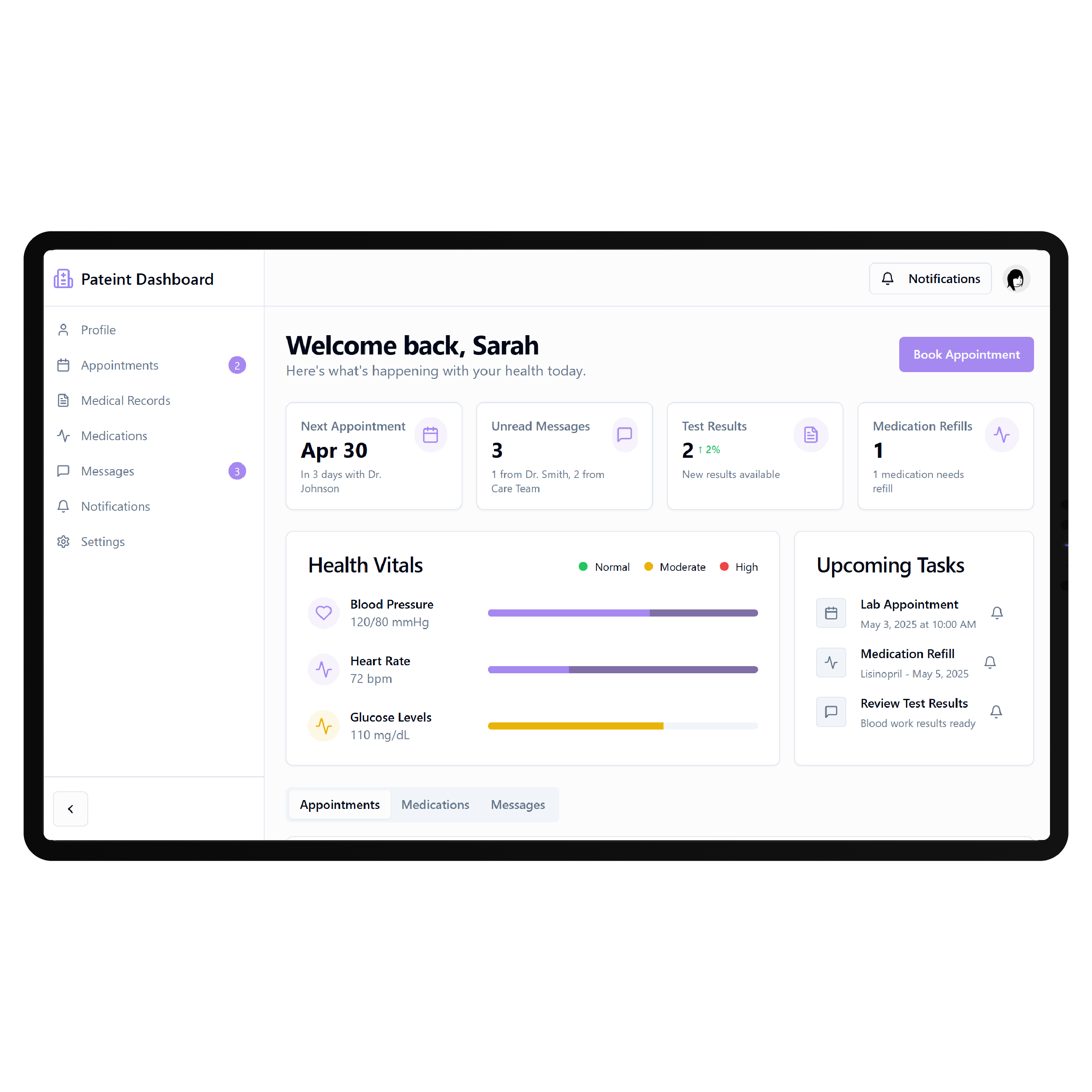
Support Between Sessions
SimplePractice already provides a secure Client Portal where clients can complete intake paperwork, request appointments, exchange secure messages, manage billing, and make payments. Clients can also access the portal through its mobile app. A custom portal can expand the experience around what happens before and between sessions—giving clients clearer access to care resources, programs, next steps, and practice-specific services.
Key Features Provided by SimplePractice EHR

Client Portal
Gives clients secure access to appointments, forms, messages, billing, and other practice interactions.

Online Requests
Allows new and existing clients to request appointments through the practice's Client Portal.

Paperless Intake
Lets practices send intake paperwork and documents for clients to complete digitally online.

Secure Messaging
Provides HIPAA-compliant messaging for protected communication between clients and their care providers.

Telehealth Sessions
Connects virtual appointments with scheduling, client information, reminders, billing, and practice workflows seamlessly.

Online Payments
Allows practices to accept client payments while keeping billing information connected with appointments.
Between-Session Care

Mental Health Practices
Keep appointments, intake, approved resources, messages, and next steps organized throughout ongoing therapy relationships.

Therapy Groups
Create consistent patient journeys across multiple clinicians, specialties, services, locations, and recurring therapy appointments.

Wellness Practices
Bring onboarding, virtual sessions, resources, appointment requests, and recurring client interactions into one experience.
Key Features DrapCode Can Build in the Patient-Facing Front End
Create the patient experience around your care model while SimplePractice remains the system of record.

Care Dashboard
Bring appointments, permitted information, outstanding actions, resources, and next steps into one interface.

Guided Onboarding
Create service-specific registration, intake, consent, and preparation journeys before the first scheduled appointment.

Resource Library
Organize approved exercises, educational materials, worksheets, preparation information, and ongoing care resources digitally.

Care Journey
Present permitted appointments, program milestones, follow-ups, and next steps through an understandable timeline.

Service Navigation
Help clients find appropriate practitioners, services, programs, resources, and appointment pathways more easily online.
Mobile Experience
Create responsive patient journeys that remain straightforward across smartphones, tablets, laptops, and desktop devices.
Plan the Connection
SimplePractice supports external connections through its integrations ecosystem, but its public documentation does not currently present a general-purpose public API for independently building a complete custom patient application. The specific data and workflows available to an external portal therefore need to be verified before development. DrapCode can map those requirements before building, just as connectivity would need to be evaluated for a Greenway Health EHR patient portal or MEDENT EHR patient portal. This prevents the portal design from depending on patient data or actions the underlying EHR cannot expose.
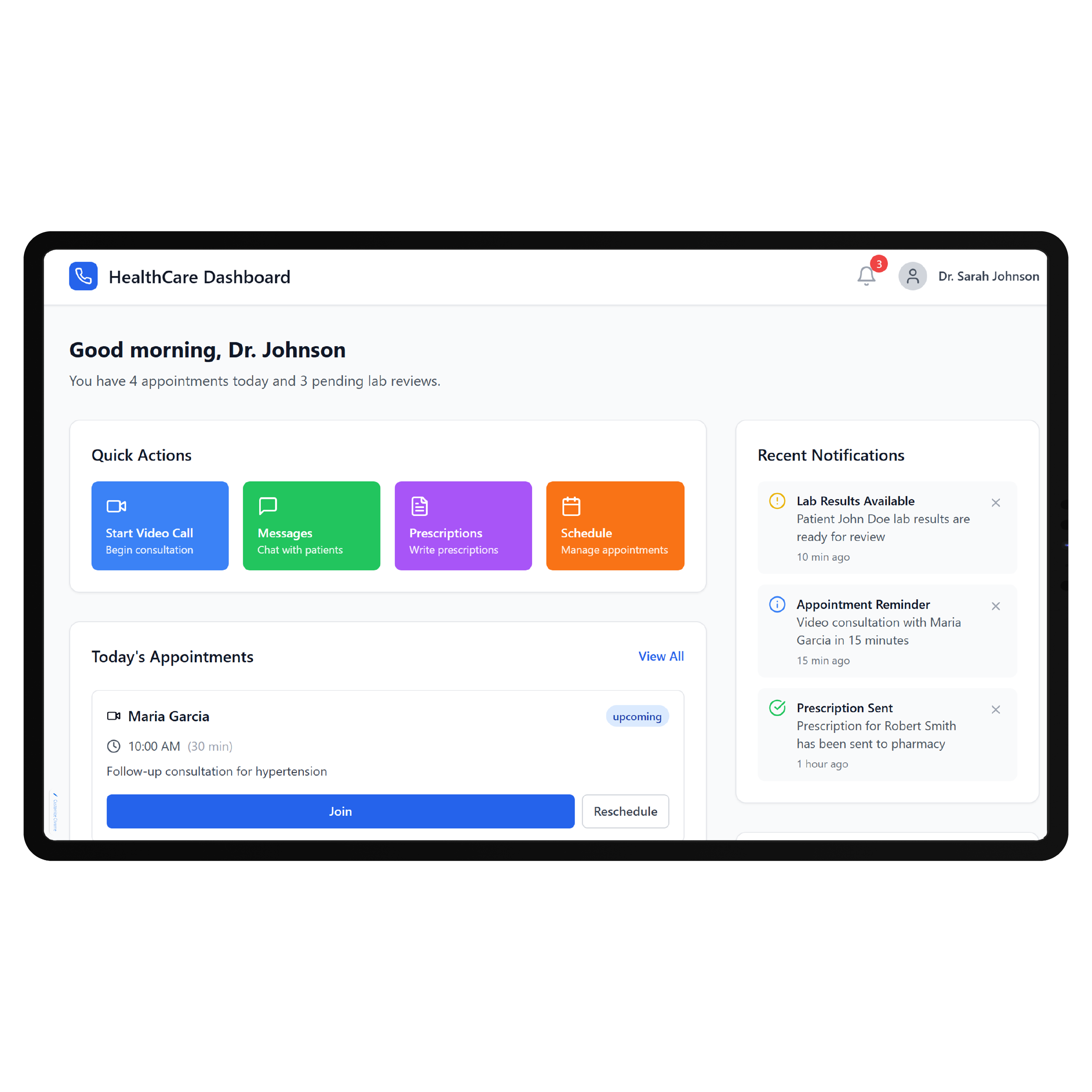
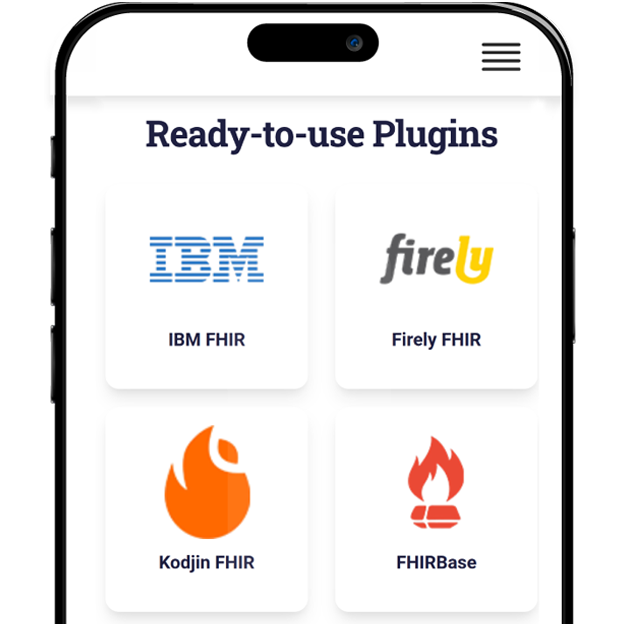
Keep Therapy Familiar
A custom portal should not force therapists to duplicate the work they already perform inside SimplePractice. Scheduling, documentation, telehealth, billing, secure messaging, and other established workflows can remain in their appropriate systems while the new front end focuses on the client journey. That experience should also reflect the type of care being delivered. A behavioral health portal built around SimplePractice will require different patient journeys than a ModMed EHR patient portal designed around specialty medical care. DrapCode builds the front end around those differences rather than applying the same portal structure everywhere.
Frequently Asked Questions
Does SimplePractice already have a patient portal?
Why build a custom patient portal around SimplePractice?
Does SimplePractice provide an API for custom patient applications?
What can DrapCode build for practices using SimplePractice?
What determines SimplePractice integration feasibility?
Build Around Your SimplePractice Workflow
Tell DrapCode what clients need beyond your existing SimplePractice portal. We’ll map the patient experience, required workflows, and feasible system connections.