Top 10 No-Code Tools for 2025: Build Smarter, Launch Faster
Sep 19, 2025
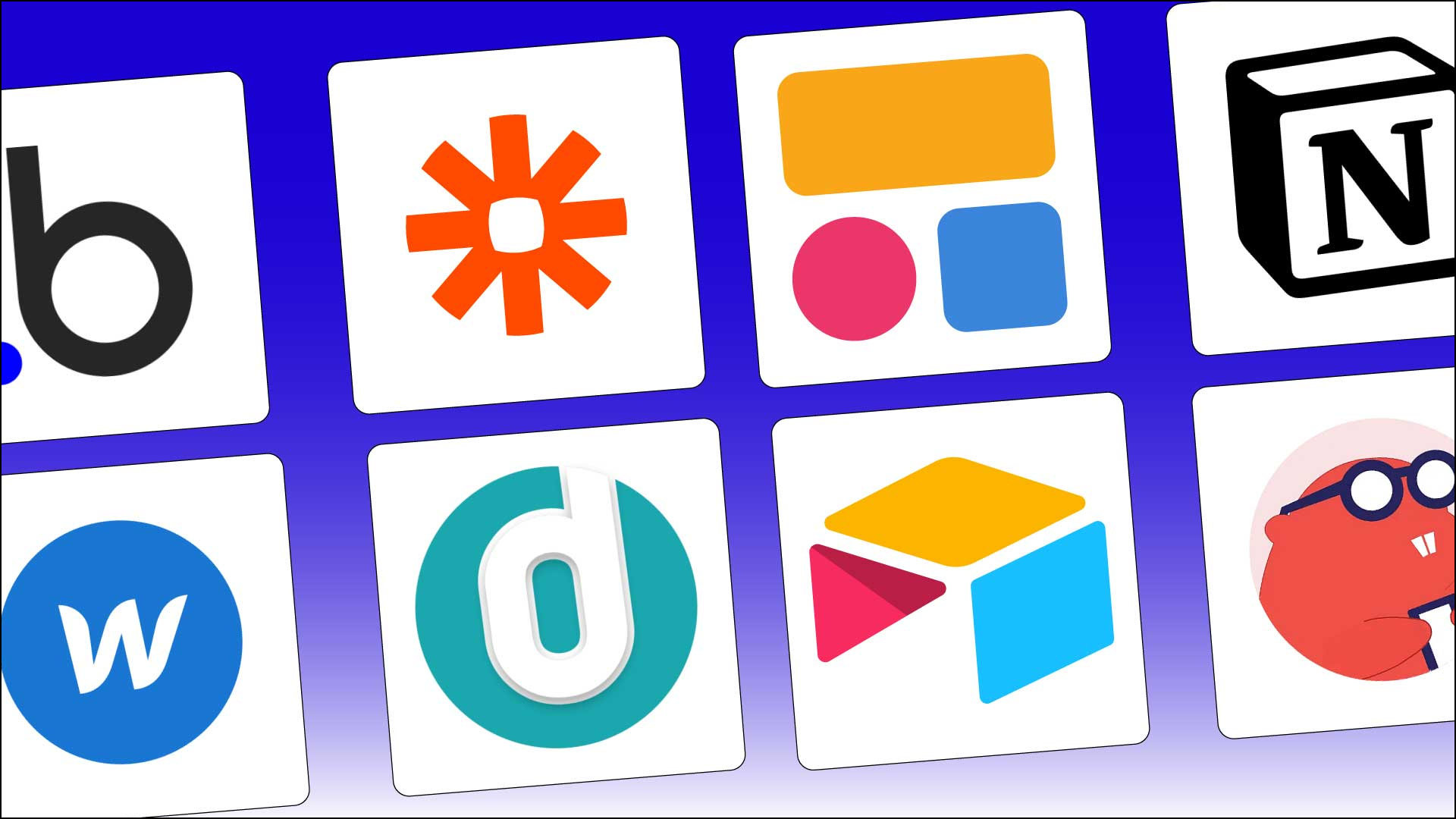
The way businesses and creators approach building software has completely shifted in recent years. In the past, launching an app meant hiring developers, managing long coding cycles, and setting aside hefty budgets. But today, no-code tools have turned that world upside down. By combining drag-and-drop simplicity with powerful integrations, anyone from entrepreneurs to enterprise teams can bring ideas to life without touching a single line of code.
As we move into 2025, no-code is no longer a “niche trend.” It’s an established way of working that startups and enterprises rely on to stay agile. Whether you want to build a SaaS product, a workflow automation system, or a data-heavy enterprise dashboard, there’s a no-code tool built for your exact needs. The only challenge is choosing the right one. That’s where this guide comes in.
What Do You Need to Build Without Code?
When people talk about building without code, the idea often sounds too good to be true. But in reality, most no-code tools today let you do far more than just drag and drop. To build something useful, you usually need a solid set of features like a visual editor, database management, user authentication, third-party integrations, and deployment options. On top of that, the platform should be flexible enough to adapt as your idea grows from a prototype into a complete product.
How I Evaluated Each No-Code App Builder
When I tested these no-code platforms, I didn’t just glance at feature lists on their websites. I went hands-on to see how simple it was to start a project, whether the editor felt smooth or clunky, and how quickly I could move from an idea to a working app. A no-code tool should lower the barrier, not replace one set of challenges with another.
Another essential aspect was scalability. Many tools work great for an MVP, but struggle once you need advanced workflows, external integrations, or custom logic. That’s why I paid close attention to how each platform handles growth, pricing, and upgrades. I also considered community and support, because good documentation, templates, and active user groups can make all the difference when you hit a roadblock.
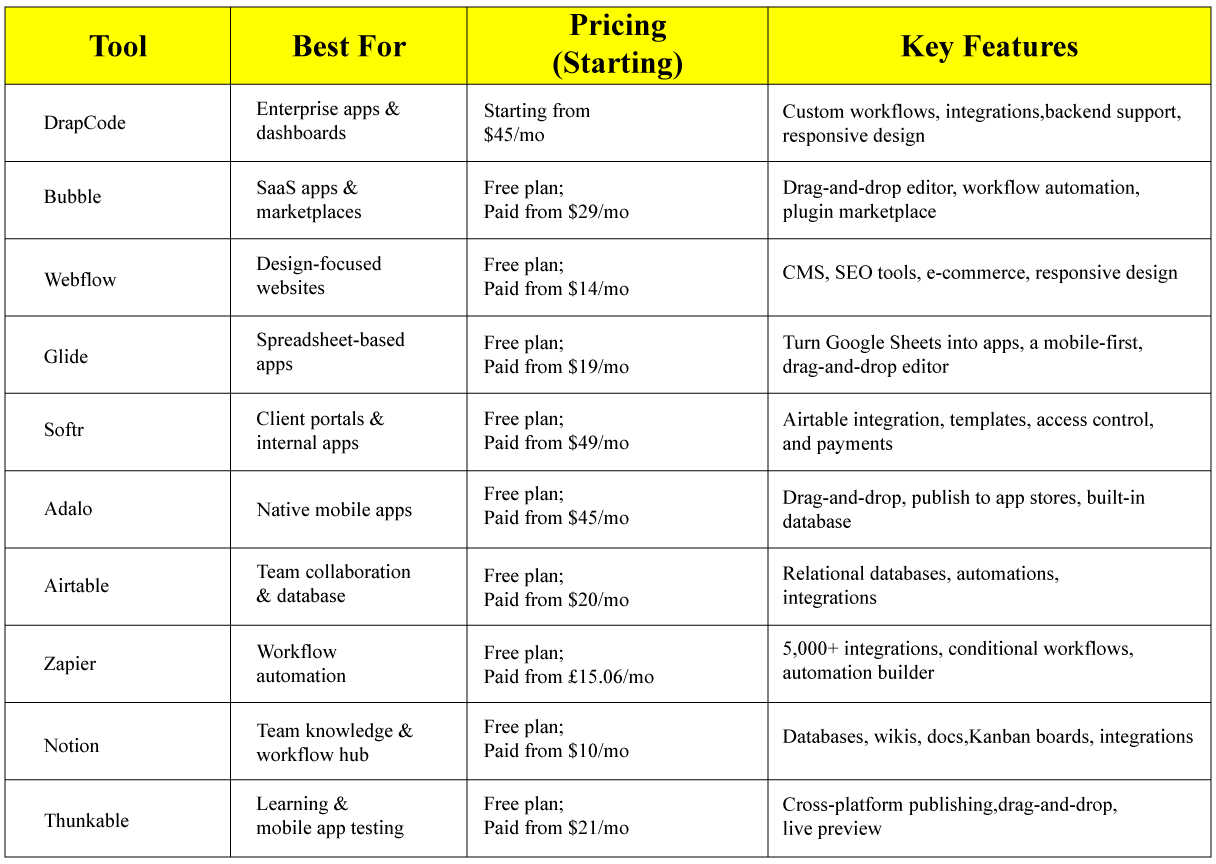
Finally, I weighed in on value for money. No-code is popular with startups and small businesses, so the best platforms need affordable entry points without forcing users into expensive plans too early. Together, these factors shaped the list you’ll see below and the comparison table that highlights each tool’s strengths.
Comparison Table of the Top 10 No-Code Tools
Best No-Code Tool for Enterprise Apps
DrapCode
DrapCode Pros:
- Handles complex apps and workflows
- Strong backend integration options
- Responsive and customizable UI
DrapCode Cons:
- Steeper learning curve for beginners
- Tailored more toward businesses than hobby projects
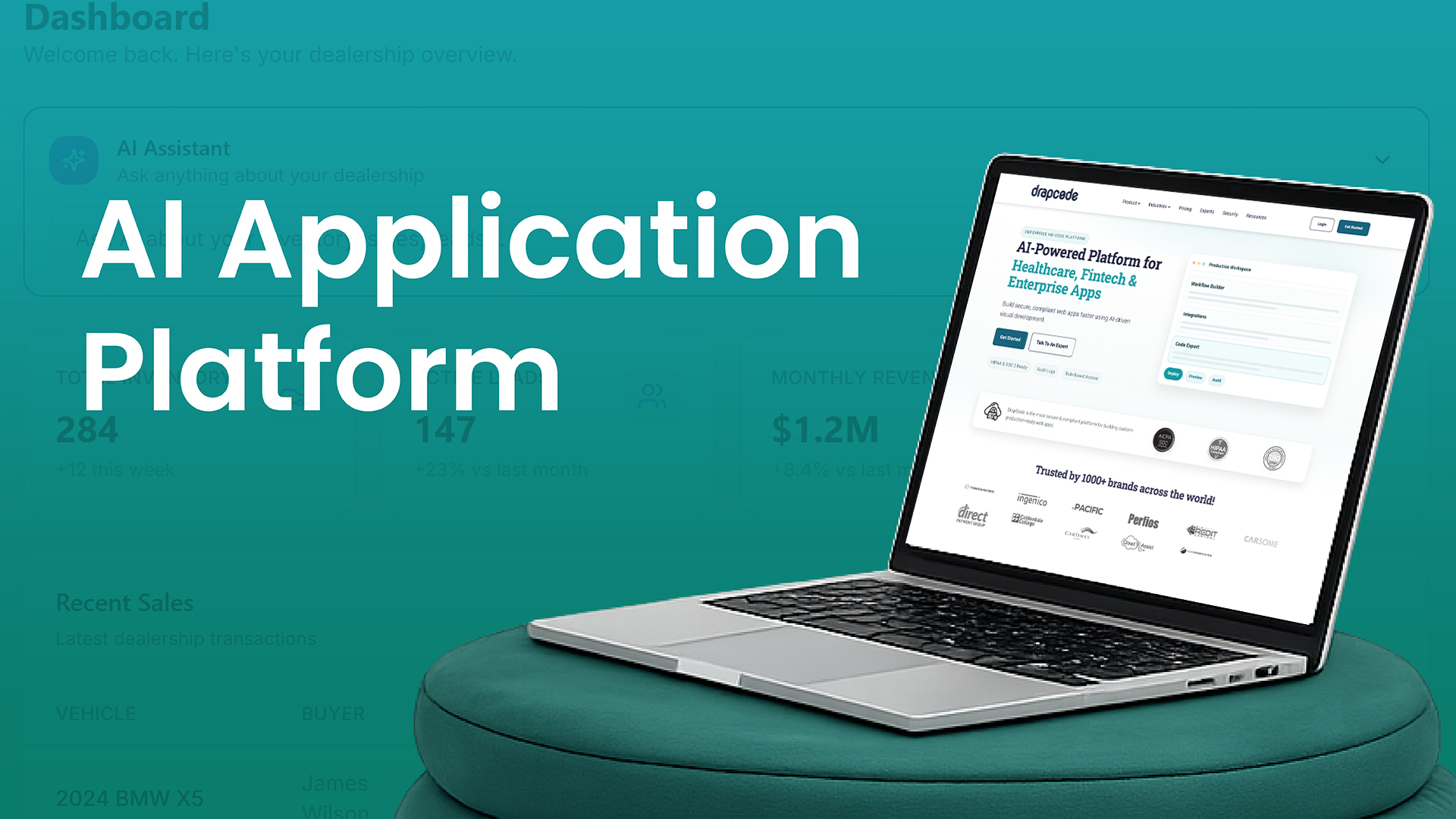
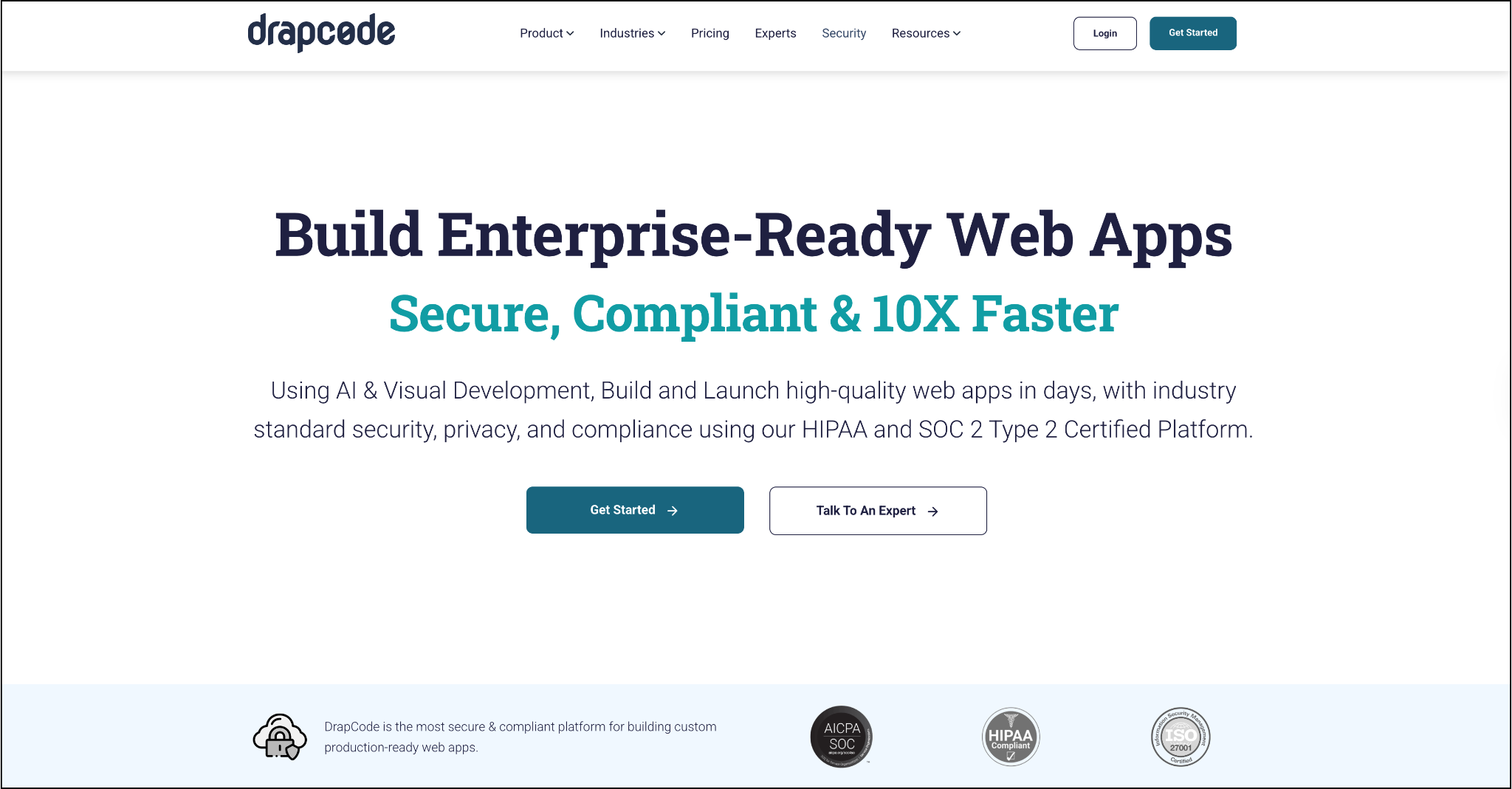
When it comes to enterprise applications, DrapCode has carved out a space as one of the most robust no-code platforms available in 2025. Unlike lightweight builders that mainly target personal projects or MVPs, DrapCode is designed to handle complex workflows, data-heavy dashboards, and enterprise-level scalability. That makes it a favorite for companies in industries such as finance, healthcare, and logistics, where data integrity and integration are critical.
The platform gives you the flexibility to connect with APIs, manage structured databases, and design user experiences that feel professional and responsive across devices. One of its biggest strengths is its balance: DrapCode offers the simplicity of a visual builder without sacrificing the customization enterprises often require. You can move fast without worrying about hitting a “ceiling” when your app grows in complexity.
For businesses ready to move beyond prototypes and launch serious digital products, DrapCode is an ideal choice. It’s not the simplest platform for a complete beginner, but its enterprise-focused features ensure long-term scalability and reliability.
Best No-Code Tool for SaaS and Marketplaces
Bubble
Bubble Pros:
- Rich workflow customization
- Extensive plugin library and community support
- Great for SaaS MVPs and marketplaces
Bubbe Cons:
- Performance can lag for larger apps
- Requires optimization for long-term scalability
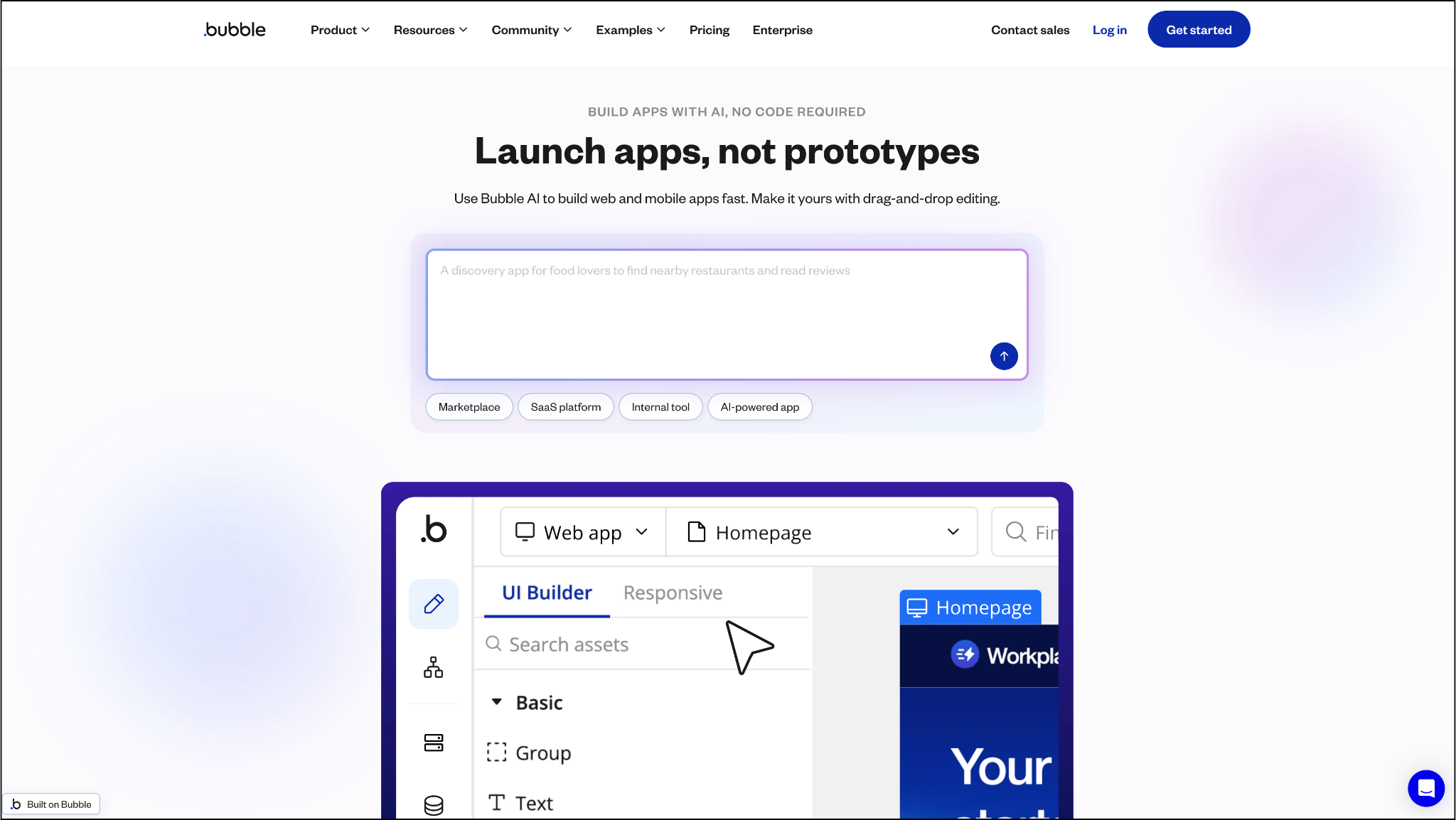
Bubble remains one of the most recognized names in the no-code ecosystem, particularly for entrepreneurs who want to launch SaaS products or marketplaces. Its strength lies in its workflow automation engine and vast plugin marketplace, which together enable you to design feature-rich applications that mimic the flexibility of custom-built software.
For startups, Bubble is often the go-to choice because it strikes a balance between accessibility and power. You can build a SaaS MVP in a matter of weeks, connect it to payment systems, manage user roles, and even scale it into a fully operational product. However, as apps grow in complexity, performance tuning becomes a necessary tradeoff many teams are willing to make for the speed of development that Bubble provides.
Bubble also boasts a large and active community, meaning you’ll find tutorials, plugins, and support at every stage of your journey. For founders who want to bring SaaS ideas to life quickly without compromising on features, Bubble is a proven solution.
Best No-Code Tool for Websites
Webflow
Webflow Pros:
- Unmatched design freedom and control
- Clean, SEO-friendly code generation
- E-commerce support for online businesses
Webflow Cons:
- Limited for complex app functionality
- Steeper learning curve for non-designers
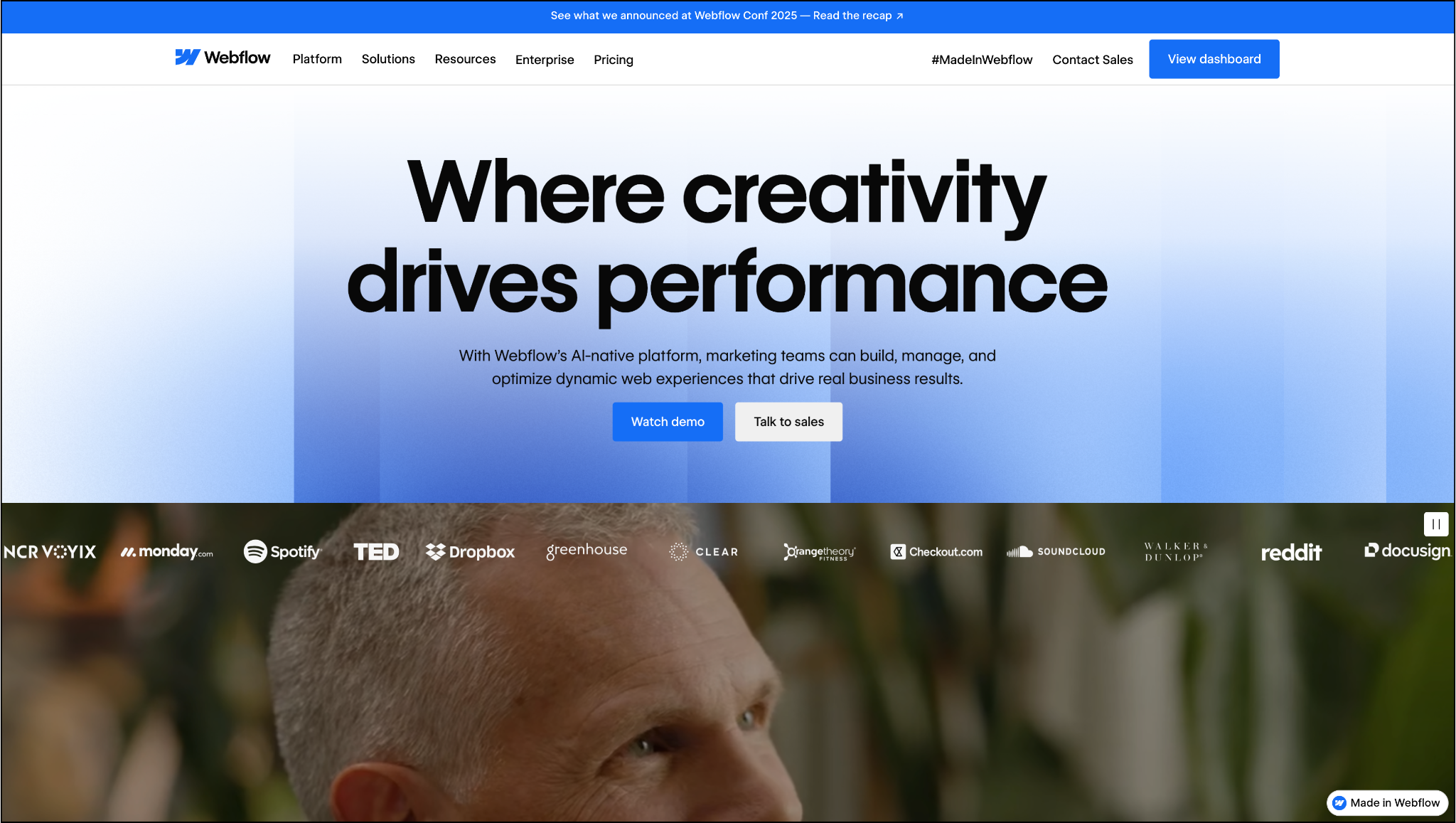
When it comes to design-driven websites, Webflow continues to lead the pack. Unlike traditional site builders that limit your creativity, Webflow allows designers to craft pixel-perfect, responsive websites that look like professional developers built them. Under the hood, Webflow writes clean, production-ready code, which is one reason agencies and startups often prefer it over drag-and-drop competitors.
The platform is compelling for businesses that rely on their online presence as a core part of their brand. With its CMS, SEO tools, and animations, Webflow isn’t just about putting a site together quickly; it’s about building a site that truly represents your identity. For e-commerce businesses, Webflow also offers tools to manage products, payments, and checkout flows without ever leaving the platform.
Webflow is best suited for design-conscious users who want more than a cookie-cutter website. While it doesn’t have the backend capabilities of app-focused platforms, it remains a top choice for visually stunning, high-performance websites that scale with your brand.
Best No-Code Tool for Spreadsheet-Based Apps
Glide
Glide Pros:
- Extremely beginner-friendly
- Mobile-first design out of the box
- Ideal for small, data-driven apps
Glide Cons:
- Limited customization for complex logic
- Not suitable for enterprise applications
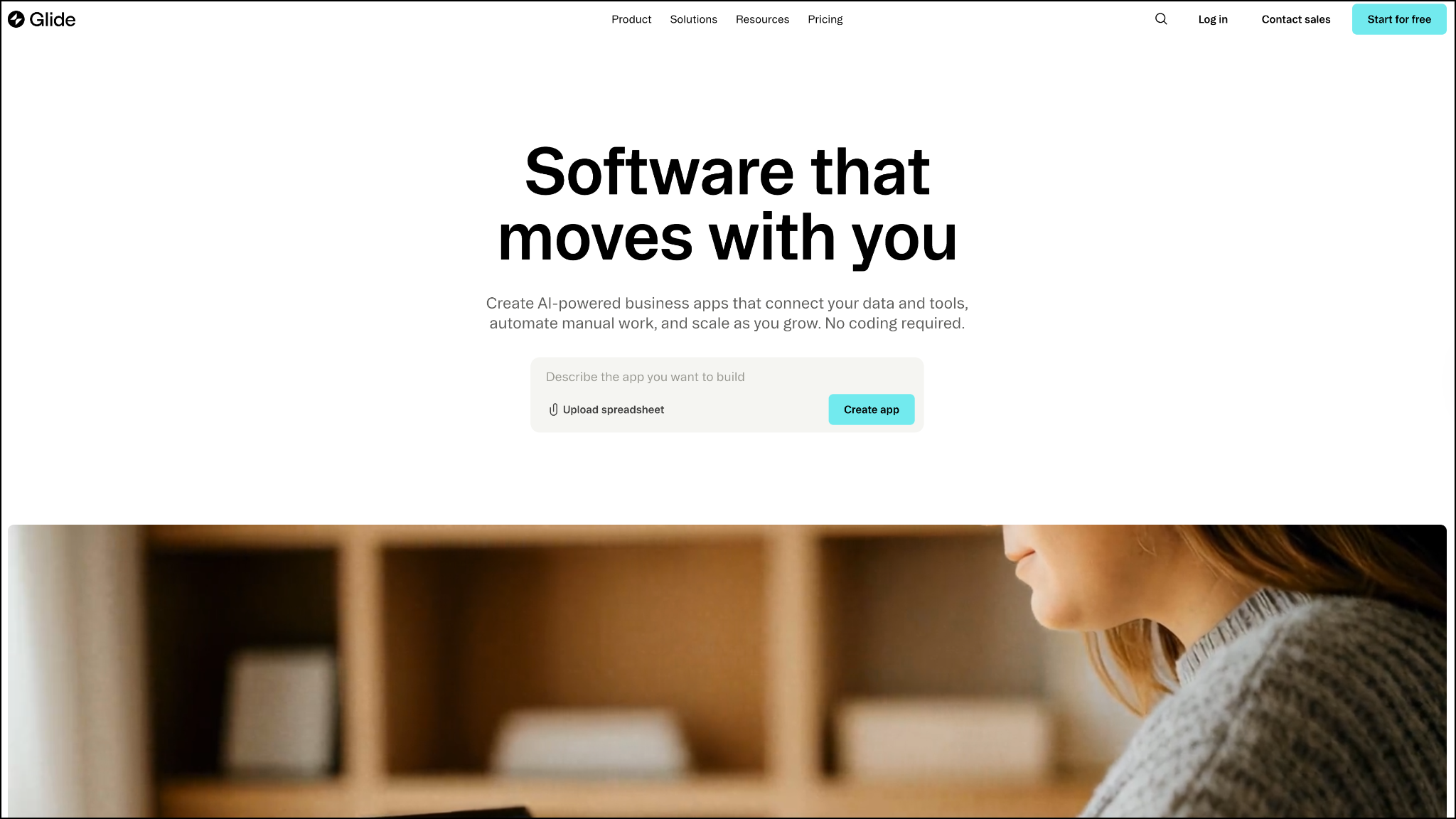
For individuals and teams who live in spreadsheets, Glide is like a magic wand. With a few clicks, you can transform your Google Sheets or Excel files into mobile-friendly applications. This makes it an excellent choice for small businesses, educators, or organizations that require quick solutions, such as directories, tracking tools, or internal applications.
The appeal of Glide lies in its speed. Because it uses spreadsheets as a data source, you can focus on refining the experience rather than building a database from scratch. Glide apps also work seamlessly on mobile, making them accessible for on-the-go use cases. However, it’s worth noting that Glide is best for simpler apps. If you need advanced logic or enterprise-grade scalability, you may quickly reach its limits.
That said, Glide is a go-to tool for those who want to turn spreadsheets into apps instantly. It empowers non-technical teams to stop managing everything in endless rows and columns and instead create real, functional apps that are both visually appealing and effective.
Best No-Code Tool for Portals and Internal Tools
Softr
Softr Pros:
- Fast setup with Airtable integration
- Secure login and access control
- Ready-to-use templates for everyday use cases
Softr Cons:
- Reliant on Airtable as the central database
- Less flexibility for complex, custom apps
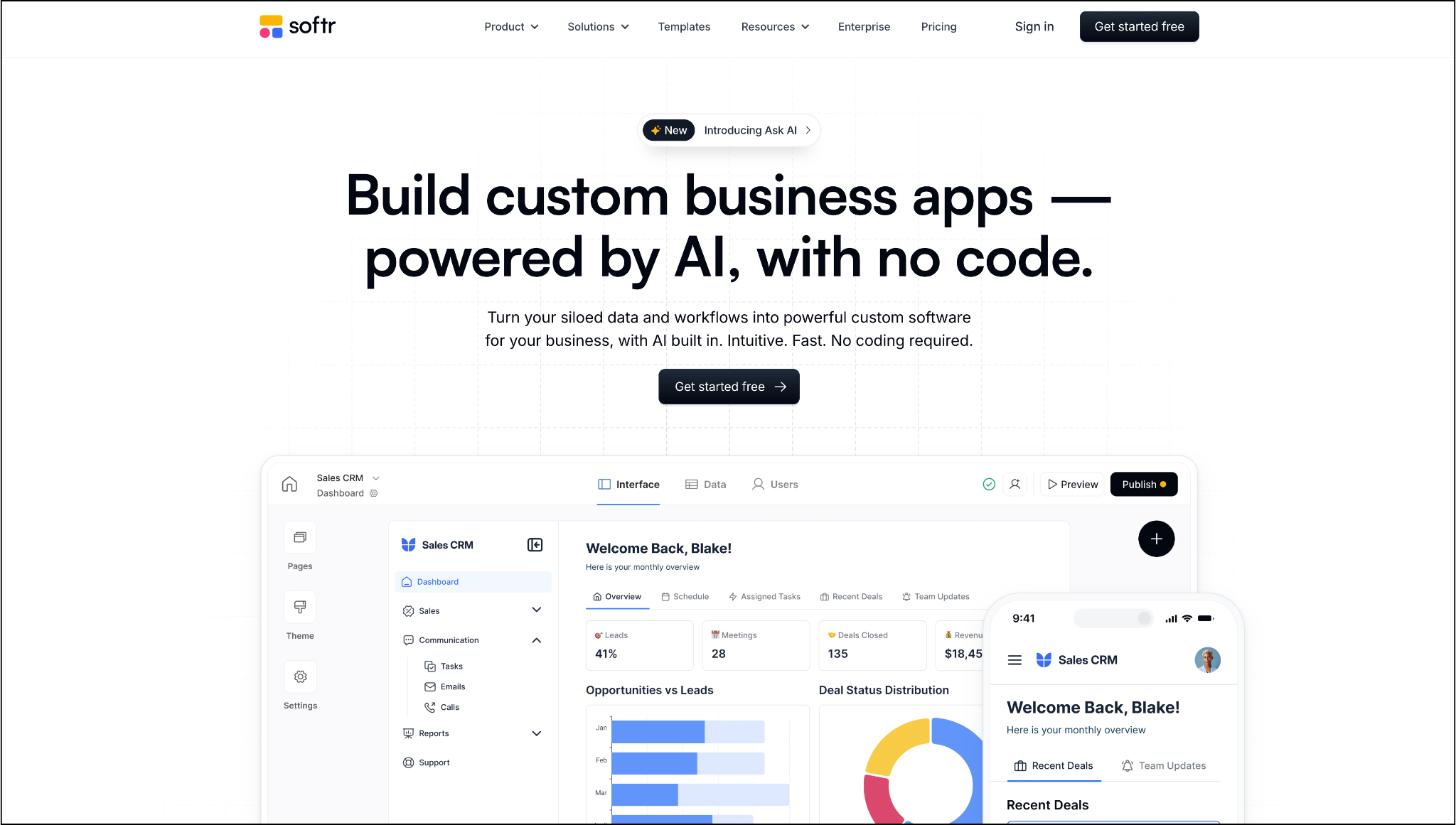
Softr has emerged as a standout tool for building portals, client-facing apps, and internal company tools. Its biggest strength lies in its seamless integration with Airtable, enabling the transformation of raw data into polished applications with login systems, access control, and payment features. For businesses that already use Airtable, Softr is an effortless way to extend its power.
What makes Softr especially appealing is its use of ready-made templates. You don’t have to design everything from scratch, whether you need a membership site, a project management dashboard, or a client portal, Softr gives you a head start. This makes it ideal for small to mid-sized companies that need professional solutions quickly.
The limitation is that Softr is tied to Airtable. While you can connect it with other tools, it shines the most when Airtable is at the core. Still, for businesses seeking a no-code solution for client portals and internal operations, Softr is one of the best choices available in 2025.
Best No-Code Tool for Native Mobile Apps
Adalo
Adalo Pros:
- Direct publishing to iOS and Android app stores
- Built-in database for app functionality
- Simple drag-and-drop app creation
Adalo Cons:
- Performance issues on larger apps
- Less suitable for enterprise-level mobile apps
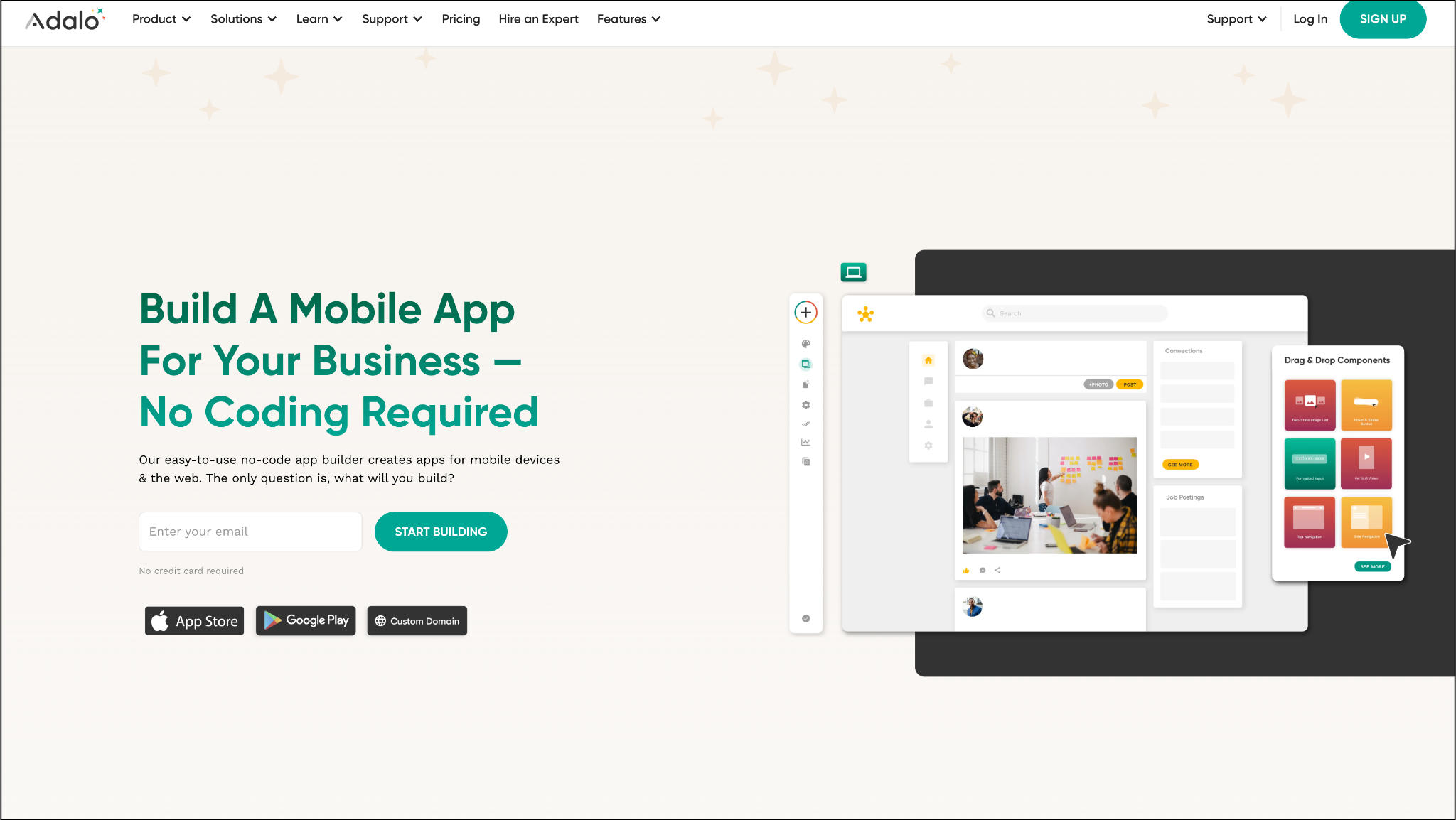
If your priority is building mobile apps for iOS and Android, Adalo offers a streamlined way to do it without developers. The platform is designed to help you design, test, and publish apps directly to app stores, all through a visual drag-and-drop interface. This makes it popular with entrepreneurs and small businesses who want to launch consumer-facing apps quickly.
Adalo doesn’t just stop at design; it also includes built-in database functionality, allowing you to manage user information, store data, and create interactive features. Publishing directly to the Apple App Store and Google Play Store is a significant draw, making Adalo one of the few no-code platforms that simplifies this traditionally complex process.
That said, Adalo is better suited for small to medium-scale apps. As apps grow in complexity or require more advanced performance, limitations can appear. But for launching prototypes, MVPs, or lightweight mobile apps, Adalo remains a powerful tool.
Best No-Code Tool for Data Management
Airtable
Airtable Pros:
- Easy-to-use relational database
- Wide range of integrations
- Great for team collaboration and workflows
Airtable Cons:
- Not a full-fledged app builder
- Often requires companion tools for complete solutions.
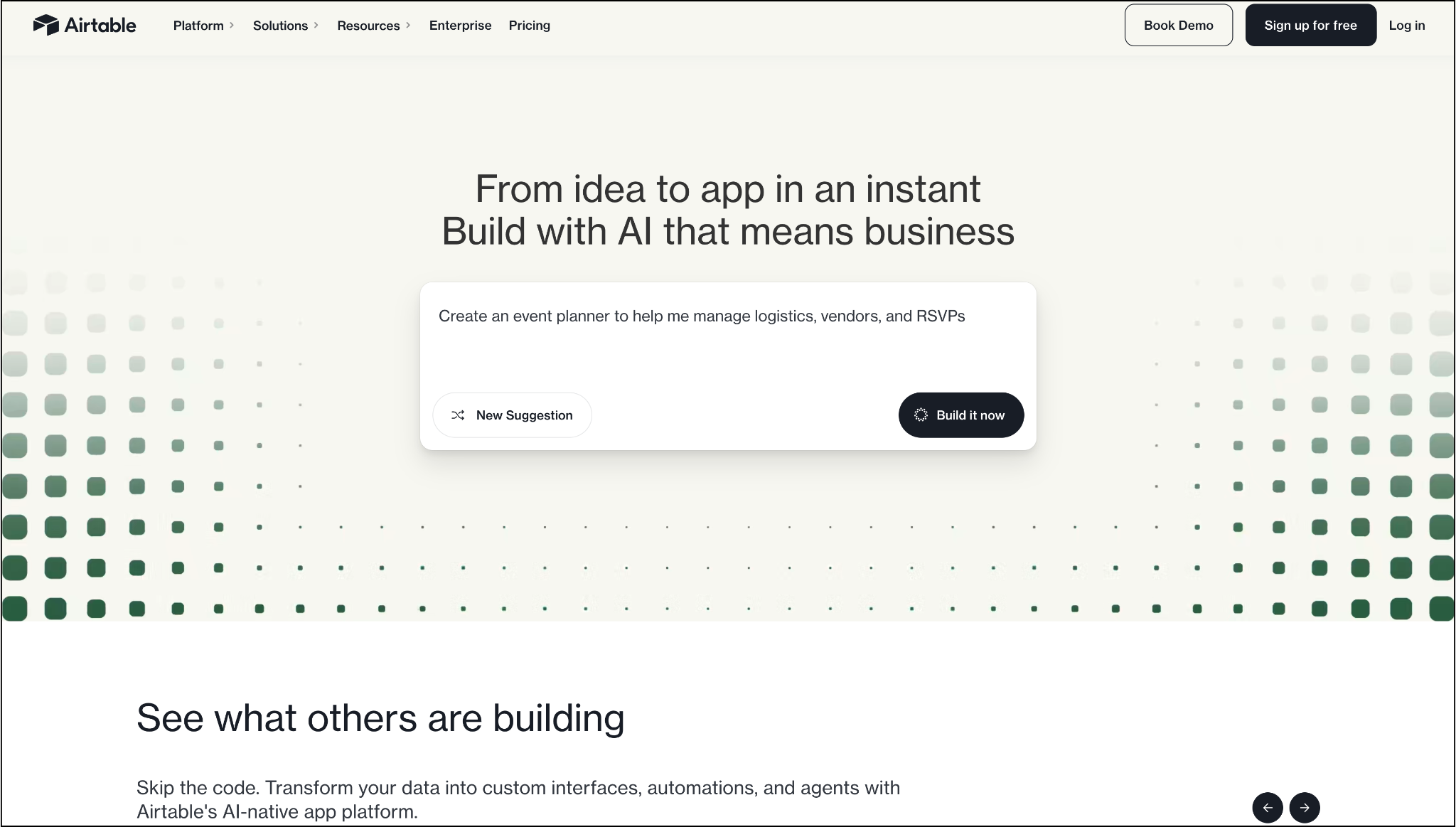
While not a traditional app builder, Airtable is often the backbone of no-code projects. It combines the simplicity of spreadsheets with the structure of relational databases, making it an incredibly flexible tool for managing information. For many no-code apps, Airtable serves as the data engine that powers workflows and user experiences.
Teams use Airtable for everything from project tracking to content calendars, but its real power shines when paired with other no-code tools, such as Softr, Glide, or Zapier. With Airtable’s automation features and integrations, you can set up systems that trigger actions across multiple platforms, streamlining operations without needing code.
Though it won’t let you build standalone apps on its own, Airtable is indispensable for teams looking to keep their data organized, accessible, and actionable. In 2025, it remains one of the most essential tools in the no-code ecosystem.
Best No-Code Tool for Automation
Zapier
Zapier Pros:
- Connects 5,000+ apps
- Saves time by eliminating repetitive work
- Easy to set up automation
Zapier Cons:
- Can become expensive with scale
- Limited flexibility beyond automations
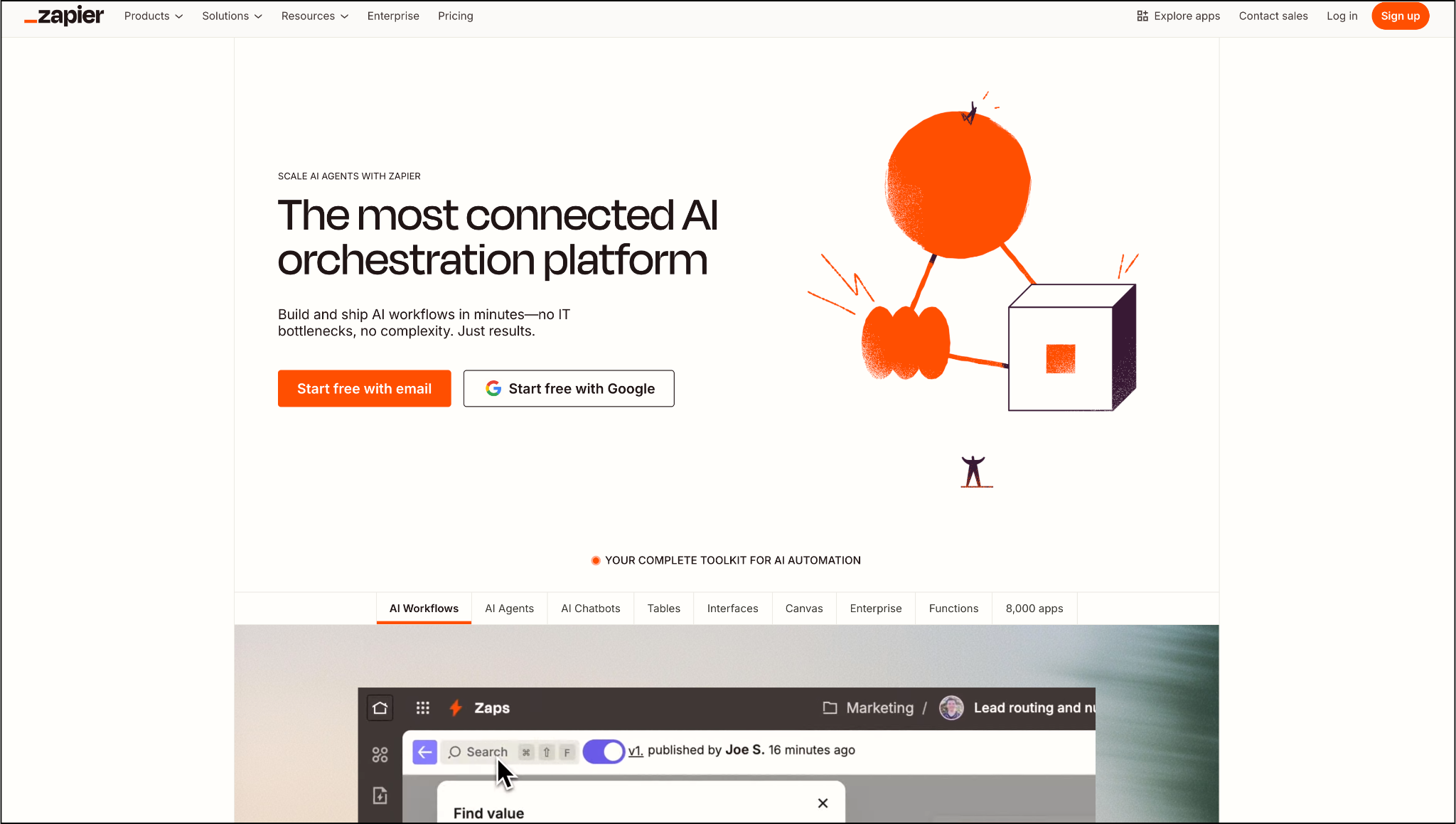
If no-code tools are the building blocks of apps, Zapier is the glue that holds them together. It enables you to connect thousands of apps and automate workflows, eliminating repetitive tasks and ensuring your tools work in harmony. From updating a Google Sheet when a form is submitted to sending Slack notifications after a purchase, Zapier handles it all.
The most significant advantage of Zapier is its massive library of integrations, over 5,000 and counting. This means that no matter which tools you use, Zapier likely supports them. It’s particularly powerful for small teams that don’t have the time or resources to move data between platforms manually.
The tradeoff is that costs can rise quickly if you run many complex workflows, and customizability is limited compared to building your own integrations. Still, as a workflow automation powerhouse, Zapier is practically essential for modern businesses using multiple tools.
Best No-Code Tool for Team Collaboration
Notion
Notion Pros:
- Highly versatile for teams and projects
- Easy-to-use templates for quick setup
- Combines notes, tasks, and databases in one tool
Notion Cons:
- Not designed for full app development
- Limited scalability for complex business apps
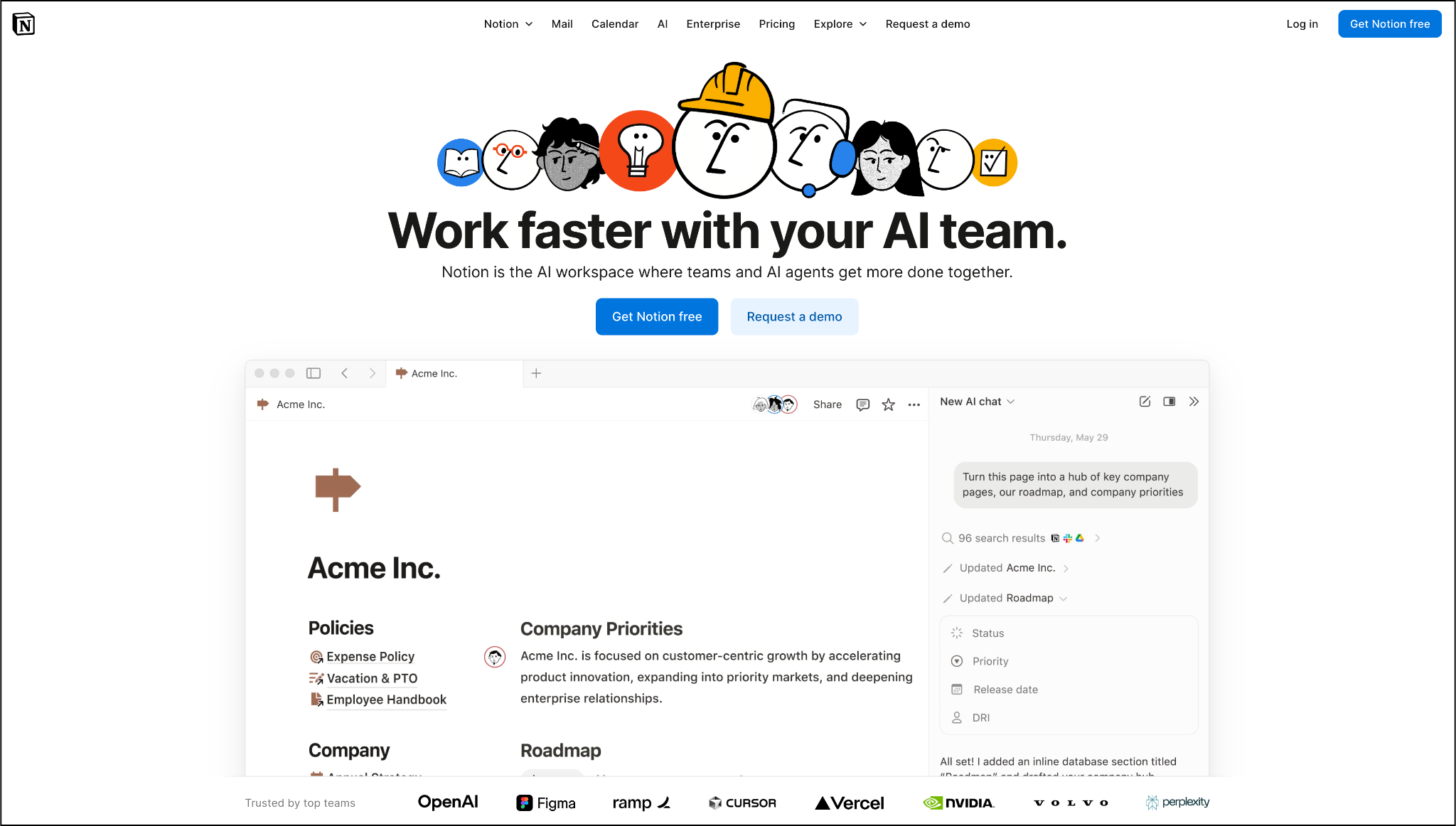
Notion has evolved far beyond a note-taking app into a full-fledged team collaboration and knowledge management platform. It allows businesses to create wikis, track projects, and manage workflows in one place, making it a favorite among startups and distributed teams.
The beauty of Notion is its flexibility. You can create databases, Kanban boards, task lists, and even lightweight apps all within a single workspace. Its simplicity makes it accessible, while its versatility makes it indispensable for teams looking to consolidate tools.
While Notion isn’t an app builder in the traditional sense, it’s still considered part of the no-code movement because it gives teams the power to structure information and workflows without technical expertise. In 2025, it remains a must-have for collaboration.
Best No-Code Tool for Learning Apps
Thunkable
Thunkable Pros:
- Beginner-friendly drag-and-drop builder
- Live preview while building apps
- Supports publishing across platforms
Thunkable Cons:
- Limited scalability for professional apps
- Less powerful compared to enterprise tools
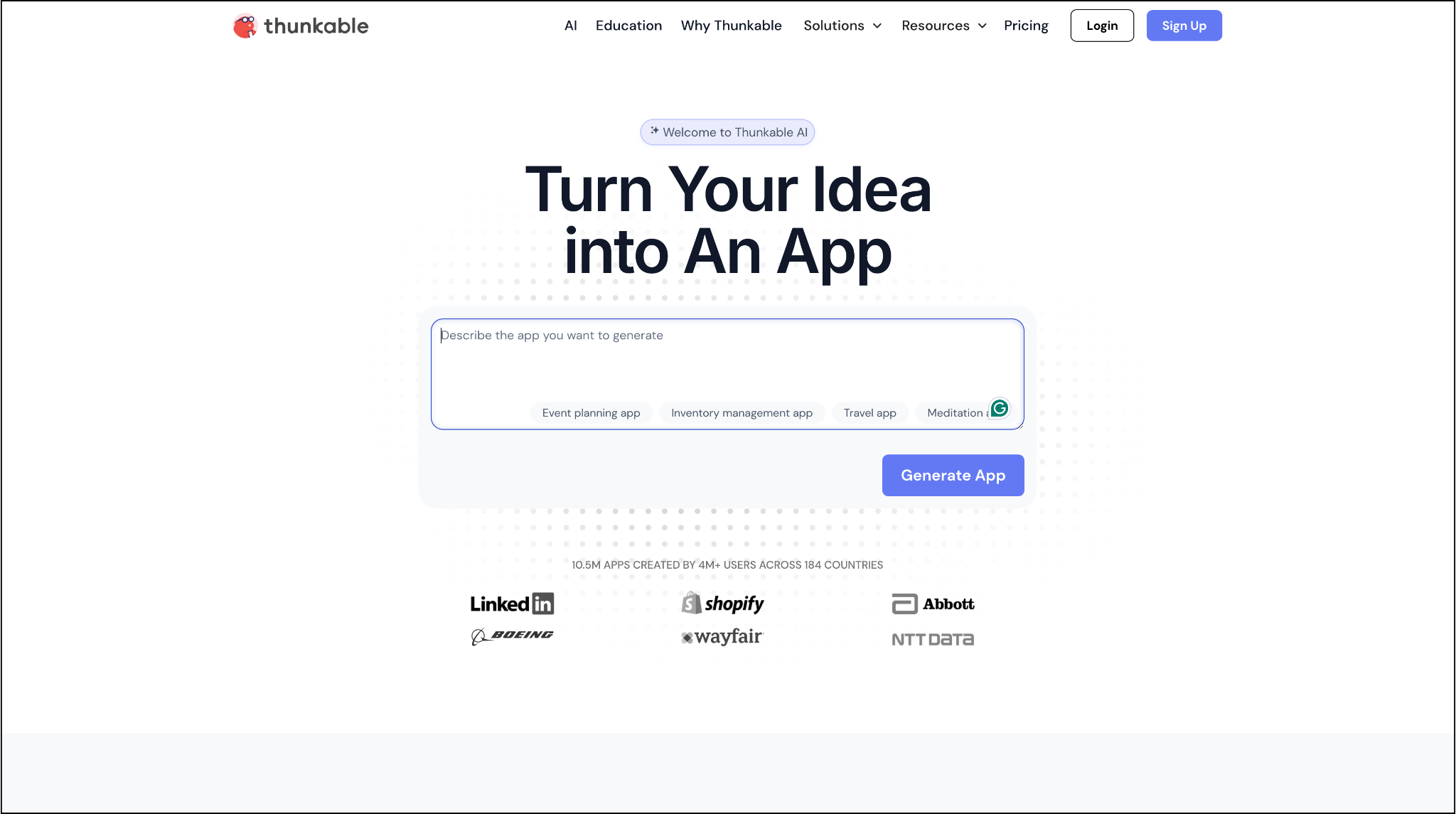
For beginners, educators, and hobbyists interested in mobile development, Thunkable offers a fun and approachable way to build apps. Its drag-and-drop interface makes it easy to design and test mobile apps, while features like live preview and cross-platform publishing allow creators to see results instantly.
Thunkable is particularly valuable for classrooms and learning environments, where it serves as both a teaching tool and a platform for experimentation. While it may not match the robustness of Adalo or Bubble for serious business apps, it’s perfect for smaller projects, prototypes, or personal use cases.
In short, Thunkable is an excellent gateway into the no-code world for anyone curious about mobile development. It empowers users to learn, experiment, and publish without getting bogged down in technical details.
Build an App Without Coding
The no-code movement has reshaped software development. With tools like Webflow for stunning websites, Bubble for SaaS apps, and DrapCode for enterprise solutions, there’s now a platform for every type of builder. Whether you’re a founder testing an idea, a team improving internal workflows, or an enterprise launching customer-facing apps, no-code tools offer the speed and flexibility you need.
What makes no-code special isn’t just the technology; it’s the accessibility. By lowering the barrier to entry, these platforms empower more people to solve problems and innovate. In 2025, building software isn’t just for coders; it’s for anyone with a vision and the right tool in hand.
Blogs & Insights
We'd love to share our knowledge with you. Get updates through our blogs & know what’s going on in the no-code world.