Internal Tools Builder for Operational Applications & Workflow Automation
Create internal business applications that automate processes, manage operational data, and coordinate team workflows. DrapCode provides an internal tools builder that allows organizations to design and deploy operational systems through visual configuration.
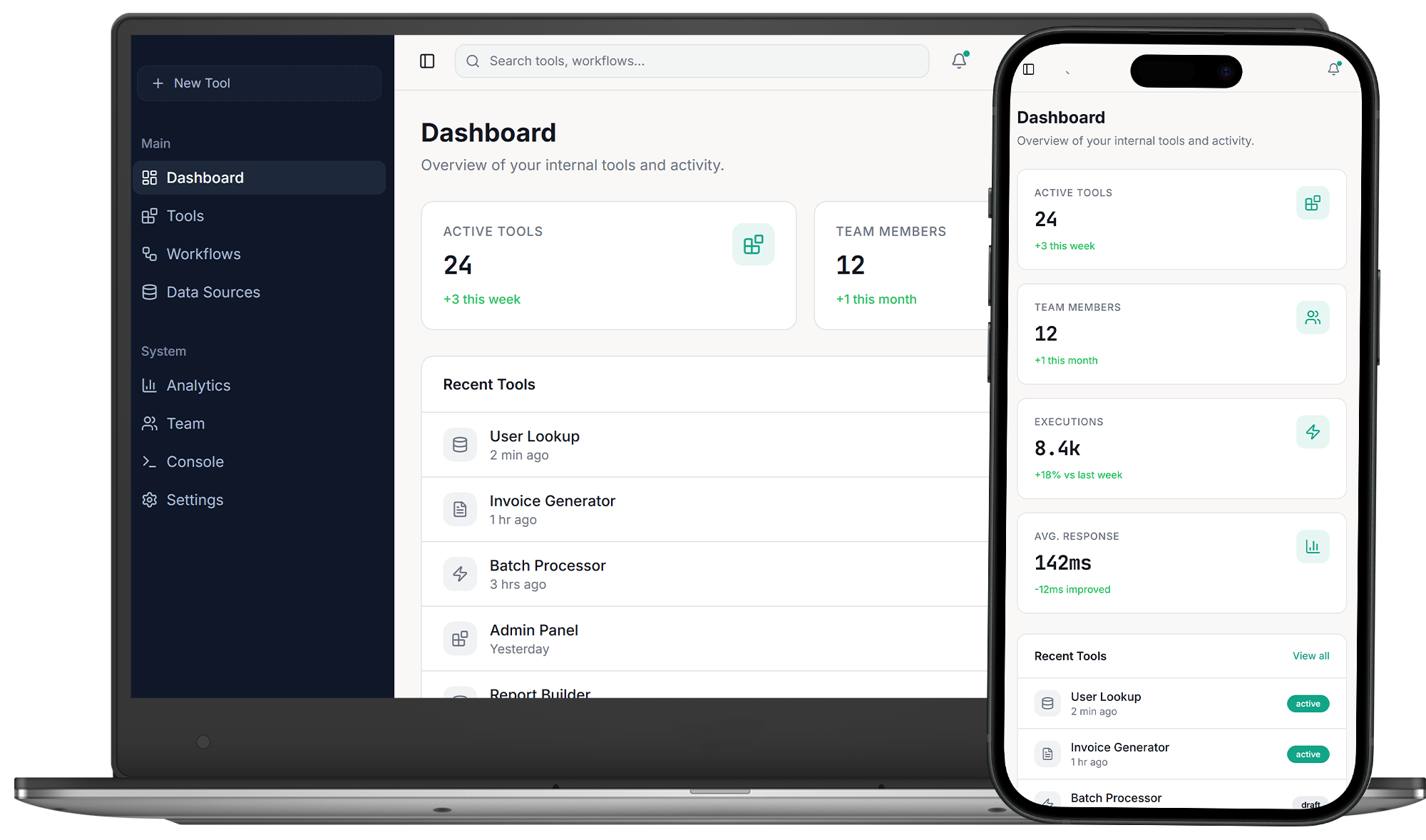
Internal Application Framework
An internal tools builder is a platform designed to create software for teams within an organization rather than for external customers. These tools typically manage operations such as approvals, reporting dashboards, inventory tracking, and internal communication workflows. Organizations build internal tools when operational processes become too complex for spreadsheets or disconnected systems. Unlike generic productivity software, an internal tools builder structures workflows, data models, and user permissions into a controlled operational system.
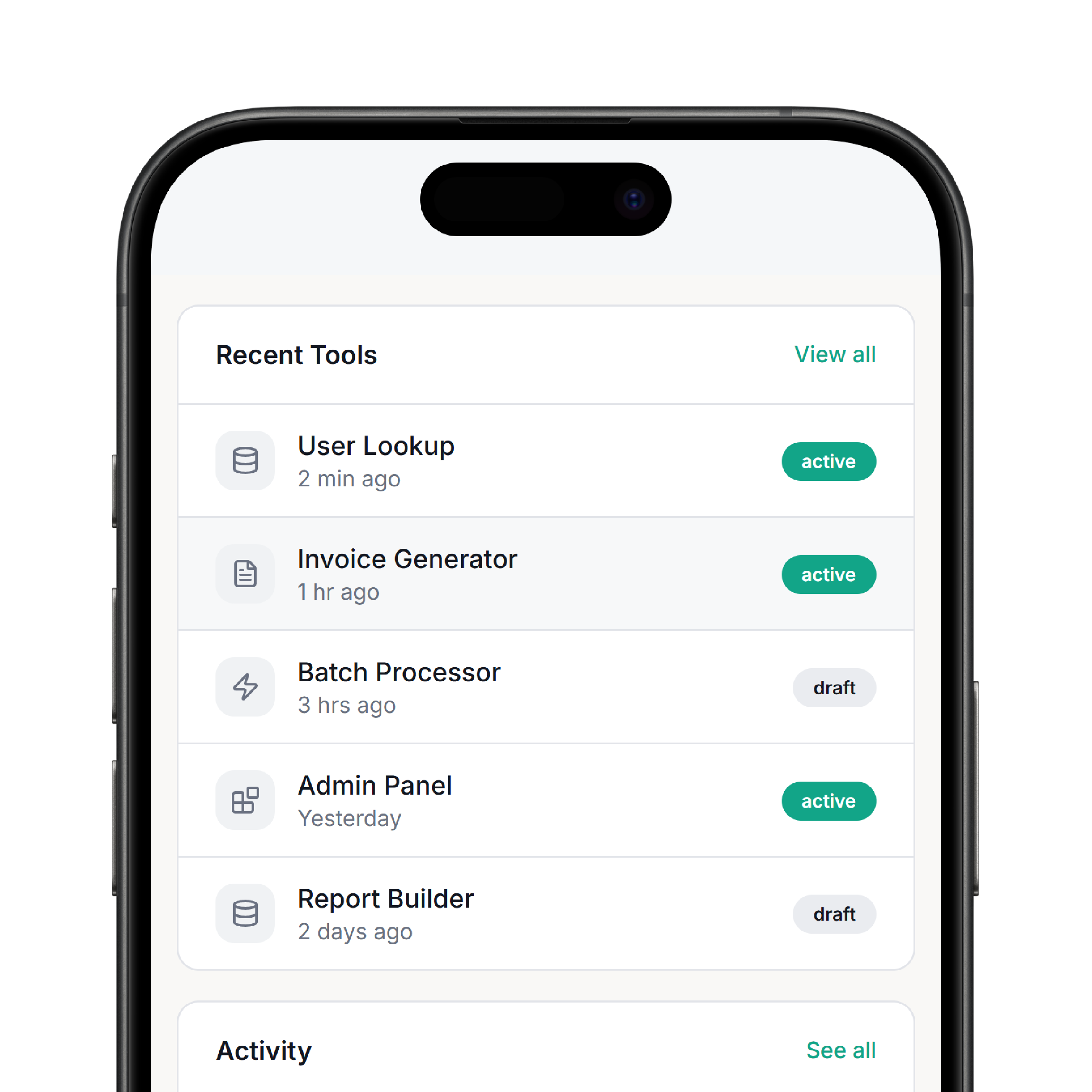
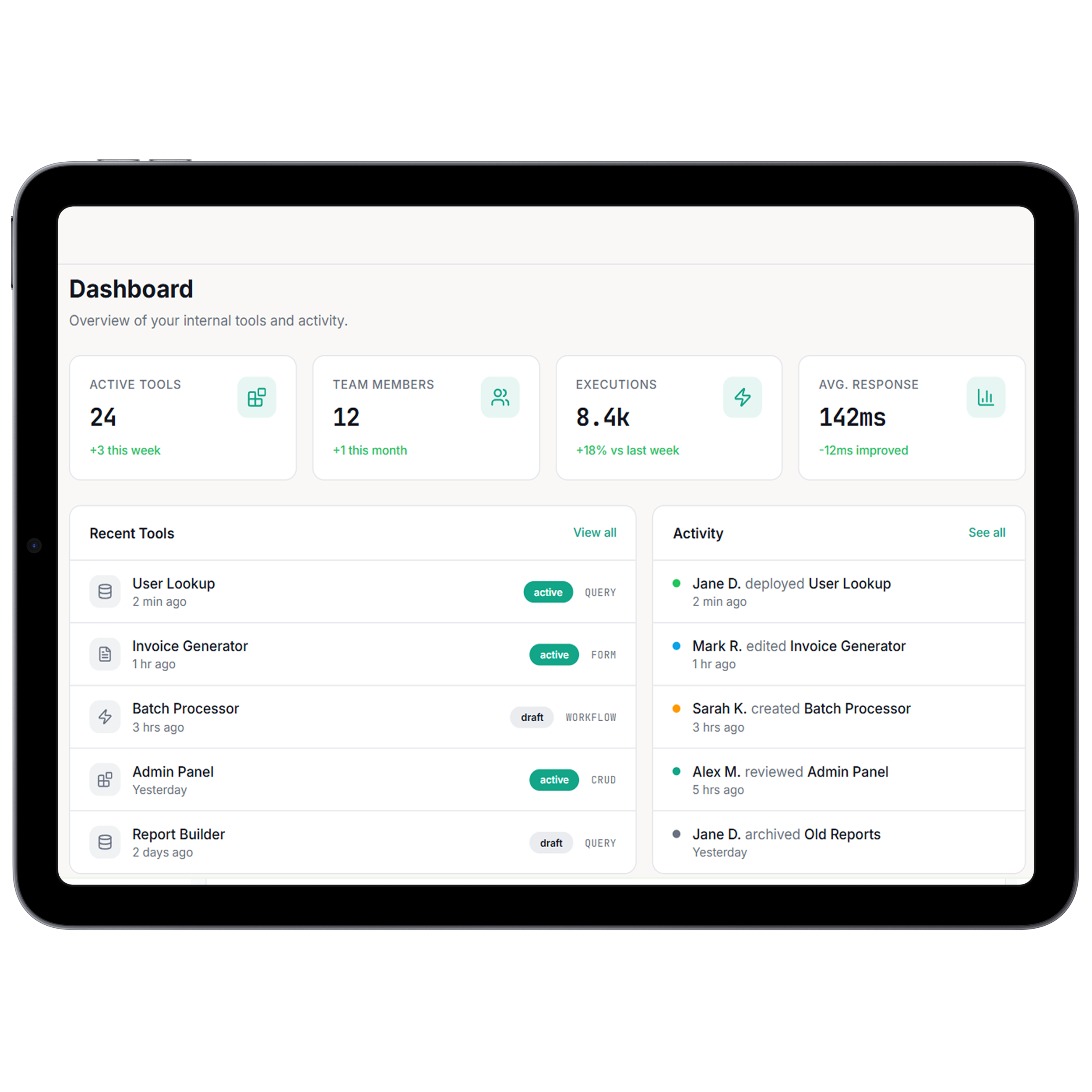
System Architecture Design
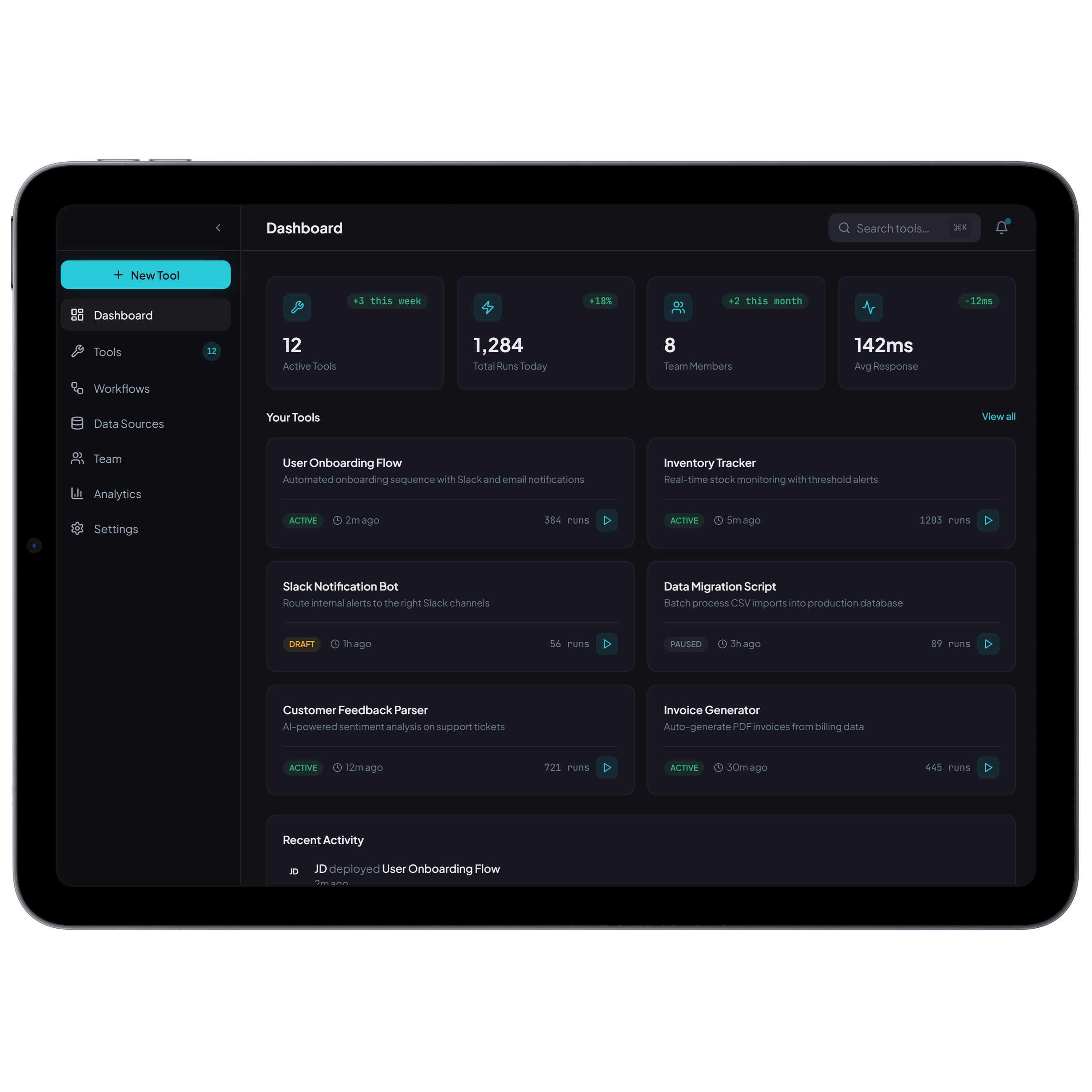
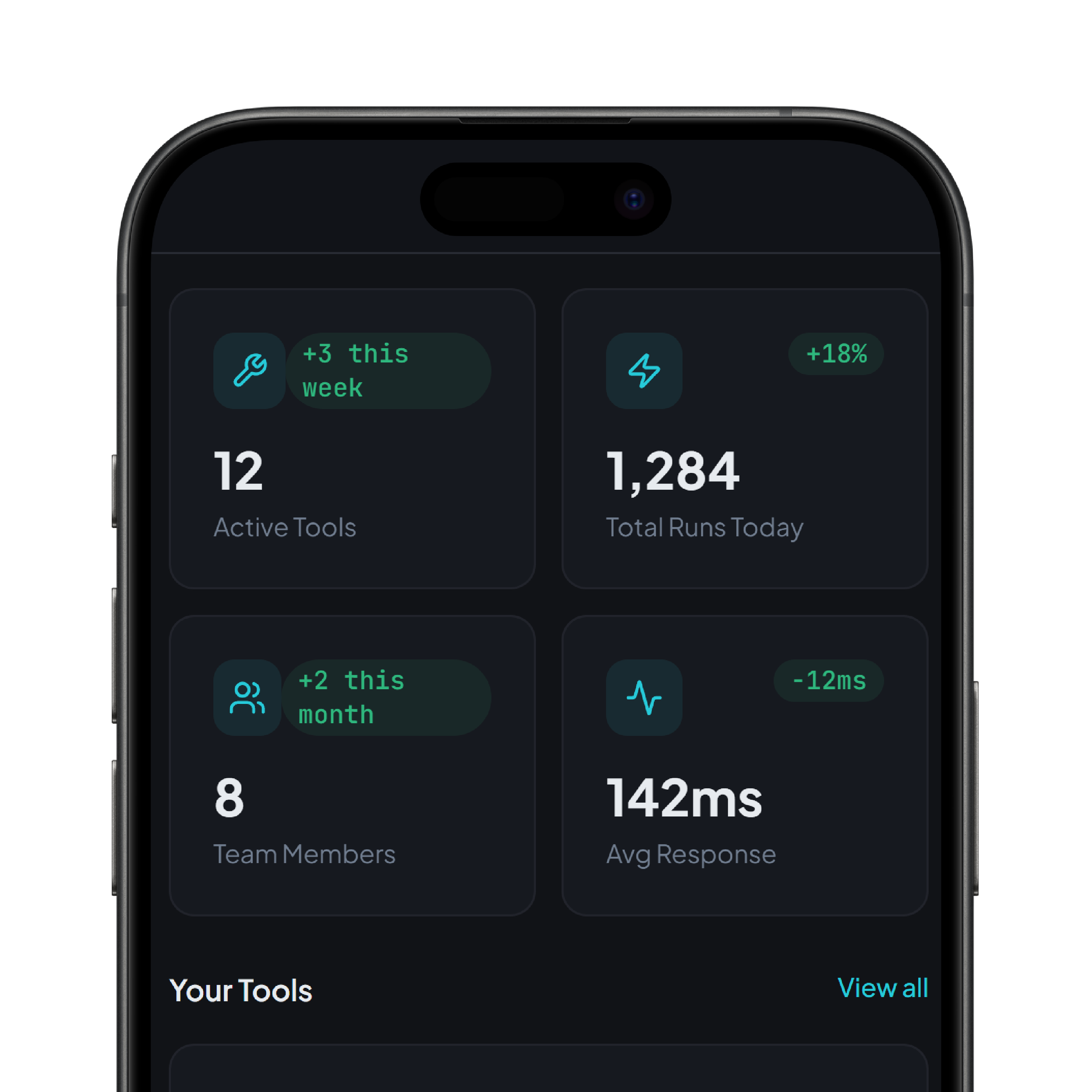
Internal applications organize records, operational rules, and automation triggers into structured modules. Each action performed by a user triggers workflow logic that updates data, routes approvals, or initiates automated processes. Teams implementing advanced automation capabilities often extend these systems using the broaderAI platform ecosystem . Operational visibility across workflows and activities can also be monitored through a centralized core app dashboard system.
Internal Tool Capabilities
These capabilities define how DrapCode enables organizations to build internal tools efficiently.

Workflow Automation Engine
Execute approvals, routing notifications, and operational actions automatically

Dynamic Data Management
Maintain structured records aligned with internal processes

Role-Based Interface Controls
Display application features according to team responsibilities

Process Tracking Dashboards
Monitor operational progress and activity history in the dashboard

Integration Connectivity Layer
Connect internal applications with enterprise systems and APIs

Application Management
Control staging, testing, and production system releases


We partnered with DrapCode to develop our new Automated CRM using their low-code platform. Outstanding quality at half the price, unmatched speed, and excellent customer service.
Cal Goggans
Founder - A Custom Fit iNMotion



DrapCode stands out as the best. Flexible, scalable, and supported by an expert team. After 3 years on another tool, DrapCode is simply superior.
Cory Nation
President - Embark EMR

DrapCode is an easy-to-use no-code platform with a drag-and-drop interface, making it accessible for non-developers. The support team is highly responsive and dedicated to user success.
Joseph Young
President - Renew Hope And Healing
Platform Operational Capabilities
Operational controls ensure reliability across internal business environments.

Secure Access Permissions
Restrict operational actions according to organizational roles

Scalable Runtime Infrastructure
Maintain performance during increasing operational workloads

Activity Monitoring Framework
Track workflow events and user activity logs
Cross Department Coordination
Synchronize data across multiple internal systems
Implementation Scenarios

Operations Management
Build systems for approvals, task coordination, and workflow monitoring. Improve efficiency across teams.

Data Administration
Track internal records, reports, and operational metrics. Replace manual spreadsheet management.

Team Coordination
Create dashboards and operational management tools. Support collaboration across departments.
Development Workflow
Applications move from configuration to production through a structured set of execution stages.
 Define Workflow
- Configure System
- Test Operations
- Deploy Tool
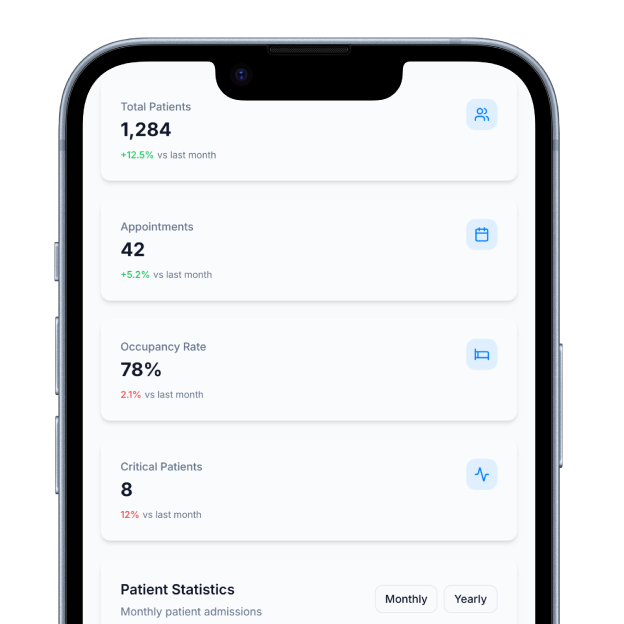
Define Workflow
Map internal operational processes
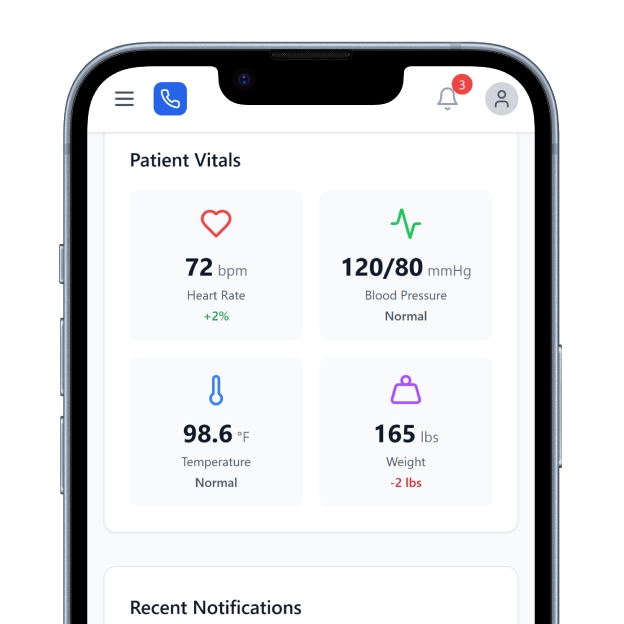
Configure System
Build forms data structures and logic
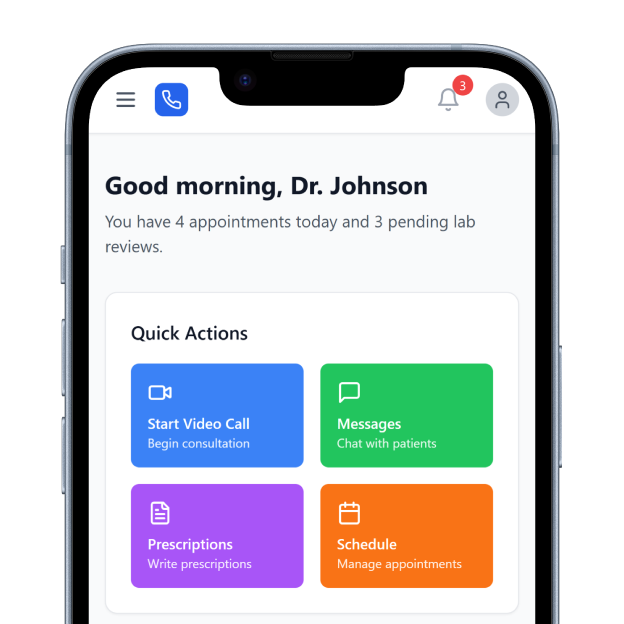
Test Operations
Validate workflow execution and access controls
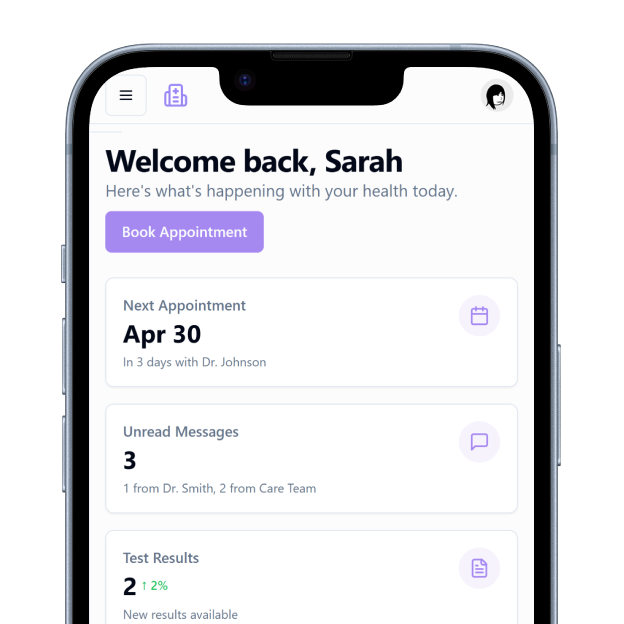
Deploy Tool
Launch monitored internal application
Operational Transparency
The DrapCode internal tools builder records workflow activity, user actions, and system events to maintain operational traceability. Teams can review operational history and validate how internal processes are executed within the system. Organizations designing advanced internal automation often rely on structured guidance available in internal tools development resources. This ensures teams understand best practices for building reliable operational applications.
Scalable Operational Systems
Internal applications evolve as organizations add new workflows, departments, and operational responsibilities. The architecture allows new modules and integrations to be introduced without redesigning the entire system. As internal systems grow, centralized monitoring and structured automation maintain consistent operational performance. This allows businesses to continuously expand how they build internal tools across evolving operations.
Frequently Asked Questions
What are internal tools?
Why do companies build internal tools?
Can internal tools replace spreadsheets?
Who typically uses internal tools?
Do internal tools scale with companies as they grow?
Get started with DrapCode to build scalable internal applications using a powerful internal tools builder.
Experience the power of no-code development with DrapCode Studio. Build apps visually, collaborate seamlessly, and launch faster than ever.