How Much Does Web App Development Cost in 2026?
A web application can be a simple customer portal or a full business system with multiple user roles, connected databases, payment processing, reporting, and automated workflows. Both are web apps, but their development costs can be very different.
That is why asking for the average web app development cost rarely produces a useful answer. The actual budget depends on what the application needs to do, how many people will use it, which services it must connect with, and how it will be maintained after launch.
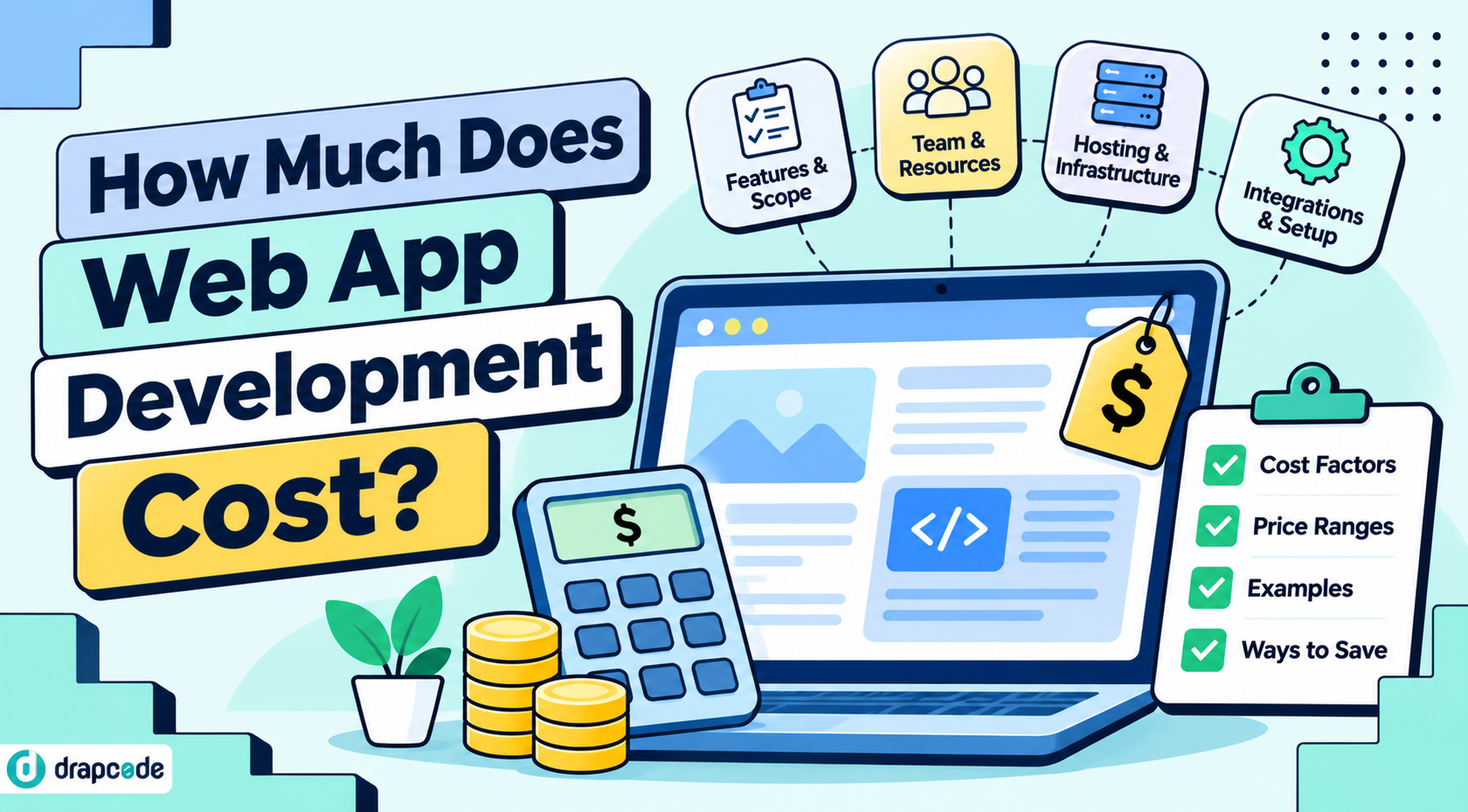
A better way to estimate the cost is to break the project into its main components. This guide explains the expenses involved, the features that influence the budget, and how different development approaches affect the total investment.
What Does Web App Development Cost?
There is no universal price for building a web application. A small application with a few screens and basic data management requires a different level of effort from a platform with complex permissions, third-party integrations, and custom business logic.
For early planning, the following ranges can serve as broad illustrative budgets. They are not fixed market rates or vendor quotations. Actual estimates depend on scope, team location, technology choices, and delivery requirements.
Type of web application
Indicative development budget
Basic application or internal tool
5,000–20,000
Mid-sized business application
20,000–75,000
Complex application or multi-module platform
75,000–250,000+
A basic application might include user registration, a dashboard, forms, and standard data management. A mid-sized application may add multiple user roles, reporting, integrations, and approval workflows. A complex platform can involve several interconnected modules, advanced permissions, external systems, and more demanding infrastructure.
These ranges are best used to begin a conversation about scope. A reliable estimate requires a feature list, workflow details, integration requirements, and deployment expectations.
Where Does the Budget Go?
The total cost is not simply the number of screens multiplied by a development rate. Different parts of the project require different kinds of work, and some of the most important expenses are not immediately visible.
Requirements & Planning
Before development begins, the team needs to understand the problem the application will solve. This includes identifying user types, mapping workflows, defining data requirements, and deciding which features belong in the first release.
Skipping this stage can create expensive changes later. A clear project scope helps prevent unnecessary features from entering the initial build.
UI & User Experience Design
Design covers the layout, navigation, forms, dashboards, and interactions users will work with. A straightforward internal tool may need a relatively simple interface, while a customer-facing product may require more detailed user journeys and usability testing.
The number of unique screens, responsive layouts, and interaction states all influence design effort.
Frontend & Backend Development
Frontend development covers the parts users see and interact with. Backend development handles application logic, data processing, authentication, permissions, and communication with other systems.
A project with custom calculations, multiple user roles, complex approval rules, or large data relationships will generally require more configuration and development than a basic information portal.
Integrations & Data Migration
Many applications need to work with services that already exist in a business. These might include payment gateways, CRM systems, email services, accounting software, identity providers, or external databases.
The cost depends on API availability, documentation, authentication requirements, data mapping, and how much information must move between systems. Migrating existing records can also require data cleaning and validation.
Testing & Deployment
Testing should cover more than whether the application opens and its buttons work. Teams need to check user permissions, data accuracy, workflow conditions, integration failures, performance, and behavior across devices.
Deployment also involves configuring hosting, domains, environments, backups, monitoring, and release procedures. The required effort depends on the application's risk and operational needs.
Six Factors That Change the Estimate
Two projects with similar descriptions can have very different budgets. These are some of the factors that explain why.
1. Number of features: Every additional module introduces design, configuration, development, and testing work. A feature list should distinguish essential launch requirements from improvements that can wait.
2. User roles and permissions: An application used by customers, managers, administrators, and external partners needs different access rules and user journeys. More roles usually mean more permission scenarios to configure and test.
3. Workflow complexity: A simple form submission is relatively straightforward. A process involving conditional approvals, notifications, document reviews, escalations, and exceptions takes more planning and implementation.
4. Third-party integrations: Connecting one well-documented service is different from coordinating several systems with different APIs, authentication methods, and data formats.
5. Security and data requirements: Applications handling sensitive or business-critical information may need stronger access controls, encryption, audit trails, backup policies, and security reviews. The exact requirements depend on the application and its industry.
6. Expected usage and scale: The number of users, volume of records, file storage, traffic patterns, and performance expectations influence infrastructure and testing requirements. A platform intended for a small internal team may not need the same architecture as a public application serving thousands of users.
Custom Development, Freelancers, or an App Builder?
The development approach can change both the initial investment and the level of responsibility your team takes on.
Development approach
Where the budget goes
What to consider
Development agency
Discovery, design, engineering, testing, project management
Useful when the project needs a dedicated team and broad delivery support
Freelancers
Individual design and development services
Requires coordination, technical oversight, and clear ownership of deliverables
In-house team
Salaries, recruitment, tools, infrastructure, and management
Offers direct control but requires ongoing engineering capacity
AI app builder with visual development
Platform access, configuration, integrations, custom development, and hosting
Can reduce repetitive implementation work, but complex requirements still need planning and validation
An app builder is not automatically the least expensive choice for every project. The value depends on how much of the required application can be handled through supported components, visual configuration, and reusable workflows.
AI-assisted development can also help teams turn requirements into working application components and refine them through prompts. However, generated functionality still needs review, testing, and configuration. Integrations, complex business rules, and production readiness require careful attention regardless of the development approach.
Costs That Continue After Launch
The first release is only one part of the application's total cost. Once users begin relying on it, the business needs a plan for keeping it available, secure, and useful.
Common ongoing expenses include:
- Hosting and infrastructure: Servers, databases, storage, bandwidth, and environments.
- Maintenance: Bug fixes, dependency updates, performance improvements, and technical support.
- Security: Monitoring, access reviews, backups, vulnerability checks, and security updates.
- Third-party services: API usage, email delivery, SMS messages, payment processing, and other provider fees.
- New functionality: Additional modules, integrations, reports, and changes to existing workflows.
Ask vendors to separate one-time development costs from recurring platform, infrastructure, support, and third-party charges. This gives you a more realistic view of the total cost of ownership.
How to Estimate Your Own Web App Budget
Before requesting quotations, prepare a short scope document. It does not need to be a technical specification, but it should explain what the application must accomplish.
Start with the users. List who will access the application and what each user type needs to do. Then describe the main workflows, from the first user action to the outcome.
Next, group the required functionality into modules. For example, a customer portal might include registration, account management, document uploads, notifications, and an administrator dashboard. Identify which features are essential for the first release and which can be introduced later.
List the external systems the application must connect to, along with any existing data that needs to be migrated. Finally, document security, hosting, performance, and support expectations.
Ask each development provider to estimate the same scope and explain what is included or excluded. Compare assumptions, deliverables, revision limits, deployment responsibilities, ongoing charges, and source code ownership not just the headline price.
A phased release can also help manage the budget. Build the core workflow first, test it with real users, and use what you learn to prioritize the next set of features.
Can an AI App Builder Reduce Development Costs?
An AI App Builder can change how teams approach application development. Instead of implementing every interface and workflow entirely through conventional coding, teams can describe requirements, generate supported functionality, and refine the application using visual development tools.
This can be particularly useful for applications built around forms, dashboards, user roles, data management, and repeatable business processes. Teams can spend less time on repetitive setup and focus more attention on the parts of the application that are specific to their business.
However, the platform subscription is not the entire project budget. Planning, custom functionality, integrations, testing, hosting, and ongoing maintenance still need to be considered.
With DrapCode's AI App Builder, teams can describe application requirements, build and refine supported functionality, and configure data, workflows, and integrations visually. The platform is designed for application development across healthcare, fintech, legal tech, and insurance, with security infrastructure for regulated use cases.
Its visual development features support interface building, data connections, permissions, integrations, and application workflows. Teams should evaluate the platform against their actual feature requirements and confirm the scope of any custom development before estimating the final project cost.
Make the Budget Match the Product
The right web app budget is not necessarily the smallest one. It is the amount required to build an application that solves the intended problem, works reliably, and can be maintained as the business grows.
Define the first release carefully, understand the effort behind integrations and workflows, and account for costs beyond development. Compare providers using the same scope and make sure you understand what happens after launch.
Whether you choose an agency, an in-house team, or an AI App Builder, a well-defined scope will give you a more useful estimate and a much better basis for deciding where to invest.
Frequently Asked Questions
Q1. How much does it cost to develop a web application?
A basic web application may require a budget of several thousand dollars, while applications with multiple modules, integrations, and complex workflows can cost significantly more. The estimate depends on scope, team, technology, and delivery requirements.
Q2. What is the most expensive part of web app development?
It depends on the project. Complex backend logic, integrations, custom workflows, data migration, security requirements, and testing can all contribute substantially to the budget.
Q3. Is an AI App Builder cheaper than custom development?
It can reduce implementation effort for supported features and workflows. However, the overall cost still depends on platform fees, custom requirements, integrations, hosting, testing, and maintenance.
Q4. How long does it take to build a web application?
A small application may take weeks, while a complex product can take several months or longer. The timeline depends on the number of features, design requirements, integrations, testing, and the availability of the development team.
Q5. What ongoing costs should I plan for?
Plan for hosting, maintenance, security updates, backups, third-party services, support, and future feature development. These costs should be considered separately from the initial build estimate.
Q6. How can I reduce web app development costs?
Start with a clearly defined minimum viable product, prioritize essential workflows, use existing integrations where suitable, avoid unnecessary custom features, and test the application in stages. A suitable app builder may also reduce repetitive development work.