7 Best Airtable Alternatives for Project Management in 2026
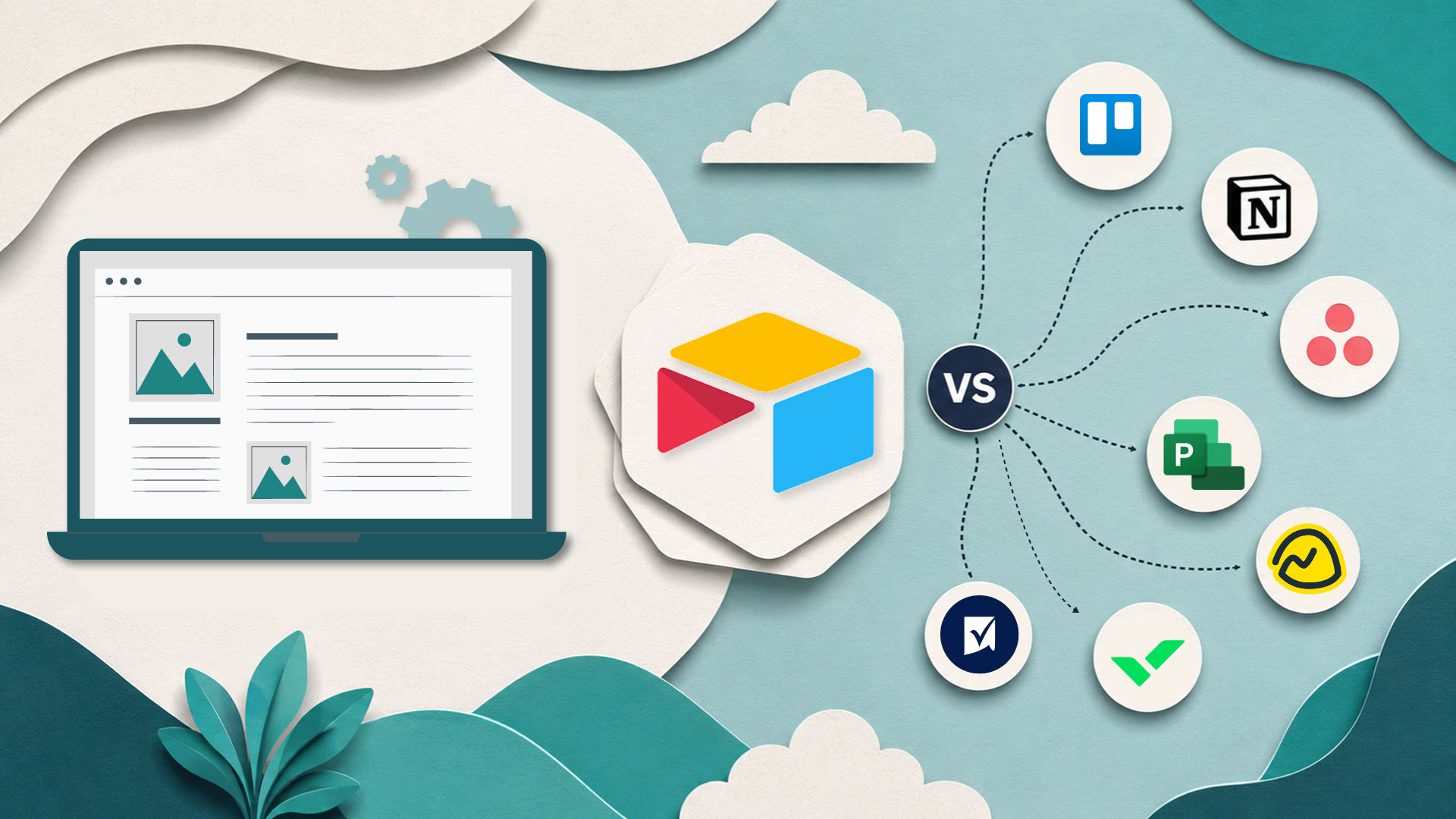
Airtable has become a popular choice for teams that need a flexible way to organize projects, track tasks, and manage workflows. Its spreadsheet-database approach works well for small teams, but many organizations eventually need deeper automation, stronger permissions, custom workflows, and scalable project management capabilities.
As projects become more complex, teams often start evaluating Airtable alternatives that can support operational processes, cross-functional collaboration, and business-specific requirements.
In this guide, we'll compare seven of the best Airtable alternatives for project management and help you determine which solution fits your team's needs.
Why Teams Look for Airtable Alternatives
Airtable is excellent for organizing data, but project management often requires much more than storing information.
Growing businesses commonly encounter challenges such as:
- Limited workflow customization
- Complex approval processes
- Increasing automation requirements
- Managing multiple departments in one system
- Client-facing collaboration needs
- Reporting and operational visibility
Many organizations also discover that project management eventually becomes part of a larger operational ecosystem that includes CRMs, customer portals, reporting dashboards, and other internal tools used across the business.
What Makes a Good Airtable Alternative?
Before selecting an alternative, consider the following factors:
Workflow Flexibility
Every organization has different project processes. The ideal platform should support custom workflows rather than forcing teams into predefined structures.
Automation Capabilities
Modern project management relies heavily on automation. Task assignments, approvals, notifications, and status updates should happen automatically whenever possible. Businesses evaluating alternatives may also want to explore modern workflow automation platforms to understand what's possible beyond basic task management.
Scalability
The platform should continue performing well as projects, users, and data volumes increase.
Integration Support
Project management software rarely operates in isolation. It should integrate with existing tools and business processes.
1. DrapCode
DrapCode is an AI-assisted no-code platform that enables businesses to build custom project management applications tailored to their exact workflows.
Unlike traditional project management software, DrapCode allows organizations to create project tracking systems, approval workflows, client portals, reporting dashboards, and operational applications without traditional development.
Best For
Businesses that need a custom project management solution rather than another off-the-shelf tool.
Key Features
- Custom project management applications
- Workflow automation
- Role-based permissions
- Client and vendor portals
- Custom dashboards and reporting
- Database-driven applications
- AI-assisted application development
Why Choose DrapCode?
Many teams outgrow generic project management tools because their workflows become unique. DrapCode allows organizations to build software around their processes instead of changing their processes to fit software.
Organizations already using Airtable can continue working with existing data through DrapCode's Airtable Integration while building more advanced project management applications.
2. ClickUp
ClickUp has evolved into one of the most comprehensive project management platforms available today.
Best For
Teams are looking for an all-in-one project management solution.
Key Features
- Task and project management
- Time tracking
- Goal tracking
- Team collaboration
- Workflow automation
- Custom dashboards
Pros
- Extensive feature set
- Strong reporting capabilities
- Suitable for growing teams
Cons
- Can feel overwhelming for new users
- Advanced configurations require setup time
3. Monday.com
Monday.com offers visual project tracking, automation, and operational workflows.
Best For
Organizations that want visibility across projects and departments.
Key Features
- Visual project boards
- Resource planning
- Workflow automation
- Reporting dashboards
- Team collaboration
Pros
- User-friendly interface
- Strong automation capabilities
- Easy onboarding
Cons
- Advanced features may require premium plans
4. Asana
Asana remains one of the most widely used project management platforms for cross-functional teams.
Best For
Marketing, operations, and product teams.
Key Features
- Task dependencies
- Project timelines
- Workload management
- Workflow automation
- Reporting tools
Pros
- Clean user experience
- Strong project planning capabilities
Cons
- Limited database flexibility compared to Airtable
5. Smartsheet
Smartsheet bridges the gap between spreadsheets and project management software.
Best For
Organizations transitioning from spreadsheet-based project tracking.
Key Features
- Grid views
- Gantt charts
- Resource management
- Portfolio reporting
- Workflow automation
Pros
- Familiar with spreadsheet experience
- Strong enterprise capabilities
Cons
- Less intuitive than modern project management platforms
6. Notion
Notion combines documentation, knowledge management, and project tracking in a single workspace.
Best For
Teams that want project management and documentation together.
Key Features
- Databases
- Task management
- Team documentation
- Collaborative workspaces
- Project templates
Pros
- Highly flexible
- Excellent documentation capabilities
Cons
- Large project structures can become difficult to manage
7. Coda
Coda combines documents, databases, and workflows into customizable workspaces.
Best For
Teams seeking flexibility without traditional software limitations.
Key Features
- Interactive documents
- Workflow automation
- Custom databases
- Team collaboration
- Reporting
Pros
- Flexible architecture
- Strong customization options
Cons
- Requires planning to build scalable systems
Airtable Alternatives Comparison
|
Platform |
Best For |
Automation |
Customization |
Scalability |
|
DrapCode |
Custom project management applications |
High |
High |
High |
|
ClickUp |
All-in-one project management |
High |
Medium |
High |
|
Monday.com |
Visual project tracking |
High |
Medium |
High |
|
Asana |
Team collaboration |
Medium |
Medium |
High |
|
Smartsheet |
Spreadsheet-based management |
High |
Medium |
High |
|
Notion |
Documentation and projects |
Medium |
Medium |
Medium |
|
Coda |
Flexible workspaces |
Medium |
High |
Medium |
Which Airtable Alternative Should You Choose?
The right alternative depends on your requirements.
- Choose ClickUp if you want a feature-rich project management platform.
- Choose Monday.com if visibility and ease of use are priorities.
- Choose Asana for structured team collaboration.
- Choose Smartsheet if your organization relies heavily on spreadsheets.
- Choose Notion if documentation is central to your workflows.
- Choose Coda if flexibility is your primary concern.
- Choose DrapCode if you want to build a project management system tailored to your business processes.
Many growing businesses eventually move beyond standard project management software and begin building custom operational systems similar to the internal tool examples used by modern organizations.
Final Thoughts
Airtable remains a powerful platform, but it's not always the best fit for teams managing complex projects, multiple departments, or highly customized workflows.
The best Airtable alternative isn't necessarily the one with the most features; it's the one that supports how your organization actually operates.
As project management becomes increasingly connected to operations, reporting, approvals, customer interactions, and internal processes, many businesses are also exploring broader approaches to application development. Understanding the differences between no-code vs low-code enterprise apps can help organizations make smarter long-term technology decisions.
FAQs
Q1. What is the best Airtable alternative for project management?
The best Airtable alternative depends on your needs. ClickUp and Monday.com are popular for traditional project management, while DrapCode is suitable for organizations that need custom project management applications.
Q2. Why do teams switch from Airtable?
Teams often switch because they need stronger automation, advanced workflows, better reporting, or custom business applications that go beyond Airtable's database-focused structure.
Q3. Can I build custom project management software without coding?
Yes. No-code platforms like DrapCode allow businesses to build project management systems, dashboards, workflows, and portals without traditional software development.
Q4. Is Airtable good for large teams?
Airtable works well for many teams, but larger organizations may require more advanced permissions, workflow automation, and scalability than Airtable typically provides.
Q5. What should I look for in an Airtable alternative?
Look for workflow flexibility, automation capabilities, scalability, reporting features, integrations, and the ability to adapt to your business processes.