Build Patient Portal on OpenEMR with DrapCode
DrapCode builds custom patient portals on OpenEMR, giving healthcare organizations a modern, branded patient experience connected to supported OpenEMR APIs and clinical data.
Trusted by Healthcare Innovators
1,000+ organizations trust DrapCode to help healthcare teams launch secure & HIPAA-compliant applications.






Own the Experience
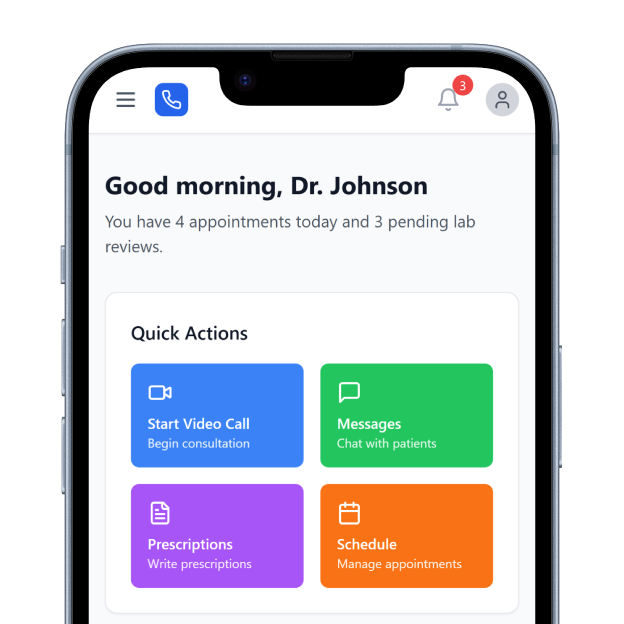
OpenEMR is an open-source electronic health record and medical practice management system. Its architecture gives organizations more control over deployment and customization than many closed healthcare platforms. That flexibility can extend to the patient experience. DrapCode can build a purpose-designed front end around your services, workflows, and branding while OpenEMR continues managing the underlying clinical records.
Beyond the Native Portal
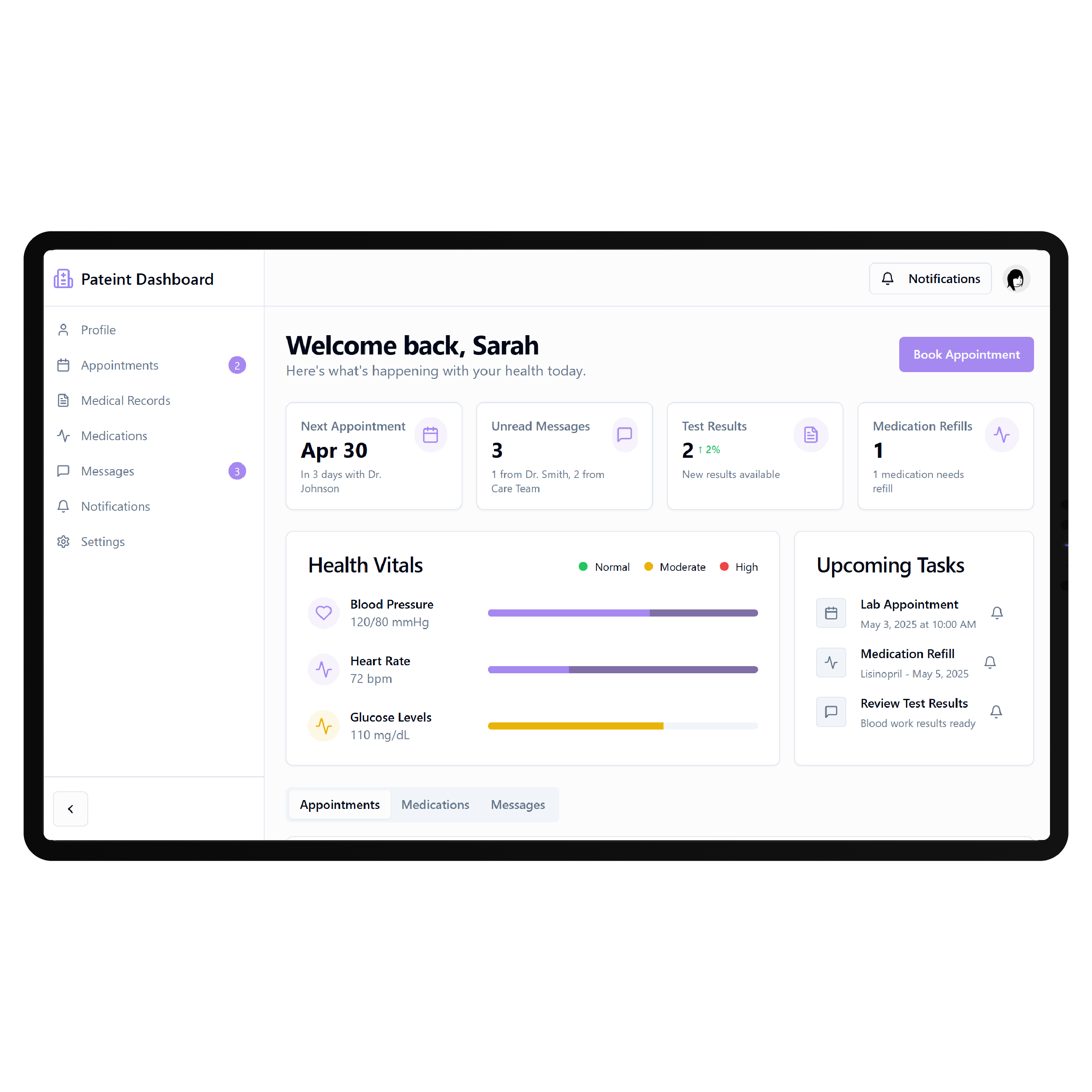
OpenEMR already includes its own Patient Portal. Patients can communicate with staff, review profile and health information, complete documents, request appointments, handle supported financial activities, and download information from their records. A custom portal makes sense when your organization needs different navigation, a more polished interface, specialty workflows, or additional digital services without forcing patients to work directly through the native portal experience.
Key Features Provided by OpenEMR
OpenEMR gives organizations the messaging, scheduling, digital forms, and clinical data foundation your custom patient portal builds on.

Secure Messaging
Allows patients to exchange secure messages and chat with authorized practice staff digitally.

Appointment Requests
Lets patients request appointments through the portal using the practice’s existing schedule workflows.

Digital Forms
Enables patients to complete consents, medical histories, agreements, and other electronic documents online.

Clinical Reports
Allows patients to download available laboratory reports and supported information from their medical records.

Patient Payments
Provides portal tools for viewing patient ledgers and handling supported account payment activities online.

Self-Registration
Lets new patients submit preliminary demographic information before physically visiting the healthcare organization.
Flexible Patient Journeys

Independent Practices
Create simpler digital journeys around registration, appointments, forms, communication, records, and ongoing patient access.

Specialty Clinics
Build specialty-specific experiences around preparation, treatments, results, resources, follow-ups, and recurring patient needs.

Custom Health Platforms
Use OpenEMR underneath while delivering a distinct patient experience designed around your healthcare product.
Key Features DrapCode Can Build in the Patient-Facing Front End
Create the patient experience around your organization while OpenEMR remains the clinical system of record.

Custom Dashboard
Organize approved patient actions using an approach adaptable to a OneTouch EMR patient portal.

Guided Onboarding
Turn registration, intake, consent, and preparation requirements into a clearer step-by-step patient journey.

Care Navigation
Help patients find appointments, services, providers, records, resources, and appropriate next actions more easily.

Results Experience
Present supported clinical information through clearer patient-facing screens when authorized OpenEMR access permits it.

Resource Center
Bring approved instructions, educational content, preparation materials, and follow-up resources into one location.
Branded Interface
Create your own patient experience instead of relying entirely on OpenEMR’s native portal interface.
Build Through APIs
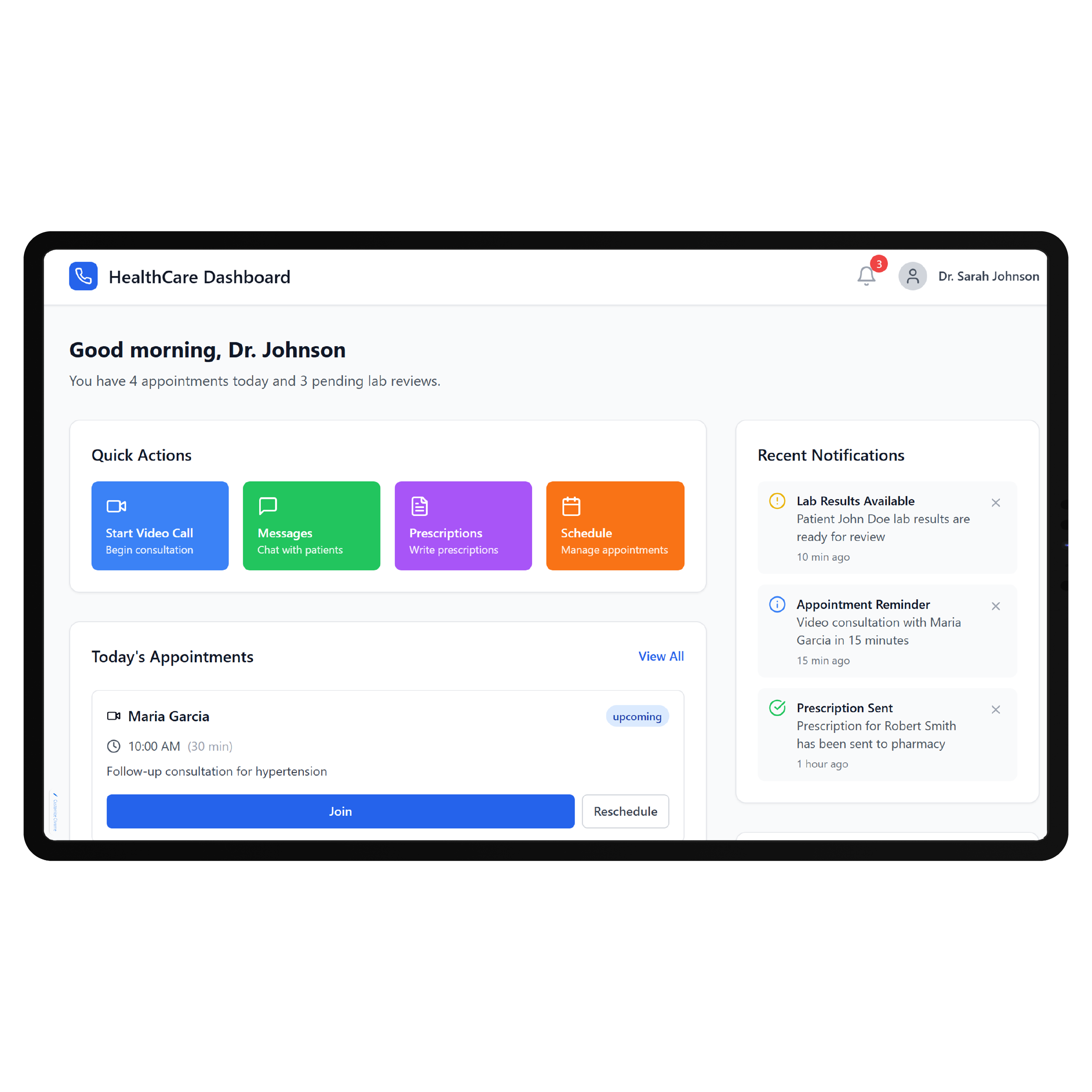
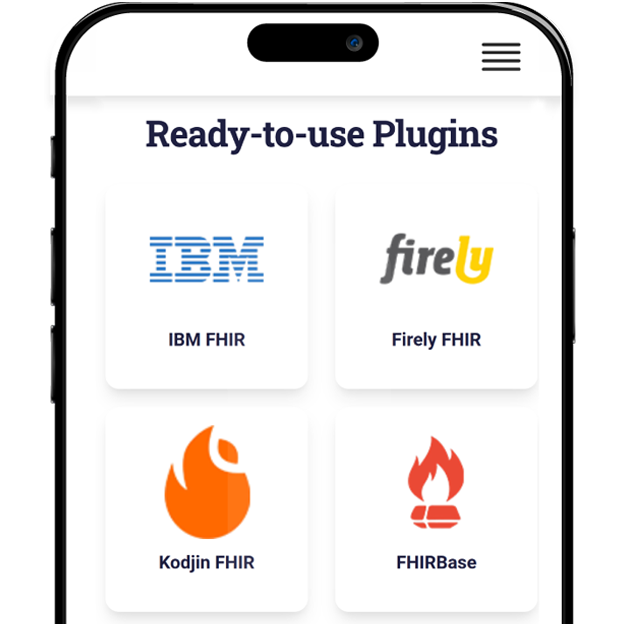
OpenEMR provides both a Standard API and FHIR API, with current documentation and Swagger-based endpoint testing. OpenEMR also includes configurable Patient Portal REST and Patient Portal FHIR REST API options. DrapCode can map the required front-end workflows to supported OpenEMR endpoints, using the same integration-specific planning needed for an OpenEMR patient portal implementation. The required resources, authorization, OpenEMR version, configuration, and deployment environment determine the final connection.
Make Open Source Useful
OpenEMR’s open-source model gives organizations significant control, but that flexibility also means implementations can differ. Patient portal configuration, hosting, security, enabled APIs, and customizations can vary between deployments. DrapCode can design the patient-facing layer around your actual environment, just as a PatientNow EMR patient portal must account for its underlying system. The goal is to use OpenEMR’s flexibility without exposing patients to unnecessary system complexity.
Frequently Asked Questions
Does OpenEMR already include a patient portal?
Why build a custom patient portal on OpenEMR?
Does OpenEMR provide APIs for custom patient applications?
What can DrapCode build on top of OpenEMR?
What determines OpenEMR integration feasibility?
Turn OpenEMR Into Your Patient Experience
Tell DrapCode how your OpenEMR environment works and what patients need to accomplish. We’ll map the portal experience, workflows, and required API connections.