Build Patient Portal on MicroMD EMR with DrapCode
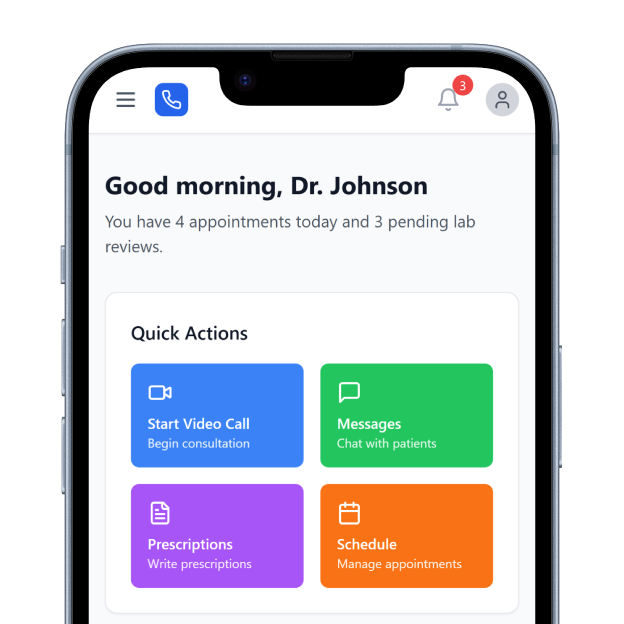
DrapCode builds custom patient portals around MicroMD EMR, helping independent practices create patient experiences that complement Secure Chart and support MicroMD workflows.
Trusted by Healthcare Innovators
1,000+ organizations trust DrapCode to help healthcare teams launch secure & HIPAA-compliant applications.






Extend Secure Chart
MicroMD EMR is designed for independent practices, group practices, and health centers, combining clinical documentation, e-prescribing, patient communication, interoperability, and specialty-specific workflows. MicroMD already offers the Secure Chart Patient Portal. DrapCode can build a separate patient-facing experience when your practice needs different branding, specialty journeys, navigation, or digital services beyond its standard portal.
Reduce Front-Desk Work
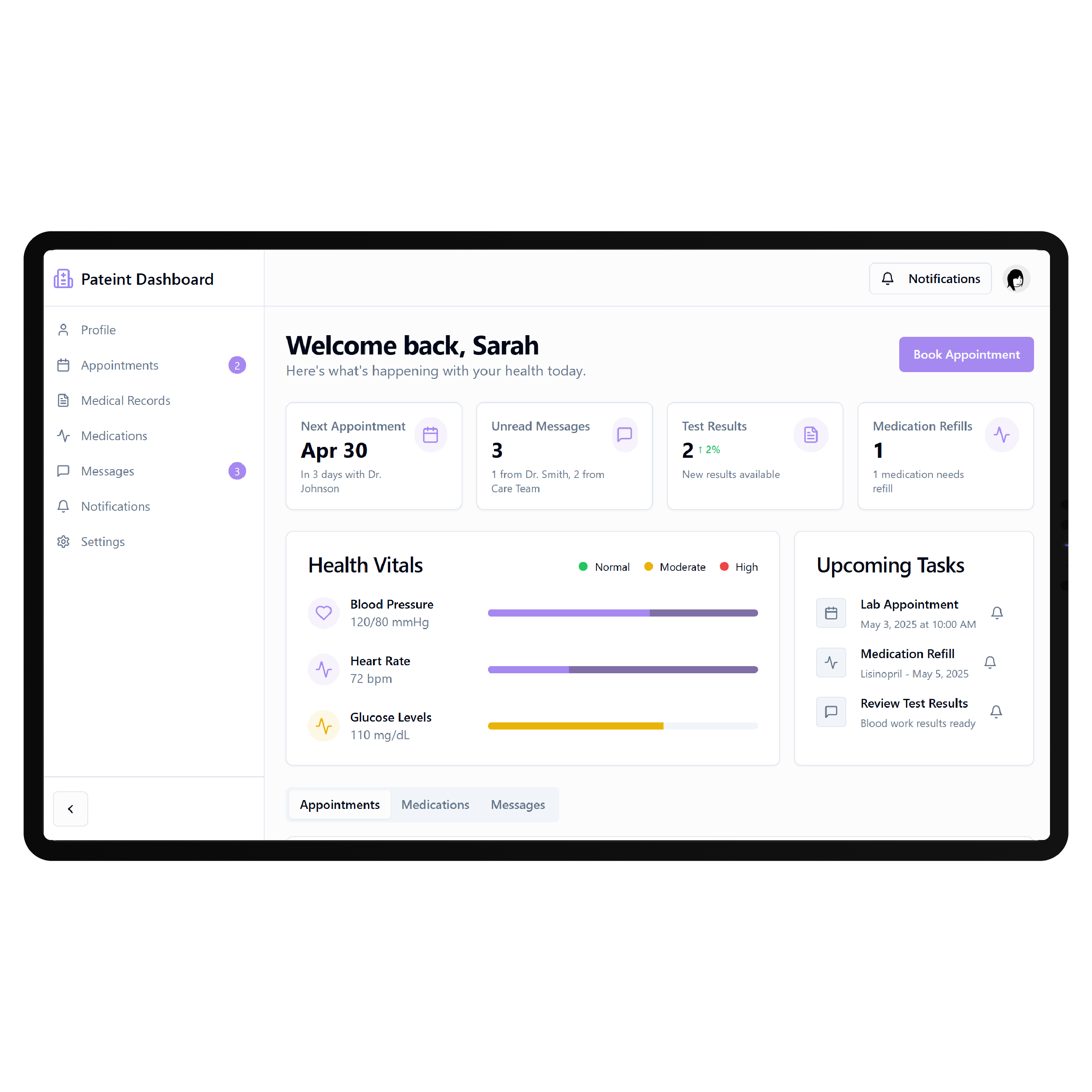
Secure Chart allows practices to exchange messages and documents, publish lab results, collect patient forms, accept supported online payments, and handle appointment requests or scheduling. A custom portal should build around these existing workflows rather than simply recreate them. DrapCode can focus on the patient interactions unique to your practice while keeping MicroMD at the center of clinical operations.
Key Features Provided by MicroMD EMR

Secure Messaging
Enables two-way patient communication while helping practices reduce calls and other manual processes.

Records Sharing
Lets practices securely publish patient records, laboratory results, documents, and other approved information online.

Online Scheduling
Allows patients to request appointments or directly schedule available times with participating practice providers.

Digital Forms
Lets patients complete required intake forms before arrival, reducing work during office check-in.

Online Payments
Supports online patient payments through Secure Chart when compatible MicroMD payment services are configured.

Patient Reminders
Supports automated appointment reminders and follow-up communications through MicroMD patient engagement tools and services.
Practice Journeys

Independent Practices
Give patients clearer digital access while reducing routine scheduling, intake, messaging, and front-desk workload.

Specialty Clinics
Build specialty-specific journeys around appointments, preparation, forms, results, follow-ups, and recurring patient needs.

Health Centers
Create consistent patient access across providers, services, locations, and different types of ongoing care programs.
Key Features DrapCode Can Build in the Patient-Facing Front End

Custom Dashboard
Organize permitted patient actions using an approach adaptable to a PracticeAdmin EMR patient portal.

Guided Intake
Create specialty-specific onboarding that takes patients through required information and pre-appointment preparation steps.

Service Navigation
Help patients find appropriate services, providers, resources, appointments, and next actions without EHR complexity.

Results Experience
Present supported records and results through patient-friendly screens when the approved MicroMD connection permits access.

Mobile Access
Build responsive workflows that keep essential patient interactions straightforward across mobile and desktop devices.
Branded Interface
Create a practice-specific digital experience without reproducing MicroMD’s existing Secure Chart portal screens directly.
Plan the Connection
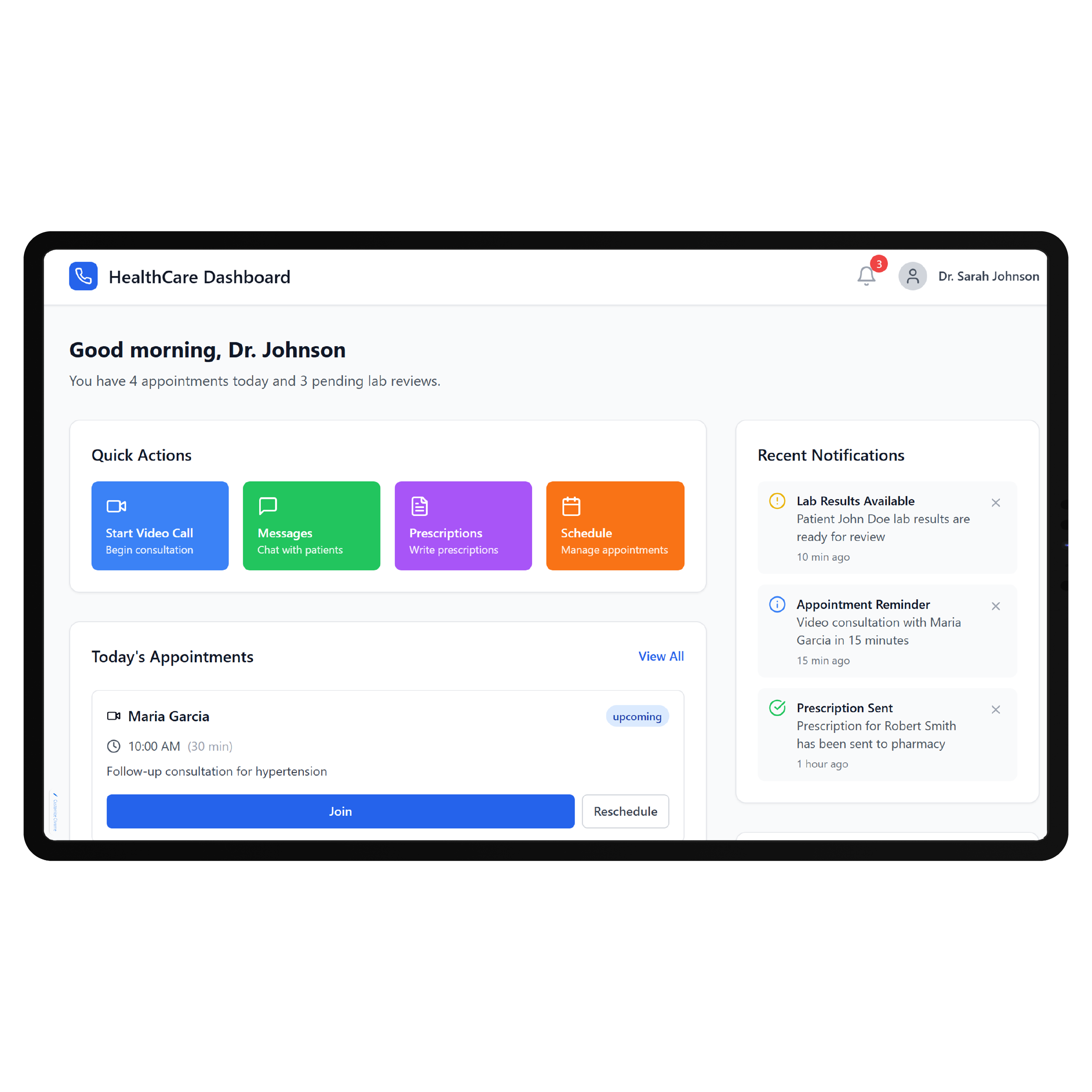
MicroMD publishes OpenAPI documentation for searching and retrieving patient information from its Common Clinical Data Set. It also describes an open-architecture approach using standards including HL7, XML, and internet protocols for interoperability with third-party systems. DrapCode can assess which supported connection fits the required portal workflow, using the same integration-first planning needed for a Praxis EMR patient portal. The final scope depends on available data, permissions, practice configuration, and the integration method MicroMD supports.
Fit the Practice
MicroMD emphasizes customizable clinical workflows and specialty content, allowing practices to adapt documentation and other EHR processes around how providers work. A custom patient experience should follow the same principle instead of forcing every specialty into one generic journey. DrapCode can build that front-end layer while MicroMD continues handling established clinical operations, just as a QuickEMR patient portal should be designed around its own underlying system. Connected functions remain limited to verified and approved access.
Frequently Asked Questions
Does MicroMD already provide a patient portal?
Why build a custom patient portal around MicroMD?
Does MicroMD support integrations with third-party applications?
What can DrapCode build for a practice using MicroMD?
What determines MicroMD integration feasibility?
Build Around Your MicroMD Workflow
Tell DrapCode where Secure Chart stops meeting your patient experience needs, and we’ll map the custom portal and required MicroMD connections.