Build Patient Portal on Praxis EMR with DrapCode
DrapCode builds custom patient portals around Praxis EMR, giving independent and specialty practices a branded patient experience that complements Praxis workflows, communication, scheduling, and clinical information.
Trusted by Healthcare Innovators
1,000+ organizations trust DrapCode to help healthcare teams launch secure & HIPAA-compliant applications.






Beyond Template-Free Care
Praxis takes a different approach from conventional EHRs. Its Concept Processing technology learns how individual physicians document and practice rather than requiring every encounter to follow predefined templates. DrapCode can extend that flexibility to the patient side. Instead of forcing every patient through the same experience, the portal can be structured around your services, patient groups, and care journeys.
Extend Patient Access
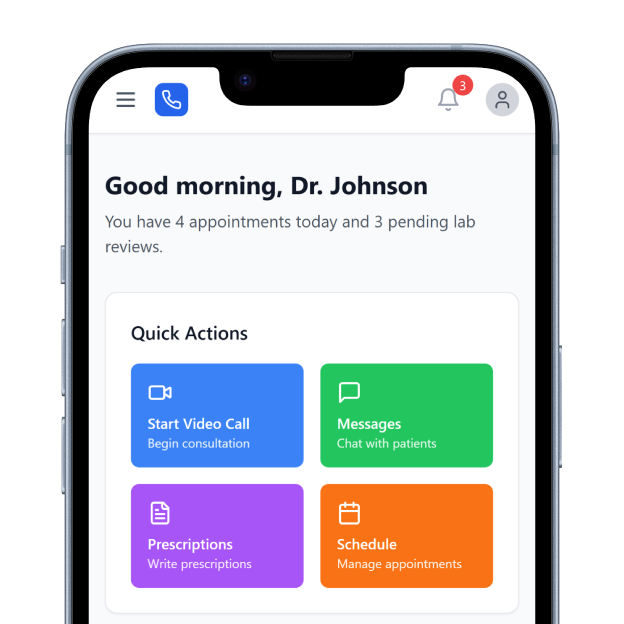
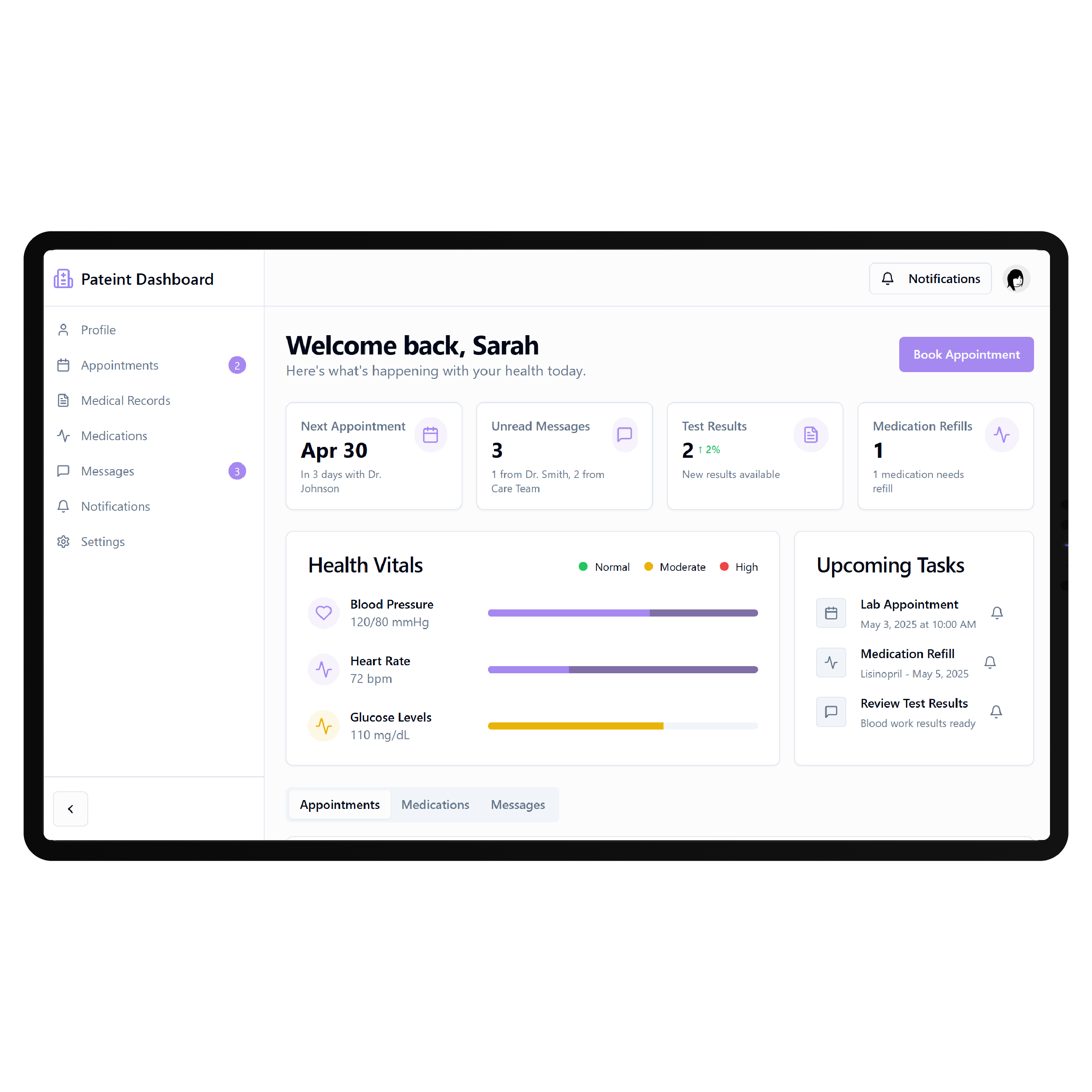
Praxis already includes an integrated patient portal as part of its patient engagement capabilities. Its current platform also includes intelligent scheduling, telehealth, patient intake, clinical records, and communication tools. A custom portal can provide a separate branded experience when your practice needs specialized onboarding, care programs, resources, or patient workflows beyond the standard Praxis portal.
Key Features Provided by Praxis EMR

Patient Portal
Provides patients secure online access for communicating with providers and managing supported care activities.

Patient Intake
Uses AI-driven intake capabilities designed to collect information around individual practice requirements efficiently.

Smart Scheduling
Supports intelligent patient scheduling designed to streamline appointment management and reduce administrative work.

Telehealth Access
Supports remote patient consultations through integrated telehealth capabilities connected with existing clinical workflows.

Clinical Records
Maintains longitudinal patient information while supporting physician-specific, template-free clinical documentation and workflows.

Lab Integration
Connects laboratory information with patient records for easier clinical review and ongoing management.
Personalized Care Paths

Independent Practices
Give patients simpler access to appointments, onboarding, resources, communication, and recurring care without enterprise complexity.

Specialty Clinics
Create patient journeys around specialty consultations, preparation, treatment information, follow-ups, and longer-term care requirements.

Chronic Care
Organize recurring appointments, approved resources, progress information, and ongoing patient actions around long-term care plans.
Key Features DrapCode Can Build in the Patient-Facing Front End
Create the patient experience around your practice while Praxis remains the clinical system of record.

Patient Dashboard
Organize patient actions using an approach adaptable to an Accuro EMR patient portal.

Guided Onboarding
Create service-specific registration, intake, preparation, and pre-visit journeys before patients reach the practice.

Care Timeline
Present permitted appointments, care milestones, follow-ups, and next steps through one understandable patient journey.

Resource Center
Give patients organized access to approved educational materials, preparation instructions, and ongoing care resources.

Progress Experience
Present permitted health information and milestones through clearer interfaces designed around ongoing patient engagement.
Mobile Access
Keep portal journeys straightforward across phones using patterns adaptable to a Healthie EMR patient portal.
Plan Praxis Connectivity
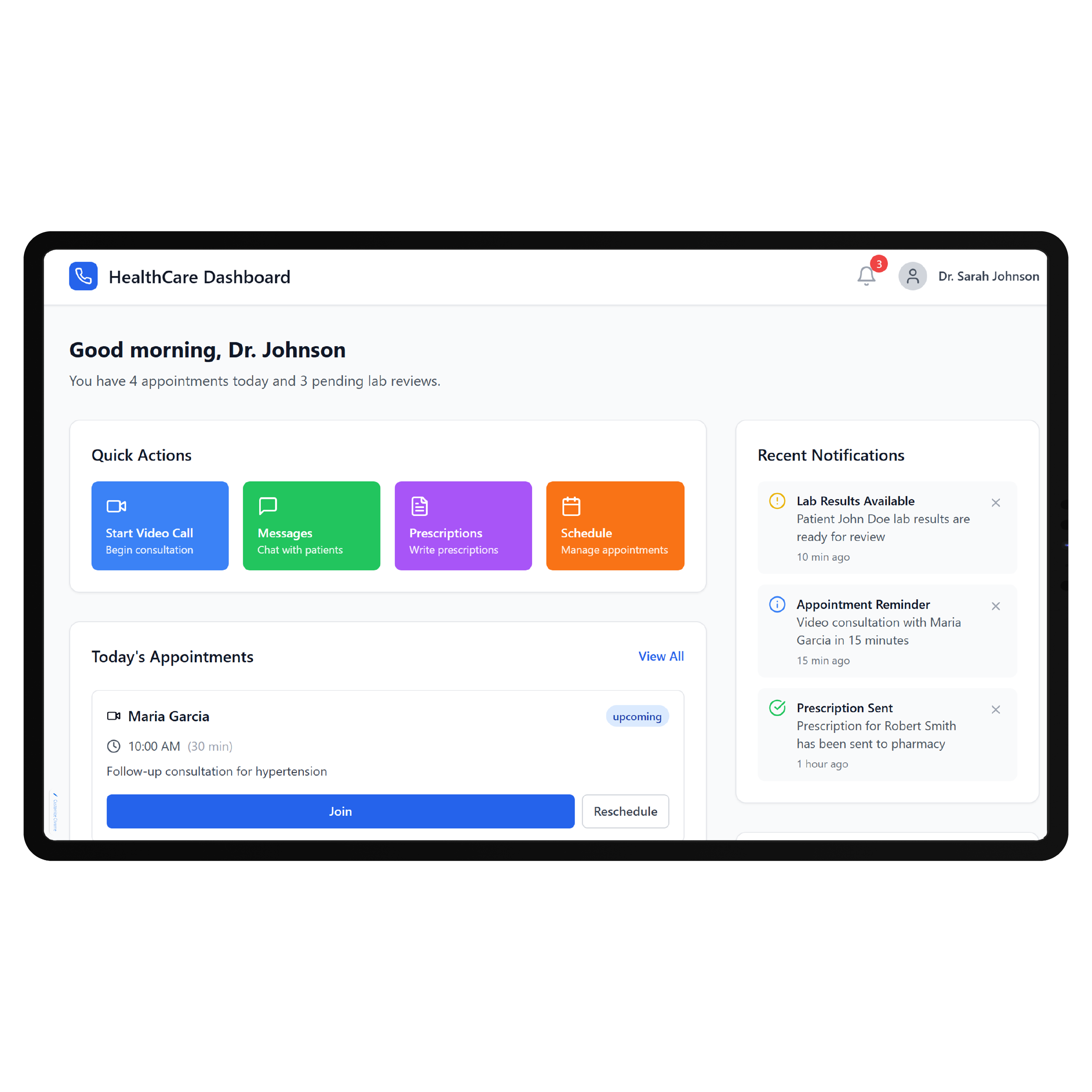
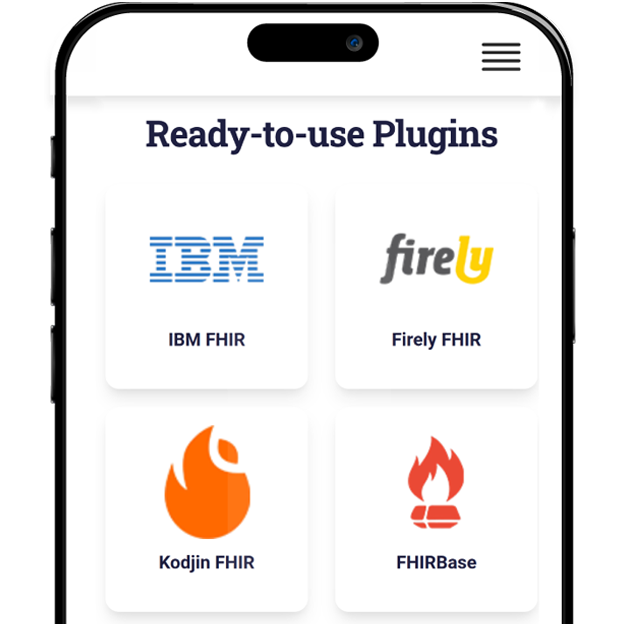
Praxis emphasizes interoperability alongside its clinical platform, and its current materials reference FHIR, HL7, laboratory interfaces, and broader health-data exchange capabilities. The exact connectivity required for a custom portal should still be verified against the practice’s Praxis implementation and vendor-supported interfaces. DrapCode can map each patient workflow to the appropriate connection before development begins.
Preserve Physician Workflow
A major part of Praxis is its ability to adapt to individual physicians rather than imposing rigid documentation templates. A custom patient experience should preserve that philosophy instead of introducing another standardized workflow for staff to manage. DrapCode can build the patient-facing layer around how the practice already operates, following the same system-specific approach required for a Kipu EMR patient portal . Praxis remains focused on clinical work while patients receive a purpose-built digital experience.
Frequently Asked Questions
Does Praxis EMR have a patient portal?
Why build a custom patient portal around Praxis EMR?
Does Praxis EMR support integrations?
What can DrapCode build for practices using Praxis?
What determines Praxis portal integration feasibility?
Build Around Your Praxis Workflow
Tell DrapCode how your practice uses Praxis and what patients need outside the standard portal. We’ll map the experience, workflows, and required connectivity.