Build Patient Portal on Accuro EMR with DrapCode
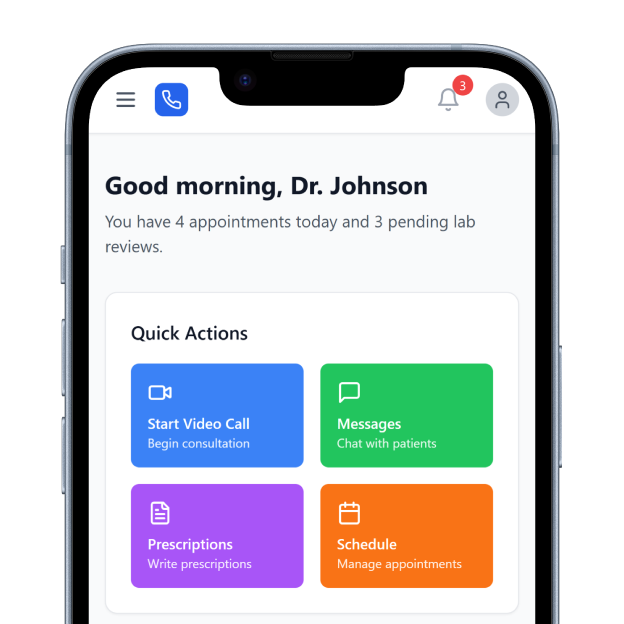
DrapCode builds custom patient portals around Accuro EMR, connecting patient-facing experiences with approved clinical workflows while keeping your existing EMR at the center.
Trusted by Healthcare Innovators
1,000+ organizations trust DrapCode to help healthcare teams launch secure & HIPAA-compliant applications.






Beyond Standard Access
Accuro EMR brings patient charts, scheduling, forms, labs and imaging, referrals, orders, prescriptions, and other clinical workflows into one practice environment. DrapCode extends that environment with a patient-facing application designed around your clinic’s branding, services, patient journeys, and operational requirements.
Fit Your Workflow
Accuro Engage provides patient-facing services through Medeo, including online booking, secure messaging, video visits, and appointment notifications. A custom portal becomes relevant when your organization needs a different patient journey or additional front-end workflows. Accuro provides REST API options for patient portals, with access subject to QHR Technologies’ requirements and approval.
Key Features Provided by Accuro EMR
Accuro EMR gives clinics the clinical, scheduling, and messaging foundation your patient portal builds on.

Patient Charts
Brings demographics, history, appointments, allergies, laboratory results, and prescriptions into organized patient charts.

Clinic Scheduling
Manages appointments, provider availability, waitlists, patient flow, and configurable scheduling requirements across clinics.

Labs & Imaging
Displays laboratory and imaging results alongside patient history for efficient clinical review and comparison.

Referral Tracking
Tracks outstanding referrals, requisitions, orders, and related tasks within each patient’s clinical record.

Patient Messaging
Supports secure messages, documents, laboratory results, pictures, and patient replies through Accuro Engage.

Online Booking
Lets patients request available appointment times while clinics control booking types and scheduling availability.
Use Cases

Specialty Clinics
Create focused patient journeys for specialist appointments, intake requirements, follow-ups, referrals, and ongoing communication.
Multi-Provider Practices
Give patients one branded entry point for navigating services across different providers, locations, and workflows.
Digital Care Programs
Build tailored digital experiences around approved Accuro workflows without changing how clinicians manage patient care.
Key Features DrapCode Can Build in the Patient-Facing Front End
Create the patient experience around your practice while Accuro EMR remains the clinical system of record.

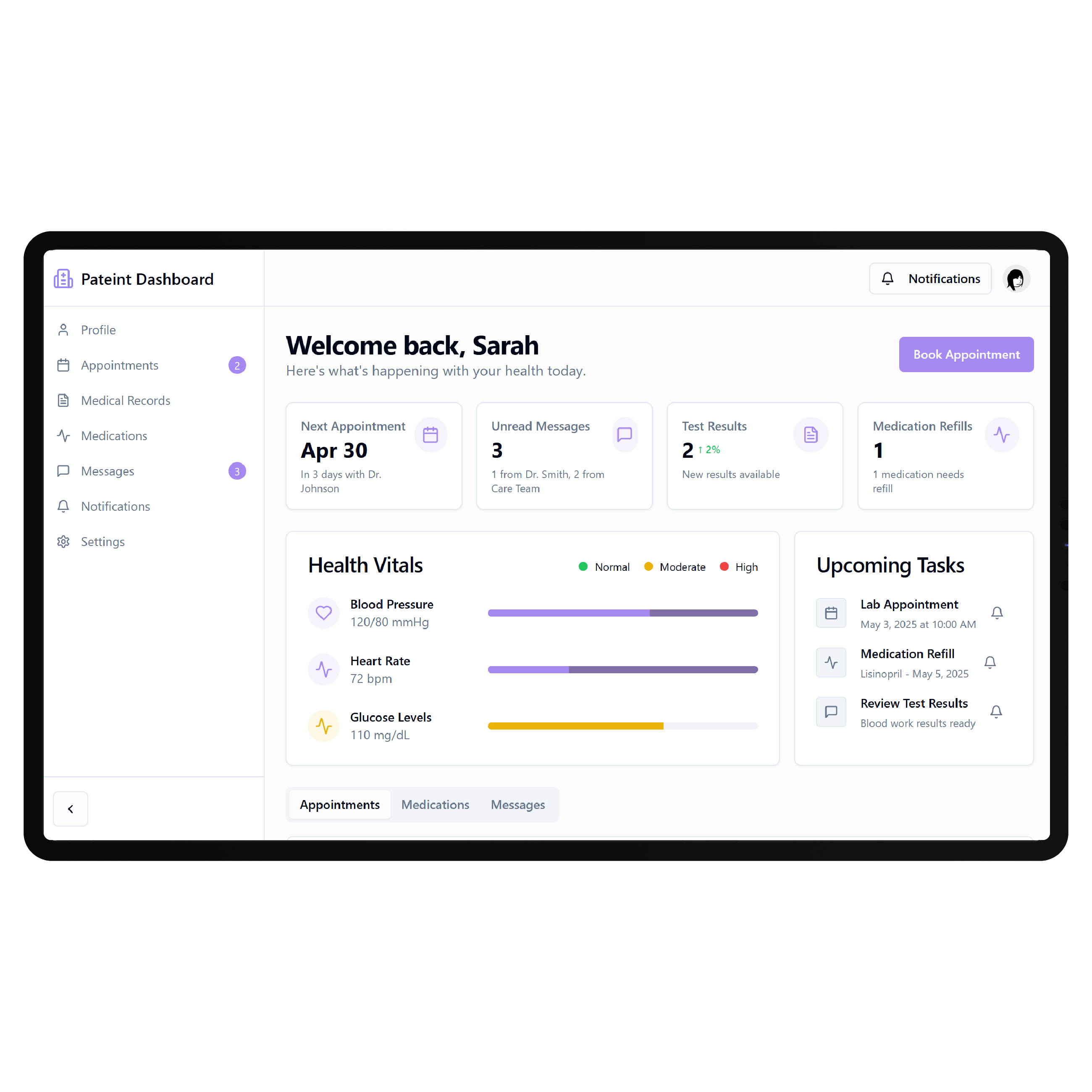
Patient Dashboard
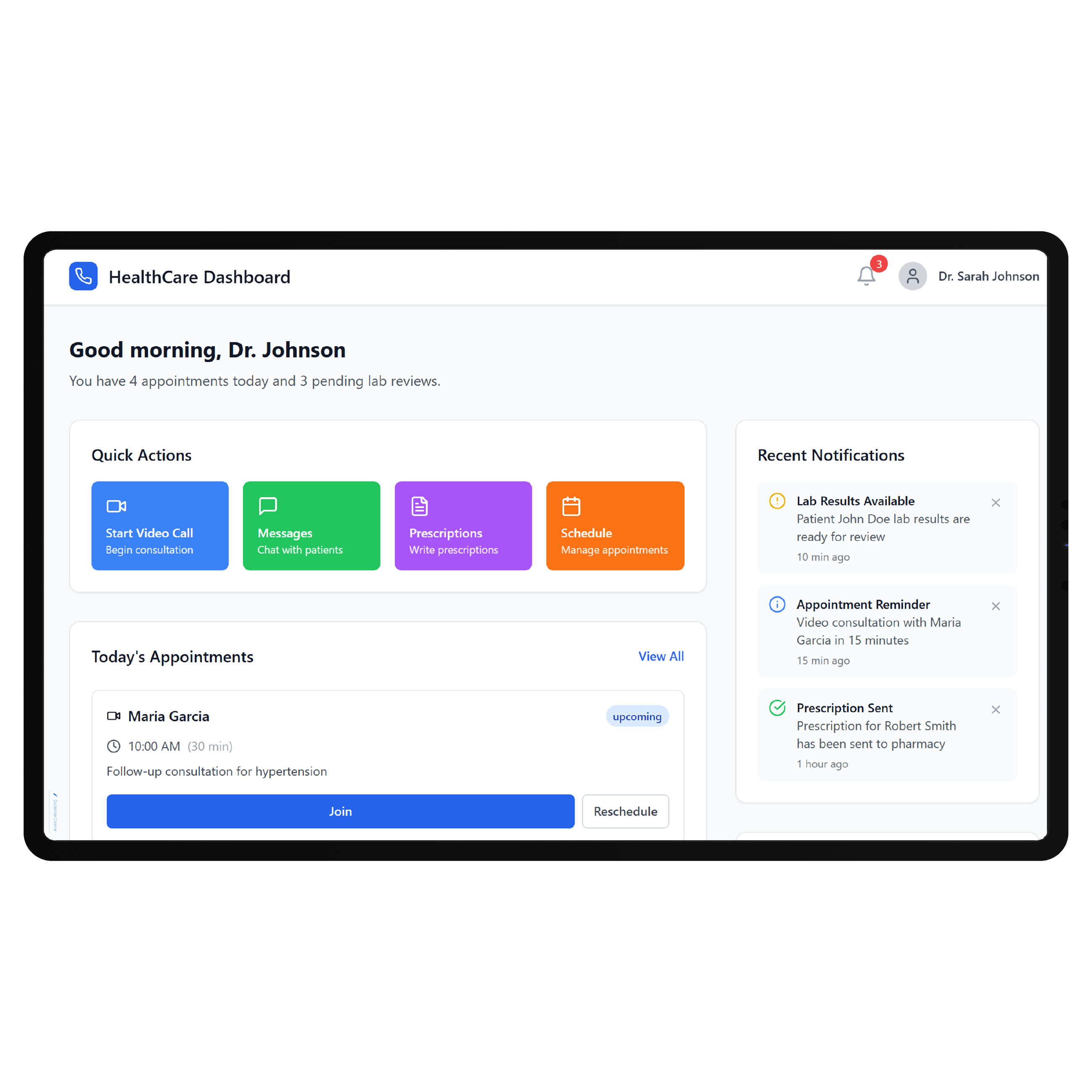
Organize approved appointments, records, actions, and care information within one easy-to-navigate patient view.

Digital Intake
Guide patients through registration, questionnaires, consent steps, and practice-specific information before scheduled care.
Appointment Journey
Create intuitive scheduling experiences around Accuro appointment data and workflows available through approved access.
Results Experience
Present permitted laboratory information through patient-friendly screens when supported by the approved Accuro implementation.
Responsive Access
Deliver portal workflows across desktop and mobile, similar to DrapCode’s approach for a patient portal on Healthie EMR.
Branded Navigation
Structure patient services around your organization rather than exposing the underlying clinical system interface directly.
Connect With Accuro
Accuro identifies patient portals among the systems that may use its REST API, with documented patient authentication options for supported information such as demographics, labs, and appointments. DrapCode can build the patient-facing application around the access approved for your project, including specialized experiences comparable to a patient portal on Kipu EMR. Establish available endpoints, permissions, authentication, testing, and production access before finalizing scope.
Keep Clinical Work Familiar
A new patient experience should not force providers to abandon workflows they already use. DrapCode focuses development on the patient-facing layer while designing around the practice’s established Accuro processes. The same principle applies when DrapCode builds a patient portal on MicroMD EMR , the front end is shaped around the organization, while integration decisions remain grounded in what the underlying EMR supports.
Frequently Asked Questions
Can DrapCode build a patient portal for Accuro EMR?
Does Accuro EMR already provide patient-facing features?
Does Accuro provide an API for patient portals?
What does DrapCode build for Accuro practices?
What determines which Accuro data can appear in the portal?
Build Around Your Accuro Workflow
Tell DrapCode how your practice uses Accuro today, and we’ll map the patient experience and technical requirements for your portal.