Build Patient Portal on Plexia EMR with DrapCode
DrapCode builds custom patient portals around Plexia EMR, helping Canadian practices create tailored digital experiences that complement existing Plexia workflows and support patient information.
Trusted by Healthcare Innovators
1,000+ organizations trust DrapCode to help healthcare teams launch secure & HIPAA-compliant applications.






Extend Plexia Access
Plexia is a customizable EMR designed around individual physician workflows. Its core system includes patient records, electronic results, scheduling, billing, requisitions, eFax, templates, and surgical waitlist management. Because Plexia can be configured around different practices and specialties, DrapCode can take the same approach on the patient side, building an experience around your actual services rather than a generic portal.
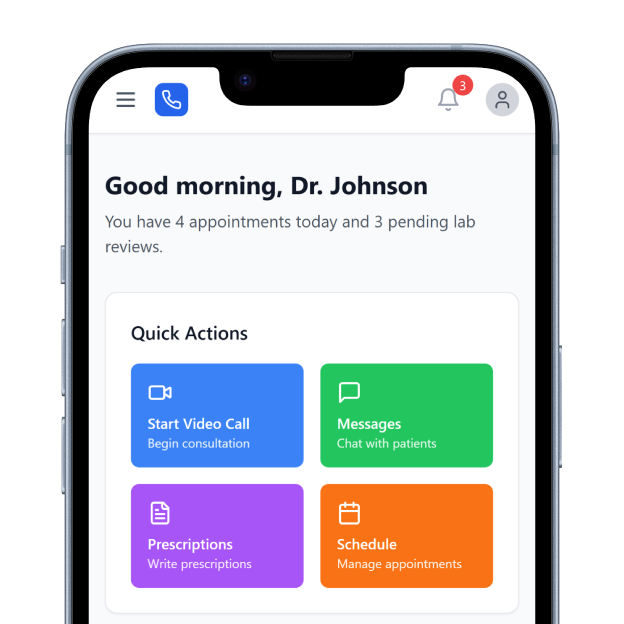
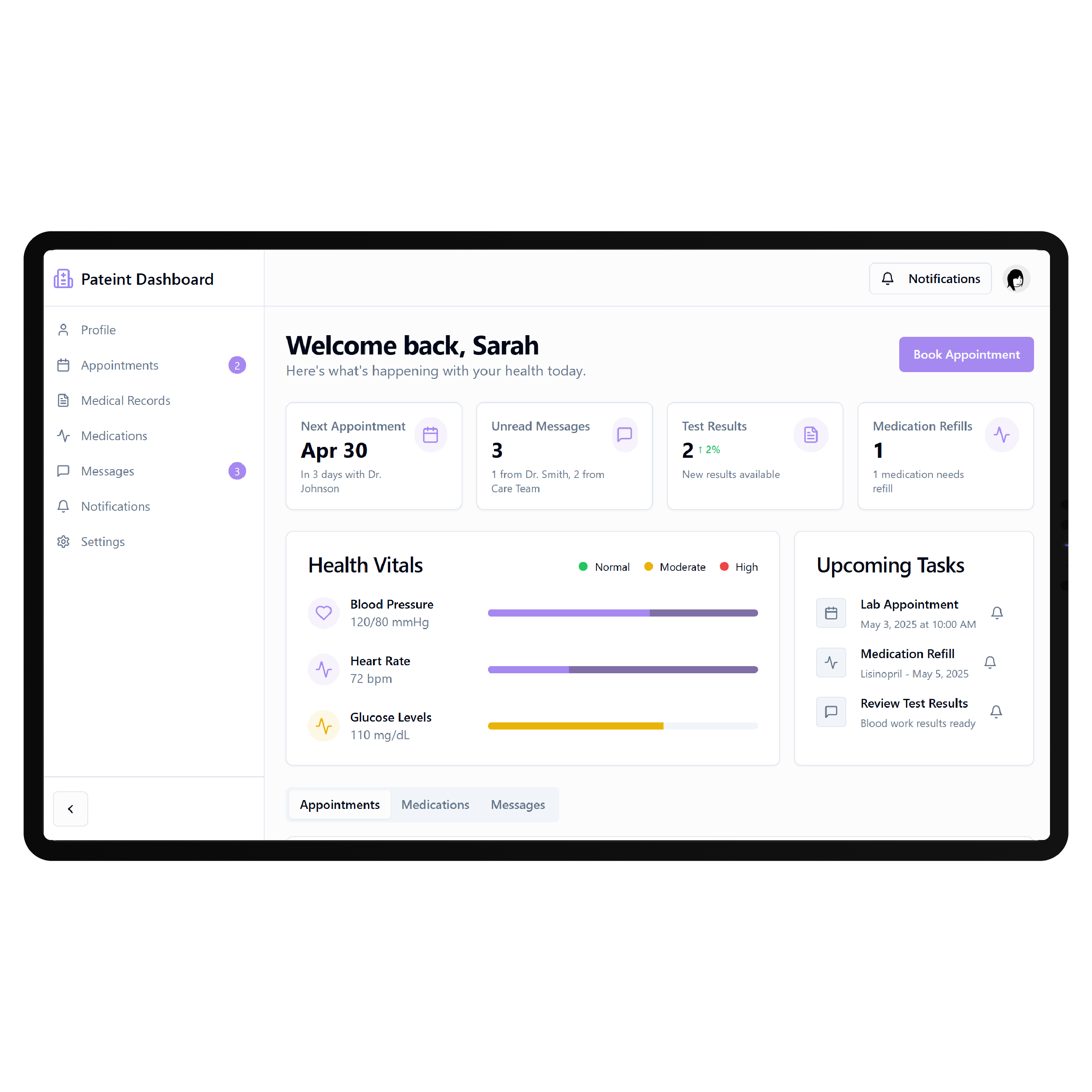
Beyond Online Forms
Plexia already offers a secure Patient Portal where patients can register their information and complete forms online before visiting the clinic. Submitted information can flow back into the EMR for staff to review and use. A custom portal can extend that experience when patients need clearer navigation, specialty-specific journeys, resources, or additional digital services beyond registration and pre-visit forms.
Key Features Provided by Plexia EMR

Patient Records
Maintains comprehensive paperless patient charts containing the clinical information practices need for care.

Electronic Results
Downloads electronic results into patient charts with configurable alerts to notify physicians automatically.

Patient Portal
Lets patients register information and complete required forms online before their office visits.

Appointment Scheduling
Provides comprehensive scheduling capabilities designed to accommodate different practice and patient booking requirements.

Telehealth Visits
Connects providers and patients through secure video visits without requiring application downloads beforehand.

Appointment Confirmations
Automates confirmations through SMS, email, or voice and records responses within Plexia Scheduler.
Specialty Patient Paths

Cardiology Practices
Guide patients through consultations, diagnostic testing, preparation, follow-ups, and recurring cardiac care activities digitally.

Surgical Practices
Create clearer journeys around consultations, procedure preparation, scheduled surgery, instructions, and post-operative follow-up care.

Multi-Physician Clinics
Give patients consistent digital access across physicians, services, appointments, forms, and ongoing clinic interactions online.
Key Features DrapCode Can Build in the Patient-Facing Front End
Create the patient experience around your practice while Plexia remains the system of record.

Patient Dashboard
Organize approved patient actions using an approach adaptable to a QuickEMR patient portal.

Guided Intake
Turn registration, forms, medical histories, and preparation requirements into a clearer pre-visit patient journey.

Specialty Navigation
Help patients find appropriate services, appointments, resources, instructions, and next steps without EMR complexity.

Results Experience
Present permitted results and documents through patient-friendly interfaces when supported connectivity makes them available.

Care Resources
Bring approved preparation information, educational materials, treatment instructions, and follow-up resources together digitally.
Mobile Experience
Create responsive portal journeys that remain straightforward across smartphones, tablets, laptops, and desktop devices.
Map the Connection
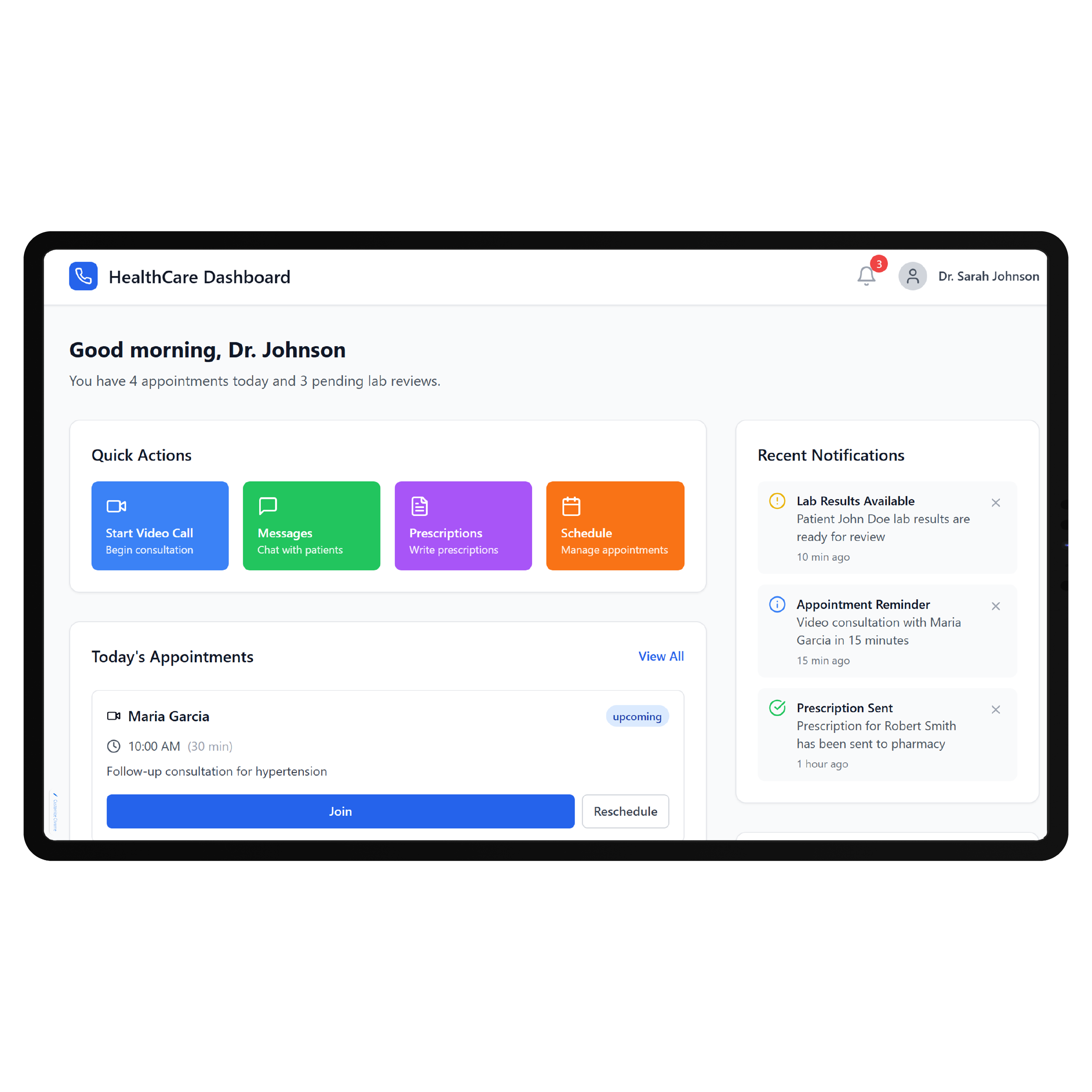
Plexia supports several connected workflows inside its EMR, including electronic results, CareConnect, PharmaNet, Plexia Zip, telehealth, and integrations with specialty diagnostic systems. Its public materials, however, do not document a general-purpose public API for independently building custom patient applications. DrapCode can define the required data exchange before development, using the same system-specific planning required for a Raintree EMR patient portal. Any Plexia-connected functionality should be confirmed with Plexia or MEDFAR before the integration scope is finalized.
Match the Specialty
Plexia includes specialty-specific capabilities for cardiology, obstetrics and gynecology, ophthalmology, and rheumatology, while noting that additional specialties are also supported. Its software is designed to be customized around physician workflows. DrapCode can carry that specialization into the patient-facing layer, just as a ReMedi EMR patient portal should reflect its own clinical workflows. Plexia can remain the underlying EMR while patients receive an experience built around their care journey.
Frequently Asked Questions
Does Plexia EMR already provide a patient portal?
Why build a custom patient portal around Plexia?
Does Plexia publicly provide an API for custom patient applications?
What can DrapCode build for a practice using Plexia?
What determines Plexia integration feasibility?
Build Around Your Plexia Workflow
Tell DrapCode what patients need beyond your current Plexia portal, and we’ll map the custom experience, specialty workflows, and required connectivity.