Build Patient Portal on eClinicalWorks EHR with DrapCode
DrapCode builds custom patient portals around eClinicalWorks EHR, creating branded patient experiences that work with supported eClinicalWorks and Healow workflows.
Trusted by Healthcare Innovators
1,000+ organizations trust DrapCode to help healthcare teams launch secure & HIPAA-compliant applications.






Beyond the Standard Portal
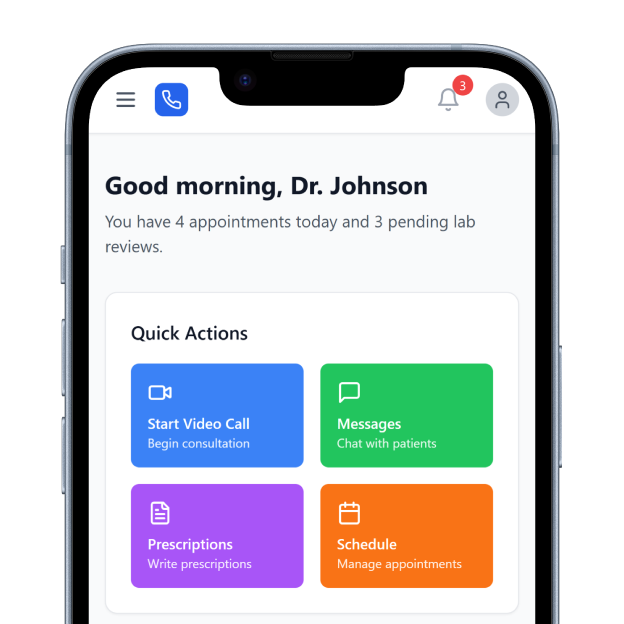
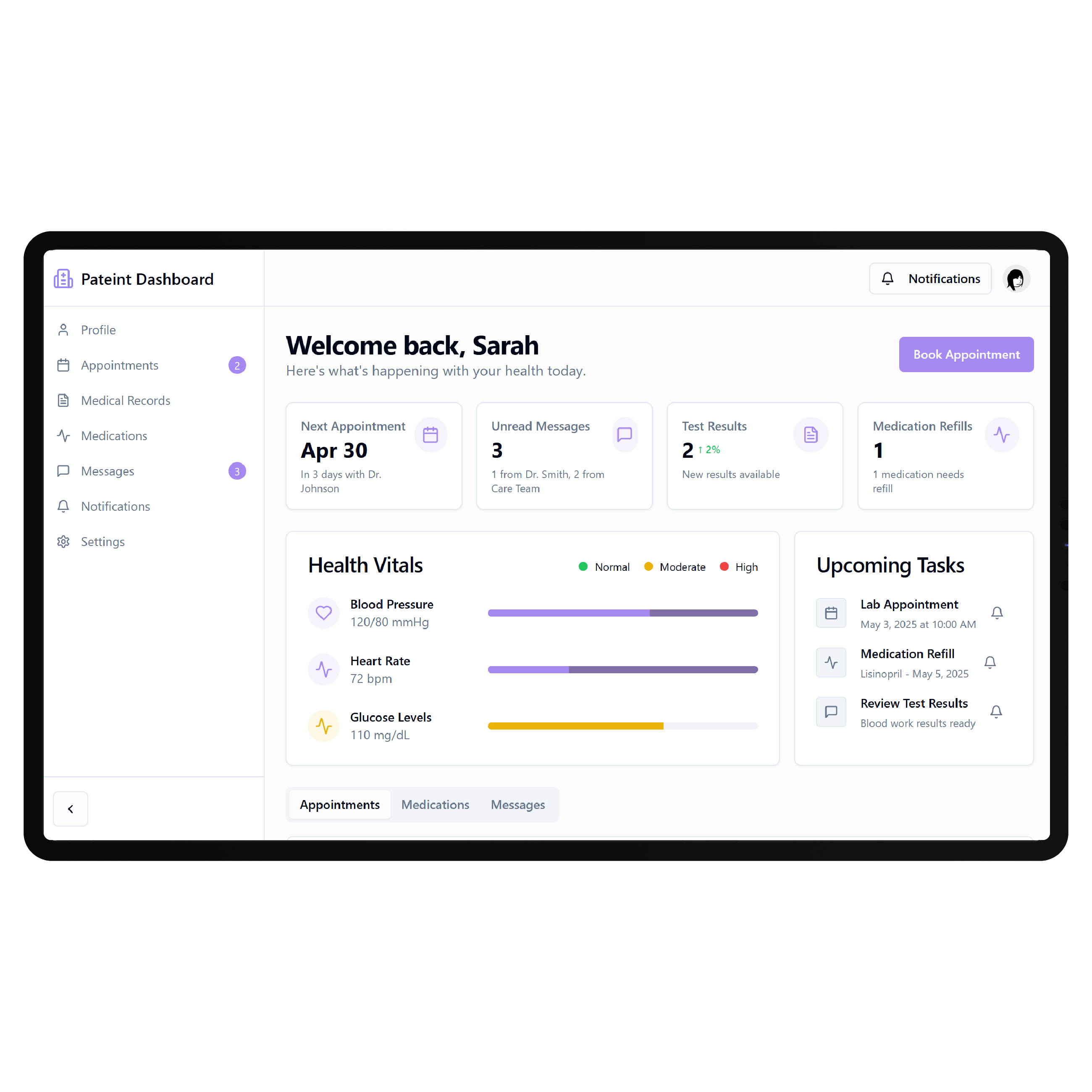
eClinicalWorks already provides a Patient Portal connected to its EHR. Patients can access records and labs, exchange secure messages, update demographics, complete forms, request refills, make payments, and join telehealth visits. For practices needing more than the standard experience, DrapCode can build a patient-facing layer around specific services, programs, navigation, or digital journeys without replacing the clinical system staff already use.
Work with healow
The healow ecosystem extends patient engagement across mobile access, online scheduling, digital check-in, payments, messaging, and virtual care. These existing tools matter when deciding what a custom portal should add rather than duplicate. DrapCode can identify where the custom experience should begin and where supported eClinicalWorks functionality should remain. The final connection depends on required data, available APIs, permissions, and the practice’s configuration.
Key Features Provided by eClinicalWorks EHR
eClinicalWorks and healow give practices the records, scheduling, check-in, messaging, and payment foundation your patient portal builds on.
Health Records
Provides patients round-the-clock access to personal health records, laboratory results, and clinical information online.

Online Scheduling
Lets patients request or book available appointments through Healow Open Access scheduling tools online.

Digital Check-In
Collects demographics, insurance details, consent forms, questionnaires, medications, allergies, and medical history digitally.

Secure Messaging
Allows patients and providers to exchange protected messages through connected eClinicalWorks patient engagement workflows.
Telehealth Visits
Supports scheduled and on-demand virtual care connected with intake, documentation, payments, and follow-up.

Patient Payments
Enables patients to handle copays and balances digitally through supported Healow payment experiences online.
Where Custom Access Helps

Specialty Practices
Create patient journeys around specialty services, recurring appointments, preparation requirements, results, and ongoing follow-ups.
Multi-Location Groups
Give patients one recognizable digital experience across different providers, services, facilities, and appointment pathways.
Chronic Care Programs
Build structured access for recurring care, patient resources, follow-ups, and program-specific digital interactions over time.
Key Features DrapCode Can Build in the Patient-Facing Front End
Create the patient experience around your organization while eClinicalWorks remains the system of record.
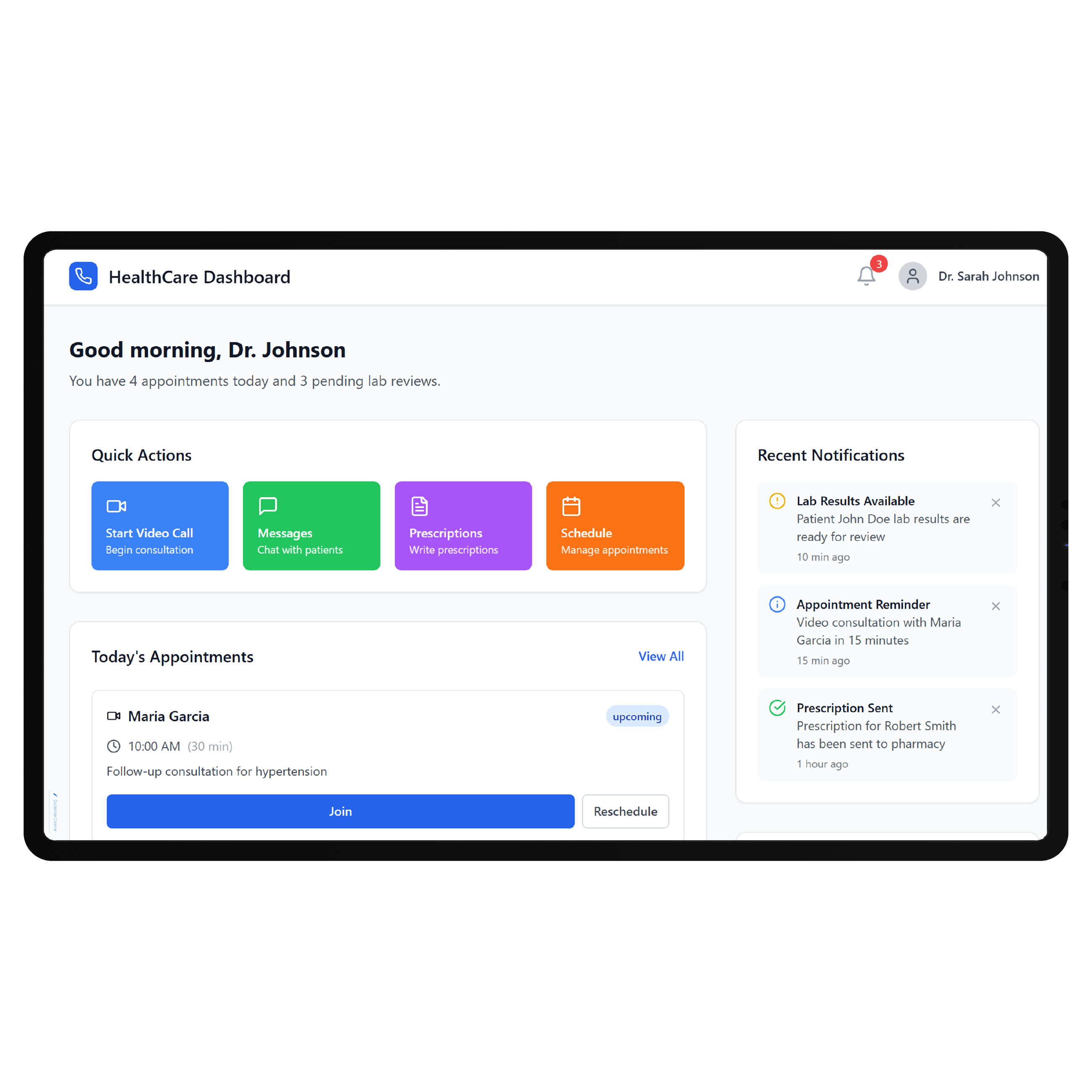
Personalized Dashboard
Organize permitted information and actions using the tailored approach of a Practice Better EHR patient portal.
Service Navigation
Help patients move directly toward relevant providers, services, appointments, resources, and next-step actions easily.

Guided Onboarding
Create tailored registration and intake journeys around each service line’s specific patient requirements.

Program Hub
Bring recurring care activities, approved resources, instructions, and program information into one patient area.

Mobile Experience
Design responsive portal workflows that remain simple across phones, tablets, laptops, and desktop devices.
Branded Interface
Build the patient experience around your organization instead of reproducing internal eClinicalWorks navigation screens.
Use the Right Connection
eClinicalWorks supports FHIR APIs for third-party applications and directs patient-facing developers to the Healow FHIR Developer Portal. Its interoperability documentation specifically mentions patient-facing applications for patient data access and scheduling platforms. DrapCode can map required portal functions against supported connections, just as integration planning for a SimplePractice EHR patient portal must begin with what its underlying platform permits. This keeps the portal scope grounded in verified access rather than assumptions.
Complement the Existing Tools
Because eClinicalWorks already provides extensive patient engagement functionality, a custom portal should have a clear purpose. It might organize multiple services differently, support a specialized care program, simplify navigation, or create a patient experience specific to your organization. DrapCode can build that additional layer without unnecessarily recreating existing EHR functionality, following the same workflow-first approach used for a Tebra EHR patient portal . What connects back to eClinicalWorks remains determined by supported APIs and approved access.
Frequently Asked Questions
Does eClinicalWorks already have a patient portal?
Why build a custom portal when eClinicalWorks already provides one?
Does eClinicalWorks provide APIs for patient-facing applications?
What can DrapCode build around eClinicalWorks?
What determines eClinicalWorks integration feasibility?
Build Your eClinicalWorks Patient Experience
Tell DrapCode where your existing eClinicalWorks patient experience needs to go further, and we’ll map the custom portal and integration requirements.