Build Patient Portal on ModMed EHR with DrapCode
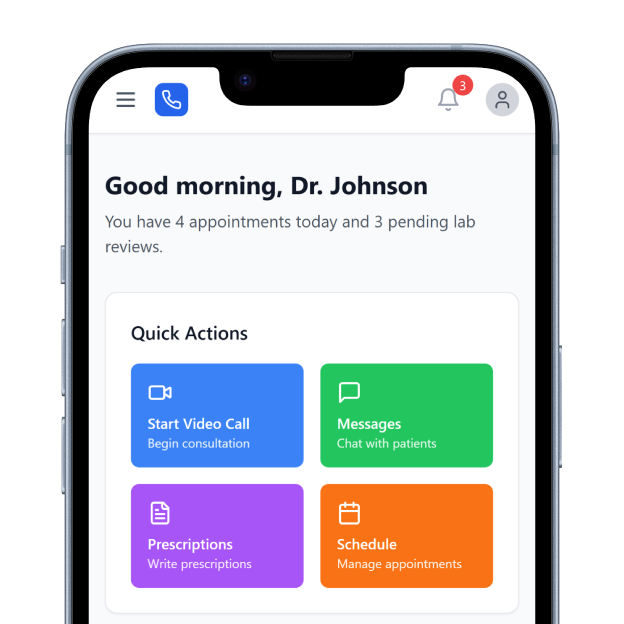
DrapCode builds custom patient portals around ModMed EHR, giving specialty practices a branded patient experience designed around their services and supported by ModMed workflows.
Trusted by Healthcare Innovators
1,000+ organizations trust DrapCode to help healthcare teams launch secure & HIPAA-compliant applications.






Built for Specialties
ModMed provides specialty-specific healthcare technology for areas including dermatology, ophthalmology, orthopedics, ENT, gastroenterology, urology, pain management, plastic surgery, and allergy. Its EHR, EMA®, is designed around specialty-specific clinical workflows. That specialty focus matters on the patient side too. DrapCode can build a portal around how your patients actually move through consultations, procedures, follow-ups, forms, and ongoing specialty care.
Extend Patient Access
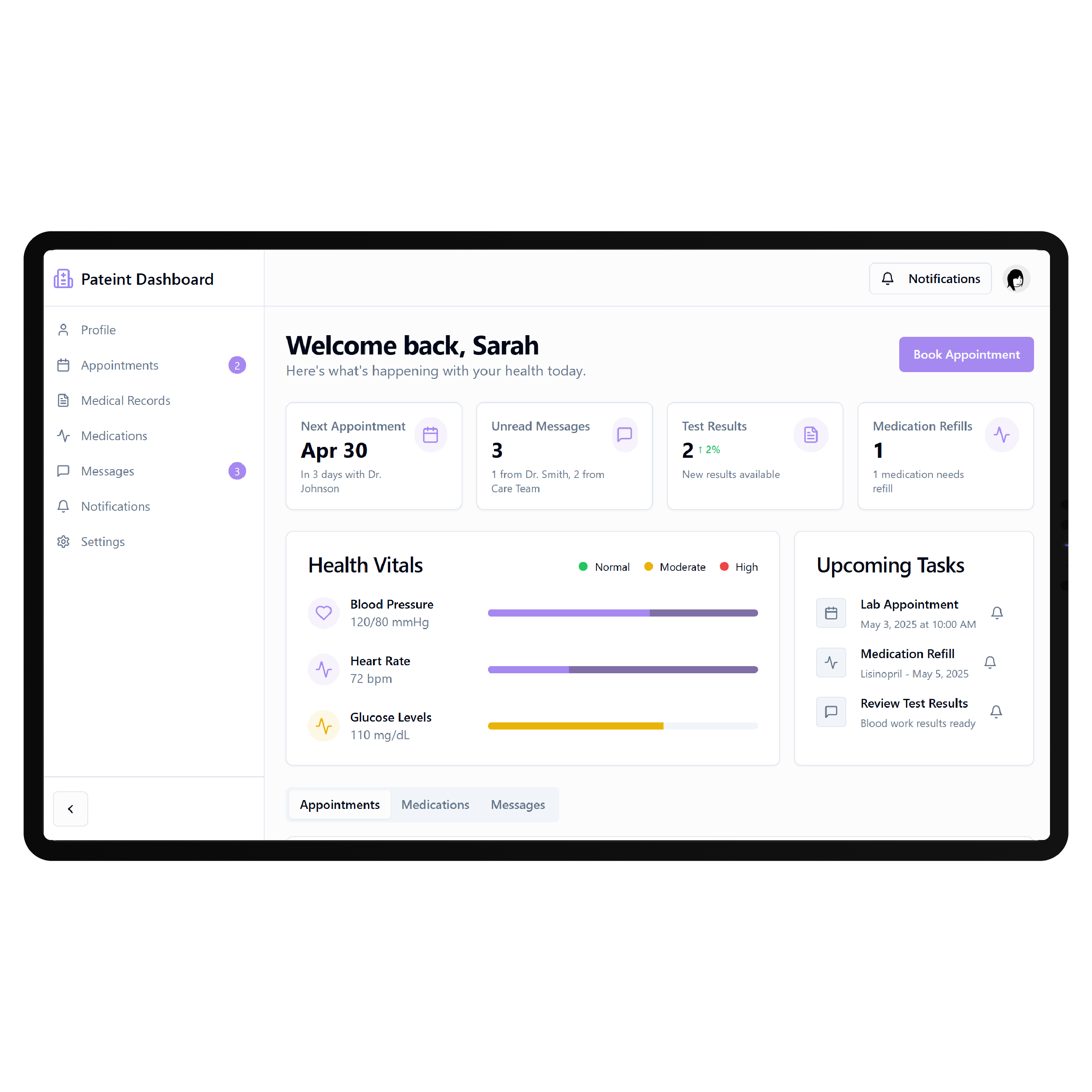
ModMed already provides Patient Self-Service tools that help practices move scheduling, registration, payments, communication, and other patient interactions online. A custom portal becomes useful when your practice needs a more tailored digital journey—for example, procedure preparation, specialty resources, recurring treatment workflows, or multiple services presented through one branded experience.
Key Features Provided by ModMed EHR

Online Scheduling
Allows patients to request or book appointments online based on practice-configured scheduling availability.

Patient Reminders
Supports automated appointment communications that help practices keep patients informed before scheduled visits.

Digital Check-In
Lets patients complete registration information and required intake activities before arriving for appointments.

Patient Payments
Provides digital payment options that help patients manage balances through supported ModMed financial workflows.

Patient Communication
Supports digital patient engagement through messaging and communication tools connected with practice workflows.

Patient Portal
Gives patients online access to supported health information, documents, communication, and practice-related activities.
Specialty Patient Journeys

Dermatology Practices
Guide patients through consultations, procedure preparation, treatment information, follow-ups, and recurring dermatology appointments digitally.

Surgical Specialties
Create structured experiences around pre-procedure requirements, patient instructions, scheduled procedures, and post-operative follow-up care.

Multi-Specialty Groups
Help patients navigate different specialists, locations, services, appointments, and care instructions within one experience.
Key Features DrapCode Can Build in the Patient-Facing Front End

Specialty Dashboard
Organize relevant patient actions using an approach adaptable to a MEDENT EHR patient portal.

Procedure Journey
Guide patients through preparation, scheduled care, approved instructions, and follow-up steps around specific procedures.

Digital Onboarding
Collect required patient information through clear, specialty-specific onboarding journeys before the scheduled clinical visit.

Resource Center
Organize approved preparation guides, aftercare instructions, educational content, and specialty resources in one place.

Mobile Experience
Make appointment, preparation, resource, and follow-up workflows straightforward across mobile and desktop devices.
Branded Navigation
Structure patient access around your specialties and services instead of exposing underlying EHR navigation patterns.
Connect With ModMed
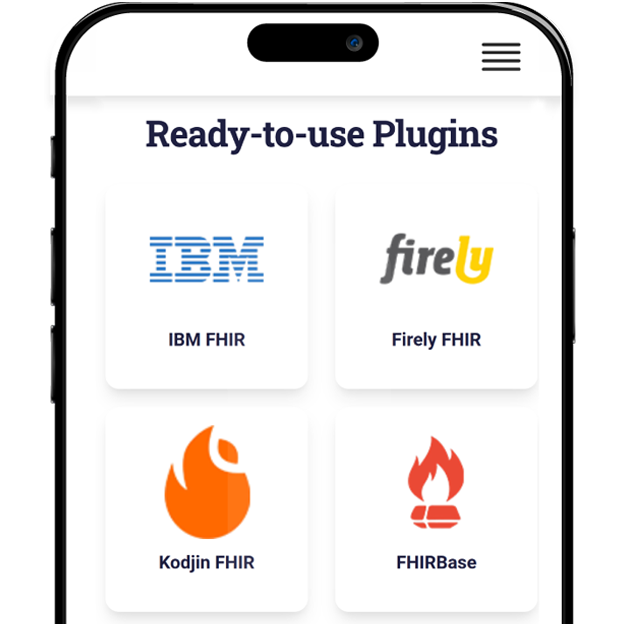
ModMed publishes interoperability resources for its EMA EHR, including FHIR-based API access for supported clinical data. ModMed’s developer documentation identifies SMART App Launch and OAuth 2.0 as part of its FHIR implementation. DrapCode can scope the portal around the interfaces available for the required workflow, just as a Netsmart EHR patient portal must be planned around its supported integration options. Data requirements, authorization, available resources, and ModMed access determine what can be connected.
Follow Specialty Care
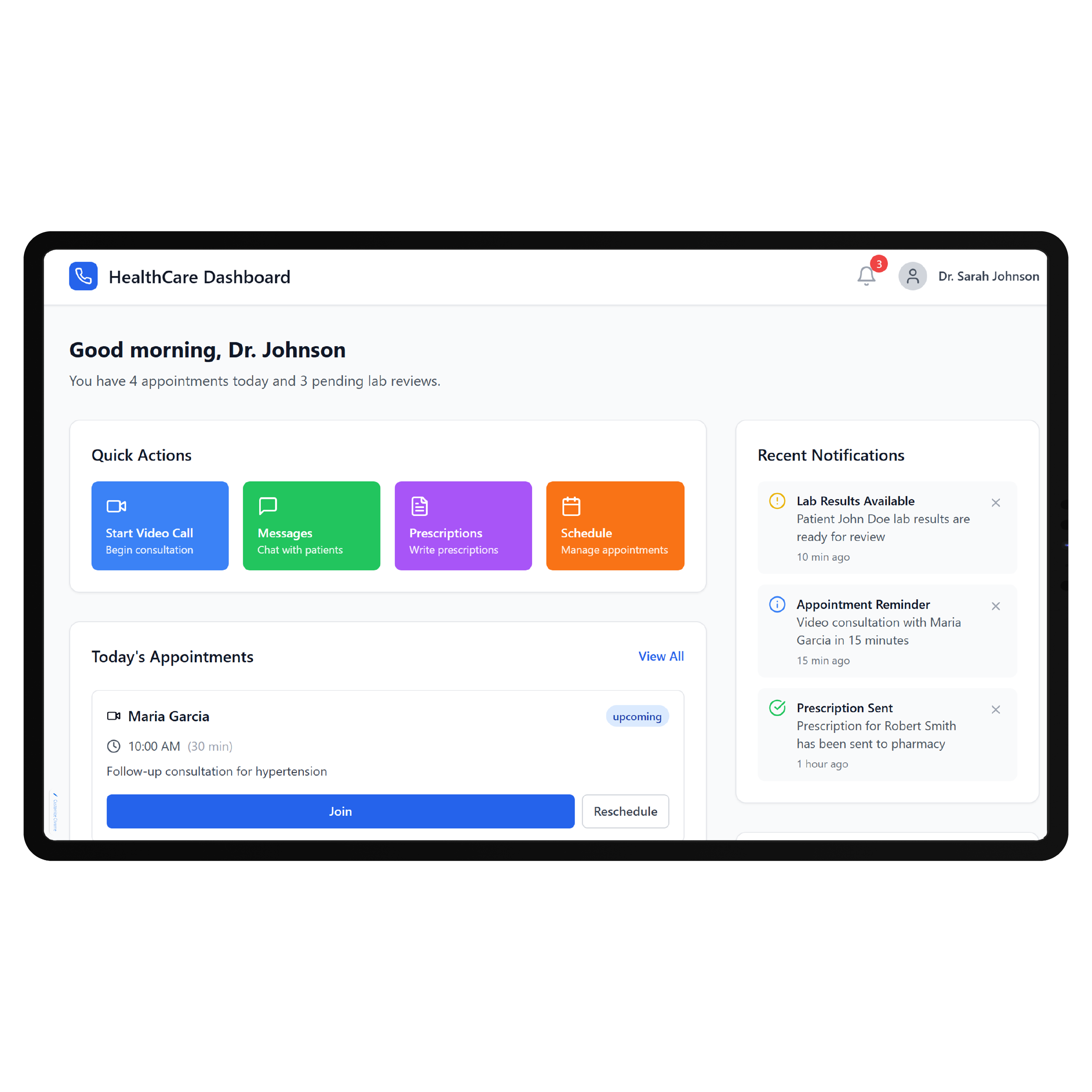
A specialty patient journey rarely ends when an appointment is booked. Patients may need preparation instructions, forms, procedures, results, follow-up visits, treatment resources, or recurring care over several months. DrapCode can bring those interactions into a more coherent front end, applying the same system-specific approach required for a Nextech EHR patient portal . ModMed can remain the clinical system while the custom portal handles the experience surrounding care.
Frequently Asked Questions
Does ModMed already provide a patient portal?
Why build a custom patient portal around ModMed?
Does ModMed support APIs for healthcare applications?
What can DrapCode build for a practice using ModMed?
What determines ModMed integration feasibility?
Build Around Your ModMed Specialty
Tell DrapCode which ModMed workflows your patients use and where their experience needs improvement. We’ll map the portal, patient journey, and supported integration requirements.