Build Patient Portal on Greenway Health EHR with DrapCode
DrapCode builds custom patient portals around Greenway Health EHR systems, creating branded patient experiences that work with supported Intergy or Prime Suite data and practice workflows.
Trusted by Healthcare Innovators
1,000+ organizations trust DrapCode to help healthcare teams launch secure & HIPAA-compliant applications.






Start With Your EHR
Greenway Health’s EHR environment includes Intergy and Prime Suite, so a portal project needs to account for the system your practice actually uses. Greenway’s Patient Portal is available to clients using these EHR platforms. DrapCode can build a separate patient-facing experience around your services and workflows while keeping Greenway at the center of clinical operations.
Extend Patient Access
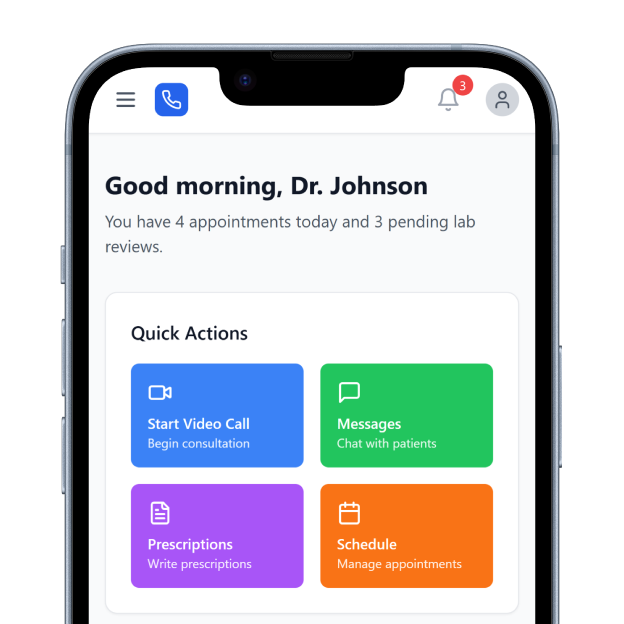
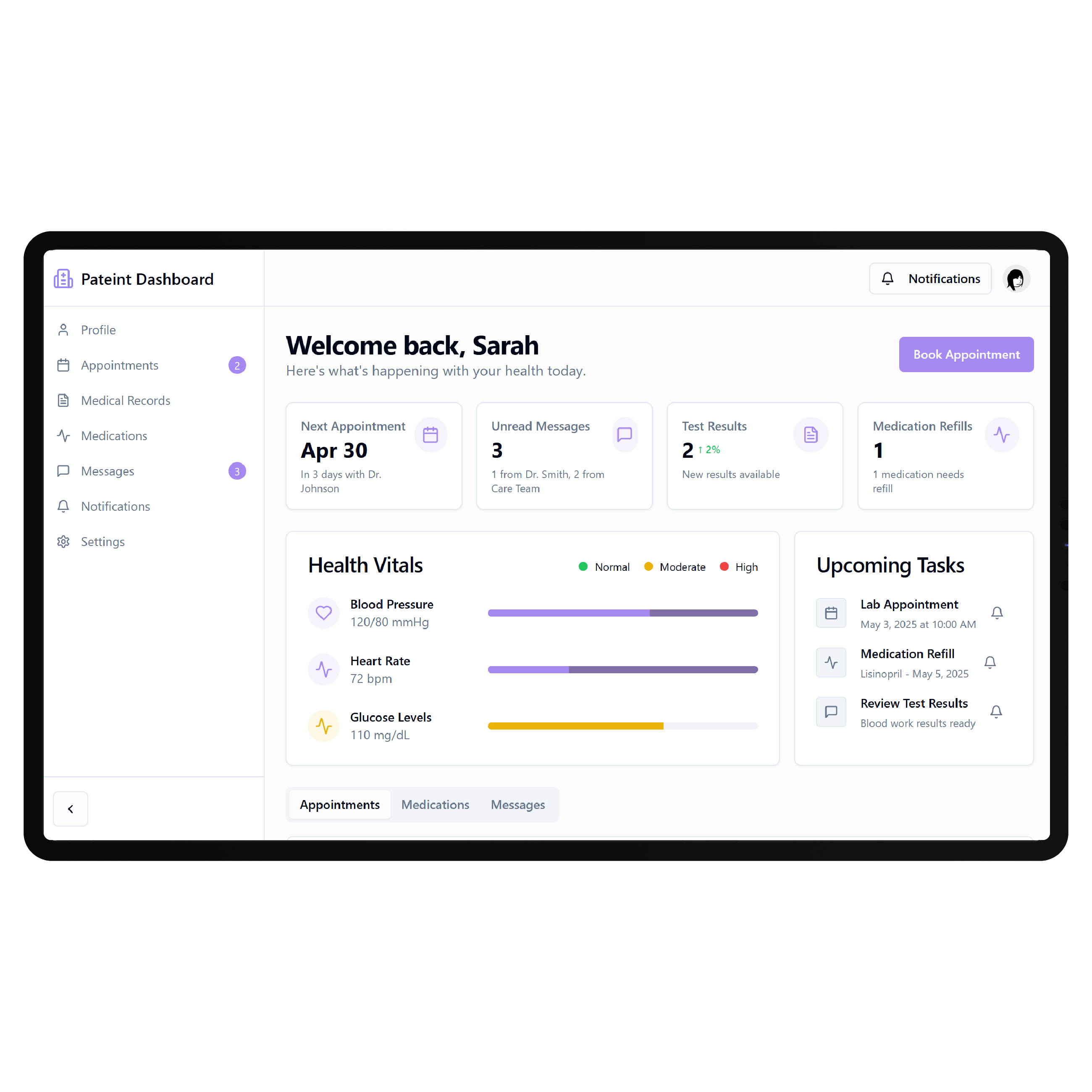
Greenway already provides a patient portal designed for digital access across devices. Patients can view health information, communicate with the practice, request appointments or prescription refills, complete forms, and manage supported payments. A custom portal becomes useful when your practice needs different navigation, specialty workflows, digital programs, or branding. What connects with Greenway depends on the EHR, API option, permissions, and practice configuration.
Key Features Provided by Greenway Health EHR
Greenway Health gives practices the records, scheduling, messaging, forms, and payment foundation your patient portal builds on.
Health Records
Displays vitals, laboratory results, medications, immunizations, and other supported patient health information securely.

Appointment Scheduling
Supports self-service appointment scheduling with configurable options that practices can make available to patients.
Secure Messaging
Lets patients communicate with practices and submit health record or prescription refill requests securely.

Digital Forms
Provides electronic documents and forms for patient intake and self-paced information sharing before care.
Online Payments
Supports digital payment collection through Greenway Health Pay with an integrated patient Digital Wallet.

Demographic Updates
Allows patients to update personal details that are automatically returned to the practice workflow.
Practice Scenarios

Specialty Clinics
Build patient journeys around specialty appointments, preparation, recurring care, results, and service-specific information needs.
Growing Groups
Give patients consistent digital access as practices expand across providers, locations, specialties, and services.
Patient Programs
Create dedicated experiences for recurring care, education, follow-ups, and other structured patient engagement programs.
Key Features DrapCode Can Build in the Patient-Facing Front End
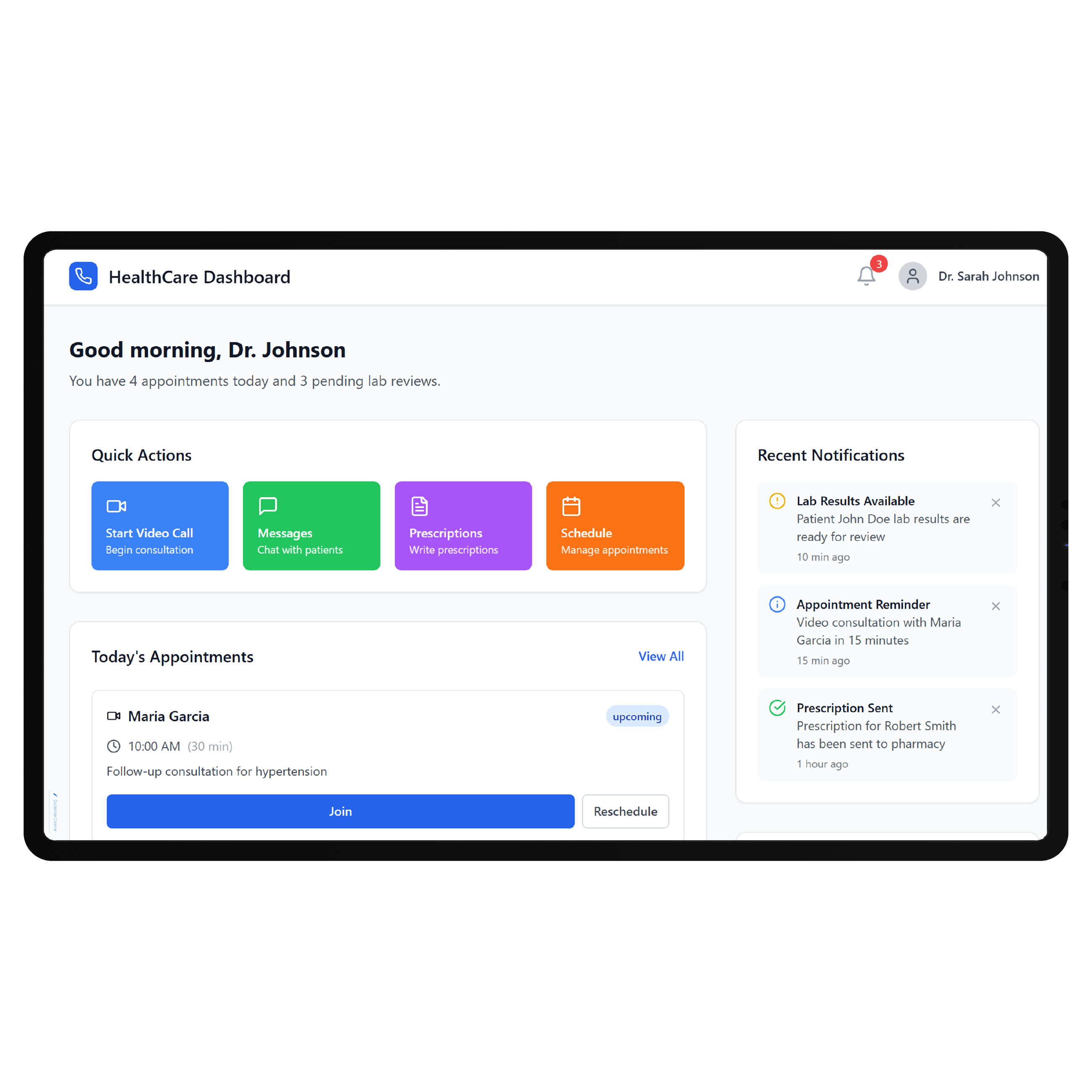
Create the patient experience around your organization while Greenway remains the system of record.

Custom Dashboard
Organize approved patient actions using the tailored approach of a Carepatron EHR patient portal.
Service Navigation
Help patients find appropriate providers, services, resources, appointments, and next steps without EHR complexity.

Guided Onboarding
Create specialty-specific registration and intake journeys around your organization’s requirements before scheduled care.

Program Hub
Bring approved care resources, instructions, recurring activities, and program information into one patient area.

Responsive Experience
Build portal workflows that remain clear and usable across phones, tablets, laptops, and desktops.
Branded Interface
Present patient services through your organization’s identity instead of reproducing Greenway’s internal clinical interface.
Match the API
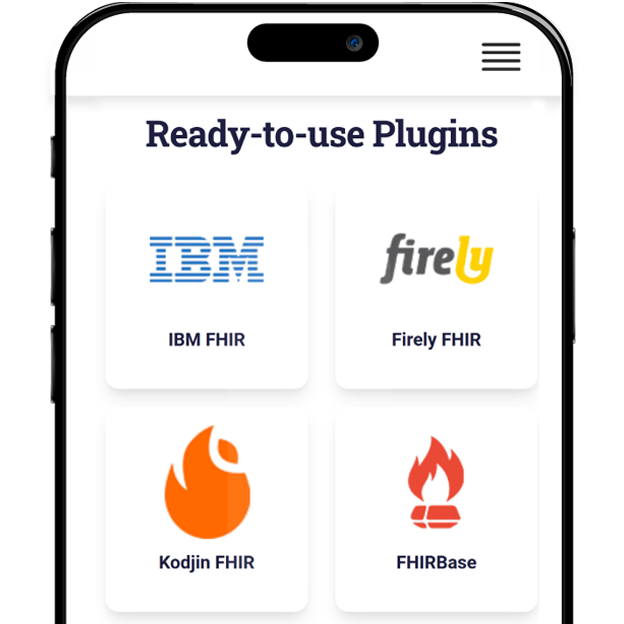
Greenway provides both a standards-compliant FHIR R4 API and its proprietary Greenway API, or GAPI, for Intergy and Prime Suite. Its current FHIR API supports read operations, while GAPI supports reads and writes across various clinical and financial data elements. DrapCode can determine which connection fits the required portal workflow, just as an eClinicalWorks EHR patient portal must be planned around that platform’s supported interfaces. Greenway FHIR applications use SMART on FHIR and OAuth-based authorization.
Keep the Practice Familiar
A custom portal does not need to replace the Greenway Patient Portal or change how staff use their EHR. It can instead solve a defined patient-experience problem while clinical and administrative teams continue working within established systems. DrapCode can apply this approach to Greenway as it would to an EHR Your Way patient portal , keeping the front-end experience specific to the organization while limiting connected functions to verified API access.
Frequently Asked Questions
Does Greenway Health already provide a patient portal?
Which Greenway EHR systems can a custom portal work around?
Does Greenway Health provide APIs for custom patient applications?
What can DrapCode build for Greenway Health users?
What determines Greenway Health integration feasibility?
Shape Your Greenway Patient Experience
Tell DrapCode whether your practice uses Intergy or Prime Suite and what patients need to accomplish, and we’ll map the portal experience and integration requirements.