Build Patient Portal on Tebra EHR with DrapCode
DrapCode builds custom patient portals around Tebra EHR, helping independent practices create branded experiences for appointments, health records, communication, payments, and ongoing patient care.
Trusted by Healthcare Innovators
1,000+ organizations trust DrapCode to help healthcare teams launch secure & HIPAA-compliant applications.






Beyond Standard Access
Tebra is designed for independent medical practices, combining EHR, patient experience, scheduling, telehealth, billing, payments, and practice-growth tools. Its clinical platform supports workflows from patient intake through documentation and follow-up. DrapCode can build a separate patient-facing experience when your practice needs different branding, specialty workflows, service navigation, or digital journeys beyond Tebra’s standard portal.
Bring Care Together
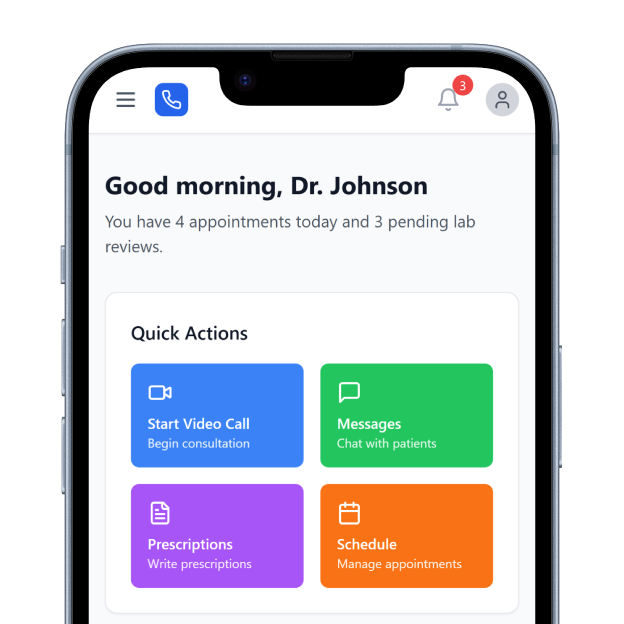
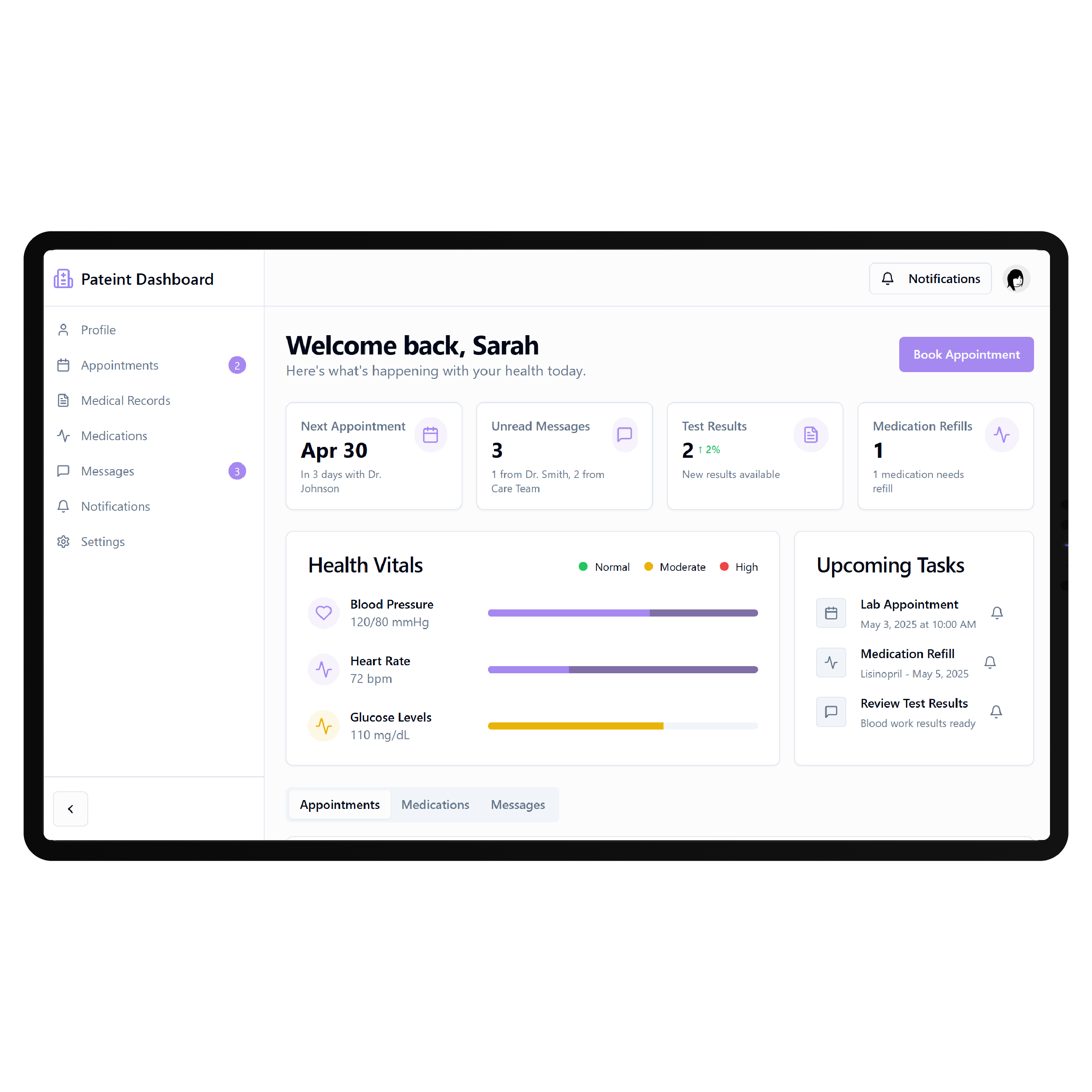
Tebra already provides a Patient Portal where patients can access health information, eLab results, treatment plans, documents, secure messages, payments, and other enabled information. Patients can use the portal from mobile or desktop devices. A custom portal can organize these interactions around how your practice delivers care, giving patients a clearer route from their first appointment through treatment and ongoing follow-up.
Key Features Provided by Tebra EHR

Health Records
Gives patients access to medications, allergies, problems, vitals, results, and shared information.

Secure Messaging
Enables protected two-way communication between patients and providers through the patient portal.

Online Scheduling
Lets patients request or book appointments online based on configured provider availability and locations.

Digital Intake
Allows patients to complete required forms online before arriving for their scheduled visit.

Online Payments
Lets patients review bills, make online payments, and access previous portal payment history.

Telehealth Visits
Supports HIPAA-compliant virtual appointments integrated with provider schedules and clinical documentation workflows directly.
Independent Practice Journeys

Specialty Practices
Guide patients through appointments, preparation, results, approved resources, payments, and specialty-specific follow-up care activities.

Multi-Provider Clinics
Create consistent patient access across different providers, services, schedules, documents, and recurring practice interactions online.

Hybrid Care
Connect in-person appointments and telehealth visits within a clearer digital journey for recurring patients seamlessly.
Key Features DrapCode Can Build in the Patient-Facing Front End
Create the patient experience around your practice workflows while Tebra remains the system of record.

Patient Dashboard
Bring appointments, permitted health information, documents, payments, and outstanding patient actions together clearly.

Guided Onboarding
Create service-specific registration, intake, consent, and preparation journeys before patients attend their appointments.

Care Timeline
Present permitted appointments, treatment milestones, follow-ups, and next steps through one understandable journey.

Results Experience
Present available results and shared clinical information through clearer, more patient-friendly digital interfaces online.

Service Navigation
Help patients find appropriate providers, services, resources, appointment pathways, and next actions easily.
Family Access
Design appropriate caregiver experiences around authorized access for patients who require additional support digitally.
Connect Through Tebra
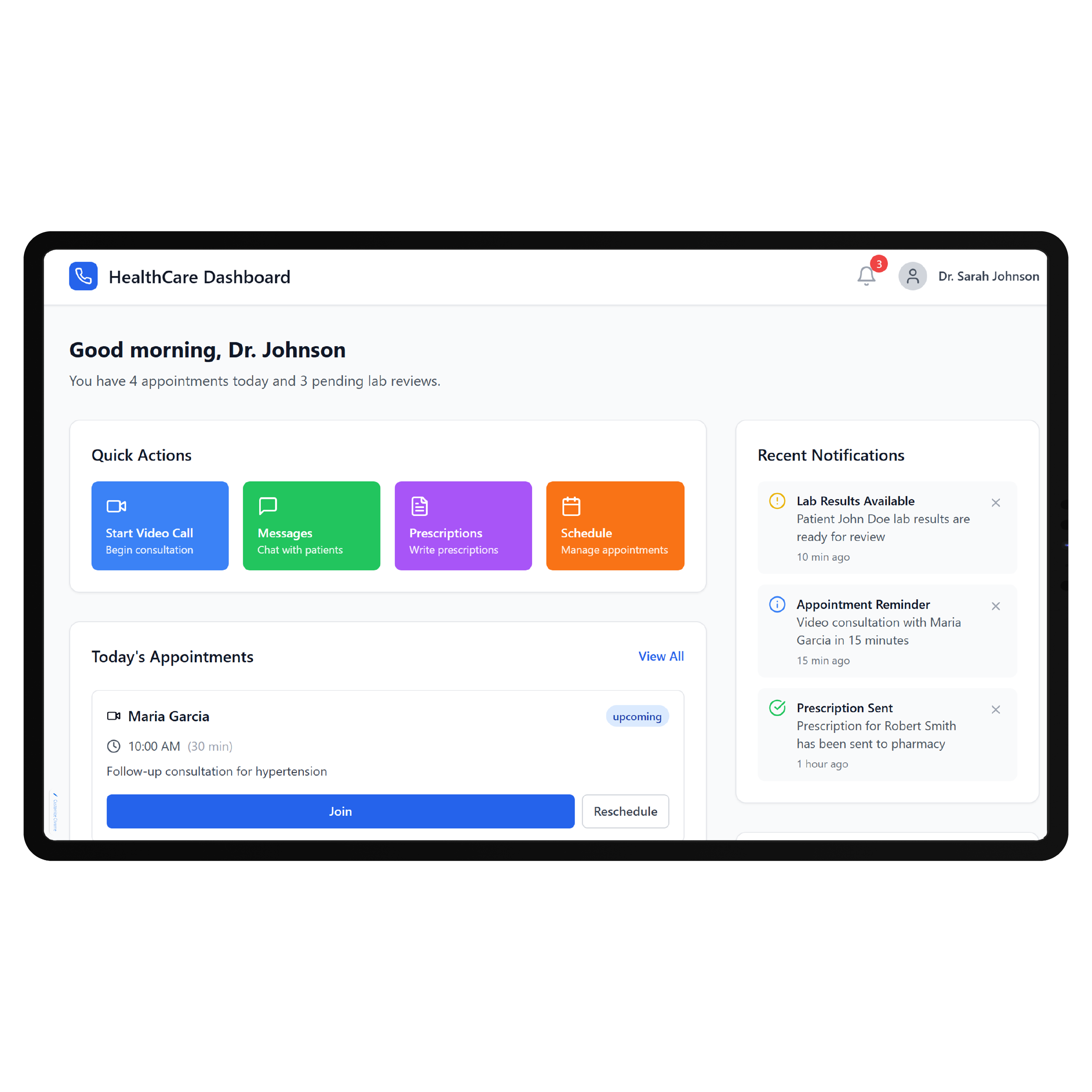
Tebra provides both FHIR and SOAP APIs for external applications. Its FHIR documentation supports SMART on FHIR authentication and identifies user-facing applications for patients and providers, while its SOAP API allows third-party applications to access supported Tebra data and functionality. DrapCode can map each portal requirement against the appropriate Tebra interface before development. The same approach is important when building a Netsmart EHR patient portal or Nextech EHR patient portal, because the available resources, permissions, and authentication requirements differ between EHR platforms.
Keep Practice Flow Intact
A custom portal does not need to replace the workflows already working inside Tebra. Clinical documentation, scheduling, billing, telehealth, patient messaging, and other practice operations can remain within Tebra while DrapCode concentrates on the experience patients see and use. That patient experience can then reflect your actual specialty and care model. A NextGen EHR patient portal , for example, may require a different data and workflow structure, while a Tebra portal can be designed specifically around the needs of an independent practice.
Frequently Asked Questions
Does Tebra EHR already provide a patient portal?
Why build a custom patient portal around Tebra?
Does Tebra provide APIs for custom patient applications?
What can DrapCode build for practices using Tebra?
What determines Tebra integration feasibility?
Build Around Your Tebra Practice
Tell DrapCode what patients need beyond your current Tebra portal. We’ll map the custom experience, patient workflows, and required Tebra connections.