A Guide to No-Code Solutions: An Easy-to-Follow Explanation for New Users

Let’s begin by understanding - What are No-Code Solutions and How Do They Work? No-code solutions are software development tools that allow non-technical users to build custom software applications without the need for writing code or programming. These tools use drag-and-drop interfaces and pre-built templates to create software solutions quickly and easily.
No-code solutions work by providing a visual interface that allows users to create applications using pre-built building blocks or modules. These modules can be customized and combined to create a functional application without the need for coding or programming. The building blocks are designed to be flexible and modular, allowing users to create a variety of applications, such as websites, mobile apps, and business process automation tools.
Some no-code tools use artificial intelligence and machine learning algorithms to assist with the development process. These tools can automatically generate code and suggest optimal workflows, making it even easier for non-technical users to create custom applications.
The Benefits of No-Code Solutions for Building Applications Quickly
No-code solutions have become increasingly popular due to their ability to democratize software development and allow non-technical users to build custom applications quickly and easily. They are particularly useful for small businesses, startups, and individuals who cannot afford to hire developers or do not have the technical expertise to build software applications from scratch.
No-code solutions offer several benefits for building applications quickly, including:
- Faster development: No-code solutions allow users to build applications quickly without the need for writing code or programming, reducing the time needed for development.
- Lower costs: Since no-code solutions do not require technical expertise, they can significantly reduce development costs by eliminating the need for developers or IT professionals.
- Greater flexibility: No-code solutions offer greater flexibility in terms of customization and integration with other software applications, allowing users to create bespoke solutions tailored to their specific needs.
- Easier maintenance: No-code solutions are typically easier to maintain, as updates and changes can be made quickly and easily without the need for coding or programming.
- Improved collaboration: No-code solutions enable collaboration between different teams and departments, as non-technical users can contribute to the development process, leading to better outcomes.
- Rapid prototyping: No-code solutions allow users to quickly create prototypes and test new ideas, enabling faster iteration and feedback loops.
- Accessibility: No-code solutions are accessible to a broader range of users, including non-technical staff, increasing the capacity of organizations to develop applications in-house.
They offer a range of benefits for building applications quickly, providing an accessible and flexible approach to software development that is ideal for small businesses, startups, and individuals.
What Tools Are Available To Help New Users Get Started with No-Code Solutions?
No-code solutions are designed to be accessible to everyone, regardless of technical expertise. There are several tools available that can help new users get started with no-code solutions, including:
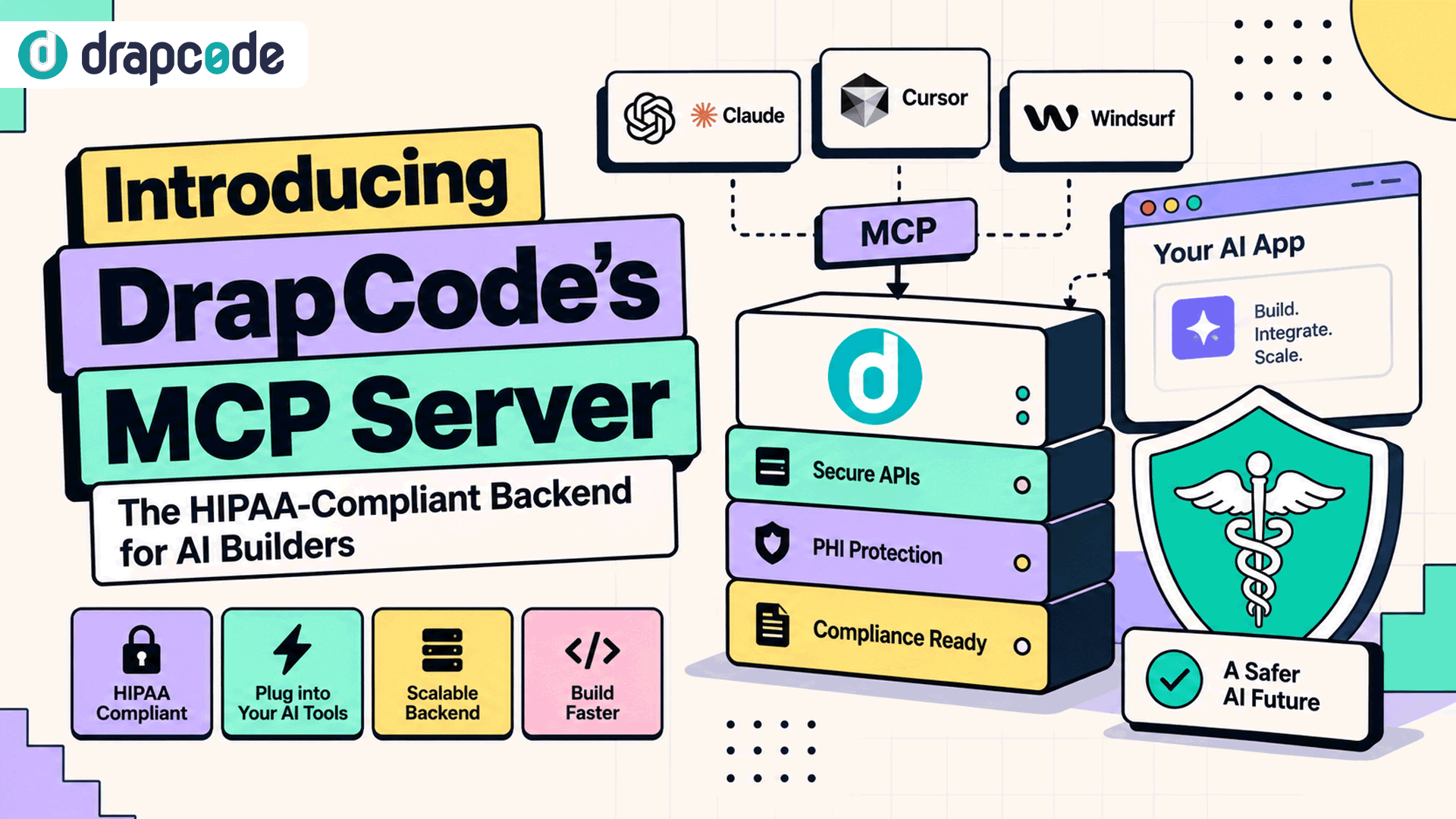
- DrapCode: This is a no-code platform that allows users to build web applications without writing code. It provides a drag-and-drop interface and a range of pre-built templates and building blocks, making it easy for non-technical users to create custom applications quickly and easily. Users can build web applications for a variety of use cases, including e-commerce stores, social networks, and marketplaces.
- Zapier: Zapier is a popular no-code integration platform that allows users to automate workflows between different software applications without writing code. It has a user-friendly interface and offers a wide range of pre-built integrations, making it an excellent starting point for new users.
- Bubble: Bubble is a no-code platform that allows users to build custom web applications without writing code. It offers a drag-and-drop interface and a range of pre-built templates and building blocks, making it easy for non-technical users to get started.
- Airtable: Airtable is a no-code database platform that allows users to create custom databases and spreadsheets without writing code. It offers a user-friendly interface and a range of pre-built templates, making it ideal for new users who are not familiar with traditional database software.
- Webflow: Webflow is a no-code platform that allows users to design and build custom websites without writing code. It offers a drag-and-drop interface and a range of pre-built templates, making it easy for new users to get started.
Understanding the Technical Details of How No-Code Solutions Work
No-code solutions work by abstracting away the technical details of software development and providing an intuitive visual interface for users to create custom applications. Here's a more technical breakdown of how no-code solutions work:
- Visual interface: No-code platforms provide a visual interface that allows users to design and build custom applications using drag-and-drop tools, pre-built templates, and other graphical elements. The interface provides a user-friendly way for non-technical users to interact with the platform and build applications without writing code.
- Pre-built modules: No-code platforms typically provide pre-built modules or building blocks that users can customize and combine to create custom applications. These modules are designed to be flexible and modular, allowing users to create a variety of applications quickly and easily.
- Backend services: No-code platforms also typically provide backend services, such as databases, APIs, and other integrations, that allow users to build applications with dynamic data and functionality. These services are typically abstracted away from the user interface, allowing users to focus on the front-end design of their application.
- Code generation: No-code platforms may generate code automatically behind the scenes to power the application. This code may be generated in different programming languages, depending on the platform.
- Deployment: Once the application is built, no-code platforms typically provide tools for deploying the application to a web server or cloud platform. These tools may include one-click deployment options or integrations with popular hosting services.
Getting Started with a No-Code Platform as a New User – What Do You Need to Know?
If you're a new user looking to get started with a no-code platform, here are some key things you should know:
- Understand the concept: Before diving into any specific no-code platform, it's important to understand the concept of no-code development and how it differs from traditional software development. Take some time to read about the benefits of no-code solutions, as well as their limitations and trade-offs.
- Choose a platform: There are many no-code platforms available, each with its strengths and weaknesses. Consider your specific needs and requirements when choosing a platform, and do some research to find one that is user-friendly and fits your skill level.
- Learn the interface: Once you've chosen a no-code platform, spend some time getting familiar with the user interface. Look for tutorials and documentation that can help you get started, and experiment with building some simple applications to get a feel for how the platform works.
- Start with pre-built templates: Most no-code platforms offer a range of pre-built templates and building blocks that you can use to create custom applications quickly and easily. Start with these templates to get a feel for how the platform works and build your confidence before moving on to more complex applications.
- Join a community: Many no-code platforms have active user communities and forums where you can ask questions, get feedback, and connect with other users. Joining a community can be a great way to learn from others, get inspiration for new projects, and build your skills over time.
- Embrace trial and error: No-code development is all about experimentation and iteration. Don't be afraid to try new things, make mistakes, and learn from your failures. With time and practice, you'll become more comfortable with the platform and be able to build more complex applications.
To Summarise
No-code solutions work by providing an accessible and intuitive way for non-technical users to build custom applications quickly and easily, using pre-built modules, backend services, and automatic code generation. The result is a faster, more flexible, and cost-effective approach to software development that can benefit a wide range of users and organizations.
Getting started with a no-code platform as a new user requires an open mind, a willingness to learn, and a bit of patience. By choosing the right platform, learning the interface, starting with pre-built templates, joining a community, and embracing trial and error, you can build your skills and create custom applications quickly and easily.
Read More: Benefits of No Code Development: How to Save your Time and Money?