It's time for some DrapCode updates!!! So tighten your belts and get ready to grasp all vital feature updates and latest developments!!!😀😀
In this this week's edition, first we will share some newly added features in our no code builder, then some video tutorials followed by the upcoming features on which our development team is currently working and lastly two recently published blogs to enhance your knowledge on no code/low code technology.
Let's get started:👇👇👇
📰What's New?
New features, latest developments & Updates!
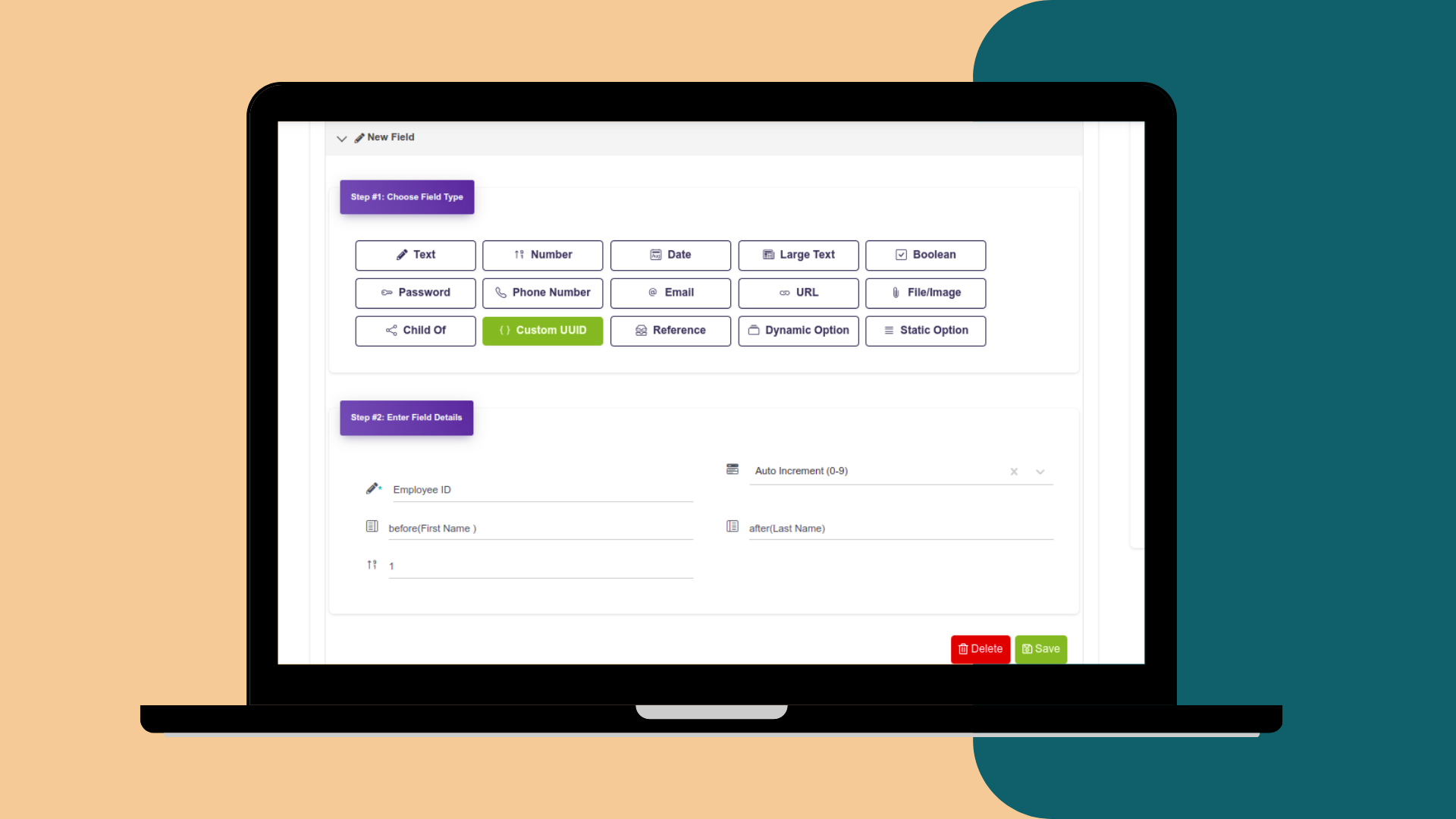
🆔 Custom Unique Identifier
What's this Feature All About?
It automatically assigns a unique identifier which is a combination of both number and string in a custom pattern you have given. Also, auto increments it for the next record.
Assigning a unique identifier to each piece of data or item allows you to organise and manage the identity of records to avoid confusion or repetition of any sort.
Use Case
- Employee IDs, like ABC001, ABC002, ABC003, etc.
- Invoice Number, like ORD0012, ORD0013, etc.
- Student ID, like MAX0123, TED0124, etc.
|
|
|
How to Use This Feature?
You can directly add a Custom Unique Identifier field in a collection later or while creating it.
Custom Pattern
While creating the field, you can choose the pattern of the unique identifier. So, after naming the field, either choose alpha numeric or auto increment as algorithms to set the pattern. And also add some text before and after a string if you want.
|
|
|
|
📨 Import CSV Files
What's this Feature All About?
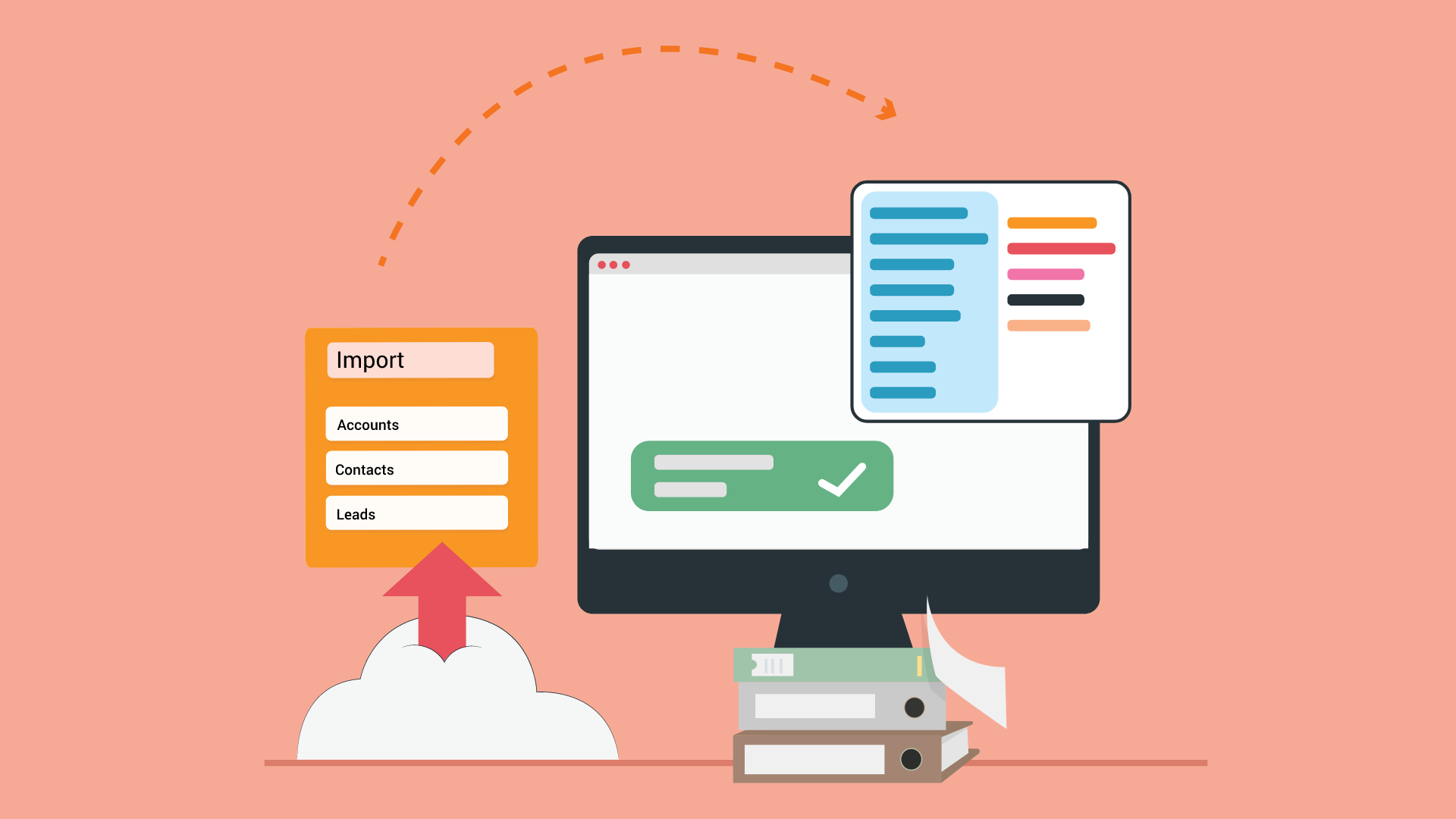
It allows you to import bulk data in the CSV format with a click of a button via an automated workflow.
✓ Upload data & store it in collections
✓ Imported data can be edited easily
✓ Use CSV template to import data
Use Case
- Import Employee Data
- Biometric Sheet Upload
- Student Assessment
- Subscriber Details, etc.
|
|
|
|
How to Import Data in CSV format?
You can download the CSV template located under advanced settings of a collection.
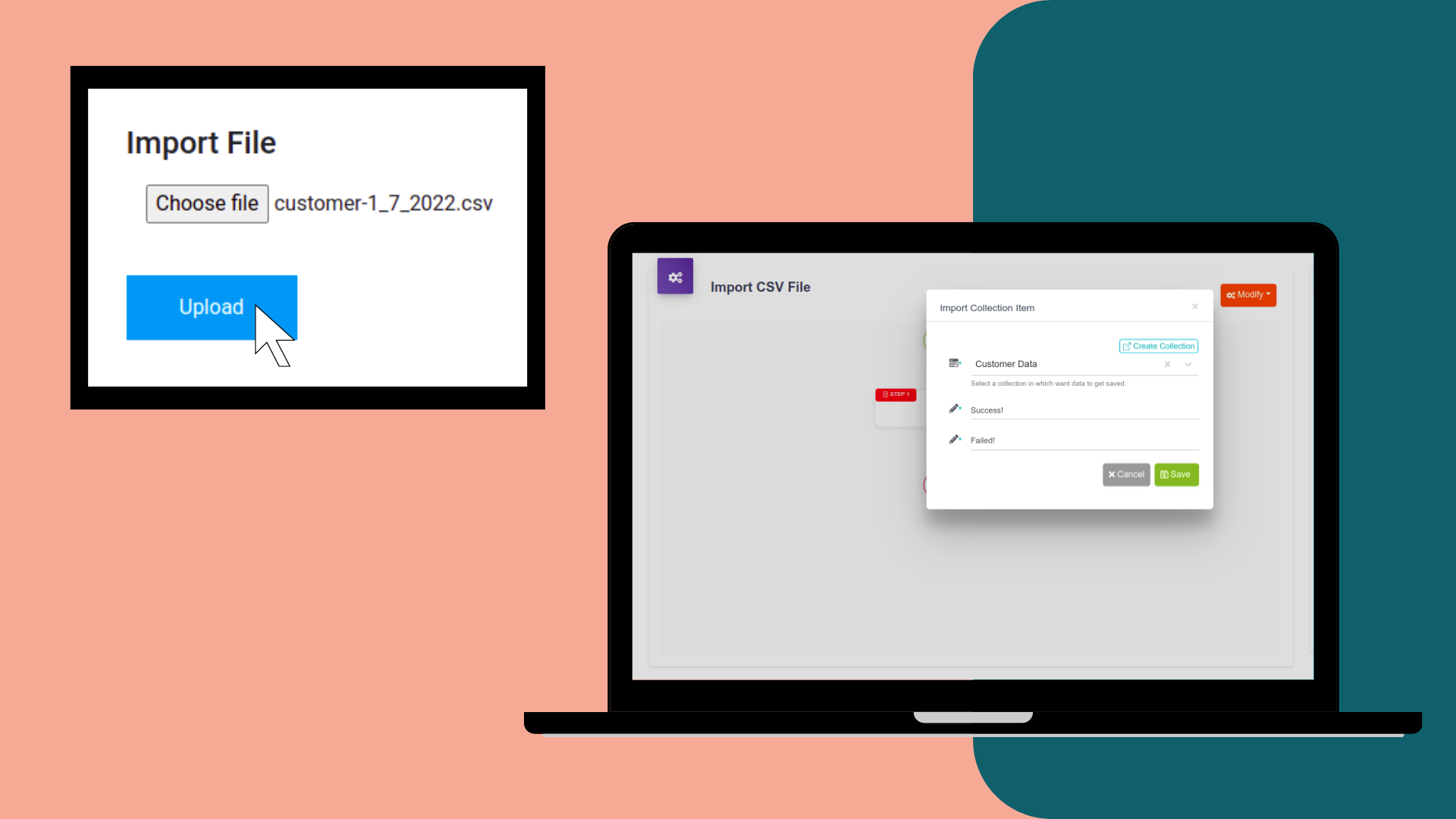
Then, add the data you want to import in it. After adding the data, upload this CSV file using the import data item event.
The imported data will get saved in the collection you selected while creating the event. The imported data can re-edited easily.
|
|
|
|
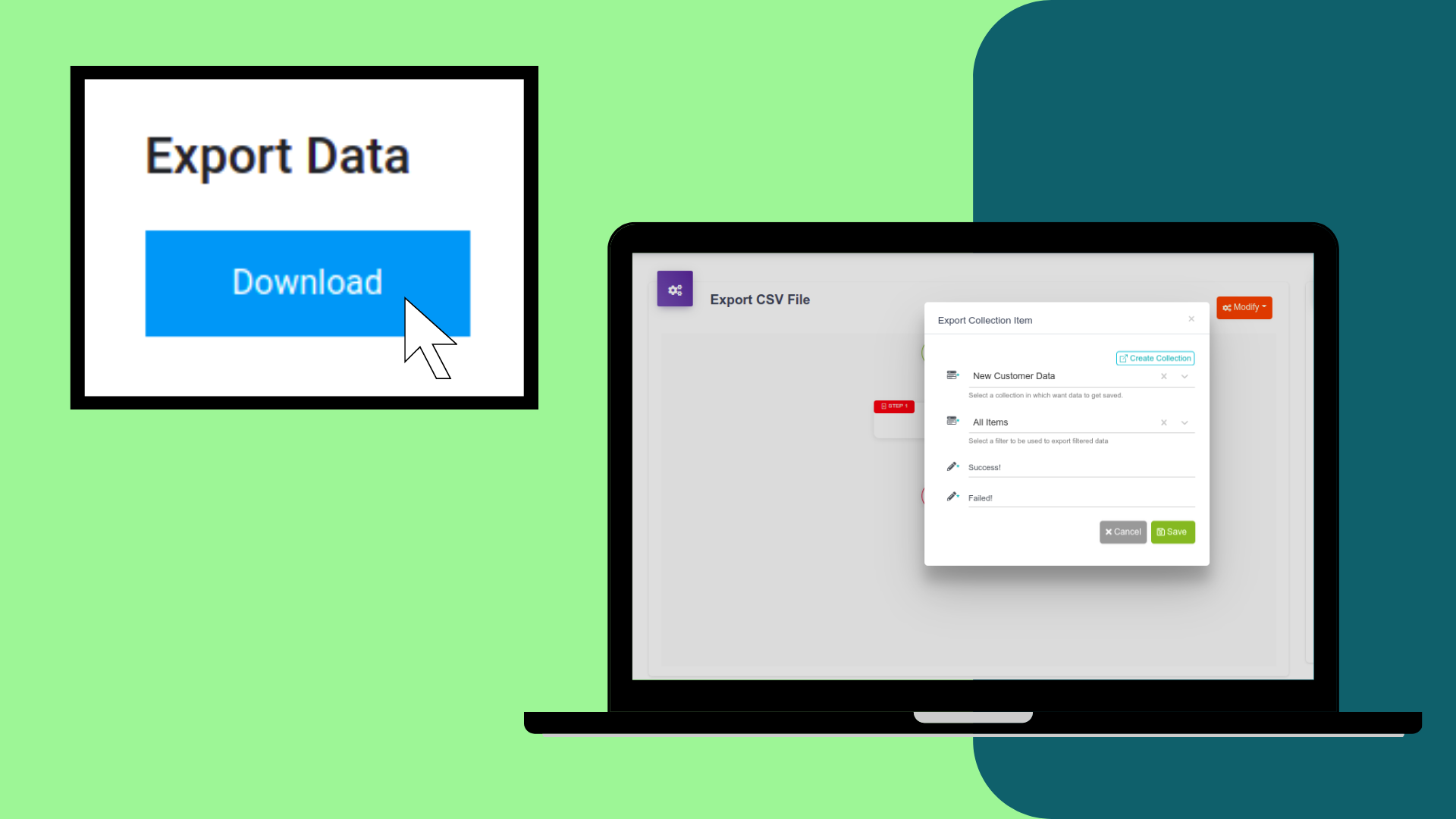
📁 Export CSV Files
What's this Feature All About?
It allows you to export bulk data in the CSV format with a click of a button via an automated workflow.
✓ Condition filters can be applied to the data you want to export.
✓ You can select the columns of the data that you want to export.
✓ You can also select the order in which columns are displayed.
✓ You can export data in the form of custom MIS reports.
Use Case
- Generate customer reports, student assessment reports, analytics reports, etc.
- Generate custom MIS reports.
|
|
|
|
How to Export Data in CSV format?
You can use condition filters to select columns of data you want to export. Don not apply filters if you want to export all data in a collection.
Then, create an export data item event and select the collection whose data you want to export.
Drop a form component and remove extra components in it except the button and bind the event to the form.
Now when you click the form button, a CSV file will be download containing data.
|
|
|
|
🎦Video Tutorials
Watch and learn all about the Builder!
Learn How to Add Composite Key Constraintin Collection Fields
|
To help you understand different features and functionalities, every week we create these end-to-end video tutorials. This particular video tutorial explains how to create a unique validation on the composite key constraint in any collection. The composite key means the combination of two or more fields value that is unique. We hope this tutorial help you learn this feature in depth.
|
|
Check It Out
Learn Everything about Using Filter Conditions
|
This video will help you understand how the conditions works at a very high level. We have explained the whole concept of filter conditions using a simple example to help you understand quickly. We hope the practical application of this feature will clear your doubts and allow you to use this feature while building your web app. 😃😃
|
|
Check It Out
Upcoming Features
Here are some of the upcoming features that are in pipeline!
🏗️ We are Revamping & Enhancing the DrapCode Builder!
|
To make our web app builder more user-friendly, our development team is working on builder enhancements. Once, the revamping is done, we will inform you.
|
|
📝 Questionnaire Form Plugin to Generate Dynamic Forms
|
You will soon be able to integrate the questionnaire form plugin in your web app to allow end users to generate dynamic forms and capture data.
|
|
Blogs & Insights 😀😀
Read & learn about no code & low code in depth.
How to Build a Web App Faster with No Code?
|
If you are stuck in such a scenario then there is a solution called low code/no code platforms. They do not require developers, coding skills or a lot of money to build an app. Read More
|
Benefits of Low Code Tools and Platforms
|
Be it a startup or an enterprise-level company finding development solutions, low code offers everything that everyone needs. Read More
|