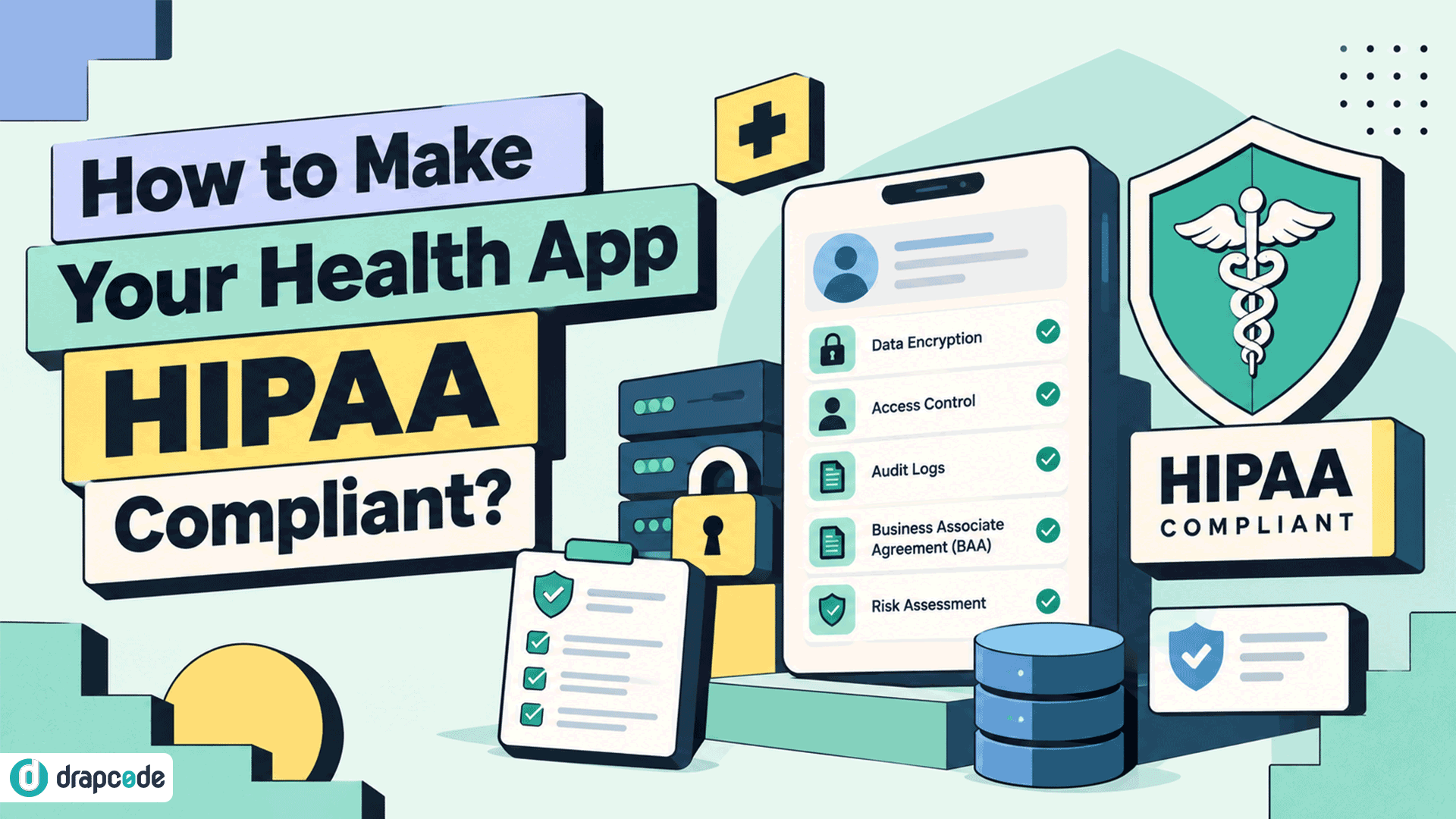
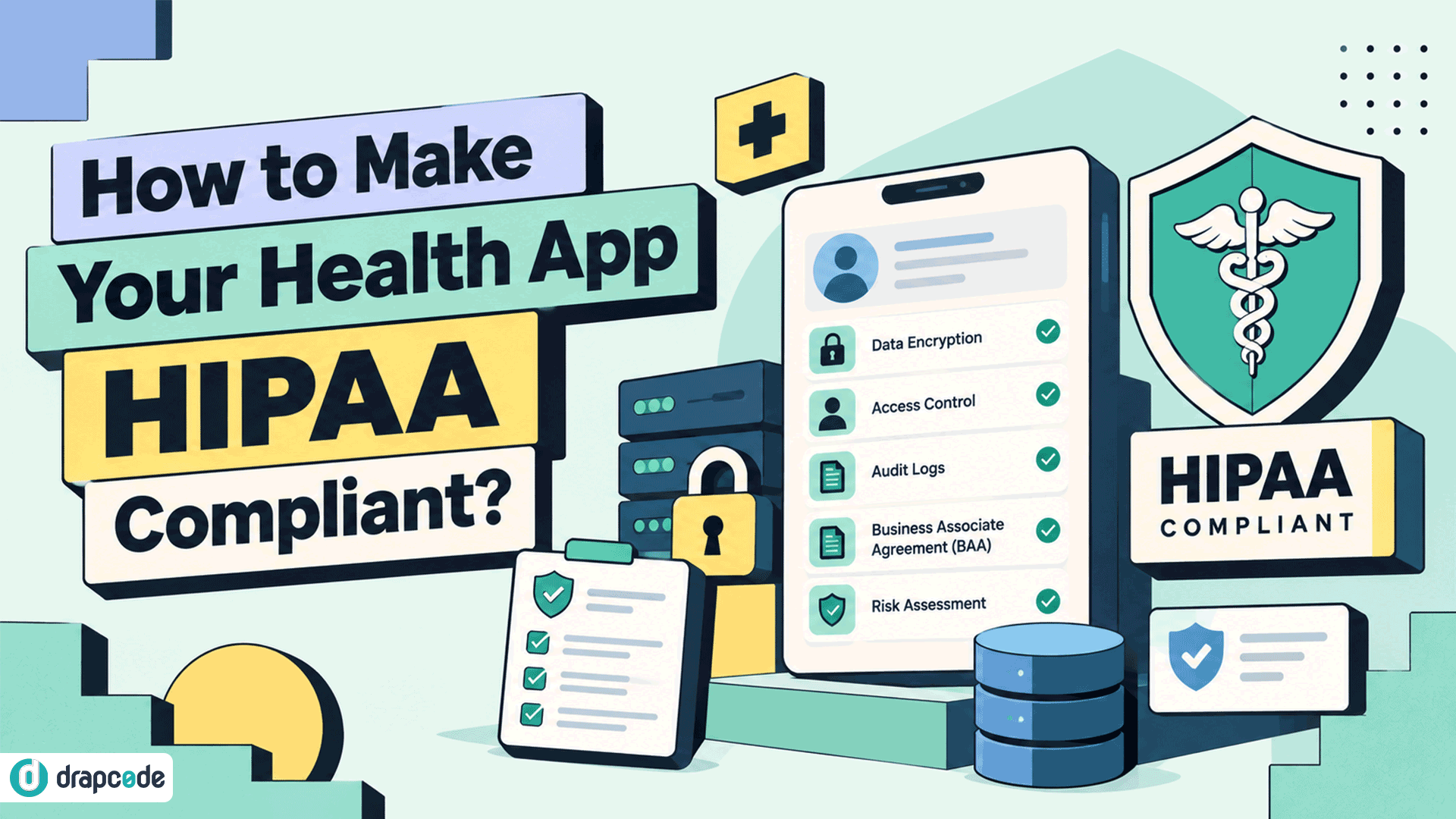
How Do I Make My Health App HIPAA Compliant?
You have a working health app. Users can create accounts, submit information, book appointments, upload documents, or communicate with providers.
Now you want to work with healthcare organizations or start handling real patient information, and one question becomes much more important:
How do I make my health app HIPAA compliant?
There isn't a button you can turn on or a certificate you can purchase that makes an application compliant. If HIPAA applies to your organization and app, you need to look at the complete environment around electronic protected health information (ePHI): where it enters, where it is stored, who can access it, which vendors receive it, and what happens when something goes wrong.
HHS describes HIPAA Security Rule compliance as involving administrative, physical, and technical safeguards, with risk analysis serving as a foundational step.
Here's where to start.
1. Confirm HIPAA Actually Applies
Before rebuilding anything, determine whether your application and organization fall under HIPAA.
Not every app containing health information is automatically regulated by HIPAA. The HIPAA Rules apply to covered entities and business associates. An app developer may become a business associate when it creates, receives, maintains, or transmits PHI on behalf of a covered entity.
Start by answering:
- Who uses the application?
- Are your customers healthcare providers, health plans, or other covered entities?
- Does the application handle PHI on their behalf?
- Are you acting as a business associate?
- Which vendors or subcontractors receive PHI?
- What other privacy or health-data laws apply?
For example, an independently downloaded consumer wellness app isn't automatically subject to HIPAA simply because a user enters health information into it. Other federal or state laws may still apply.
That distinction should be established before deciding what your compliance project actually involves.
2. Map Every Piece of PHI
One of the most useful things you can do is draw the journey of patient information through your application.
Don't stop at the database.
Look at every place ePHI can be created, received, maintained, or transmitted, including:
- Registration forms
- Application databases
- File uploads
- API requests
- EHR integrations
- FHIR servers
- Application logs
- Backups
- Analytics tools
- Email services
- SMS providers
- Support systems
- AI services
- Cloud infrastructure
HHS states that the scope of a HIPAA risk analysis includes all ePHI an organization creates, receives, maintains, or transmits, regardless of where that information resides.
This exercise frequently exposes problems that aren't obvious from looking at the main application.
Your primary database might be appropriately protected while patient information is simultaneously being sent to a logging, analytics, support, or third-party service nobody considered part of the PHI environment.
3. Perform a Risk Analysis
Once you know where ePHI exists, determine what could put it at risk.
HHS describes risk analysis as the first step in identifying and implementing appropriate safeguards under the Security Rule. It should assess potential risks and vulnerabilities affecting the confidentiality, integrity, and availability of ePHI.
For an application, that means reviewing areas such as:
- Authentication
- Authorization
- APIs
- Databases
- Cloud configuration
- File storage
- Application dependencies
- Secrets and credentials
- Administrative access
- Logging
- Backups
- Integrations
- Mobile or web clients
- Development environments
The objective isn't simply to produce a compliance report. The findings need to become actual engineering and operational work.
If the assessment discovers that administrators share accounts, API keys are exposed, patient files are publicly accessible, or former employees retain production access, those problems need to be addressed.
4. Lock Down Access
A healthcare application shouldn't treat every authenticated user as equally trusted.
Consider a care-management application with patients, physicians, nurses, billing employees, care coordinators, and administrators. Each role may require access to different information and functions.
Your access model may therefore need:
- Unique user accounts
- Role-based access controls
- Appropriate administrative permissions
- Strong authentication
- Session controls
- Workforce access procedures
- Processes for removing access
- Appropriate minimum-necessary access
HHS requires regulated entities to implement policies and procedures for appropriate access to ePHI and technical controls that permit access only to authorized persons.
Permissions should be part of the application's architecture rather than something added only to satisfy a security questionnaire.
5. Protect Data
Your health app may handle ePHI in several states: stored in a database, uploaded as a document, transferred through an API, backed up to another location, or sent between systems.
Your security architecture needs to account for those paths.
Depending on your environment and risk analysis, protections can include:
- Encryption for stored sensitive information
- Secure transmission protocols
- Secure file storage
- Proper key and secret management
- Database access restrictions
- Backup protection
- Network controls
- Secure API authentication
The current HIPAA Security Rule requires appropriate technical security measures to protect ePHI transmitted over electronic networks and safeguards protecting the confidentiality, integrity, and availability of ePHI.
Don't limit the review to production databases. Backups, exports, logs, test environments, and integrations can create equally important exposure.
6. Build Auditability In
Imagine a patient's record changes unexpectedly.
Can you determine:
- Who accessed it?
- When they accessed it?
- What important action occurred?
- Which account acted?
- Whether suspicious activity occurred elsewhere?
If not, your application may need stronger audit controls.
HHS requires regulated entities to implement mechanisms to record and examine activity in information systems that contain or use ePHI.
For healthcare applications, useful audit events may include:
- Login activity
- Patient-record access
- Important record changes
- Administrative actions
- Permission changes
- Data exports
- Relevant integration activity
- Security events
The exact logging design should follow your application's risk profile and requirements.
7. Review Every Vendor Touching PHI
Your application may be secure while one of the services connected to it creates the problem.
Review every third party that may create, receive, maintain, or transmit ePHI on your behalf.
That might include:
- Cloud hosting
- Databases
- File storage
- SMS
- Video
- Customer support
- Error monitoring
- Analytics
- AI services
- Backup providers
When a vendor qualifies as a business associate or subcontractor, an appropriate Business Associate Agreement may be required before it handles ePHI. The Security Rule requires regulated entities to establish appropriate written arrangements with business associates, and business associates must obtain appropriate assurances from relevant subcontractors.
Don't assume that a vendor is suitable for PHI simply because its website mentions healthcare.
Verify the specific service, plan, configuration, contractual terms, and BAA availability that apply to your use case.
Vendor selection is only one part of HIPAA-compliant healthcare application development. The application's own architecture, permissions, data flows, integrations, and security controls also need to be designed around how PHI is actually used.
8. Don't Forget the Organization
One of the biggest mistakes is treating HIPAA compliance as purely a software-development project.
You can have encryption, MFA, audit logs, and secure hosting and still have serious compliance gaps if the organization operating the application has weak processes.
Administrative safeguards can involve:
- Security responsibility
- Risk management
- Workforce access
- Security awareness and training
- Incident procedures
- Contingency planning
- Periodic evaluations
- Vendor management
- Policies and procedures
- Required documentation
HHS explicitly requires reasonable and appropriate policies and procedures alongside technical and physical safeguards.
Your application and your organization therefore need to support each other.
9. Prepare for Things to Go Wrong
Security planning shouldn't assume that nothing will ever fail.
Your team should know what happens if:
- A user account is compromised.
- A laptop containing sensitive information is lost.
- An employee accesses information they shouldn't.
- An integration leaks information.
- Production infrastructure becomes unavailable.
- A vulnerability is discovered.
- Data needs to be restored from backup.
- A security incident needs investigation.
That means having appropriate incident-response and contingency processes rather than deciding what to do for the first time during an actual incident.
HIPAA's administrative safeguards include security incident procedures and contingency planning, and regulated entities are expected to review and update security measures as their environments change.
10. Test Before Real PHI Arrives
A prototype working correctly doesn't mean the application is ready for patient information.
Before production, test both the application's functionality and its security controls.
Depending on your environment, this may include:
- Vulnerability scanning
- Penetration testing
- Access-control testing
- API security testing
- Configuration reviews
- Dependency scanning
- Backup restoration testing
- Audit-log verification
- Incident-response exercises
Use synthetic or properly de-identified test information during development wherever possible rather than putting real patient information into systems that haven't been cleared for that use.
The objective is to discover weaknesses while they are still engineering tasks, not after they become security incidents.
A Practical HIPAA App Checklist
Before allowing your health application to handle real PHI, work through these questions:
- Applicability: Have we established whether we're a covered entity, business associate, or neither?
- PHI mapping: Do we know everywhere ePHI enters, travels, and is stored?
- Risk analysis: Have we documented relevant risks and vulnerabilities?
- Access: Can only authorized users access appropriate patient information?
- Authentication: Can we verify that users are who they claim to be?
- Data protection: Are appropriate safeguards in place for stored and transmitted ePHI?
- Auditability: Can we review important activity involving ePHI?
- Vendors: Have we evaluated every third party that handles PHI?
- BAAs: Are required business associate agreements in place?
- Backups: Can important information be recovered appropriately?
- Incidents: Do we know what happens when a security event occurs?
- Policies: Are required procedures documented and actually followed?
- Training: Do relevant workforce members understand their responsibilities?
- Testing: Have technical controls been appropriately tested?
- Ongoing review: Is there a process for reassessing risks as the application changes?
HIPAA compliance isn't a one-time milestone. HHS describes compliance as an ongoing process that includes periodic technical and non-technical evaluations and continued review of risks and security measures.
Building From Scratch?
If you haven't built the application yet, you have an advantage.
It's much easier to design patient-data flows, access controls, auditability, integrations, and security into the architecture than to add them after customers are already using the product.
For example, a new patient portal can be designed from the beginning around:
- Patient and provider roles
- Secure patient records
- Audit trails
- Healthcare integrations
- Controlled document access
- Backup and recovery
- Appropriate infrastructure
Retrofitting those requirements into an application that was originally built as a general SaaS product can involve significantly more engineering work.
This is also where a healthcare-specific development approach becomes valuable.
Build for Healthcare From Day One
DrapCode is a healthcare application development company that builds secure, HIPAA-compliant software for healthcare organizations, providers, and digital health businesses.
Instead of building a generic application first and addressing healthcare requirements later, DrapCode can help teams build applications such as:
- Patient portals
- EMRs and EHR applications
- Telemedicine platforms
- Care management systems
- Remote patient monitoring applications
- Healthcare CRM systems
- FHIR-connected applications
The focus is on putting the healthcare foundation in place early: security, interoperability, access controls, auditability, infrastructure, and production deployment.
If the application needs to exchange clinical information with other healthcare systems, you can also plan FHIR integration for healthcare applications early instead of adding interoperability after the core product has already been built.
For production projects, DrapCode also supports BAA requirements alongside healthcare-focused development and infrastructure.
The Bottom Line
Making a health app HIPAA-compliant isn't about adding one security feature.
It's a process that starts with understanding whether HIPAA applies and where ePHI flows, then addressing the risks across your application, infrastructure, vendors, and organization.
If you're preparing an existing application for healthcare use, start with the PHI map and risk analysis before deciding what needs to be rebuilt.
If you're starting from scratch, build those requirements into the architecture before real patient information enters the system.
HHS makes the broader point clearly: there is no single compliance strategy that works for every organization. The safeguards you implement should reflect your environment, technology, capabilities, and risks.
Frequently Asked Questions
Q1. Can any health app be made HIPAA compliant?
Potentially, but the amount of work depends on the application's existing architecture, vendors, infrastructure, security controls, and data flows. Some applications can be remediated while others may require substantial architectural changes.
Q2. Does hosting my app on a HIPAA-supporting cloud make it compliant?
No. Hosting is only one component. Application security, access controls, auditability, vendor relationships, organizational safeguards, policies, and PHI workflows also matter.
Q3. Do I need a BAA for my health app?
It depends on your role and relationships. If you handle PHI on behalf of a covered entity as a business associate, an appropriate BAA is generally required. Relevant subcontractors handling ePHI may also require appropriate agreements.
Q4. Does every health app need to follow HIPAA?
No. HIPAA applies to covered entities and business associates. Some consumer health applications fall outside HIPAA, although other federal or state privacy and health-data laws may still apply.
Q5. What is the first step toward HIPAA compliance?
For an organization subject to the HIPAA Security Rule, a risk analysis is foundational. Before that, a health-app developer should establish whether HIPAA applies and understand where PHI or ePHI exists across the application and its vendors.
Make Your Health App Ready for Real Healthcare
Whether you're fixing an existing health app or starting a new one, DrapCode can help you build the security, healthcare workflows, interoperability, and infrastructure needed for production.
Talk to DrapCode about your healthcare application.