15 Best No Code Tools & Platforms of 2025
Today, there are tons of no code platforms and tools available in the market. And all these platforms are created with aim to help reduce the need for coding expertise. If we look at the past then people used to create applications using the traditional way of hand-coding. However, the advent of no code development has allowed people to build websites and applications without coding. Moreover, it allowed developers as well as non-developers to build powerful apps without using traditional programming.
In simple words, no code is an app development technology that requires zero coding. It relies on the visual mode of development by using GUI (Graphical User Interface). Also, "No-code" does not always imply "no code." There is, in fact, code, however, it is used by the developers who create the tool. All you must do is select a component and then assemble it by dragging and dropping it where you want.
Now, here’s a list of the top 15 no code platforms available in the market:-
1. WordPress

Wordpress is a name everyone knows and no doubt it is considered the world's most popular website builder. It's an excellent no code platform that handles virtually every part of your application from user management, login-system to security. Also, it is easy to use, and projects can be completed quickly using it.
WordPress also provides a flexible web development environment if you need it so that you can make required changes easily with different plugins. Moreover, every plugin and theme comes with unique features which allows you to build a website flexibly. Therefore, WordPress allows beginners to make a fantastic website from scratch or by using different templates that save even more time.
2. DrapCode

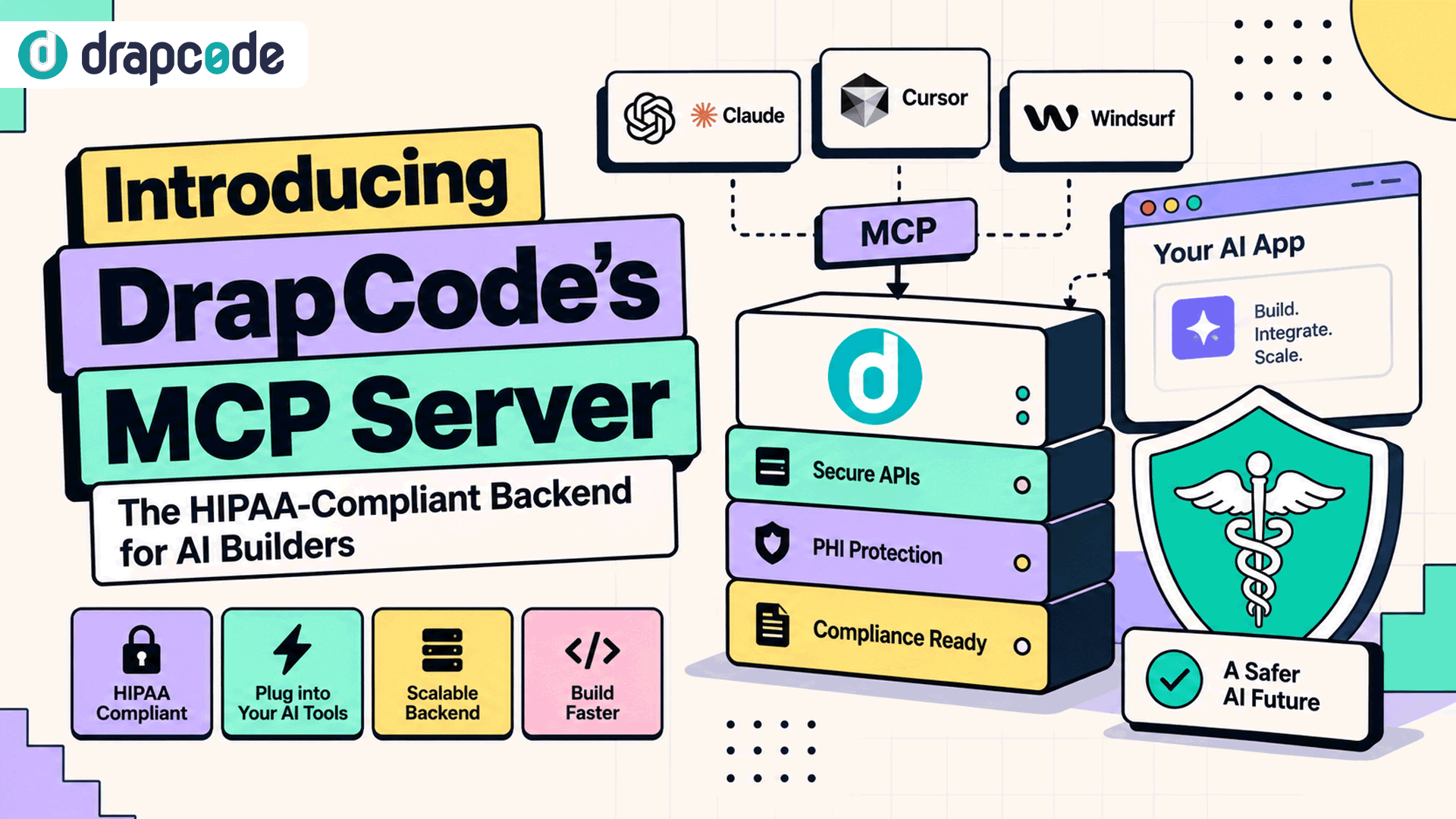
DrapCode is a free app development platform that allows you to build and design web applications visually. Without writing any code, you can now construct, shape, create, and launch your web apps hassle-free. Also, it has an integrated no-code database in the form of collections. This built-in database allows you to add and move massive volumes of data from different sources and databases without coding.
Furthermore, DrapCode's extensive list of third-party plugins enables users to integrate external services and expand their applications' functionality without coding. Also, it includes a set of professionally crafted, responsive free templates that can be customised to create and launch no-code apps in just a day.
Therefore, DrapCode is perfect for a startup that can't afford a developer or wait an extended period for something to be built. You can use DrapCode as a tool to help you move forward toward a successful business and a good product.
If you build your web app on DrapCode but later decide to deploy it on another cloud. Then don't worry because you can easily export the source code of your app along with its database. And deploy or host it on any private or public cloud without giving any attribution to DrapCode.
Also Read: 15 Factors to Look at Before Choosing a No-Code Platform in 2022
3. Bubble

This no code tool allows you to build and design web and mobile applications without coding. Also, this platform is hassle-free; it enables you to create an application without knowing anything at all about coding. Moreover, Bubble helps you to make anything such as a marketplace, social network, and CRM (Customer relationship management), all without traditional frameworks required.
You can self-host using Bubble on other platforms, or you can host your app with them. In some cases, you have less control in the Bubble. Its user management system allows you to link dynamic datasets to specific users easily. You can also watch how people use your application. Then, you can even use these insights to improve your app the way your customers need it.
4. Glide

Glide is free to use, not until you get a higher volume, but you can save a lot of money. So, if you're going to create an app and want to expand your business, Glide is the perfect way to make it possible.
Applications are powered by data and the most popular tool to manage data is using a spreadsheet. Glide uses spreadsheets as a medium to help you build applications. Thus, by using Glide, you can build apps in a short period. Also, just like the other platforms, there is no experience in coding needed.
They have different templates that will fit your taste. It features surprisingly advanced capabilities, and the built-in data editor was written very fast with smooth scrolling and new features for controlling access.
Glide will allow you to get in the game very quickly, and the pricing is very reasonable to get started and go from there.
5. Adalo

Adalo is versatile and has excellent abilities. It can build your applications from basic to advanced. Also, this platform allows you to add application components you want so users will interact with those components only. Moreover, Adalo stores any dynamic interactions and data on easy-to-use databases. It is more focused on the visual, and you can just "drag-and-drop" then the user will instantly see their creation. Also, it has different features that can create custom formulas, which allow you to sort or slice information in a unique way that can give your users unique insights.
The templates allow you to decide or get ahead of the competition to build and create an app aligned with your vision. You can make significant and valuable apps without consuming time and without using codes and programming languages.
Adalo is very easy to use and has rapid app development. Publishing an app takes a lot of time and headaches, but using Adalo with a subscription plan, you can easily publish your apps to the Android or Apple stores.
6. Airtable

Airtable is a platform where you can construct a database and create anything you want related to your business or product. It is easy-to-use and highly versatile, just like other no code platforms. You can use it to manage your work, track your progress, and organise your plans and events even if you are a solo entrepreneur or a large business.
People avoided databases because it's challenging to use and often required SQL (Structured Query Language) scripting skills, but Airtable is the answer. Databases look like spreadsheets, with pages of grid lines and tabs. You will organise the data and columns here, just like spreadsheets. Databases and spreadsheets are comparable, but the catch is, databases are much more powerful and secured.
Airtable has many features; it can store, organise, and collaborate on anything, like employee directories and product inventories. You can manipulate the data and visuals you can find in Airtable from forms to canvas.
You can learn how to create and expand easily with Airtable's flexible platform. Organise things however you want to see them!
7. Buildfire

Buildfire is a powerful no code platform that allows you and even those people who have no technical skills to build apps in real-time. Build anything within this platform and manage your intellectual property!
One of the best features of Buildfire is you can see the build of your app in real-time by the Interactive emulator. It can also extend your app's function through the plugin marketplace. You can even make your plugin and customise your app using Build fire/SDK: Software Development Kit.
Buildfire is an excellent solution for non-technical business owners who want to build an efficient and effective app. It is straightforward with drag-and-drop technology to easily create a mobile app.
Buildfire is an excellent option for those who want to break free from the limitations of no code and enter into the world of low code. It handles all the boring stuff, and you can focus on your ideas. They manage all the complicated infrastructure around your app, everything from login, security, firewalls, push notifications, and much more!
8. Softr

Softr makes it simple and quick to create a professional web app using Airtable. Customise every element on the website by starting with a template or one of the 70+ pre-built blocks. There are no design or coding abilities required. Convert your Airtable data into a full-stack web app with memberships, payments, and business logic right out of the box!
Don't waste time learning new skills. Softr is the quickest way to get your product into your clients' hands! Changing things later is simple and quick.
Must Read : 10 No Code Tools to Launch a Startup
9. Stacker

Without the need for professionals, quickly design powerful software interfaces for your company's data with the use of Stacker. With customizability that scales with your organisation, you'll have unrivalled access control over who may view and update your data. Collaborate with coworkers, link numerous data sources, and share your apps with coworkers, customers, and partners with Stacker’s wonderful platform for beginners!
With unprecedented speed and ease, get enabling tools into the hands of your partners, teams, and consumers. To populate data into your app, connect with Airtable or Google Sheets. Stacker develops a functioning app for you based on your data. You get complete control over what data each user has access to and what actions they can take thanks to fully configurable permissions.
There are no designers, developers, or drama. Stacker is one of the easiest and fastest tools for no code startup websites.
10. AppSheet

AppSheet is also a no code application development platform that lets people build applications for the web and mobile devices. It is from Google that is part of Google Cloud that creates custom applications from spreadsheets and other data sources.
This no code platform is primarily used for businesses that want to create apps for internal use. But this is not probably for you if you are looking for an app reseller solution. This is the best option to build a service company application using some logistic management system to keep their company organised.
It has a component that allows users to take pictures using the app, scan barcodes, work offline, and many more. AppSheet also works with Excel, Smartsheet, and more to connect to multiple data sources. The user interface of this app resembles other Google products. It uses machine learning to anticipate how you want to use your data.
AppSheet is connected with Google, so all of the integrations can be found there. This can transform your business that already has something going on, and you can use this platform to start using different components.
11. Zoho

Zoho is a cross-platform app-building solution that helps businesses of all sizes to develop convenient mobile applications from scratch. It helps increase visitor data from your website into your customer relationship management (CRM) system. You can build solutions here then publish them instantly for any devices you have, it promises an exceptional security level, and you can have instant access to various development tools.
This no code platform has unique and creative features to help convert leads into customers, such as running macros and automatically following up or printing mailing labels to contact them directly. Any applications you create in Zoho are perfectly scaled to any size that allows you to work remotely without borders.
It has a comprehensive collaboration where you can use another ID to access this website, and if you have any concerns about Zoho, you can call them 24 hours a day to help. It is very efficient despite its low cost or pre-packaged software applications.
12. Caspio

Caspio is a no code platform that is designed for anyone to login and create great applications. You can build a custom CRM knowledge base, E-commerce application healthcare and scheduling apps, real estate applications, and much more.
Caspio builds an effective environment for development, offering robust security, scalability and reliability. Also, it supports customers worldwide, and some of them are organisations that already rely on this no code platform.
In short, it is a game-changer that lets you elevate everything to accelerate your learning. You can sign-up for their free instructor-led training sessions multiple times per week and attend as often as you want. Caspio offers you a dedicated team that works with you to build your application on your behalf because not everyone has the time or resources to create their applications.
Also Read : No Code Tools: 10 Reasons to Build your Next Product Using No Code
13. Notion

Notion is an all-in-one workspace that defies traditional categorisation because you can do so much in this tool. This helps you to clarify and organise everything that matters. It provides space to capture your thoughts, manage your projects, or even work with the entire company. Notion is a great tool to help you with your notes, documents, and projects; it is flexible and easy to use.
It is a platform where you can put your schedule displayed any way you need to see them. Notion gives you a clean interface where you can do anything and plan by typing and adding elements such as pictures, videos, and any other type of content. You can design your page on your own and rearrange the elements just by dragging and dropping.
Everything in Notion can be customised, and create as many pages as you need. You can use spreadsheets and databases, build projects, and do anything you want the way you want.
14. Zapier

Zapier is an automation platform that has a catalogue of software that can be linked to other software. It makes things work on autopilot without needing complex code and tedious workflow tasks. It's like getting hundreds of integration all at once--because Zapier will take care and generate a task automatically while obtaining the user's permit.
You can connect Zapier to different applications, and your favourite websites then move information between them automatically. This helps you to make things easier and forget your busy work and focus on what matters. For example, you can connect Gmail, Facebook, Twitter, and other apps to each other using Zapier.
By paying for it, you can get more features available in Zapier and make everything run so much better. It has a great list of options and very cheap monthly fees for advanced techniques.
15. Wix

With Wix, you have the option of starting from scratch or selecting from over 500 designer-made templates that you can fully personalise using the drag and drop website builder. Use video backdrops, scroll effects, and animation to bring your site to life. You can construct your own professional website exactly how you want it with the Wix Editor.
Create and maintain high-quality websites on your own. Whether you're advertising your business, showing your work, creating a store, or beginning a blog, the Wix website builder can help.
Choose a template and tweak it to your liking, or answer a few questions to receive a free website tailored to your needs. Create your own blog, an online store, and an online booking system. You can also add new features in your app as your business expands and grows.
Summing Up
If we go ten years back from today, most applications and web designs relied on softwares engineers, who worked around the clock to fix bugs and make the code work. But now with no code development users can build and launch their apps faster with lesser effort. Therefore, no code tools and platforms enable consumers to design and construct products and websites fast in an age when the demand for software far outnumbers the supply of coders. Also, it won't be wrong to say that no code platforms are unquestionably changing organisations, workplaces, technology, and, well, lives.
We hope this curated list of no code tools and platforms helps you understand the best options of no code tools and platforms available in the market and see how they can help you improve your workflow.
Also Read : Top 10 No Code Communities to Follow in 2022