DrapCode is Secure, and Scalable with Docusign
Integrate with Docusign
Build platform on DrapCode and integrate Docusign as an Integration in your projects with ease.
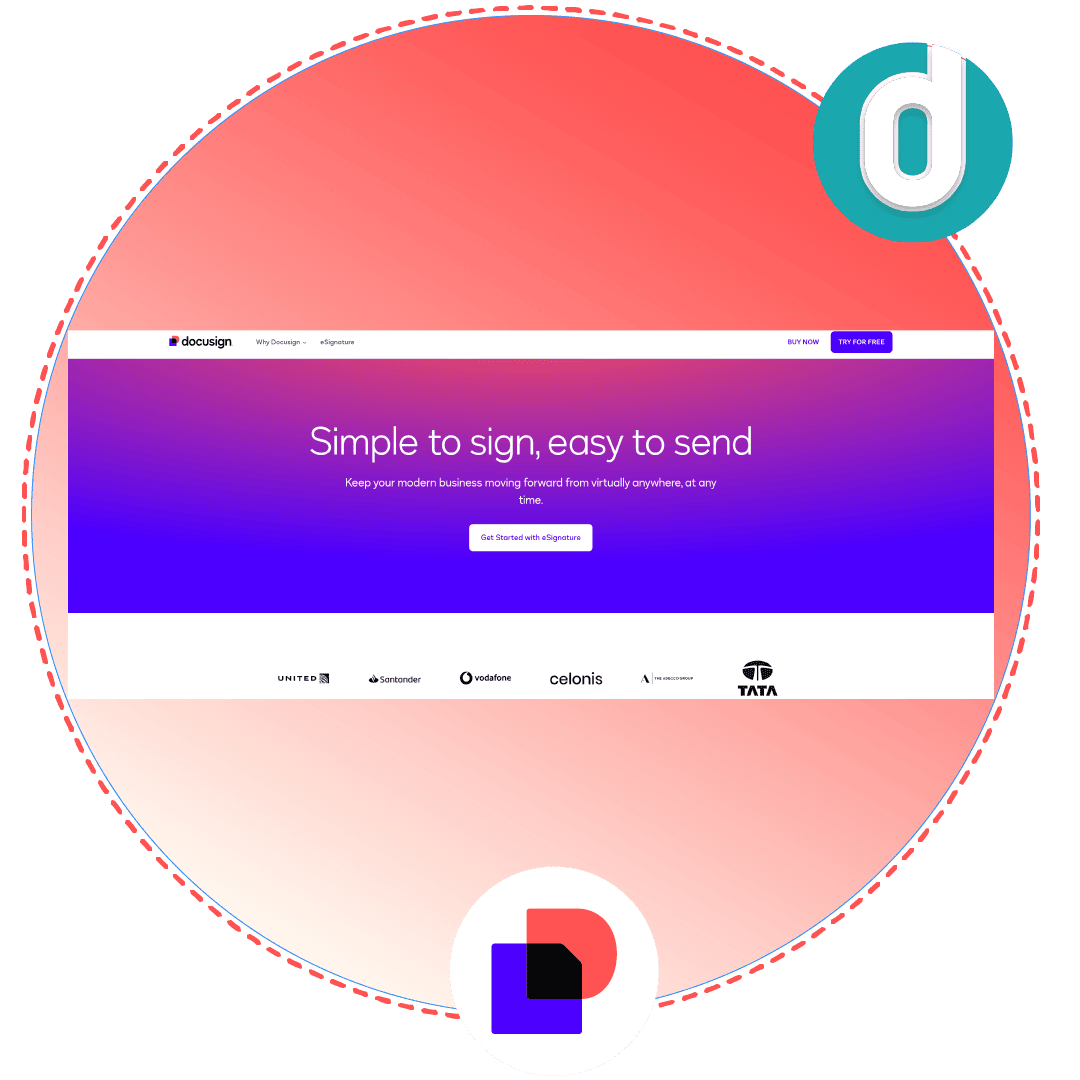

Docusign Integration
Integrating Docusign with your web app built on DrapCode simplifies the process of obtaining digital signatures. With our easy-to-use platform, adding Docusign eSignature functionality enhances your app’s ability to handle secure document signing quickly and efficiently.
Why Choose Docusign?
Docusign is the leading eSignature solution, trusted globally for its security and convenience. With Docusign integration, users can sign documents electronically, reducing paperwork and enhancing workflow efficiency. Whether it’s contracts, agreements, or other legal documents, Docusign offers a fast, legally binding solution for digital signatures.

DocuSign API Integration
Integrating the DocuSign API into your DrapCode-built web app is simple and straightforward. Our no-code platform allows you to connect Docusign’s powerful features without writing complex code. You can easily manage document routing, signature collection, and status updates with minimal setup.
Features provided by Docusign as an Integration
Build apps quickly with your data stored in the external data source and use DrapCode as a 100% frontend builder.

Seamless E-Signature Integration
DocuSign enables real-time document signing and approval within DrapCode.
Secure and Compliant Transactions
DocuSign provides industry-leading encryption and legal compliance.

Customizable Signature Templates
Create and reuse signature templates for faster workflows.

Collaborative Document Sharing
Share documents and collect signatures with teams and clients.

Comprehensive Audit Trail
Track every action with detailed logs for compliance.
Flexible API Integration
Integrate DocuSign APIs easily into DrapCode workflows.

Mobile-Friendly Signing
Sign documents from any device, anywhere.

Robust Document Management
Organize and retrieve signed documents efficiently.
Workflow Automation
Automate signing requests, reminders, and approvals.

Docusign eSignature: Simplifying Workflow
Docusign eSignature is designed to simplify the signing process. With just a few clicks, users can securely sign documents online, eliminating the need for printing, scanning, and faxing. Integrating Docusign into your app ensures that the signing process is quick and legally recognized, providing a seamless experience for your users.
Document Signing
Docusign integration with DrapCode enables your app to automate document signing, reducing the manual effort and errors typically involved in traditional signing processes. Whether you are handling client contracts, employee agreements, or vendor documents, Docusign ensures a secure, paperless solution that saves time and enhances productivity.


Manage Signatures with Ease
With Docusign’s powerful features, you can manage electronic signatures efficiently. The integration allows you to send, track, and receive signed documents directly within your web app. This means you can ensure that every document is signed promptly, improving operational efficiency and client satisfaction.
Features provided by DrapCode as a front-end
Using DrapCode as a 100% frontend builder.
Code Export
Design a website on drapCode and you can easily export the source code once you are done making it.
Customizable UI
We provide pre-built templates and features to promote loads of customization.
Enterprise Grade Standard
We offers enterprise-grade standards, ensuring a reliable and scalable platform for building robust solutions
Multi-Tenant
A single instance of the application made on Drapcode can serve multiple customers.

Self Hosting
You can easily deploy and host website using Drapcode.

Multiple Environment
Enable multiple environments such as Sandbox, QA, Pre-Prod to test your application before making it live for end users.

Why Use Docusign?
Docusign’s software provides a reliable, scalable solution for businesses of all sizes. It helps reduce delays in document signing, lowers operational costs, and ensures compliance with legal standards. By integrating Docusign into your app, you streamline workflows and deliver a superior experience to your users.
Get Started with Docusign Integration
By integrating Docusign with DrapCode, you’re enhancing your web app’s functionality and simplifying the document signing process. Whether you need to collect one signature or several, Docusign’s eSignature solution ensures that the process is fast, secure, and compliant. Start integrating Docusign today and improve your document workflows.

Frequently Asked Questions
What is Docusign integration?
How does the Docusign API work?
Is Docusign legally binding?
Can I manage documents?
Can workflows be customized?
Are you partnered with Docusign?
Get Started with Docusign
Adding Docusign to your app is an effective way to offer diverse payment solutions. With features like payment links, recurring payments, and strong security, this integration equips your app with the tools needed to handle transactions efficiently and securely.
Blogs & Insights
We'd love to share our knowledge with you. Get updates through our blogs & know what’s going on in the no-code world.