Build Patient Portal on Pabau EHR with DrapCode
DrapCode builds custom patient portals around Pabau, helping clinics create branded digital experiences that complement Pabau’s patient records, booking, forms, payments, and care workflows.
Trusted by Healthcare Innovators
1,000+ organizations trust DrapCode to help healthcare teams launch secure & HIPAA-compliant applications.






Beyond Pabau Connect
Pabau combines patient records with scheduling, clinical documentation, prescriptions, payments, forms, labs, and patient engagement tools. Its Client Portal, Pabau Connect, already gives patients a self-service route into many of these workflows. DrapCode can build a separate patient-facing experience when your clinic needs different branding, treatment journeys, service navigation, or digital experiences beyond the standard Pabau portal.
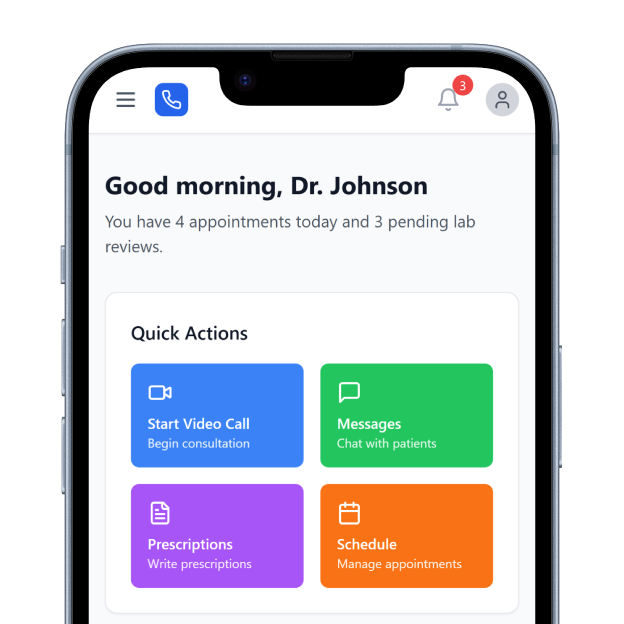
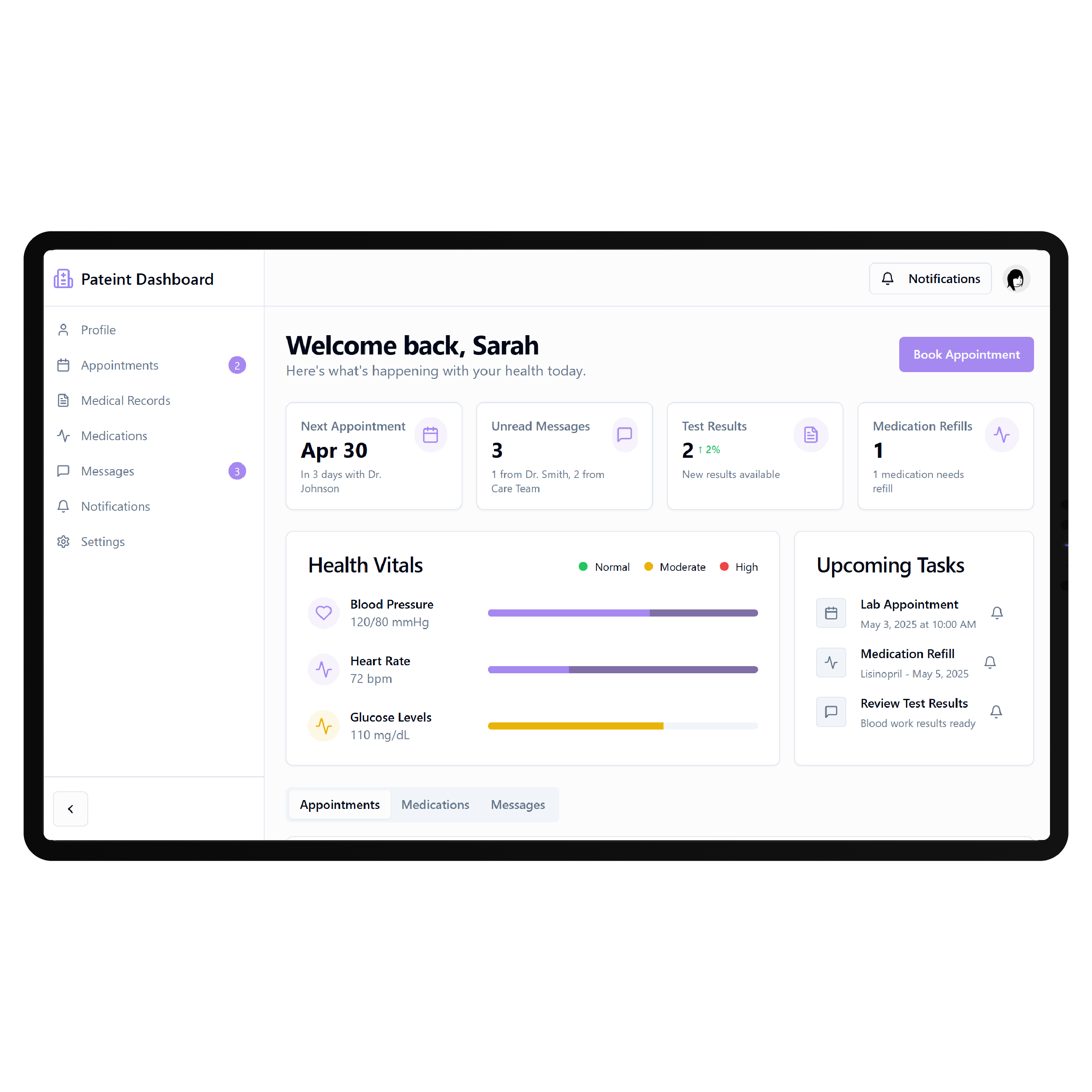
Shape the Clinic Journey
Pabau’s Client Portal allows patients to manage appointments, complete medical forms, access documents and medical information, review lab results, and manage invoices and payments. Clinics can also control which portal functionality patients can access. A custom portal can organize these interactions around how your clinic actually delivers care from consultation and preparation through treatment, aftercare, and repeat appointments.
Key Features Provided by Pabau EHR

Online Booking
Lets patients book, reschedule, or cancel appointments independently through the connected portal anytime.

Digital Forms
Collects intake, consent, and medical forms from patients before their scheduled appointments online.

Medical Records
Allows patients to view and update supported medical history information through their portal.

Lab Results
Lets patients securely view and download laboratory results that clinics choose to share.

Patient Payments
Allows patients to review invoices, payment history, outstanding balances, and supported payment options online.

Shared Documents
Gives patients access to selected clinical documents that their clinic has intentionally shared.
Treatment-Focused Journeys

Aesthetic Clinics
Guide patients from consultation through consent, treatment preparation, aftercare instructions, photos, and repeat appointments digitally.

Specialty Clinics
Create clearer journeys around appointments, medical forms, lab results, treatment information, and ongoing patient needs.

Multi-Location Practices
Give patients consistent digital access across clinic locations, practitioners, services, bookings, and treatment journeys.
Key Features DrapCode Can Build in the Patient-Facing Front End
Create the patient experience around your clinic while Pabau remains the system of record.

Treatment Dashboard
Organize patient actions using an approach adaptable to an Athenahealth EHR patient portal.

Guided Consultation
Walk patients through service selection, preparation, forms, consent requirements, and appropriate appointment pathways digitally.

Treatment Timeline
Present appointments, approved preparation, treatment milestones, aftercare, and follow-up steps in chronological order.

Results Experience
Present permitted laboratory information and shared documents through clearer, patient-friendly screens and navigation patterns.

Aftercare Hub
Bring approved instructions, educational resources, follow-up information, and treatment guidance into one accessible area.
Mobile Navigation
Keep booking, forms, documents, and treatment journeys straightforward for patients using mobile devices regularly.
Plan Pabau Access
Pabau’s current platform already connects patient-facing actions back to the client record. For example, medical-history updates and allergies entered through the Client Portal can update the corresponding client information, while forms and lab information are managed within the clinical record. DrapCode can scope the required connection using the same system-specific approach needed for a CarePaths EHR patient portal. Any custom integration should be confirmed against the interfaces, permissions, and access Pabau makes available for the specific implementation.
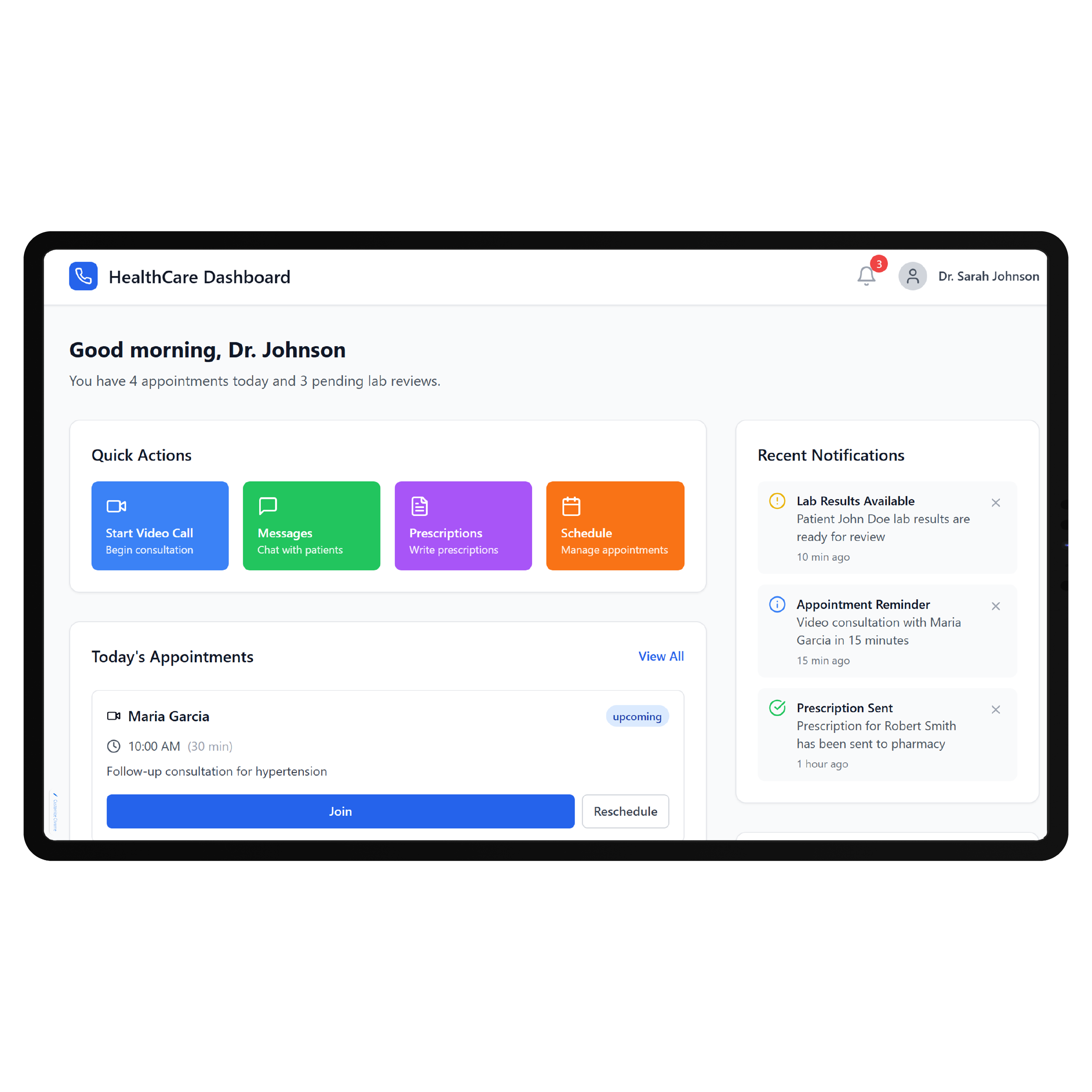
Follow the Treatment Cycle
For many Pabau clinics, the patient journey continues well beyond booking. Digital forms may be required before treatment, patients may need pre-care or aftercare instructions, and follow-up visits or repeat services can become part of an ongoing relationship. DrapCode can turn that cycle into a clearer front-end journey, just as a Carepatron EHR patient portal should reflect its own care model. Pabau can continue managing clinical operations while the custom portal focuses on the patient experience.
Frequently Asked Questions
Does Pabau already provide a patient portal?
Why build a custom patient portal around Pabau?
Can patients access their medical information through Pabau?
What can DrapCode build for a clinic using Pabau?
What determines Pabau integration feasibility?
Build Around Your Pabau Clinic
Tell DrapCode where your existing Pabau patient journey needs more flexibility, and we’ll map the custom portal, treatment workflows, and required connectivity.