Build Patient Portal on AdvancedMD EHR with DrapCode
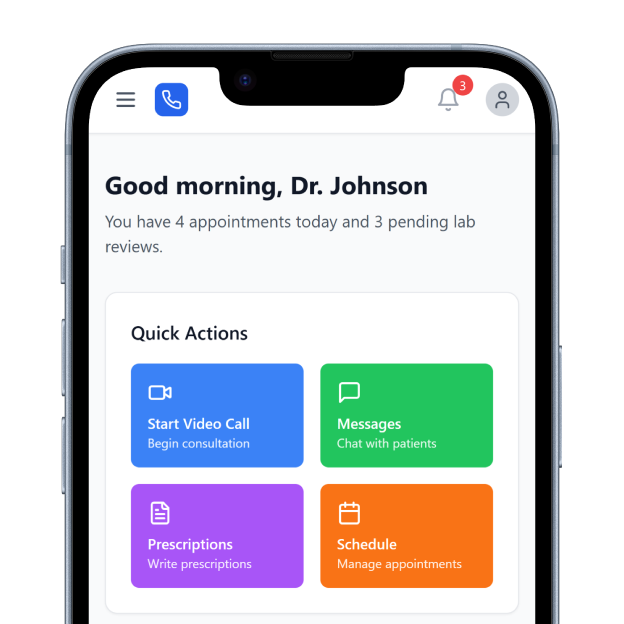
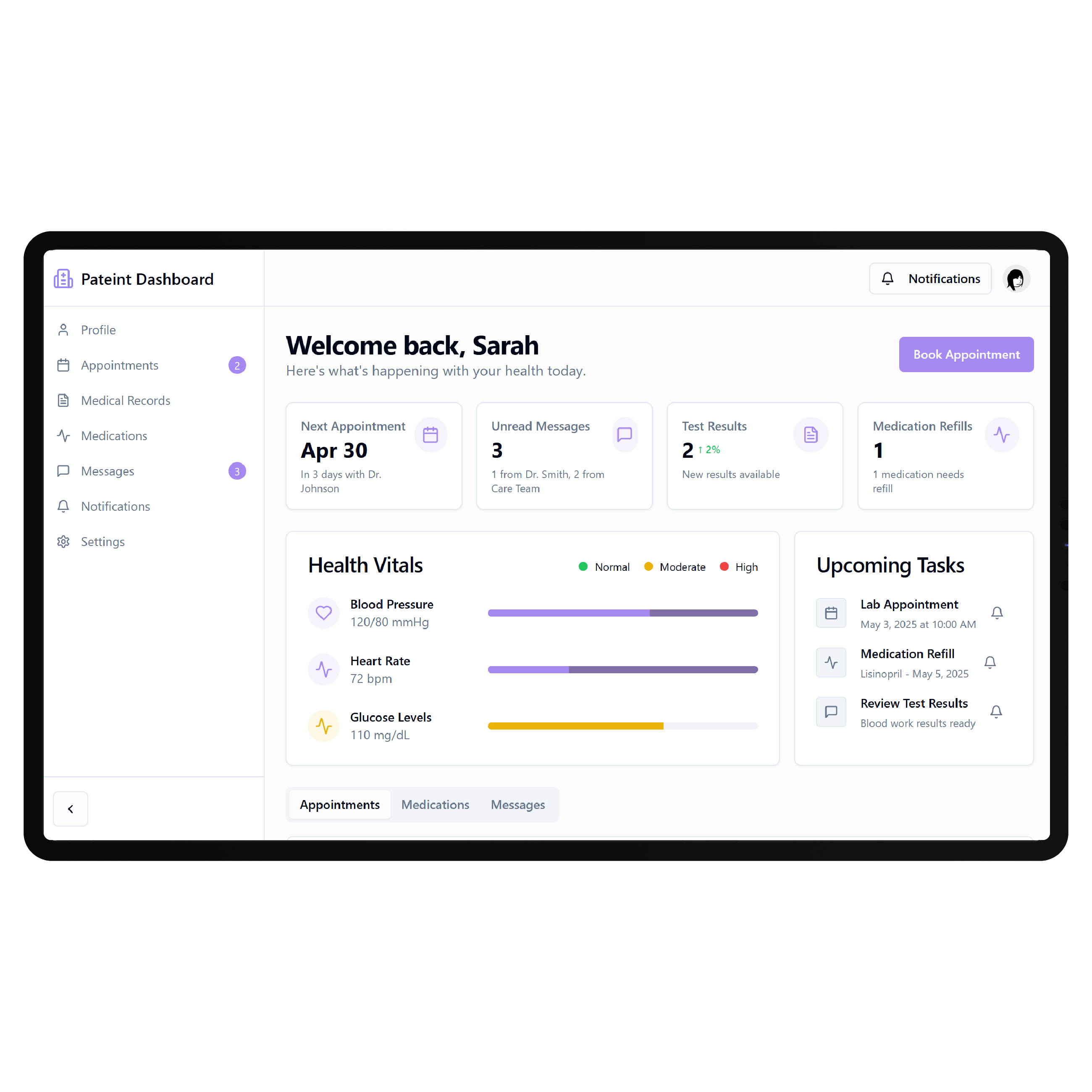
DrapCode builds custom patient portals around AdvancedMD EHR, creating a branded patient experience that works with supported AdvancedMD data and your practice workflows.
Trusted by Healthcare Innovators
1,000+ organizations trust DrapCode to help healthcare teams launch secure & HIPAA-compliant applications.






Beyond the Built-In Portal
AdvancedMD already provides a patient portal integrated with its EHR and practice management environment. Patients can access medical records, request appointments and prescription renewals, pay bills, and communicate securely with practice staff. A custom portal makes sense when your organization needs its own patient journey, branding, navigation, or workflows extending beyond the experience available through the standard portal.
Plan the Connection
AdvancedMD provides multiple interoperability options. Its Connect APIs support real-time transactional integrations, while its FHIR APIs provide read-only access for authorized patient- and provider-facing applications. DrapCode can design the portal around the integration method appropriate for your use case. API agreements, available endpoints, patient permissions, testing, and production credentials determine what can ultimately connect.
Key Features Provided by AdvancedMD EHR
AdvancedMD gives practices the records, scheduling, messaging, and billing foundation your patient portal builds on.

Health Records
Gives patients access to clinical records, medications, immunizations, documents, and downloadable chart summaries.

Appointment Access
Allows patients to request or self-schedule appointments online without repeatedly contacting practice staff.

Secure Messaging
Enables patients to communicate securely with providers, clinical teams, and billing staff online.

Prescription Renewals
Lets patients submit prescription renewal requests electronically for review and approval by providers.

Online Payments
Allows patients to securely review outstanding bills and make credit card payments online.

Digital Intake
Supports patient forms and pre-visit information collection through connected portal and intake workflows.
Use Cases

Specialty Practices
Shape patient access around specialty-specific intake, appointments, follow-ups, records, and recurring care requirements.
Growing Practices
Create a consistent digital experience as providers, locations, services, and patient volumes continue expanding.

Digital Care Teams
Build custom patient journeys around supported AdvancedMD information while preserving established clinical and administrative workflows.
Key Features DrapCode Can Build in the Patient-Facing Front End
Create the patient experience around your practice while AdvancedMD remains the system of record.

Unified Dashboard
Organize permitted health information and patient actions within a focused, practice-branded digital experience.

Guided Intake
Create tailored registration and intake journeys similar to a patient portal on Altera Digital Health EHR.

Record Experience
Present supported clinical information through simpler patient-facing screens designed around everyday access needs.

Care Navigation
Guide patients toward relevant services, appointments, information, and next steps through structured portal navigation.

Mobile Access
Build responsive experiences that keep important portal workflows usable across phones, tablets, and desktops.
Custom Workflows
Add practice-specific patient journeys around AdvancedMD capabilities available through the approved integration method.
Choose the Right API
AdvancedMD's interoperability options serve different requirements. FHIR APIs are read-only, while Connect APIs are intended for integrations requiring broader transactional functionality, including appointment scheduling and patient engagement applications. DrapCode can scope the front end around those technical boundaries, just as requirements would differ when creating a patient portal on Athenahealth EHR. The final architecture depends on the information patients need to view and the actions they need to complete.
Protect Existing Workflows
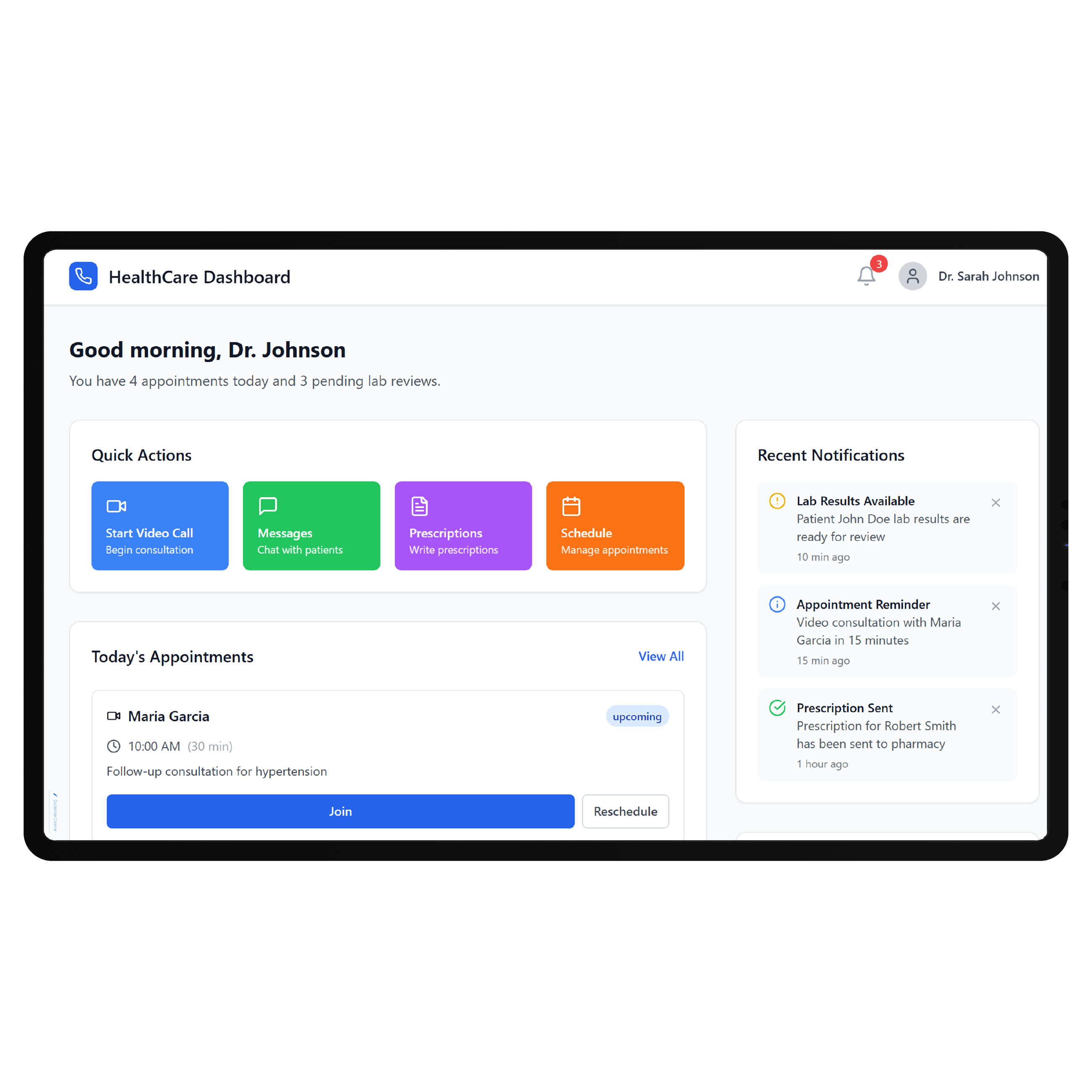
The goal is not to replace AdvancedMD with another clinical system. It is to give patients an experience tailored to your organization while keeping the underlying practice and clinical workflows familiar to staff. DrapCode can apply this front-end-first approach across different EHR environments, including a patient portal on CarePaths EHR , while designing each implementation around the access its underlying system actually supports.
Frequently Asked Questions
Does AdvancedMD already provide a patient portal?
What can DrapCode build for an AdvancedMD practice?
Does AdvancedMD provide APIs for custom patient applications?
Can DrapCode write information back to AdvancedMD?
What determines AdvancedMD integration feasibility?
Shape Your AdvancedMD Patient Experience
Tell DrapCode what patients need to accomplish outside the exam room, and we’ll map the portal experience and integration requirements.