Workflow automation
Zapier Integration for Workflow Automation
Connect Zapier with DrapCode to link your custom applications with thousands of external services. Automate routine tasks, pass information between systems, and trigger business processes when important events occur in your application.
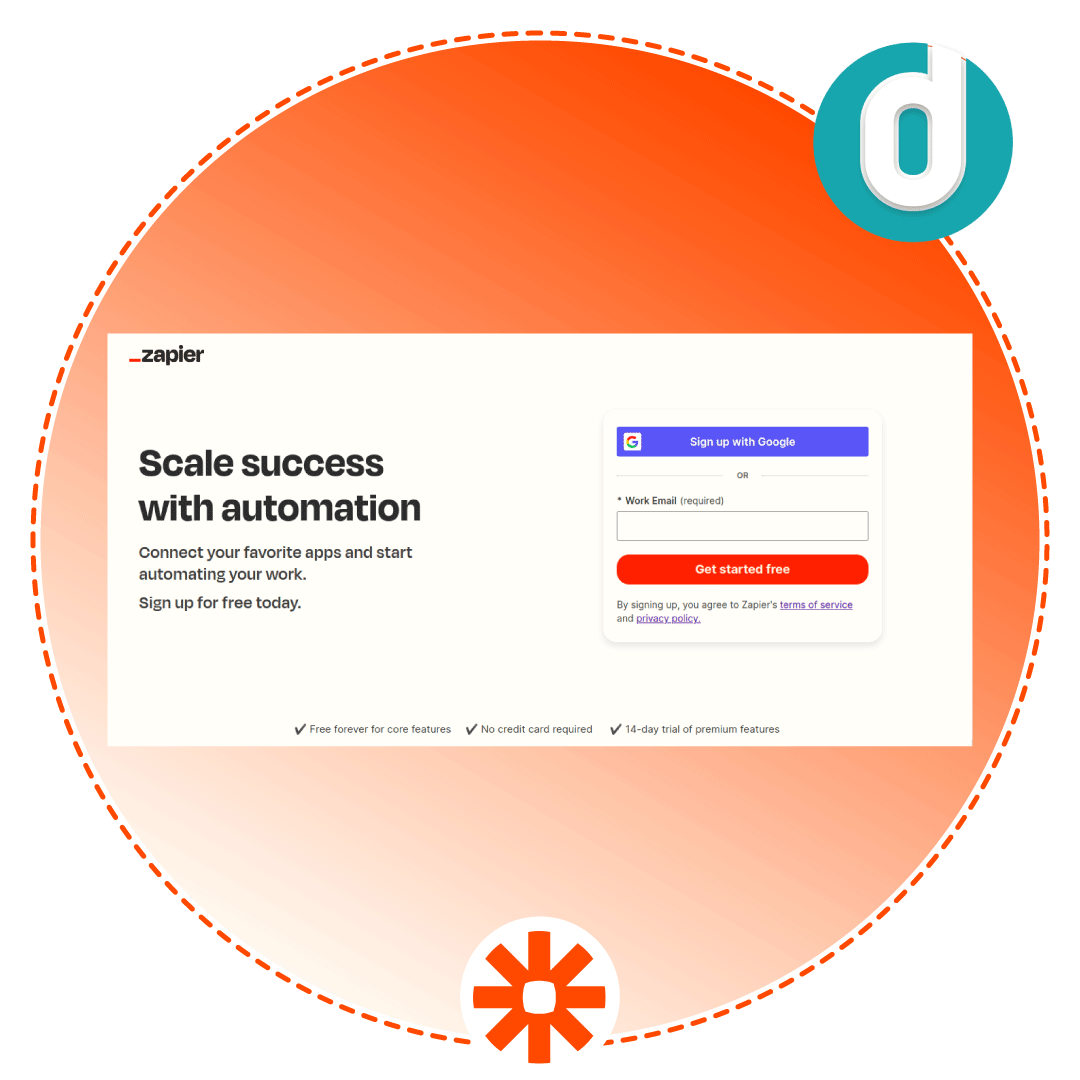
Reduce Repetitive Work Across Systems
Business applications rarely operate in isolation. A new customer registration may need to create a CRM contact, notify a sales representative, add a spreadsheet record, and start an onboarding sequence. Zapier helps connect these activities through automated workflows called Zaps. By connecting DrapCode with Zapier, you can use application events and data to coordinate tasks across the tools your business already uses.
Connect Events with Actions
A Zap generally starts with a trigger and continues with one or more actions. Triggers can run when an event is detected through polling or an instant webhook, while actions send information to another connected application. For DrapCode applications, this creates a way to connect custom workflows with external business services. Send application data to Zapier when a record changes, or receive information from an automation and use it to update your application.
Zapier Integration Capabilities
Connect application events and external services through flexible automation methods.

Event-Based Triggers
Send application events to Zapier so configured workflows can begin when relevant records or activities occur.
Webhook Data Transfer
Exchange structured JSON or form-encoded payloads between DrapCode applications and Zapier webhook endpoints.
Automated App Actions
Pass application information to connected services to create records, send notifications, or initiate supported tasks.

Multi-Step Workflows
Coordinate several connected actions in sequence, allowing one application event to support broader business processes.

API Request Connections
Work with supported API endpoints through Zapier's API tools when standard app actions do not cover your requirements.

Workflow Status Updates
Receive automation results through configured endpoints and use them to update application records or process statuses.
Automate Everyday Operations

Lead Management
Send new enquiries from DrapCode forms to CRM platforms, assign follow-up tasks, and notify sales teams automatically.

Order Processing
Pass confirmed order details to accounting, inventory, and fulfilment tools to coordinate the next operational steps.

Employee Onboarding
Trigger account creation, document requests, internal notifications, and task assignments when a new employee record is submitted.
Build Connected Workflows with DrapCode
Create the application events and data structures that make cross-platform automation possible.

Custom Data Capture
Build forms and application screens that collect the information required by downstream automation workflows.
Event-Driven Logic
Configure actions around record creation, status changes, submissions, and other meaningful application events.
Webhook Integration
Send structured application data to Zapier and configure endpoints to receive incoming automation payloads.
External Service Workflows
Connect application records with CRM and finance services through configured automation steps.
Process Monitoring Screens
Create dashboards that show workflow-related statuses, returned data, and follow-up tasks for internal teams.

Application Ownership
Deploy your application, manage its hosting arrangements, and retain the option to export its source code.
Let Your Tools Work Together
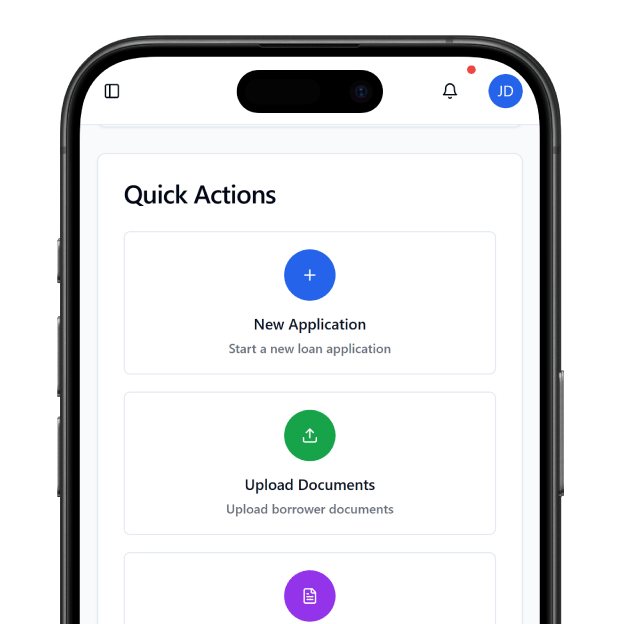
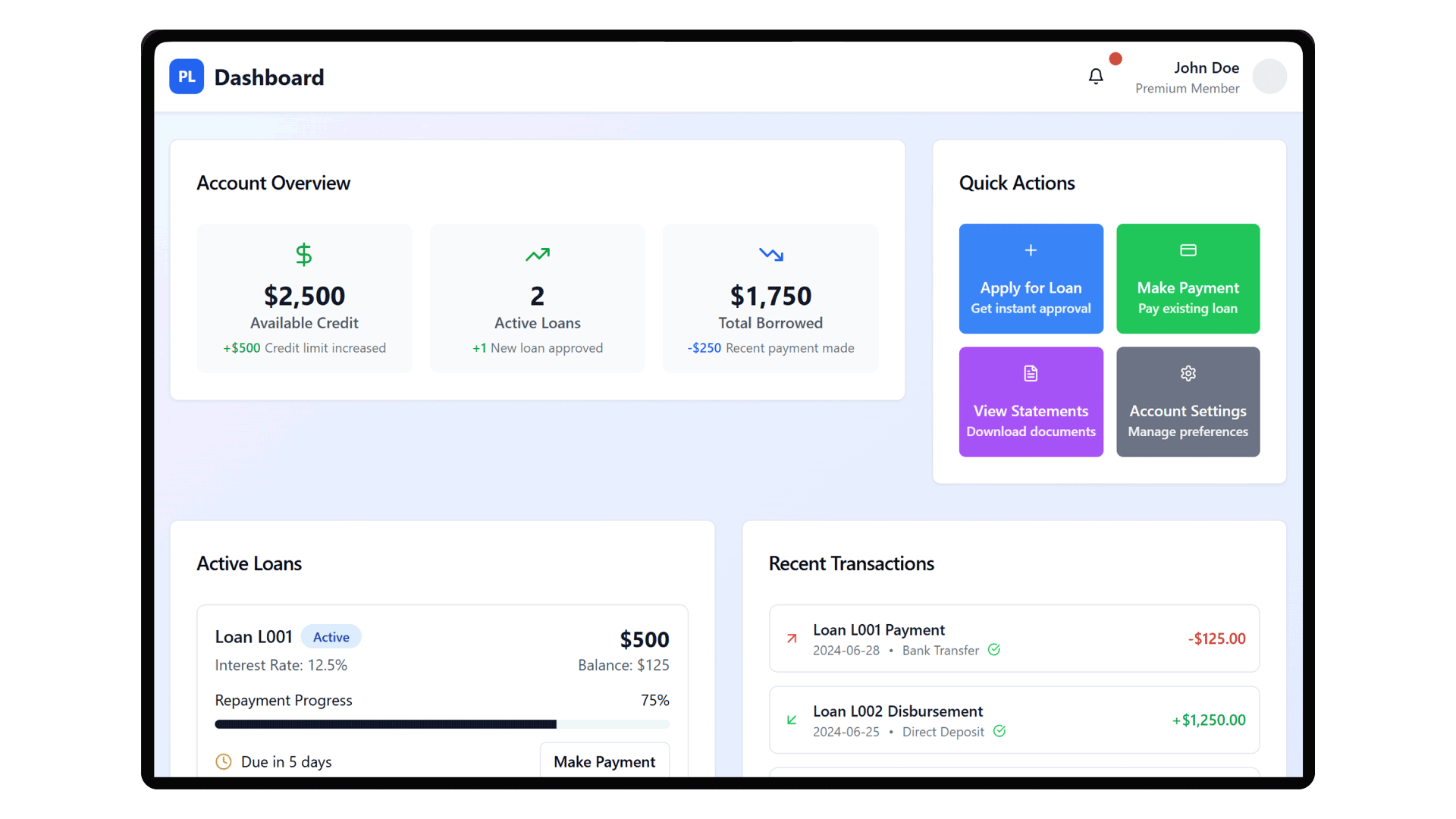
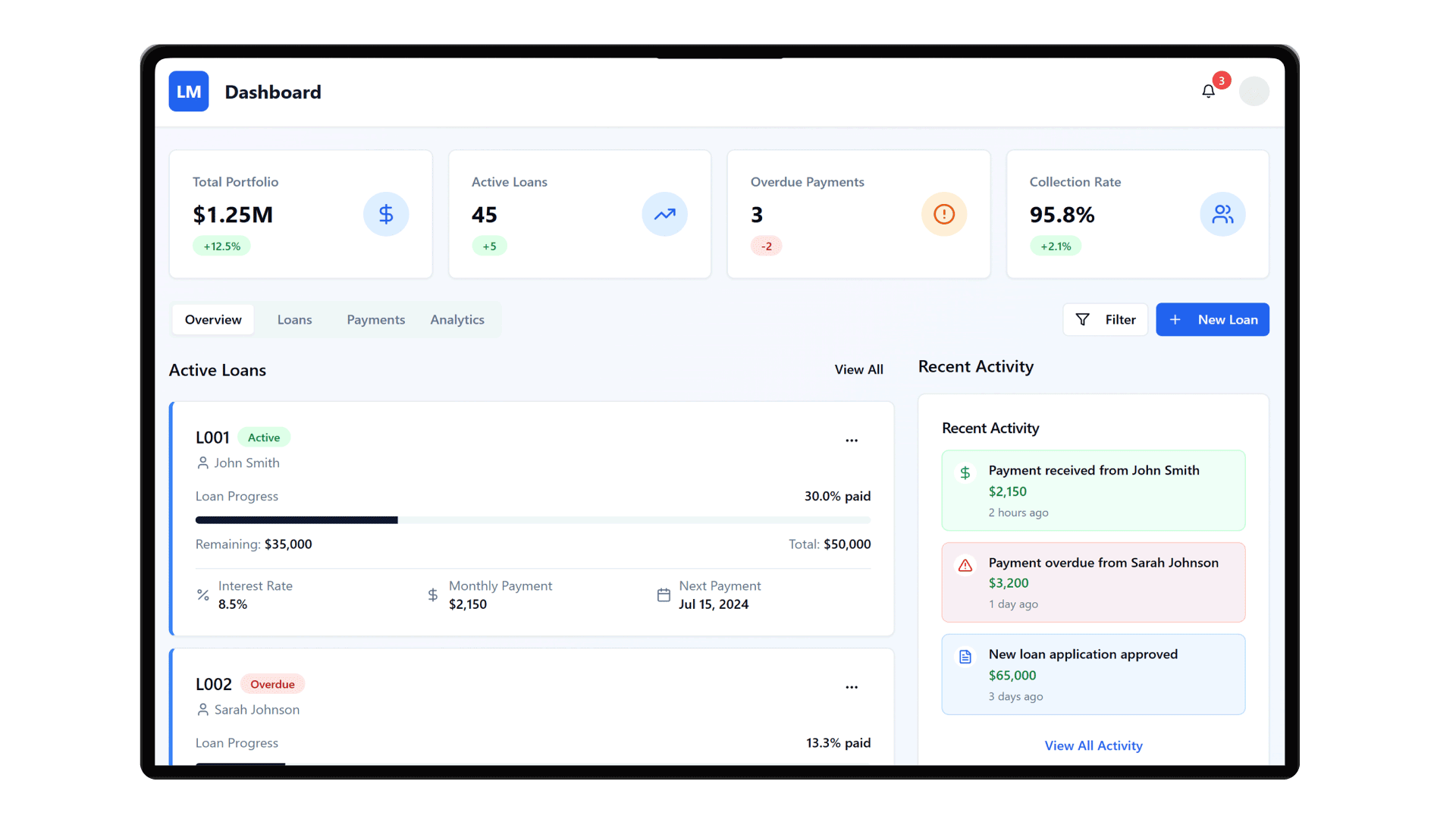
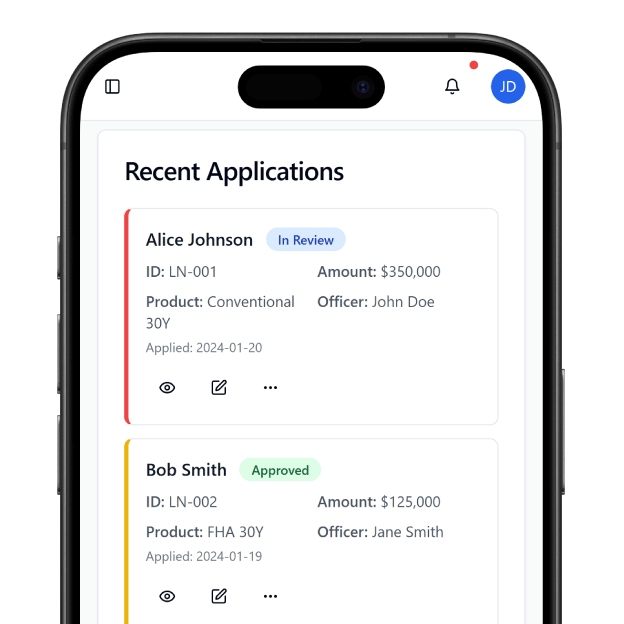
An automation is most useful when it removes a handoff between systems. For example, a submitted loan application can trigger a notification, create a CRM activity, and assign a review task without requiring staff to enter the same information again. DrapCode gives you control over the application side of that process. Define the records, events, and business rules first, then connect the relevant Zapier workflows to coordinate activities across your existing tools.
Set Up Your Zapier Connection
Create a Zapier account and choose how your DrapCode application will communicate with it. For outgoing events, configure a Catch Hook or Catch Raw Hook trigger in Zapier and use its generated webhook URL as the destination for application data. For incoming information, configure a Zapier webhook action to send a payload to an endpoint in your application. Map the incoming fields to the correct records and validate requests before processing them. Keep webhook URLs and credentials private, use HTTPS, and test each workflow with sample data before enabling it for live operations.
Frequently Asked Questions
What does Zapier integration do in DrapCode?
Can a DrapCode event trigger a Zapier workflow?
Can Zapier send information back to DrapCode?
Do I need coding knowledge to connect Zapier?
Does Zapier provide access to every external application for free?
Build Applications That Work Together
Connect DrapCode applications with the services your business already uses. Automate repetitive tasks, reduce manual data entry, and create workflows that keep teams and systems in sync.