Accounting and finance application building
Xero Integration for Accounting Apps
Connect Xero with DrapCode to bring accounting records, invoices, payments, and financial information into custom business applications. Build finance portals and operational dashboards that work with the accounting data maintained in Xero.
Bring Accounting Into Daily Operations
Businesses often manage sales, customer records, orders, and service delivery in applications separate from their accounting software. This separation can leave finance teams switching between systems to check invoices, confirm payments, or review customer balances. A Xero connection helps bridge that gap. With DrapCode, you can create application workflows that exchange permitted accounting data with Xero, giving customers and internal teams a more connected view of financial activity.
Work With Real Accounting Records
Xero's Accounting API provides access to core accounting resources, including contacts, invoices, credit notes, payments, bank transactions, accounts, and financial reports. Depending on the permissions granted, applications can retrieve records and perform supported create or update operations. This is useful when an application needs to do more than display financial figures. You can connect operational events to accounting records, such as creating an invoice after an order is confirmed or updating an application dashboard when payment information changes.
Xero Integration Capabilities
Connect the accounting resources your application needs and organize financial operations around them.

Customer and Supplier Records
Retrieve and manage contact information used across customer accounts, supplier records, invoices, and business transactions.

Sales and Purchase Invoices
Create, retrieve, and update supported sales invoices and purchase bills with line items, tax details, and due dates.

Payment Records
Retrieve payment information and apply supported payments to approved accounts receivable or payable invoices.

Bank Transaction Management
Work with spend and receive money transactions, including supported prepayments, overpayments, and transaction details.

Credit Notes and Adjustments
Connect credit note records to workflows involving invoice corrections, refunds, and customer account adjustments.

Financial Reporting Data
Retrieve supported accounting reports to build dashboards for profit and loss, balance sheets, and business performance.
Where Xero Fits In

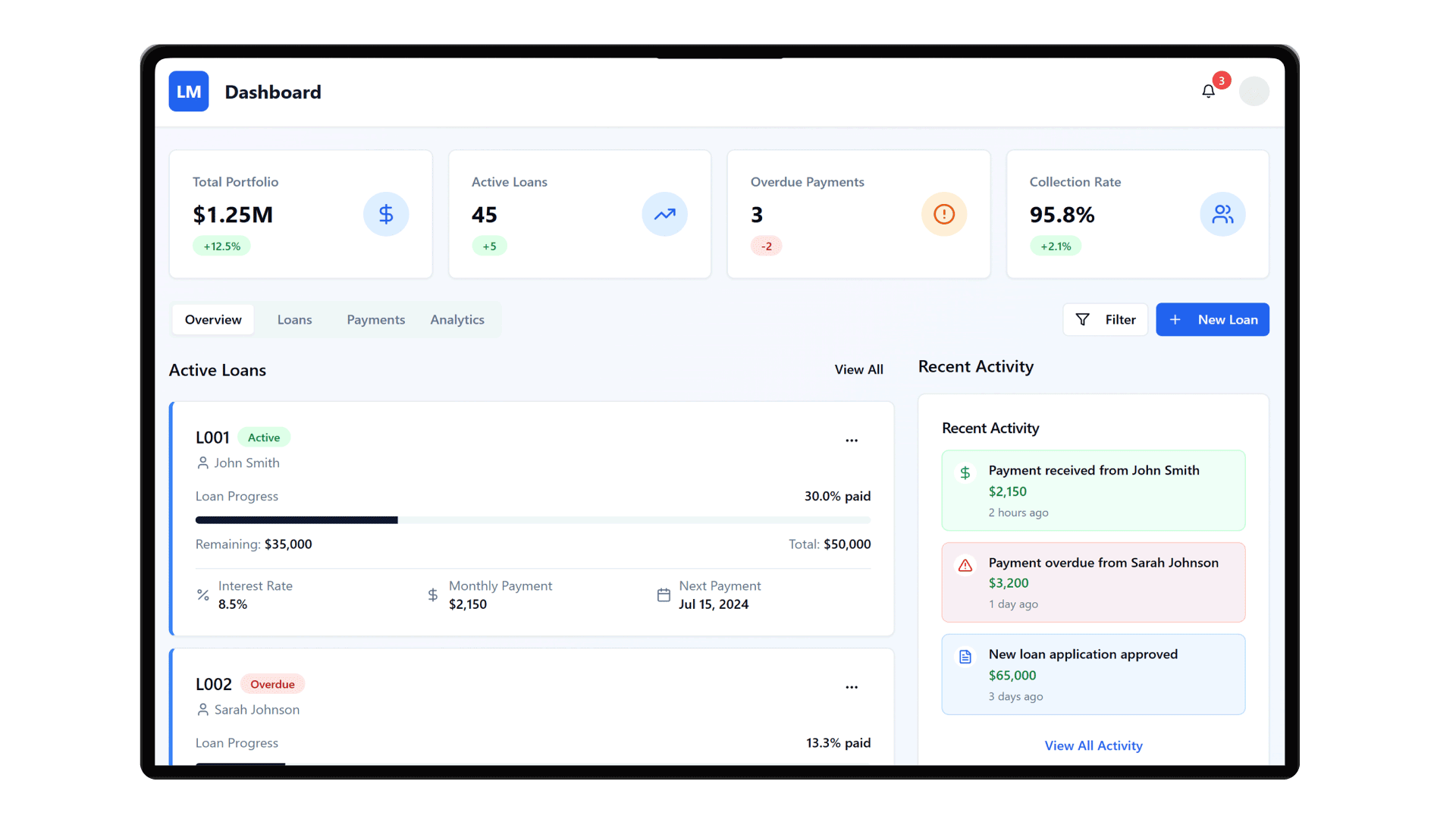
Customer Billing Portals
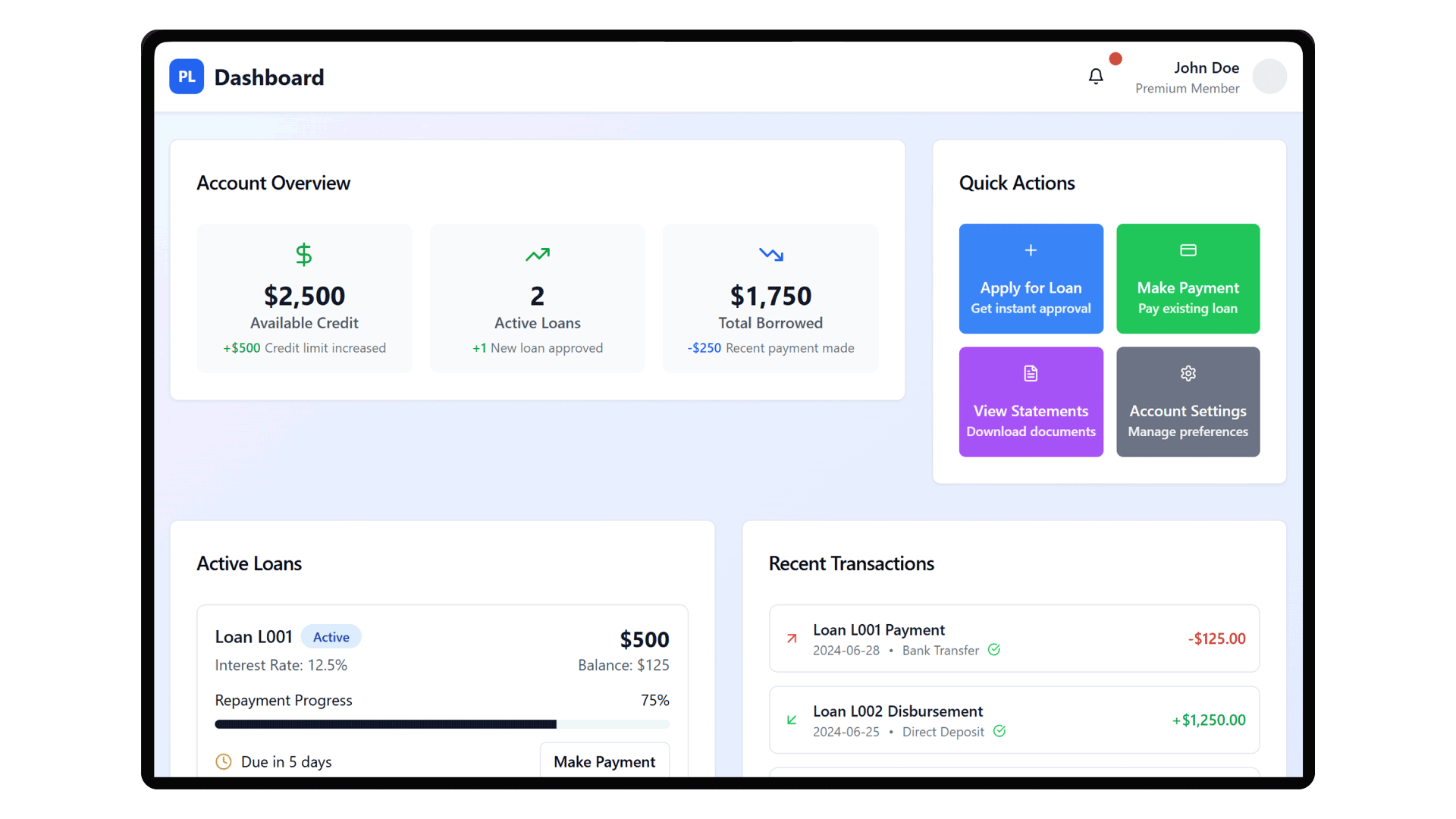
Let customers view relevant invoice details, payment status, and outstanding amounts through a dedicated account interface.

Supplier Management Applications
Connect supplier records and purchase bills to procurement workflows, approvals, and internal finance operations.

Business Performance Dashboards
Combine accounting information with operational records to give management teams a consolidated view of business performance.
Build Finance Workflows with DrapCode
Create the application layer around your accounting operations, with screens and processes tailored to the way your business works.

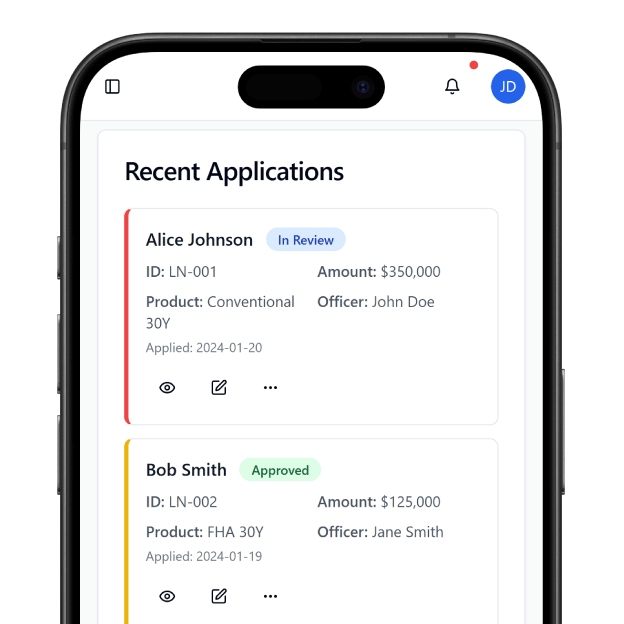
Invoice Management Screens
Build interfaces for preparing invoice details, reviewing line items, and tracking invoice status across customer accounts.

Customer Account Portals
Present relevant contact, invoice, and payment information through secure, role-specific customer interfaces.
Payment Tracking Views
Organize payment records and outstanding balances to help finance teams follow up on account activity.
Approval and Review Steps
Review financial entries internally before authorized users update connected accounting records.
Cross-System Data Mapping
Map Xero API responses to application fields and connect accounting records with orders, subscriptions, or service data.

Deployment and Source Control
Test integrations across environments, deploy your application, and retain the option to export its source code.
Connect Finance with Business Activity
Xero becomes more useful when accounting information is connected to the operational events that create it. An order management application, for example, can pass confirmed sales details into an invoice workflow, while a customer portal can show relevant invoice and payment information. DrapCode lets you build these processes around your own business rules. Decide which records users can access, which actions require approval, and how accounting updates should appear across your application.
Prepare Your Xero Connection
Register an application in the Xero Developer Portal and configure OAuth 2.0 authentication. Xero requires OAuth 2.0 for new integrations; after authorization, your application must use the connected organisation's tenant information and the appropriate API scopes. Choose the granular scopes required for your use case rather than requesting unnecessary access. Configure secure token handling, map the relevant accounting resources, and test with a Xero demo company before connecting a live organisation. You can also configure webhooks to receive notifications about supported changes to connected records.
Frequently Asked Questions
What can I do with Xero integration in DrapCode?
Can I create invoices in Xero from a DrapCode application?
Can I retrieve payment and bank transaction information?
Does Xero support automatic updates through webhooks?
Do I need a Xero developer account to connect it?
Build Applications Around Your Accounts
Connect accounting data with the business processes that depend on it. Use DrapCode to build customer finance portals, invoice workflows, and operational dashboards that work with Xero.