AI-assisted app building
Microsoft Clarity Integration for User Insights
Connect Microsoft Clarity with DrapCode to see how visitors interact with your applications. Use session recordings and heatmaps to identify confusing screens, improve navigation, and make better product decisions.
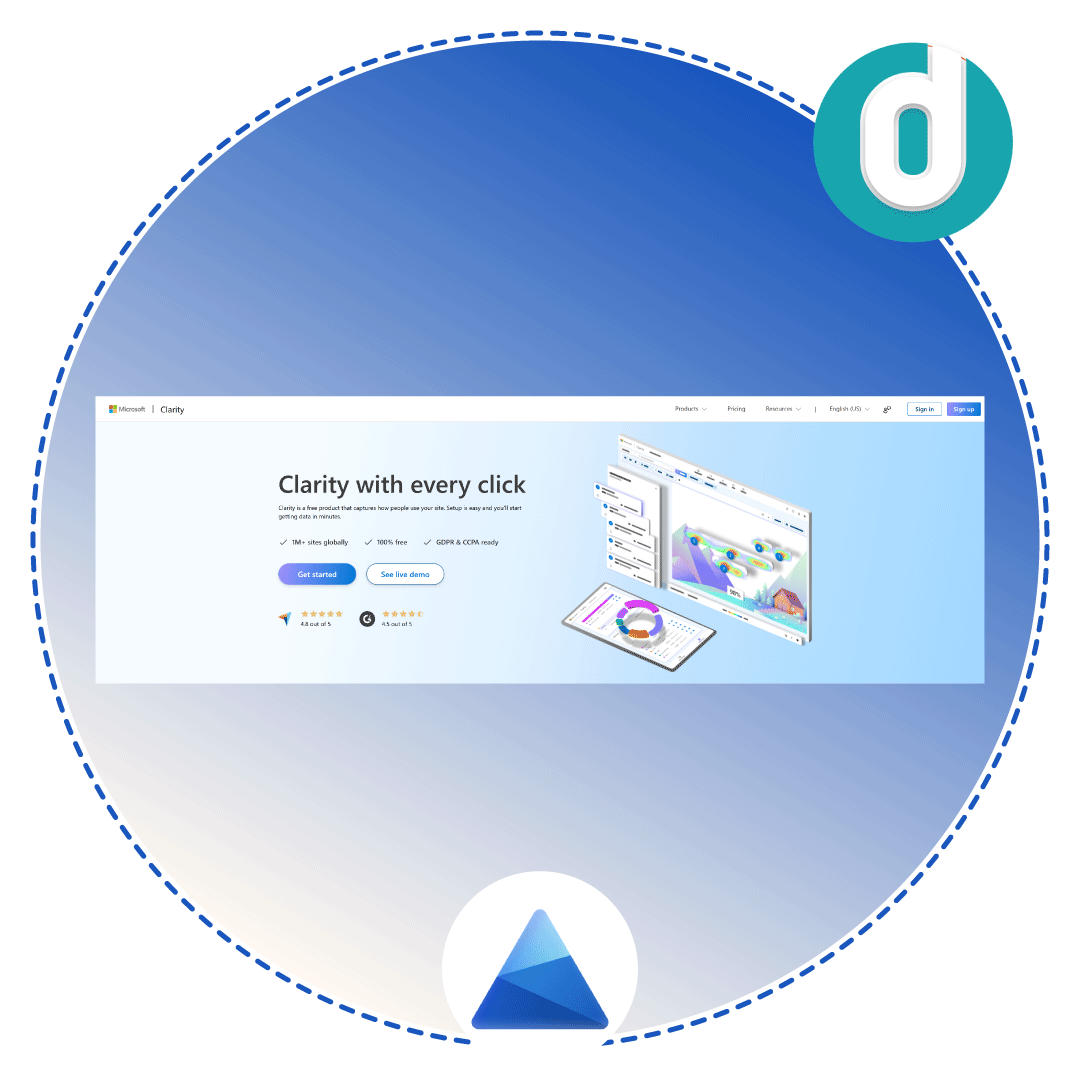
See What Users Actually Do
Application analytics can tell you how many people visit a page, but numbers alone rarely explain why someone leaves or struggles to complete a task. Microsoft Clarity helps fill that gap by capturing user interactions through session recordings and visual heatmaps. With its tracking code installed in a DrapCode application, you can study how visitors navigate pages, click elements, and interact with important features.
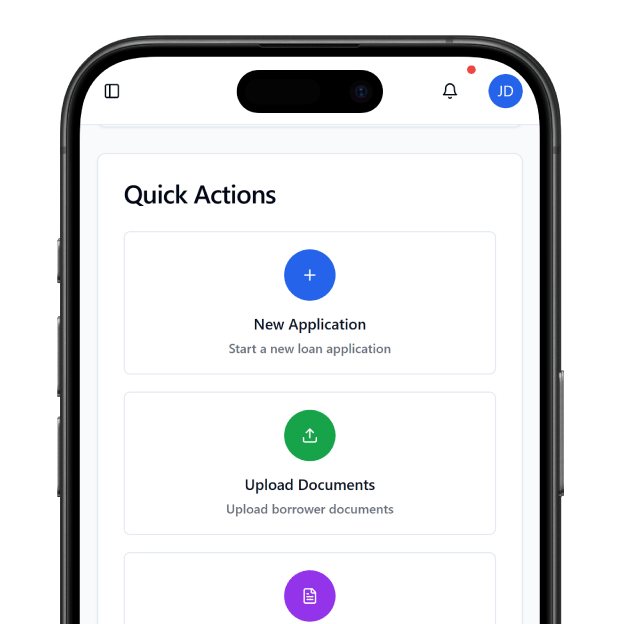
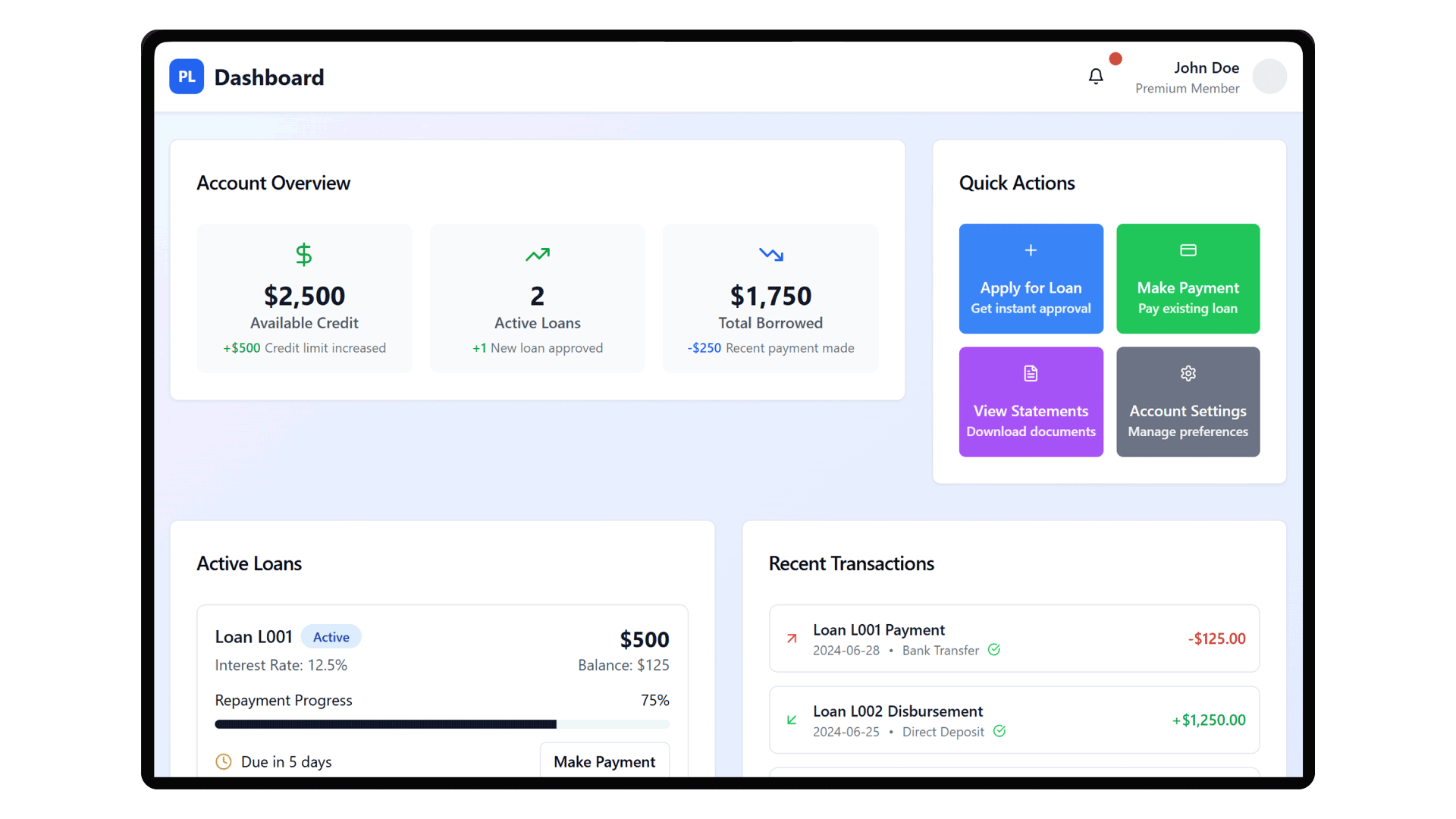
Find Friction Across Screens
A user might overlook a form button, repeatedly click an element, or leave a page before reaching an important section. Clarity helps reveal these patterns through recordings and interaction maps. These observations can guide improvements to onboarding, registration, dashboards, and conversion journeys. Instead of relying only on assumptions, product teams can use actual interaction patterns to decide what needs attention.
Microsoft Clarity Capabilities
Use Clarity's behaviour analytics to understand how visitors experience your DrapCode application.

Session Recordings
Replay reconstructed user journeys to review clicks, scrolling, navigation, and interactions across application pages.

Click Heatmaps
Identify frequently clicked elements and understand which page areas attract the most interaction.

Scroll Heatmaps
See how far visitors scroll down a page and which sections receive the most attention, helping improve content placement.

Area Heatmaps
Compare engagement across selected page elements to understand how visitors interact with different content areas.

Custom Event Tracking
Send application events to Clarity to identify important user actions and better understand user behaviour.

Session Filtering
Segment recordings using available filters, custom tags, and visitor attributes to investigate specific behaviour patterns.
Where Clarity Helps Most

Registration and Onboarding
Find where users hesitate, abandon forms, or struggle to complete account creation and initial setup.

Dashboard Usability
Understand which dashboard elements receive attention and whether users can locate important application functions.

Conversion Journeys
Review interactions around pricing pages, enquiry forms, applications, and other important conversion steps.
Improve Applications with DrapCode
Use behavioural insights from Clarity to guide improvements to the application itself. DrapCode provides the tools to update interfaces and workflows as your product evolves.

Visual Interface Editing
Adjust page layouts, forms, navigation, and interactive elements without rebuilding the application from scratch.

AI-Assisted Development
Describe required changes and use AI assistance to refine supported application functionality.
Flexible Page Design
Create and update responsive screens for different devices, user roles, and application journeys.
Workflow Configuration
Refine form submissions, navigation actions, and business processes based on observed user behaviour.

API and Script Support
Add custom tracking events and connect external services through supported integration methods.

Source Code Export
Export application code and retain flexibility over future development and deployment decisions.
Turn Observations Into Changes
Clarity shows how visitors interact with your application, while DrapCode gives your team a way to improve the experience. Review a recording, identify a confusing step, and update the corresponding screen or workflow. For example, if visitors repeatedly leave a multi-step onboarding form, review the recording to see where they struggle. You can then simplify the form or adjust the flow in DrapCode and evaluate the results through subsequent Clarity sessions.
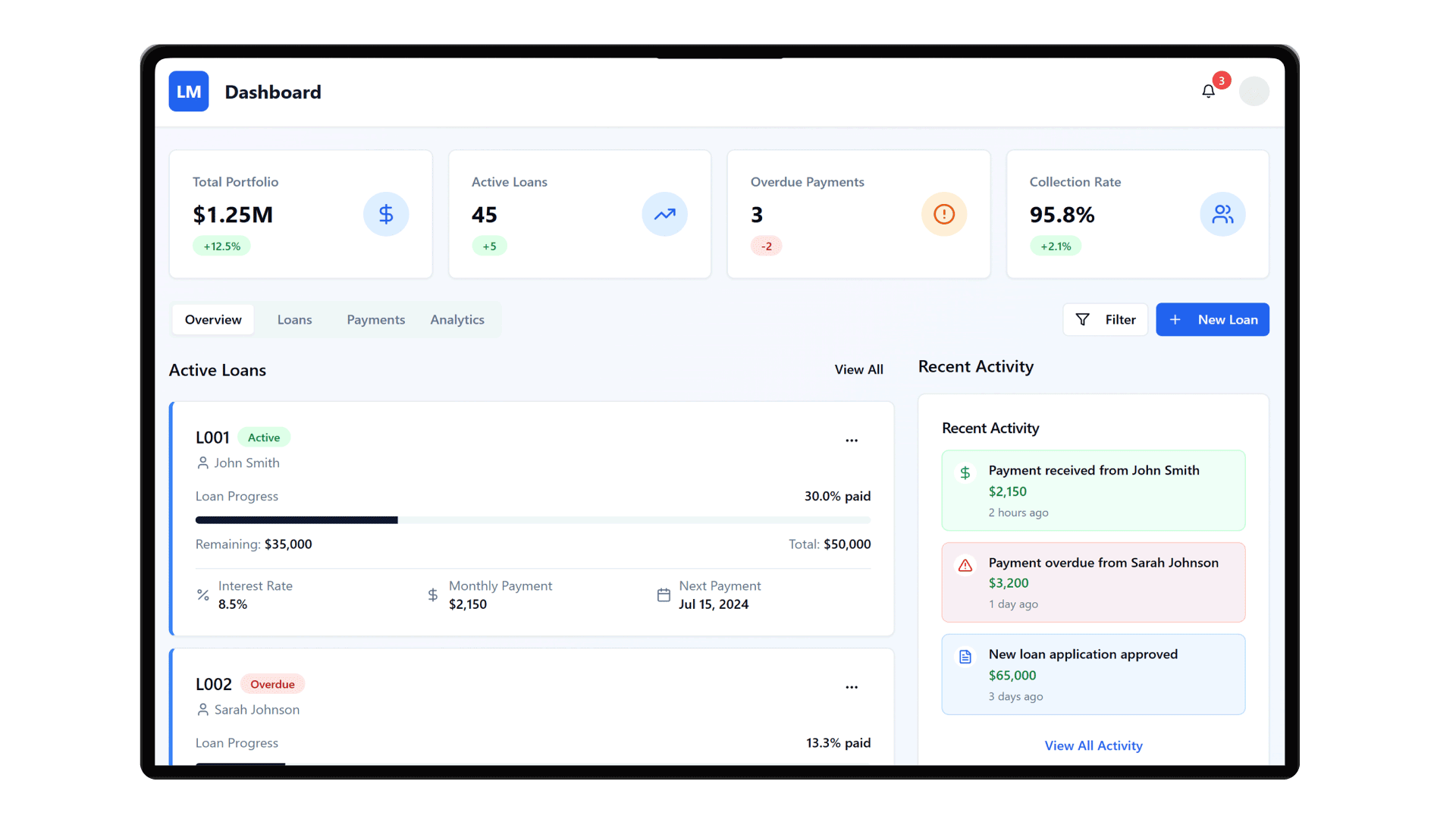
Set Up Tracking Carefully
Each Microsoft Clarity project has a unique tracking code. Add that code to the appropriate application pages through the supported script or custom-code configuration, then verify that Clarity is receiving activity. Privacy settings deserve particular attention when tracking applications that handle personal or sensitive information. Clarity masks certain sensitive content by default and provides additional masking and consent controls. Configure these protections carefully, and avoid sending healthcare, financial, or other confidential information through custom identifiers, tags, or events.
Frequently Asked Questions
What does Microsoft Clarity integration with DrapCode do?
Can I watch how users navigate my application?
Does Microsoft Clarity provide click and scroll heatmaps?
Can I track specific actions in my DrapCode application?
Is Microsoft Clarity suitable for applications handling sensitive information?
Build, Observe, Improve
Create applications with DrapCode and use Microsoft Clarity to understand how people experience them. Turn real user behaviour into practical improvements across your application.